Are you ready to talk?

Blog

Expert insights

Welcome to our central forum for detailed technical information and updates. Our experts regularly post on topics such as advanced simulation, digital engineering, and product lifecycle management.
Industry
Topic
Transportation & Mobility industry icon Transportation & Mobility industry icon Transportation & mobility
Academia industry icon Academia industry icon Academia
Aerospace & defence industry icon Aerospace & defence industry icon Aerospace & defence
AEC industry icon AEC industry icon AEC
CPG industry icon CPG industry icon Consumer packaged goods
EPG industry icon EPG industry icon Energy, process & utility
High tech industry icon High tech industry icon High tech
Home & lifestyle industry icon Home & lifestyle industry icon Home & lifestyle
Industrial equipment industry icon Industrial equipment industry icon Industrial equipment
Life Sciences industry logo Life Sciences industry logo Life sciences
Marine & offshore industry icon Marine & offshore industry icon Marine & offshore
Clear all
Advanced Simulation Icon Advanced Simulation Icon Advanced Simulation
Data exchange icon Data exchange icon Data Exchange
Engineering icon Engineering icon Engineering
Laboratory management icon Laboratory management icon Laboratory management
Manufacturing icon Manufacturing icon Manufacturing
MBSE icon MBSE icon MBSE
PLM icon PLM icon PLM
Quality compliance icon icon Quality compliance icon icon Quality Compliance
Sustainability icon Sustainability icon Sustainability
System Integration icon System Integration icon System Integrations
User experience icon User experience icon User Experience
Data intelligence icon Data intelligence icon Data intelligence
Software development icon Software development icon Software development
Clear all
Engineering icon Engineering icon Engineering

CAD Essentials: Smarter Tools for Faster, More Reliable CATIA Workflows

Streamline your CATIA workflows with CAD Essentials, a suite of tools designed to automate tasks, reduce errors, and enhance engineering productivity.
Read more
Engineering icon Engineering icon Engineering

Renaming Part Numbers, Names, and Properties in CATIA V5

Changing CATIA V5 part numbers, file names and properties is time-consuming and error-prone → TECHNIA experts have the solution!
Read more
concurrent engineering in 3dexperience catia
Engineering icon Engineering icon Engineering
PLM icon PLM icon PLM

Concurrent Engineering in 3DEXPERIENCE CATIA

Learn how concurrent engineering really works in 3DEXPERIENCE CATIA - from locking and unlocking objects to BI Essentials insights and co-review in 3DSWYM
Read more
Engineering icon Engineering icon Engineering
PLM icon PLM icon PLM

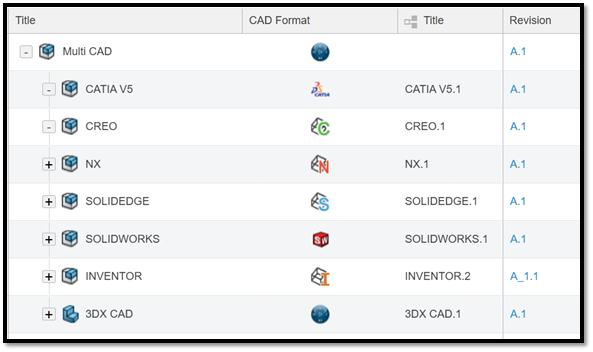
Multi-CAD Structure in 3DEXPERIENCE

3DEXPERIENCE is a powerful, unified solution for fully integrated multi-CAD environments, even for companies working with third-party CAD systems.
Read more
Engineering icon Engineering icon Engineering
MBSE icon MBSE icon MBSE

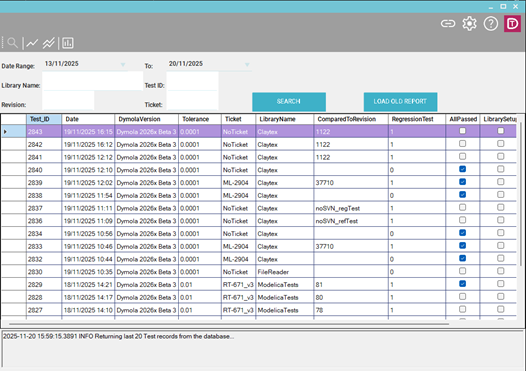
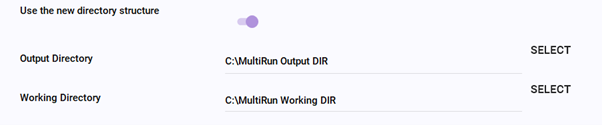
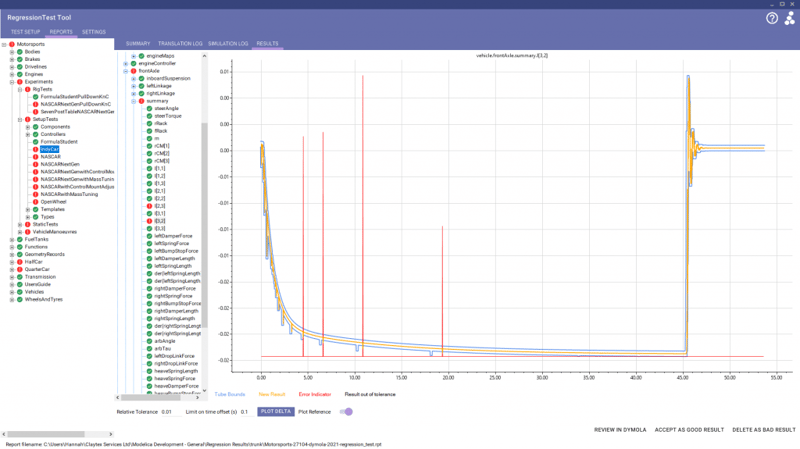
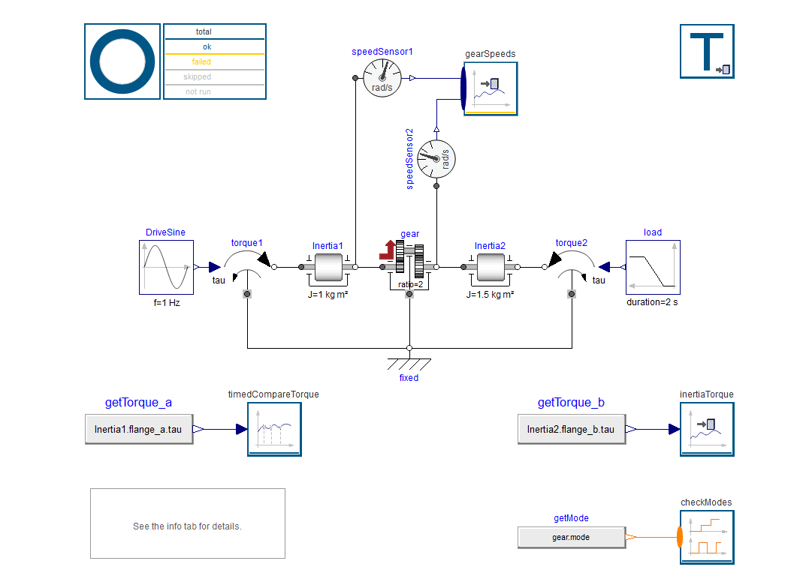
DyMoTest: Faster, cleaner, and simpler bulk testing for Dymola models

Simplify Modelica testing with DyMoTest. Run parallel Dymola simulations, detect regressions early, and integrate automated testing into CI/CD pipelines.
Read more
Advanced Simulation Icon Advanced Simulation Icon Advanced Simulation
Engineering icon Engineering icon Engineering
PLM icon PLM icon PLM

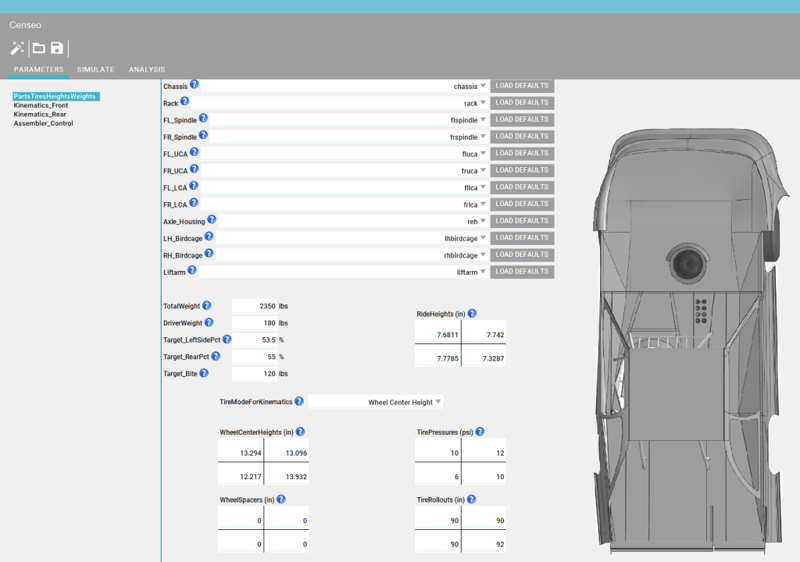
Design and the Medici Effect: How 3DEXPERIENCE is redefining product development

Discover how the 3DEXPERIENCE platform redefines product development by enabling interdisciplinary collaboration and innovation, inspired by the Medici Effect.
Read more
3dexperience catia context-driven menu
Engineering icon Engineering icon Engineering

3D Modeling with AI-Driven Enhancements in CATIA

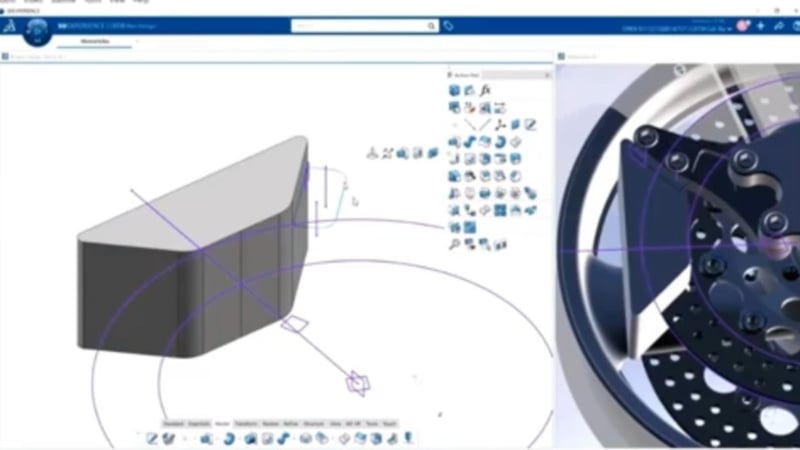
Learn more about several of CATIA’s AI capabilities, including user interface automation, generative constraints, and geometry analysis.
Read more
Engineering icon Engineering icon Engineering
MBSE icon MBSE icon MBSE

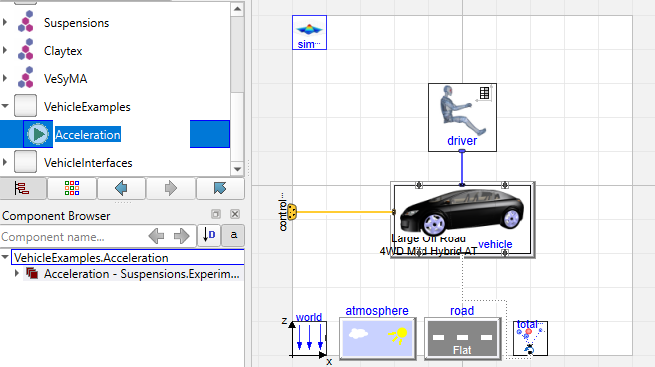
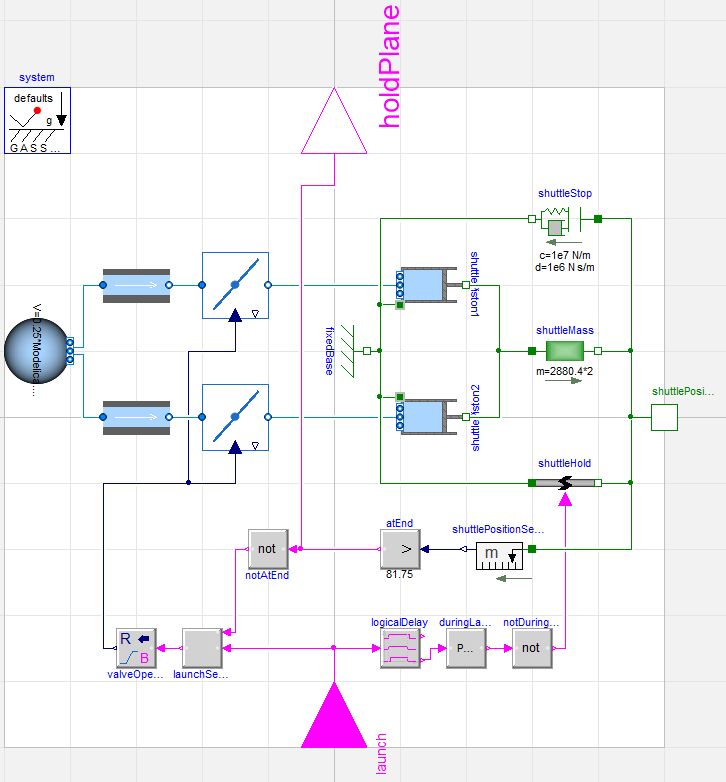
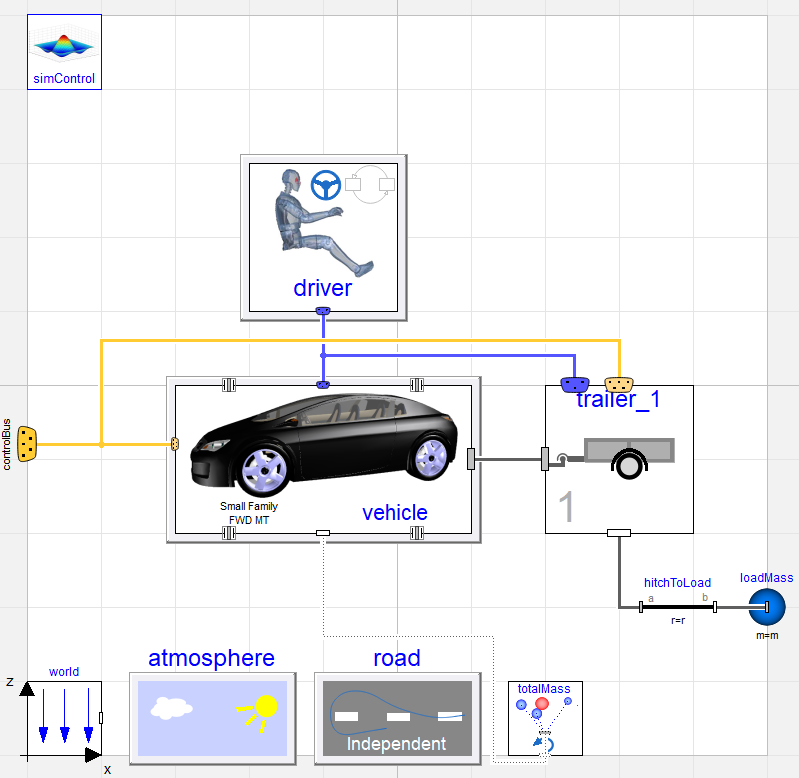
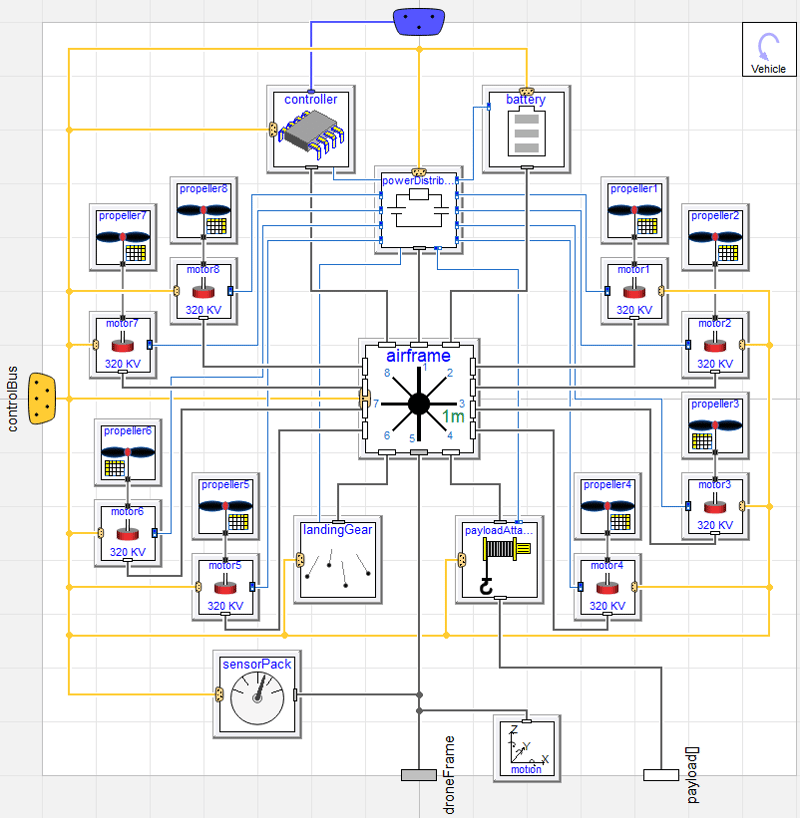
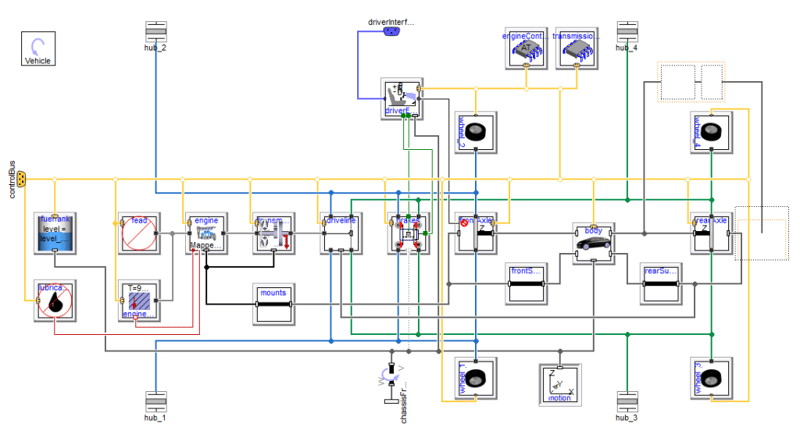
Dymola Applications at Claytex

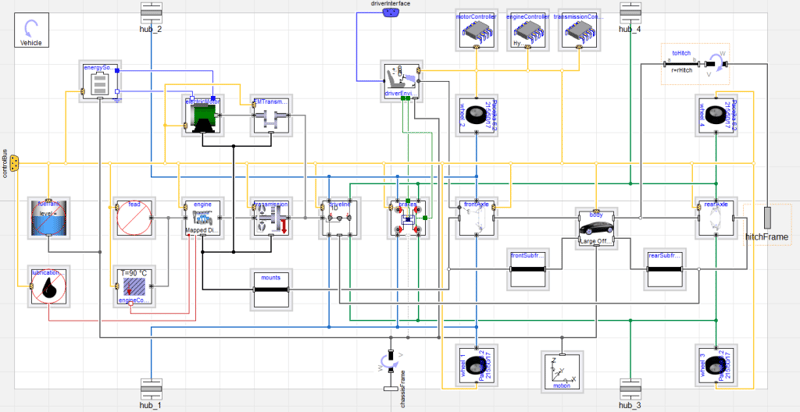
Explore how Claytex has applied Dymola and Modelica across countless industries, from vehicles and energy systems to machinery, marine, and aerospace applications.
Read more
Engineering icon Engineering icon Engineering
MBSE icon MBSE icon MBSE

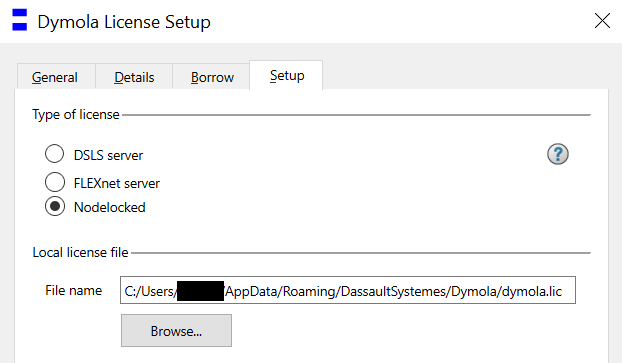
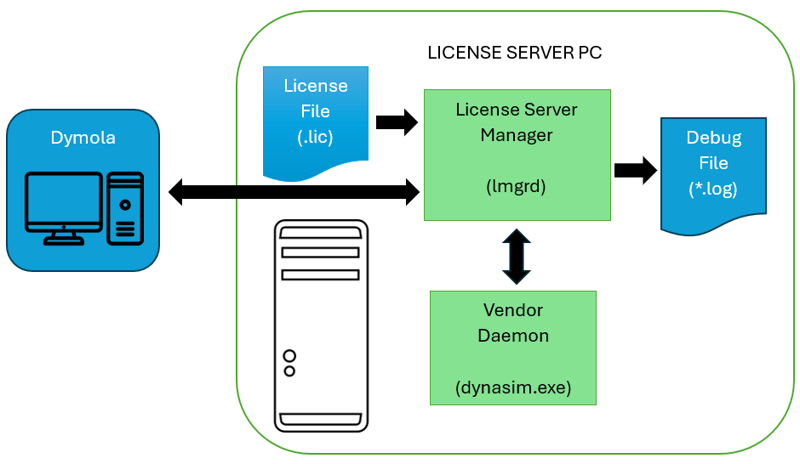
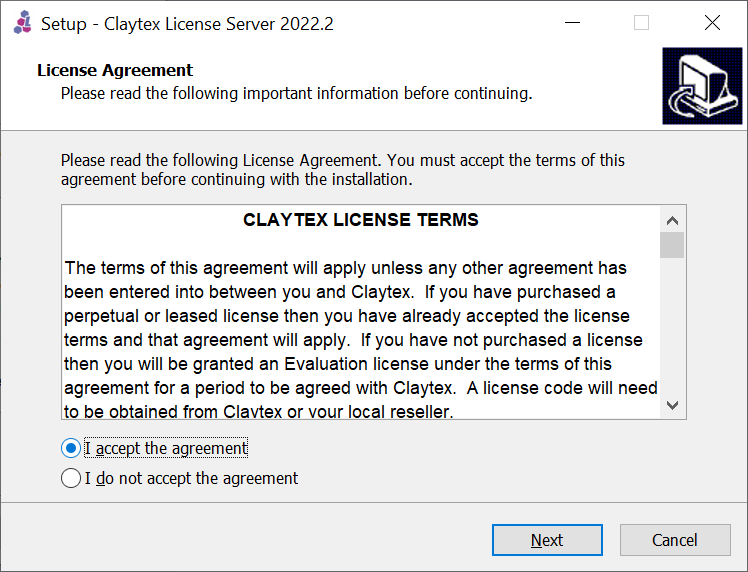
Dymola license server for novices

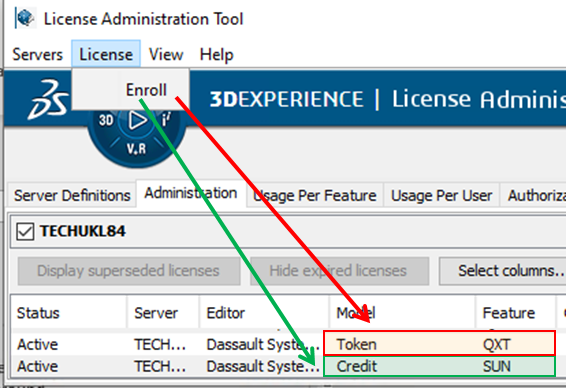
Learn how the Dymola FlexLM license server works, including installation, license borrowing, checkout behaviour, and practical troubleshooting tips for common issues.
Read more
Engineering icon Engineering icon Engineering

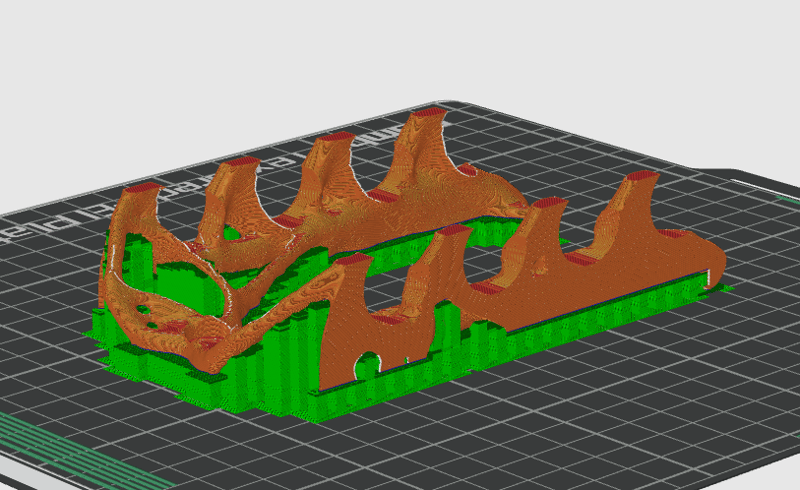
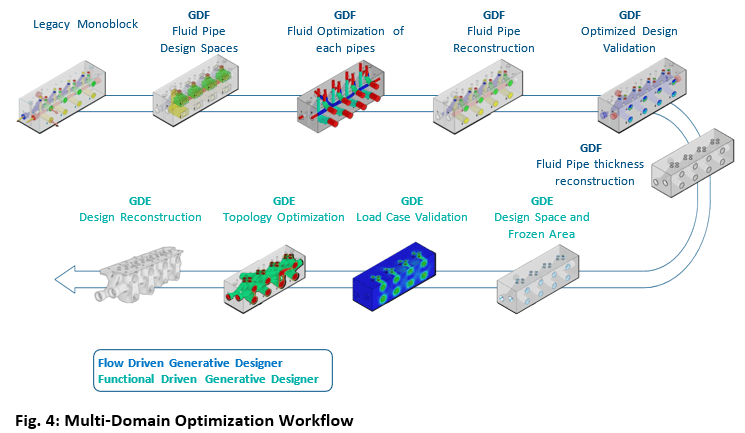
Why Use Function-Driven Generative Designer or Topology Optimization?

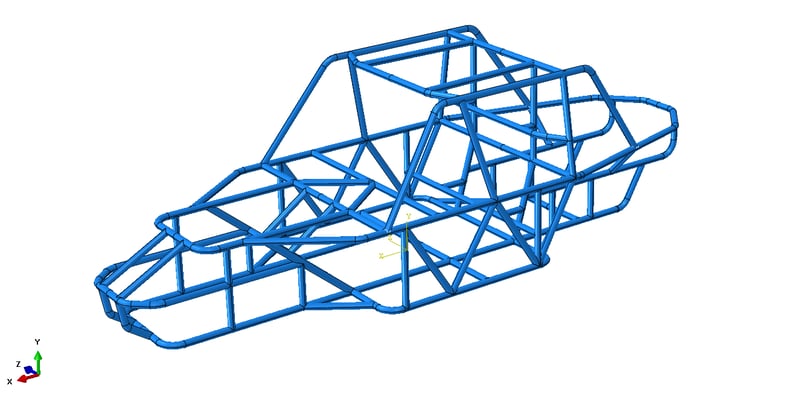
Generative Design is the automatic process of generating a design concept from a set of performance requirements and design rules. It uses an algorithm to generate every design concept possible within a range of parameters and enables designers to choose the best outcome.
Read more
Advanced Simulation Icon Advanced Simulation Icon Advanced Simulation
Engineering icon Engineering icon Engineering

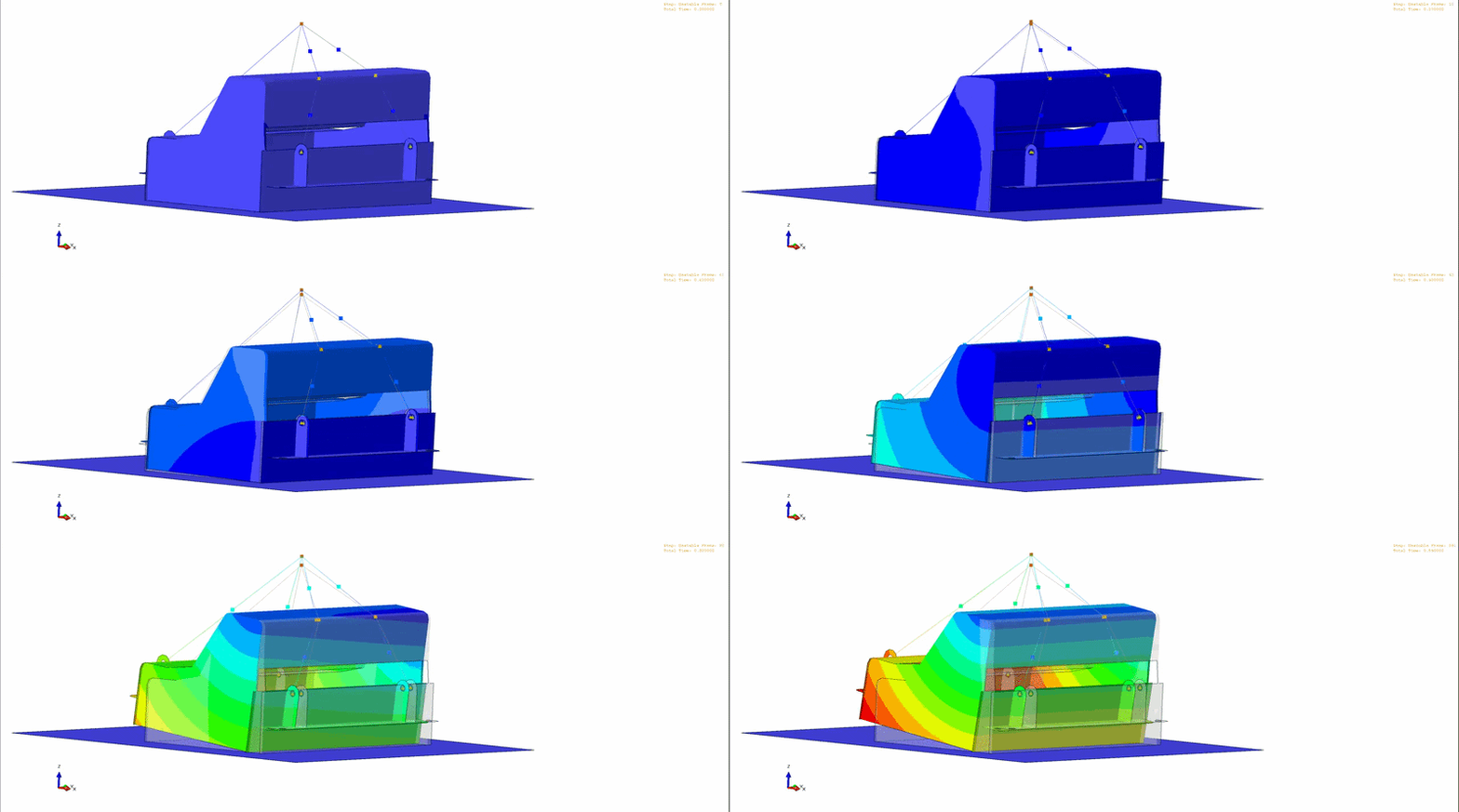
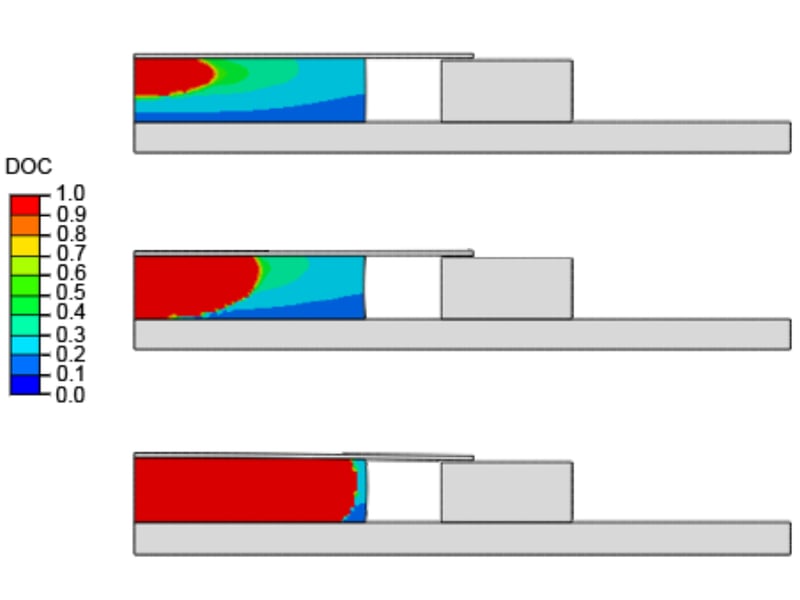
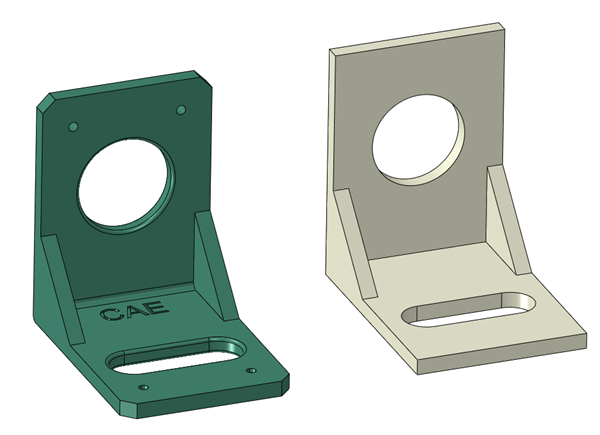
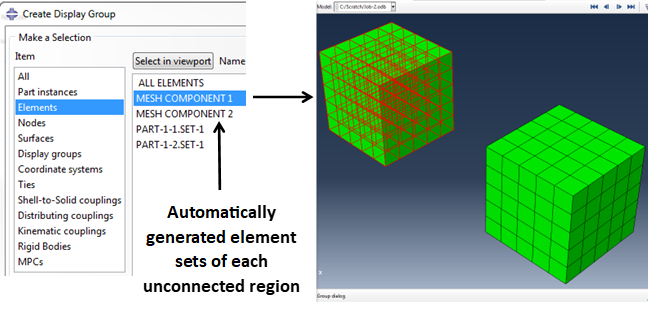
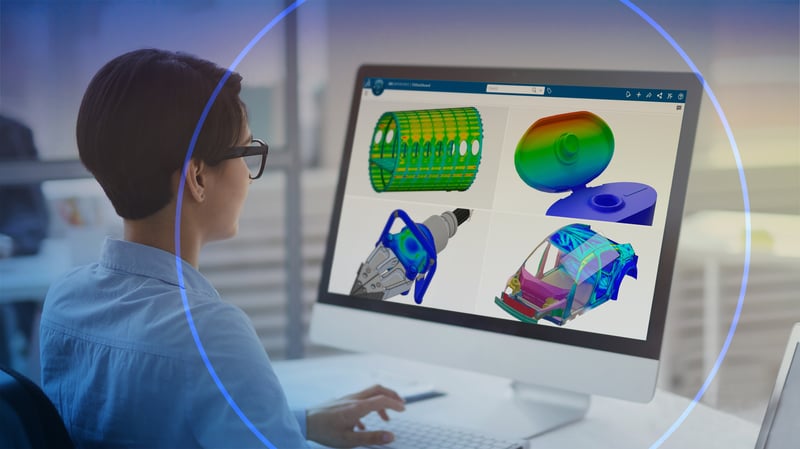
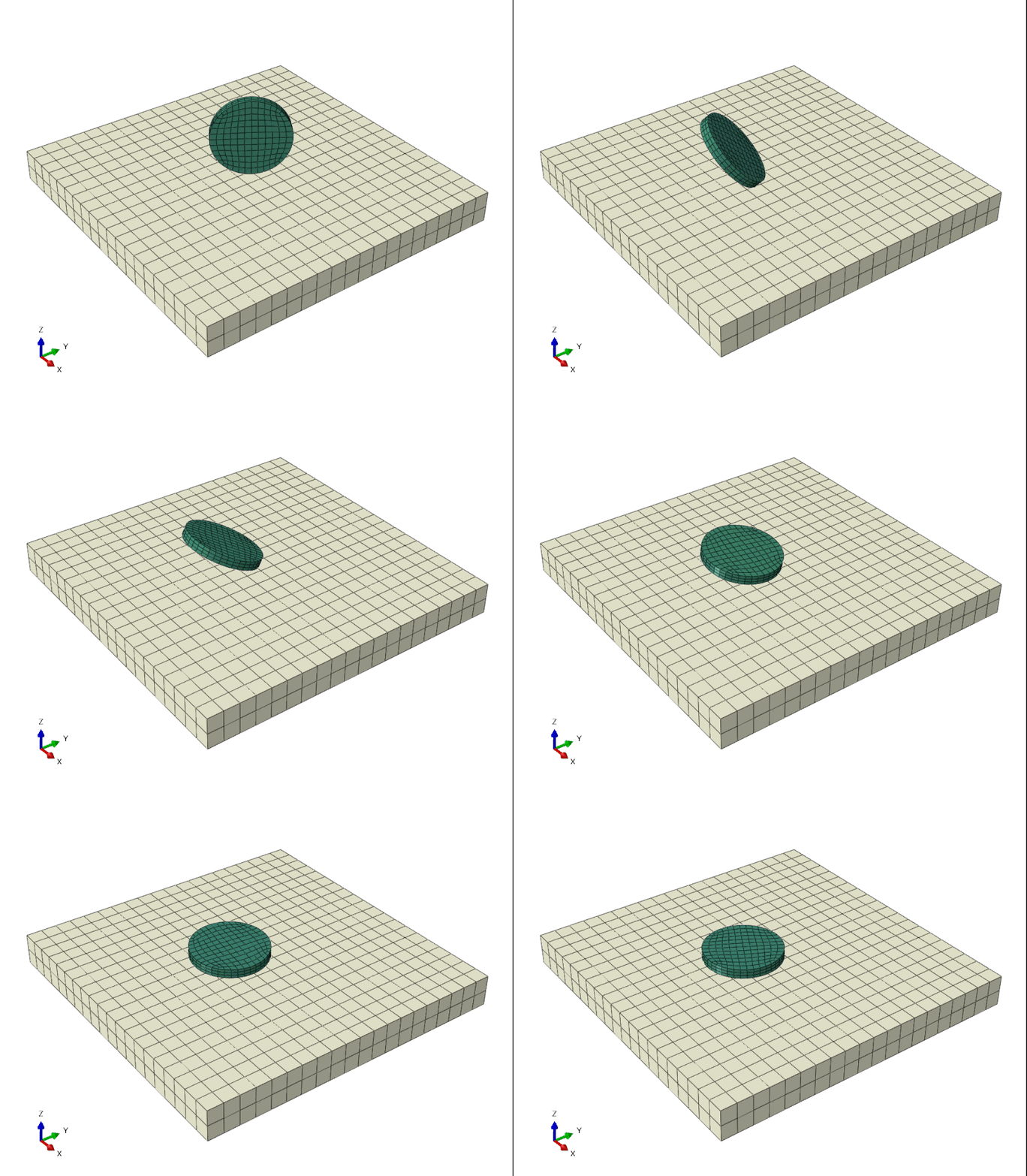
Plastic Injection Simulation

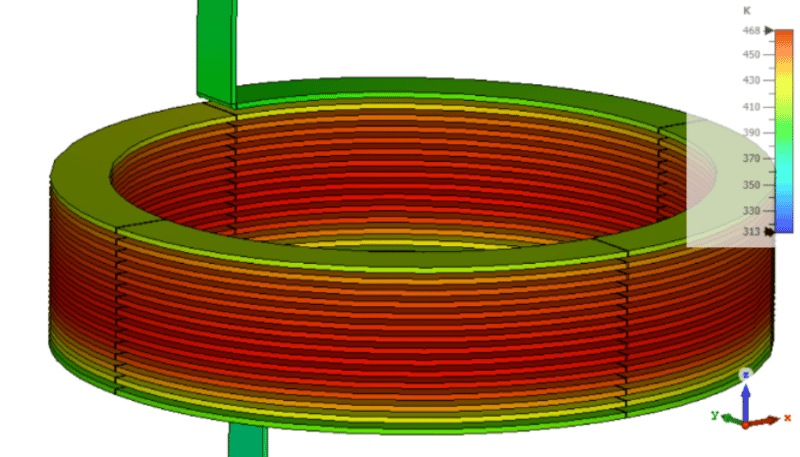
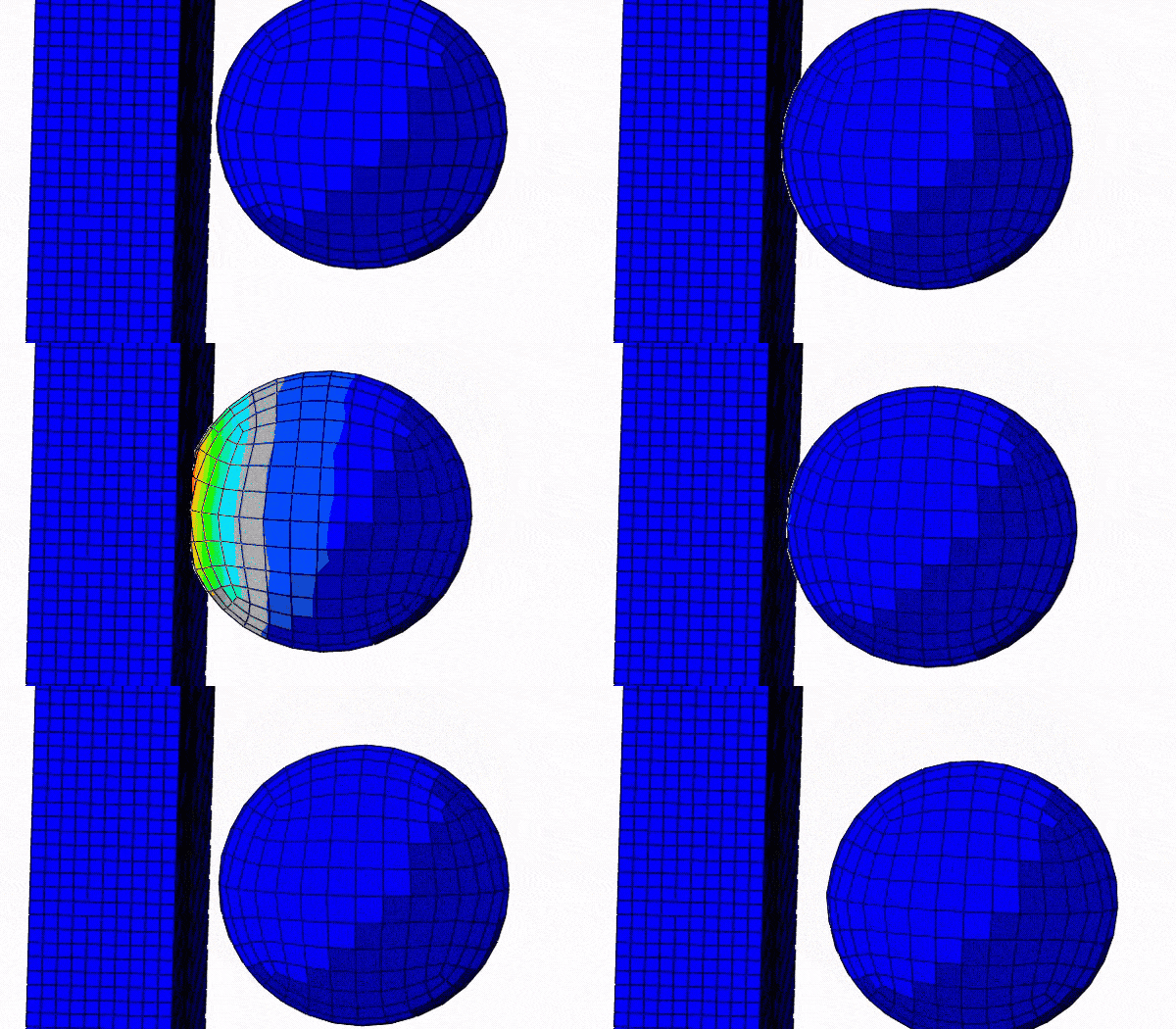
Discover how assistant-driven technology in 3DEXPERIENCE can streamline your process and improve results.
Read more
Engineering icon Engineering icon Engineering

How to Improve Your Product by Keeping Track of Your Technical Debt

Technical Debt is a whole new way of looking at product quality and making it more manageable.
Read more
Engineering icon Engineering icon Engineering
MBSE icon MBSE icon MBSE

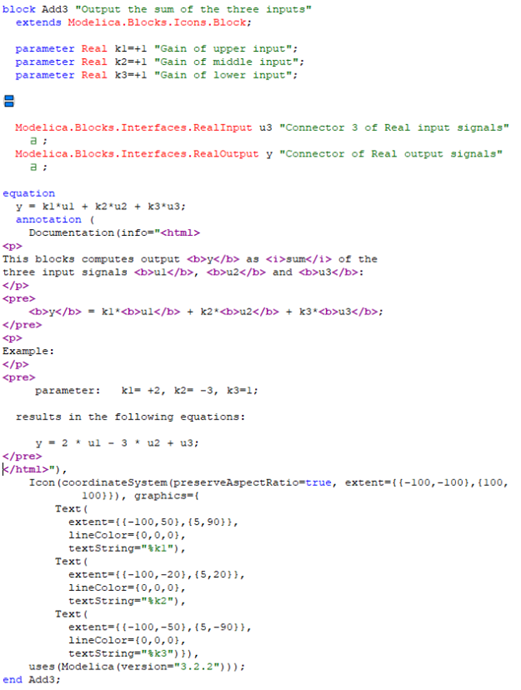
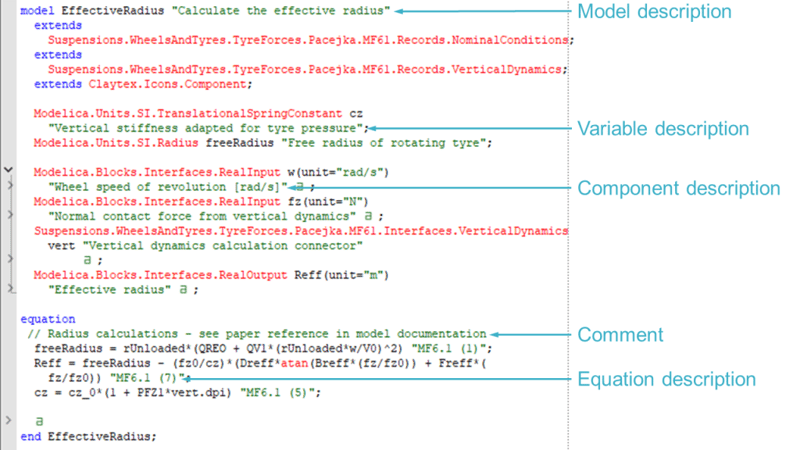
Documentation in Your Dymola Models

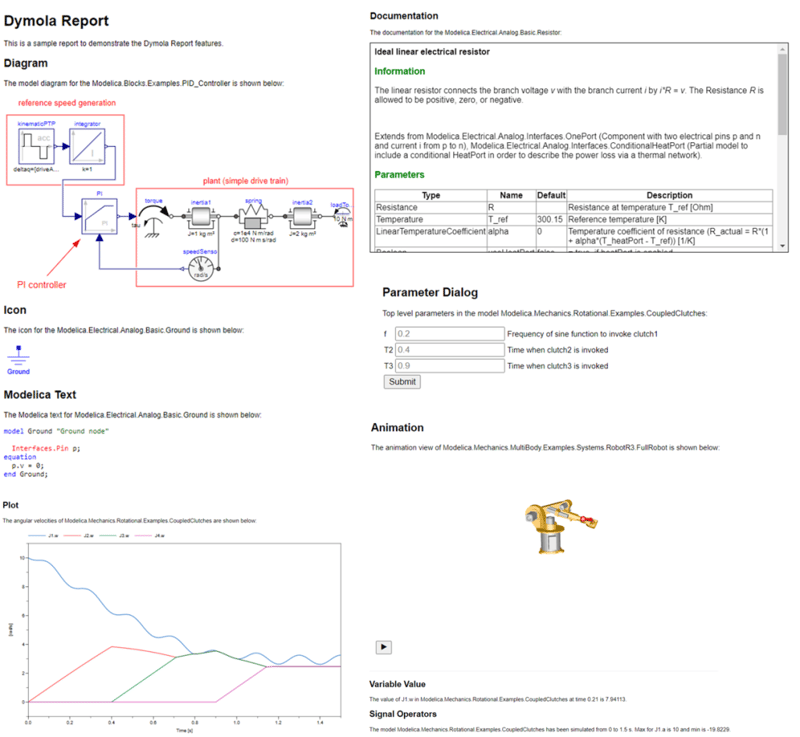
This blog post looks at the documentation options available in Dymola to help you improve the user friendliness of your models.
Read more
Engineering icon Engineering icon Engineering

A Closer Look at Dymola Events

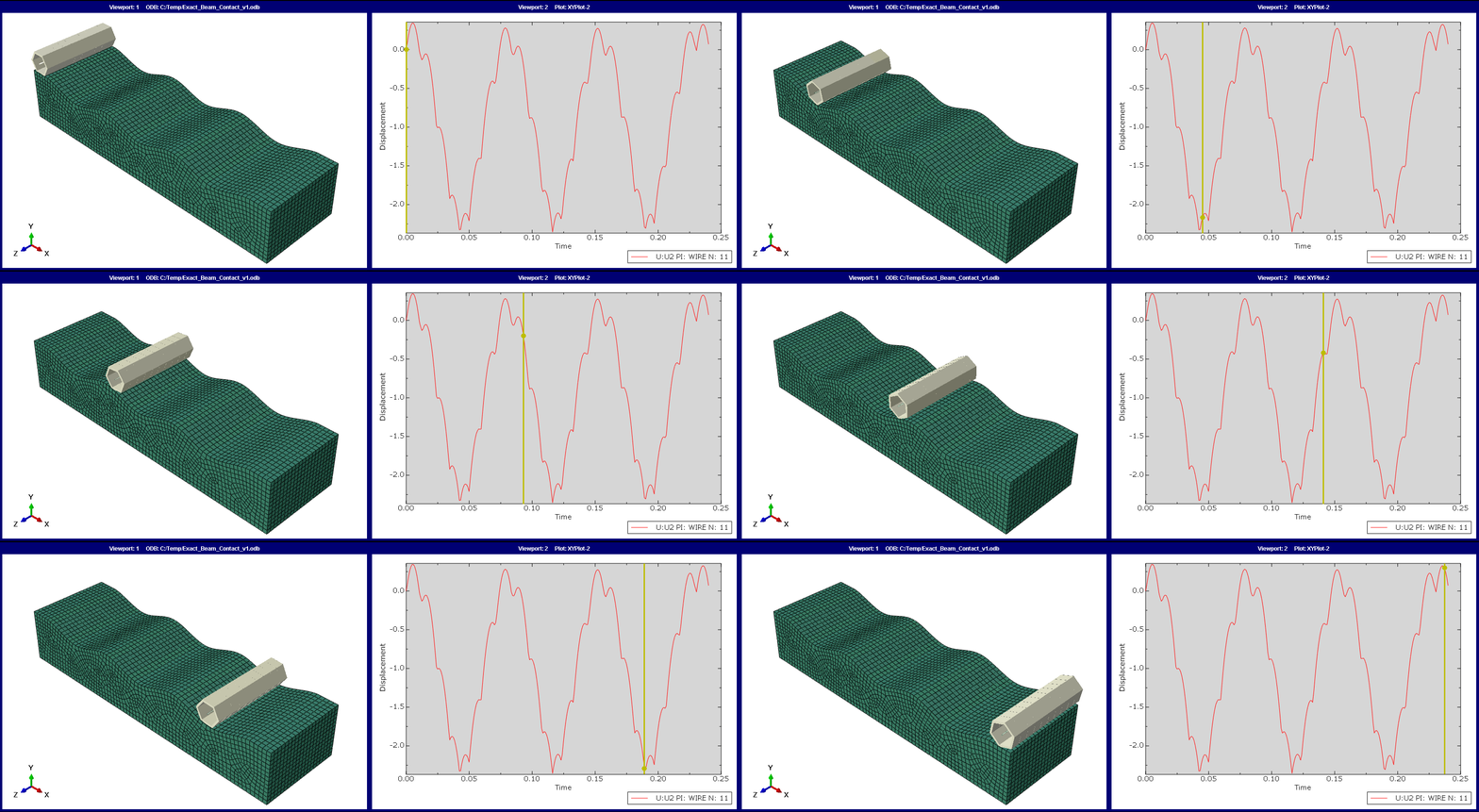
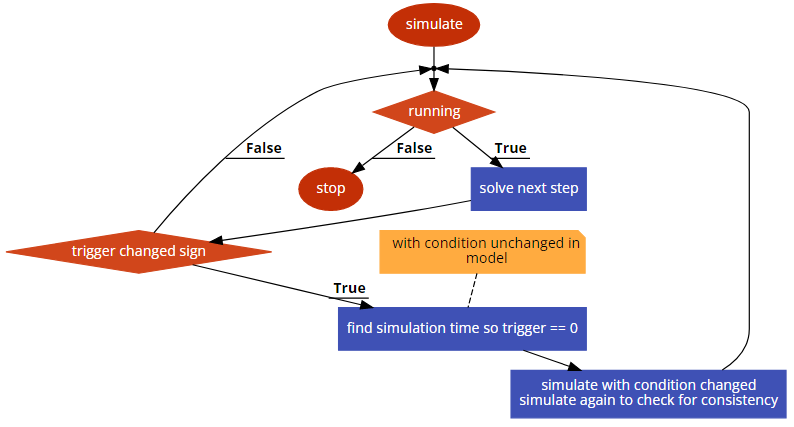
Explore how Dymola events are detected and handled by a variable‑step solver, including time, state, input, and step events in Dymola. Learn how event triggers, iterative searches, and consistency checks ensure accurate simulation results.
Read more
Engineering icon Engineering icon Engineering
MBSE icon MBSE icon MBSE

The Analytical Jacobian

Improve Dymola simulation performance by reducing numerical Jacobians. Learn why Jacobians matter, how analytical ones accelerate models, and how to guide Dymola to generate them.
Read more
Engineering icon Engineering icon Engineering
MBSE icon MBSE icon MBSE

Dymola Library Concealment - How to, and why?

Concealment of Dymola library code and IP is very useful, enabling libraries with sensitive data and models to be shared safely and easily.
Read more
Engineering icon Engineering icon Engineering
MBSE icon MBSE icon MBSE

Display unit custom conversions - A how to guide

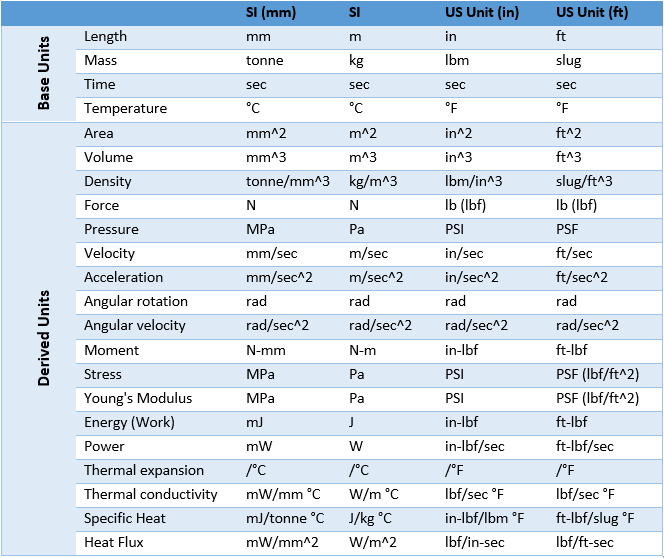
Dymola features inbuilt functions designed to support any non-SI display unit. Learn how to define and impliment non-SI units in Dymola.
Read more
Engineering icon Engineering icon Engineering
MBSE icon MBSE icon MBSE

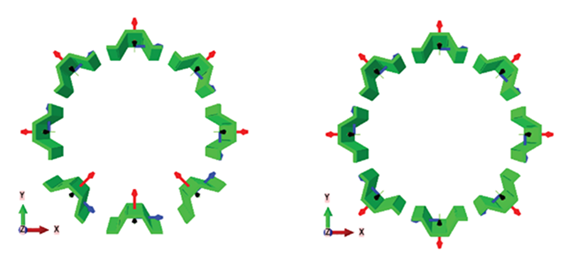
Cross-plane or Flat-plane Crankshaft?

Explore the differences between cross‑plane and flat‑plane V8 crankshafts and learn how Dymola is used to model, test and compare their performance.
Read more
Advanced Simulation Icon Advanced Simulation Icon Advanced Simulation
Engineering icon Engineering icon Engineering

A Closer Look at Inline

Explore how Modelica inlining options - Inline, LateInline, and InlineAfterIndexReduction, work in Dymola to improve performance, translation, and simulation efficiency.
Read more
Engineering icon Engineering icon Engineering
MBSE icon MBSE icon MBSE

Dymola 2020x keyboard shortcuts for the ribbon

Dymola 2020x has an improved user interface. This blog post looks at the new keyboard shortcuts used to navigate the Dymola ribbon and select the tools.
Read more
Engineering icon Engineering icon Engineering
MBSE icon MBSE icon MBSE

Dymola and Modelica Explained

Understand the relationship between Dymola and Modelica, their roles in simulation, and how acausal modelling enables reusable, high‑performance models.
Read more
Engineering icon Engineering icon Engineering
MBSE icon MBSE icon MBSE

Dymola 2020 workflow tips & tricks: shortcuts

Deploying shortcuts and user tricks in Dymola is a simple way of streamlining your workflow and improving your modelling experience.
Read more
Engineering icon Engineering icon Engineering
MBSE icon MBSE icon MBSE

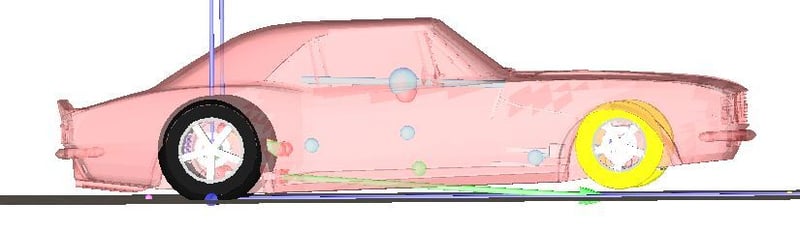
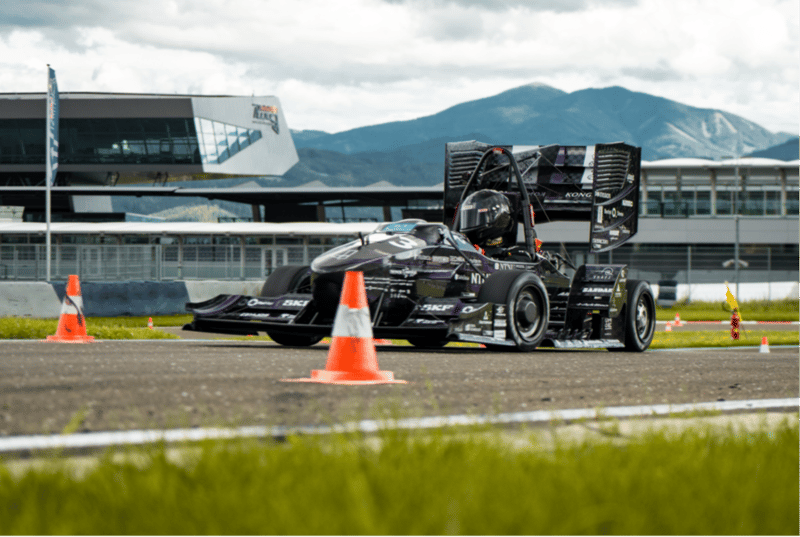
Using Dymola to understand the 2018 Indy 500

Explore how extreme heat affected the 2018 Indy 500 using Dymola and VeSyMA simulation, analysing grip, stability, and vehicle dynamics on the oval.
Read more
Solver tolerance: Harmonic oscillator
Engineering icon Engineering icon Engineering

A Closer Look at Solver Tolerance

Learn how solver tolerance in Dymola impacts simulation accuracy, error estimation, variable time‑step control, and how to set nominal values for more precise Modelica results.
Read more
Engineering icon Engineering icon Engineering
MBSE icon MBSE icon MBSE

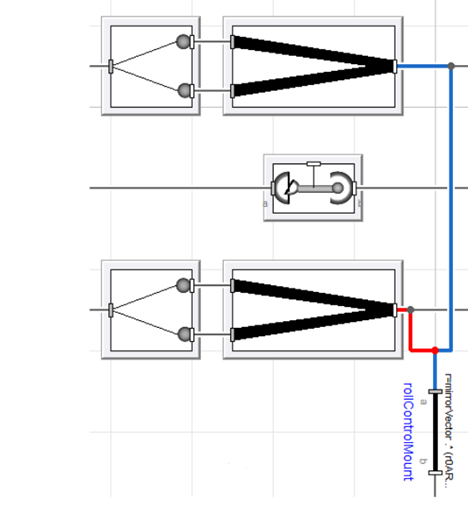
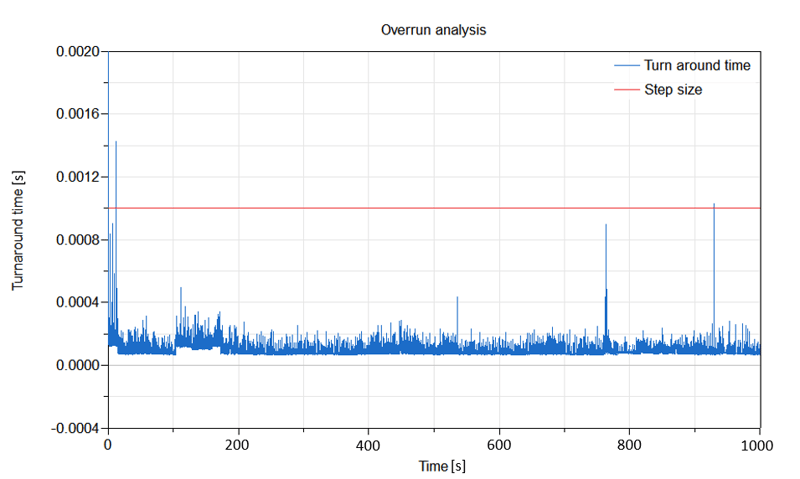
Decouple blocks and model parallelisation

Speed up complex Dymola simulations using model parallelisation and Claytex decouple blocks. Learn how multi-core execution improves performance without reducing fidelity.
Read more
Engineering icon Engineering icon Engineering
MBSE icon MBSE icon MBSE

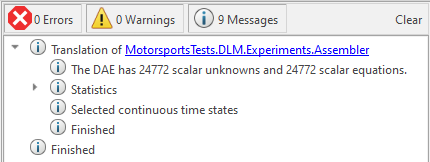
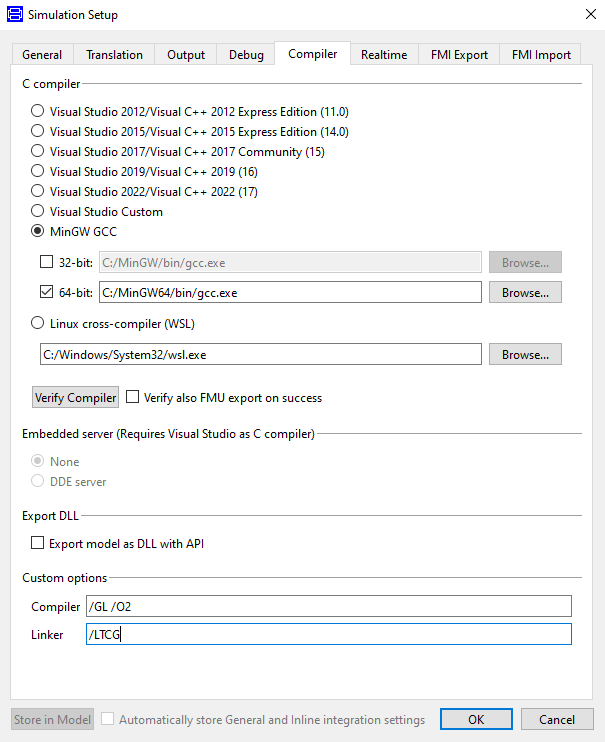
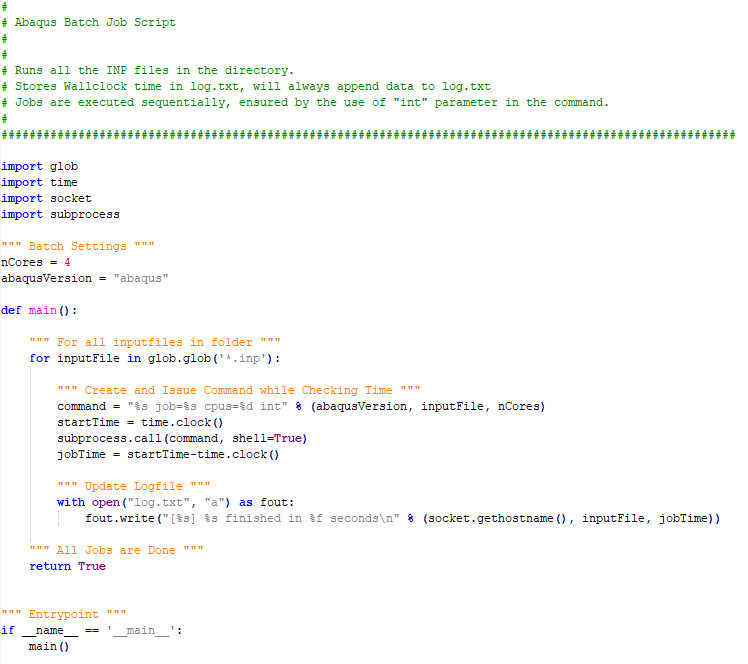
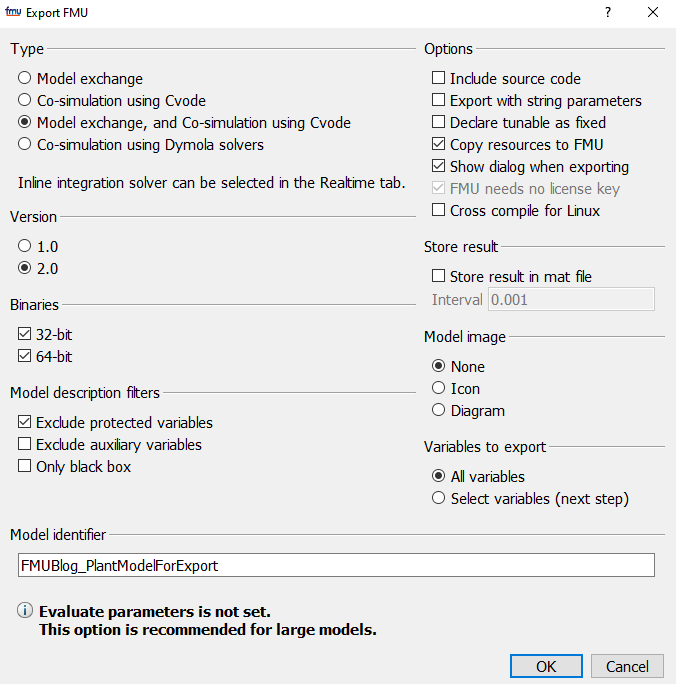
The Dymola Compilation Process in Action

Understand the Dymola compilation process, from translating Modelica models into C code to building executables, DLLs, and FMUs using different compiler options.
Read more
Engineering icon Engineering icon Engineering
MBSE icon MBSE icon MBSE

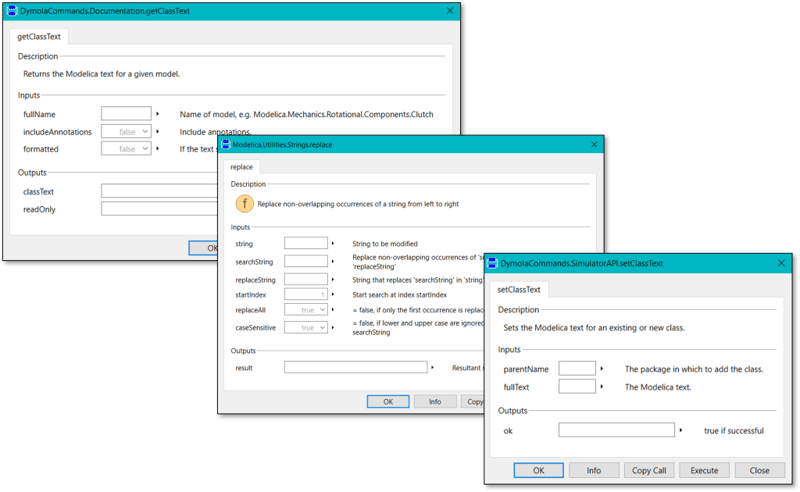
Read Text Files from Dymola to Obtain Data & Assist Debugging

Learn how to read text files in Dymola using Modelica Standard Library functions to extract data, convert strings to numbers, and support debugging and validation.
Read more
Engineering icon Engineering icon Engineering
MBSE icon MBSE icon MBSE

Dymola/Modelica: Tips & Tricks – Part 1: ‘Li-ion Battery Partial Modelling and Parameterisation’

This article is aimed to present a methodology to develop a partial acasual equivalent-circuit based model (ECM) of Lithium-ion (Li-ion) battery in Dymola,
Read more