 Advanced Simulation

This article highlights why there was a need to create another CAD and FE results viewer and how LiteBox3D solves the issues presented. If you are interested only in the technical side of the software please jump straight to 'LiteBox3D - tiny like a hummingbird but a powerful CAD viewer'
Why do we need another CAD and FE simulation results viewer?
Not that long ago, we received a question in the TECHNIA support inbox that sounded like this - is there a way to open Abaqus results in a free and simple results viewer?
I began searching for some apps, but it turned out none of them fit my constraints. The app I was looking for had to:
-
Be free - it doesn’t have to be free like open-source software, but free in the sense that the user doesn’t have to pay for it.
-
Be simple and intuitive - it should be easy to share with non-technical people and allow them to open the 3D models.
-
Be lightweight - it should not require high-end hardware specs to view results.
-
Be well-maintained - I didn’t need a solution that works only in certain circumstances and has no chance of improvement.
-
Be secure - the last thing I want to do is recommend a solution that does something fishy with user data.
-
Work with Abaqus results files - this was the main pain point of course
This seemed like a straightforward problem, but I couldn’t find any working solutions. So, what were the options to choose from?
-
Third-party Abaqus viewers - they usually require Abaqus license and/or are paid solutions
-
Open-source viewers - I couldn’t find a single one that could handle Abaqus files directly. The closest I got was the f3d app, which looks great, but I wasn’t able to compile it to read ODB files directly. Also, from an end-user perspective, it might be quite hard to handle a large amount of data in the form of an ODB file. Congrats anyway to the f3d team, because the solution is great, just not exactly a fit for my needs.
-
Cloud viewers - if something is on the cloud and it is free, then users pay with data, so the security concern isn’t satisfied
In the end, we replied to the question that unfortunately, there isn’t any solution that would be applicable as a free and simple Abaqus viewer.
Hope was lost.

Then, after a few days, I received a monthly TECHNIA newsletter which stated ‘New release of LiteBox3D CAD viewer’. I knew there was an internal team that develops TECHNIA software, but I hadn’t had a chance to look into it properly. I gave it a go, downloaded the software, checked what it could be used for… file formats - STP, JT, WRL… wait, what? Can it handle the WRL files?
I connected the dots, immediately exported data from Abaqus in a WRL format, and it worked! The only problem was that the results were shown without the legend, so unless you are interested in modern art, it was pretty useless. But it worked.
I sent a polite message to the TECHNIA software developers team and asked if there was a chance to develop this functionality further. I can say my prayers were heard. There is now a free, simple, lightweight, secure and well-maintained solution that accepts Abaqus results (not directly, but there is a good side to it).
LiteBox3D - tiny like a hummingbird but a powerful viewer
It’s tempting to jump right into showcasing how to handle Abaqus results in LiteBox3D, but the app wasn’t originally created for this purpose. So, let’s start from the beginning.
Free STEP file viewer
LiteBox3D is primarily a CAD geometry viewer and it can open the following file formats:
-
.step, .stp, .stpz
-
*.jt
-
.obj, .wrl
-
.tif, .tiff
I conducted some tests using Millennium Falcon geometry and it seems like it can handle pretty heavy assemblies. The one I tested had 10179 parts. Impressive!
Render big model in LiteBox3D
Share dimensioned 3D models with others
One of the features of LiteBox3D that I found particularly interesting is the ability to import geometries with existing dimensions. If you happen to use the NX CAD package, then you could export geometries along with dimensions in the form of a \*.jt file. You can then render it as shown in the image below.
JT file rendered
Additionally, you can also check dimensions directly in the app on any geometry that is currently open. One can measure the distance between edges, the diameter of a hole, the area of a surface, or the volume of a body.
Animate CAD like slides in PowerPoint
Another neat functionality is the possibility of adding scenes to the geometry. I can imagine a scenario where a geometry is supervised by someone and some comments need to be shared. This functionality allows you to draw things and add 2D text for each scene separately.

How to render scenes in LiteBox3D
Visualising Abaqus results in a free viewer
Finally, the most likely reason why you are still reading this - how to render Abaqus results for free! The workflow is quite straightforward:
-
Open the results in Abaqus/CAE and then set the viewport to show exactly what you would like to export.
-
Go to Main Menu → File → Export → WRL.
-
In LiteBox3D, open the new file → format: WRL → make sure the legend is shown.
I am still amazed by how easy it is…

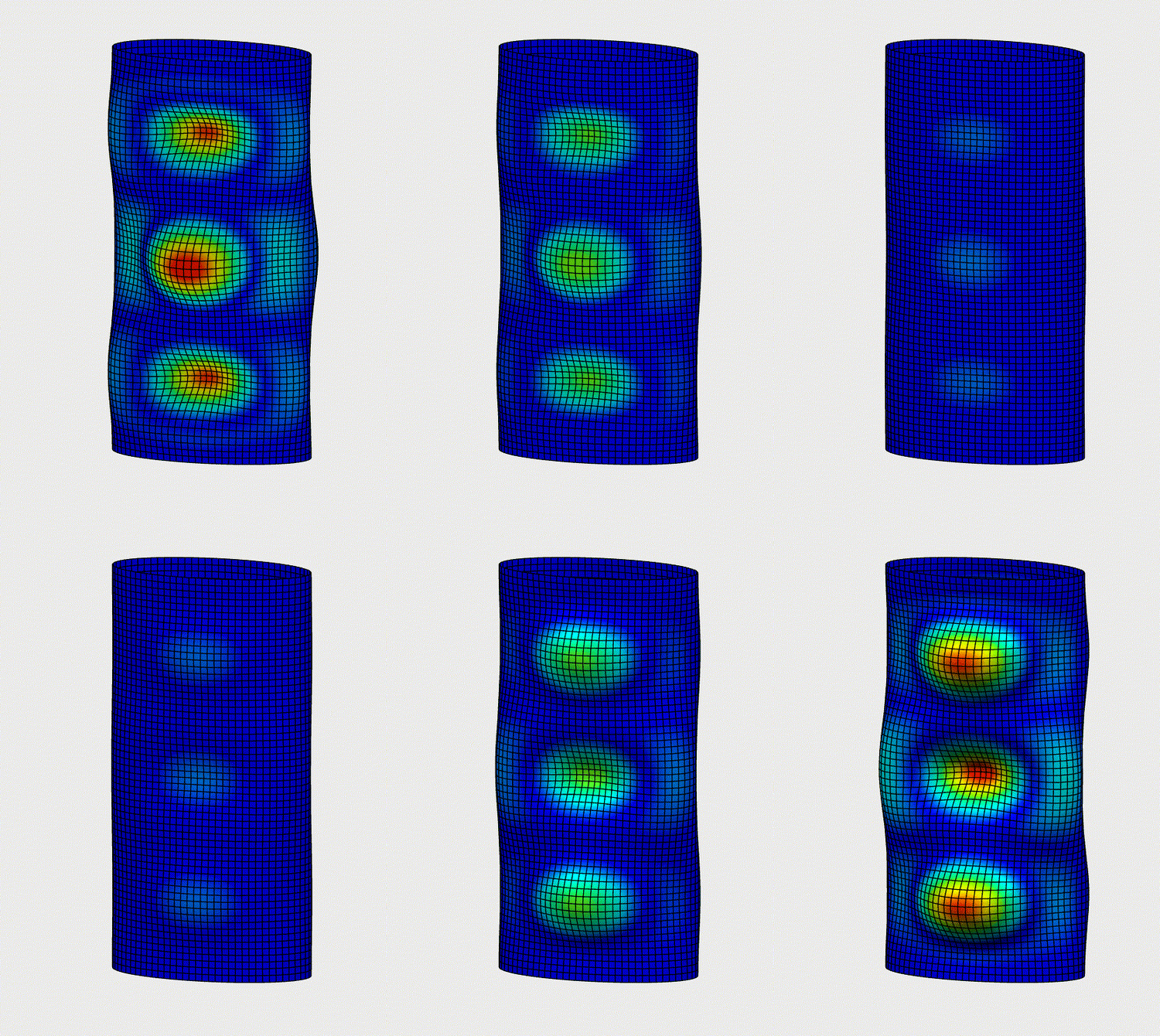
Abaqus results visualisation
Export CAD data as HTML
Here is a bonus functionality that I haven’t mentioned yet, but it is really good. The LiteBox3D engine allows you to convert the 3D geometries to HTML files that can be viewed in the browser, but I should note here that this is a paid functionality. To be fair, I see why someone would need to pay for it.
Imagine a scenario where the design team creates some CAD models and drawings and then they need to be shared with people working in manufacturing or quality control parts of the company. It could easily be used by the sales department too that can show off how good the design is. One could just open the model in a web browser on a mobile or tablet to see how it should look like or even to measure some dimensions. Pretty cool!

How to export CAD model as an HTML
Where to find LiteBox3D
If you are keen to test LiteBox3D then you could download it from the TECHNIA website
LiteBox3D - Easy-to-use, Neutral Format Viewer for Your 3D Portfolio
Also, if you would like to see it live before downloading it then here you can watch me doing a live demo of LiteBox3D.
A few more comments on functionality
If you face any problems with the Abaqus results viewing capabilities, please let us know. We’ve tested multiple setups with solids, shells, beams, etc. and it was working, but as this is a new functionality, there might be some issues.
In terms of viewing the STEP data, the viewer supports the 242 ed1 with tessellated geometry to make things lighter. So, just to make sure that this is the type of data exported from your CAD environment.
Hope it is the solution you were looking for!