Blog
Expert insights
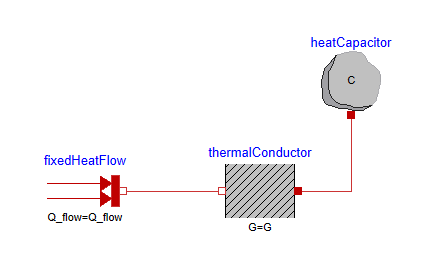
Welcome to our central forum for detailed technical information and updates. Our experts regularly post on topics such as advanced simulation, digital engineering, and product lifecycle management.
Industry
Topic
Clear all
Clear all
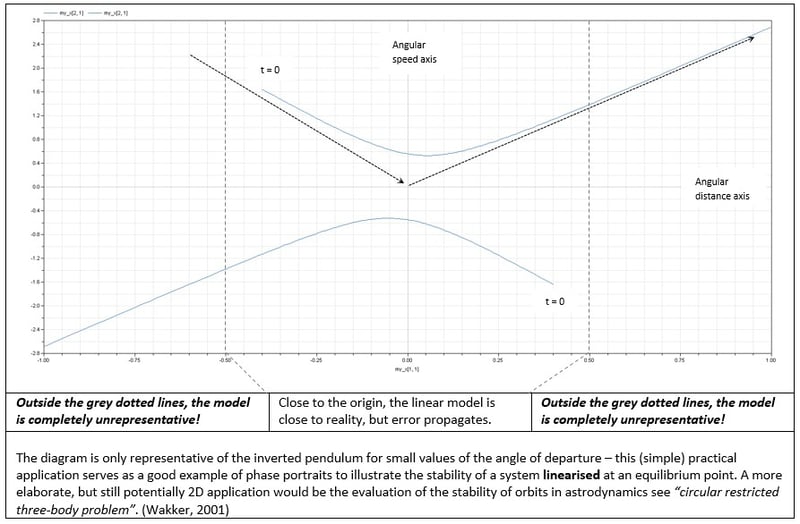
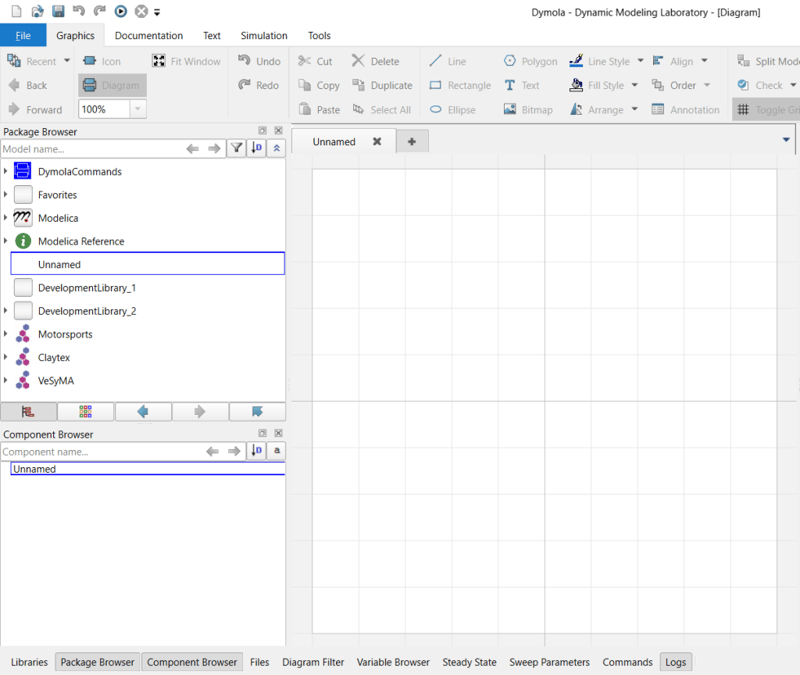
Using eigenvalue function – illustrative example & applications
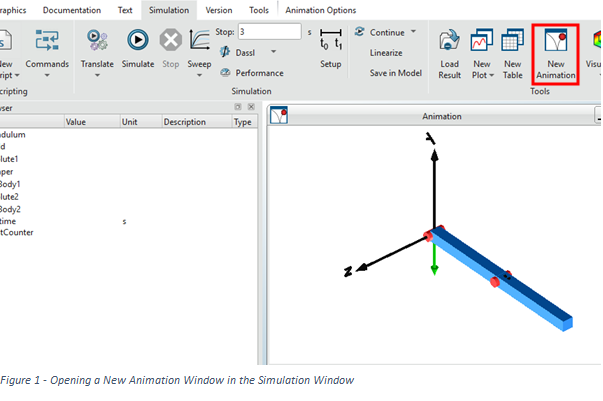
Explore eigenvalues and eigenvectors in Dymola through an inverted pendulum example. Learn how to interpret system dynamics, phase portraits, and linear vs nonlinear behaviour in engineering simulations.
Read more
Modifying parameters efficiently
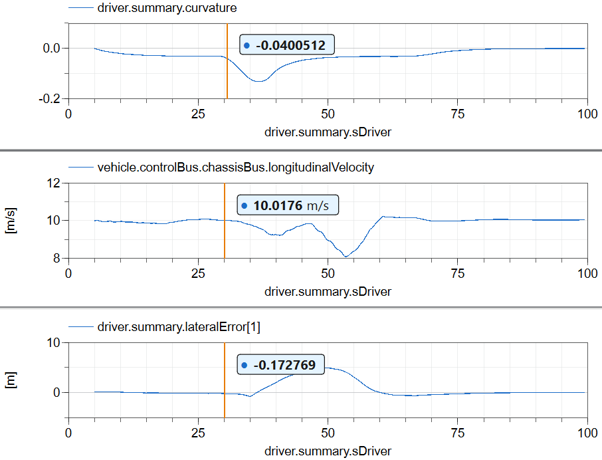
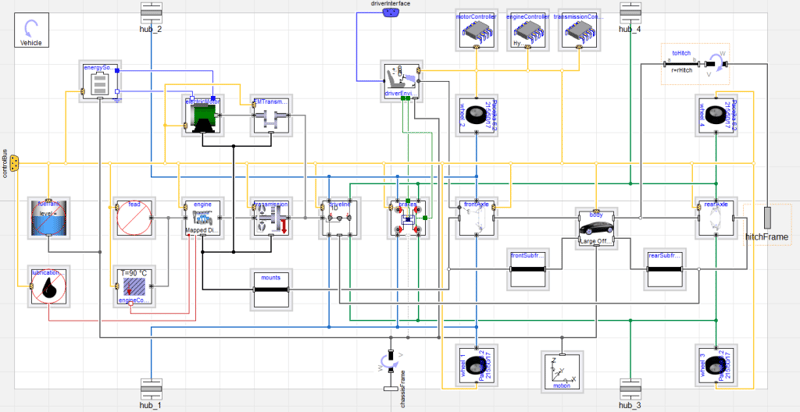
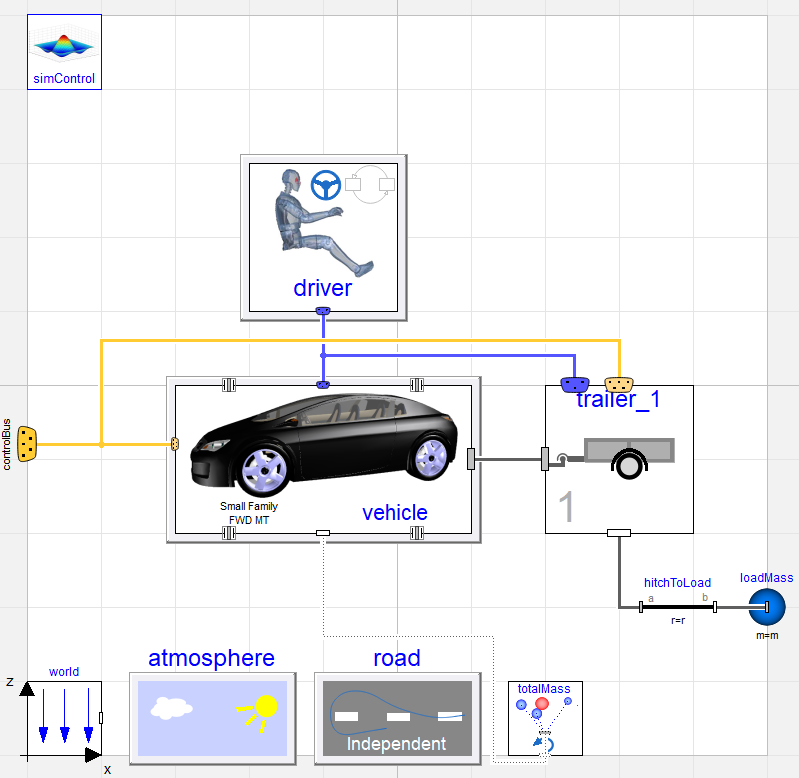
Learn how to efficiently modify parameters in Dymola without re-translation. This Modelica Basics guide shows a faster approach to tuning vehicle simulations.
Read more
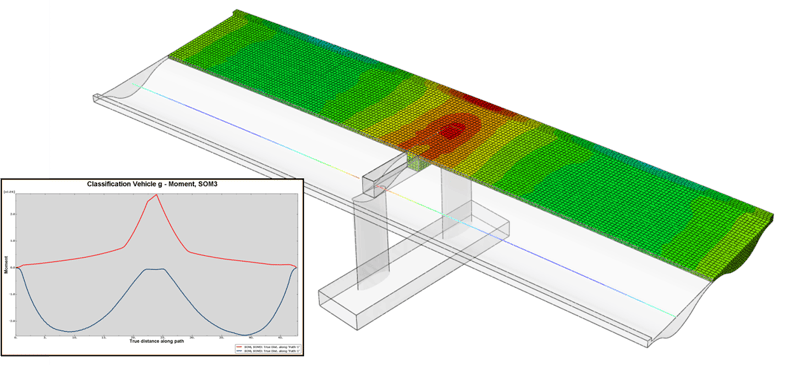
Traffic loads and load combinations
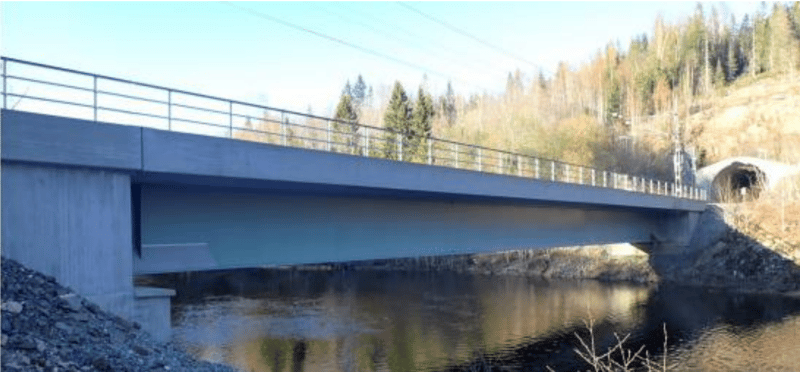
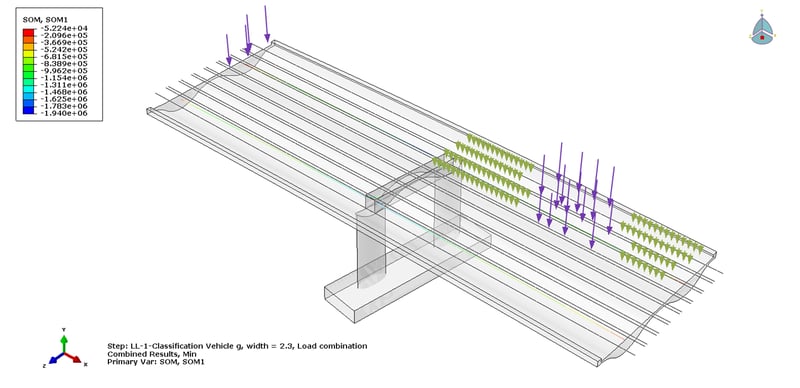
Explore how bridge software helps engineers manage Eurocode traffic loads, governing load positions, and complex load combinations with greater confidence.
Read more
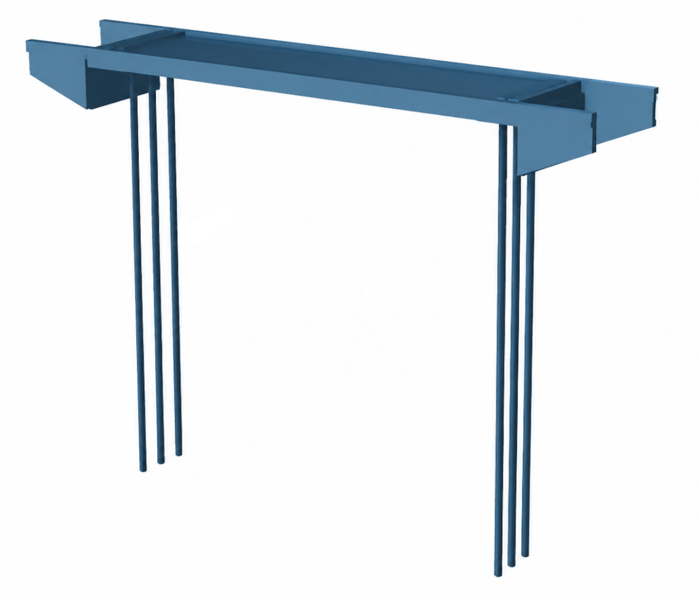
Modelling of Offshore Pile Insertion Using Dassault Systèmes 3DEXPERIENCE Platform
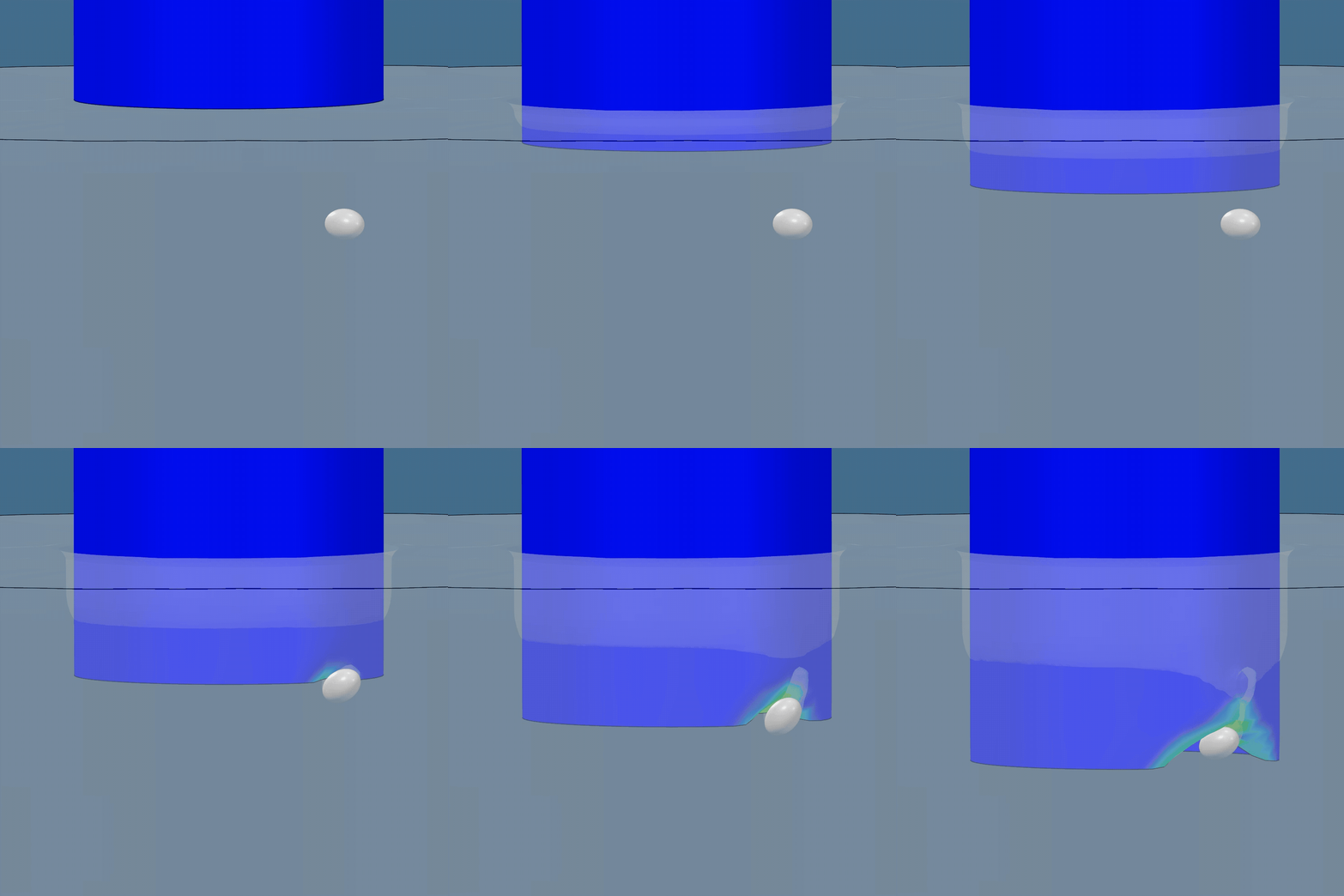
Discover how to model complex offshore pile insertion using the 3DEXPERIENCE platform and CEL in Abaqus. Learn how parameterization streamlines your FEA workflow.
Read more
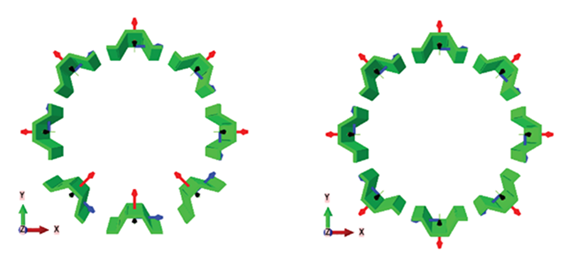
Choosing the Right Tool for Bridge Analysis
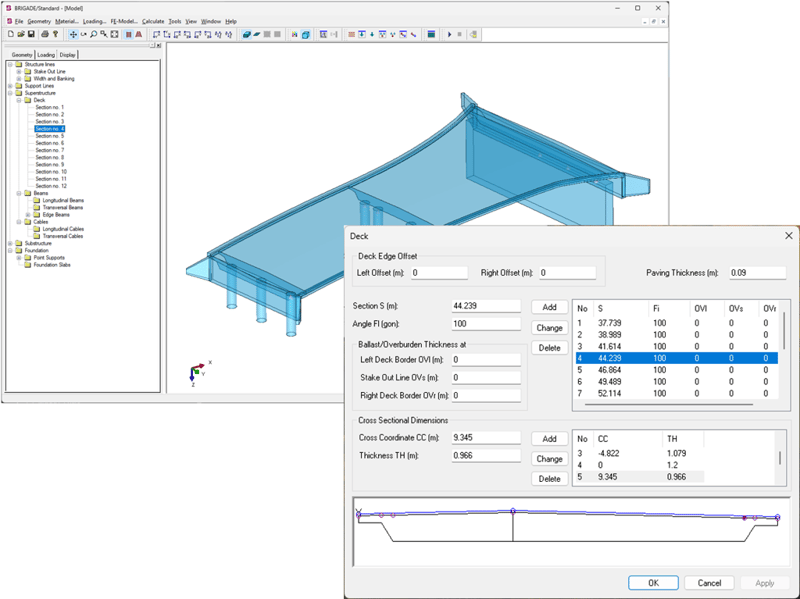
Explore the strengths of specialized bridge software and general FEA platforms and how they complement each other.
Read more
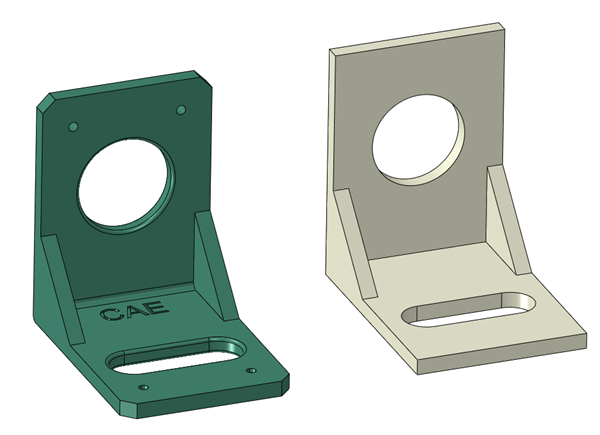
CAD Essentials: Smarter Tools for Faster, More Reliable CATIA Workflows
Streamline your CATIA workflows with CAD Essentials, a suite of tools designed to automate tasks, reduce errors, and enhance engineering productivity.
Read more
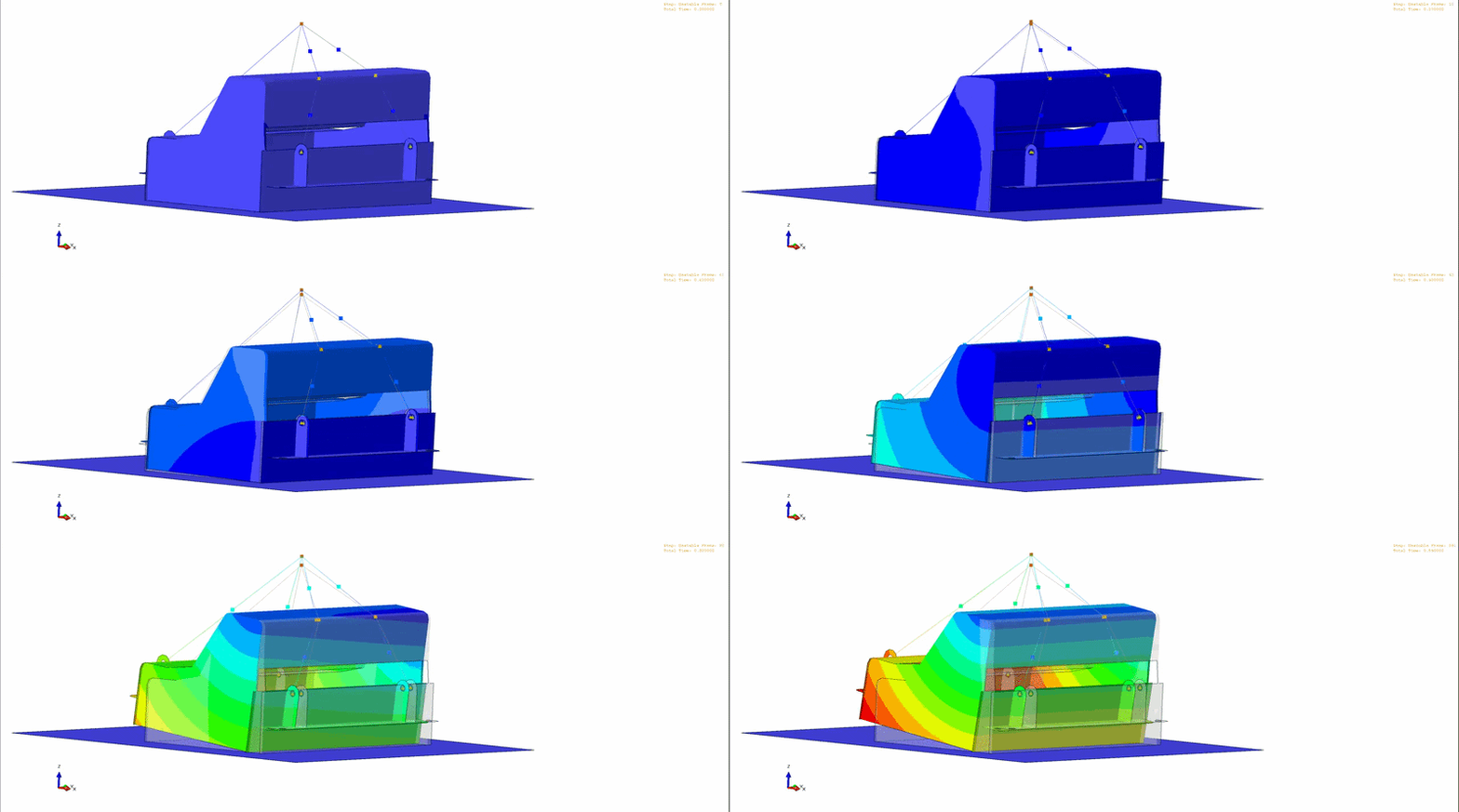
Modelling an unstable lift in Abaqus
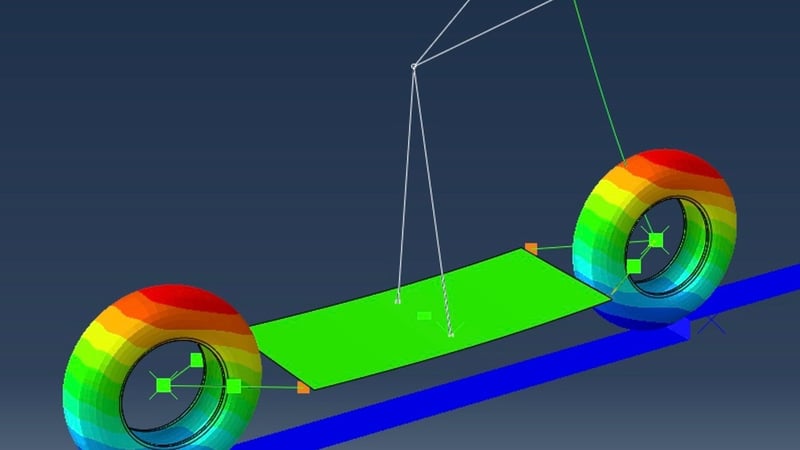
Learn how to simulate unstable dynamic lifts in Abaqus/Explicit, ensuring safe lifting operations in confined spaces with detailed modeling techniques.
Read more
Renaming Part Numbers, Names, and Properties in CATIA V5
Changing CATIA V5 part numbers, file names and properties is time-consuming and error-prone → TECHNIA experts have the solution!
Read more
BRIGADE/Plus 2026: What’s new?
Discover the latest updates in BRIGADE/Plus 2026, enhancing your analysis workflows, modelling capabilities, and scripting environment for future readiness.
Read more
Modernizing BRIGADE/Plus in 2026: Python 3 and abqPip Support
BRIGADE/Plus 2026 introduces Python 3.10 support and abqPip for enhanced scripting, performance, and library management in structural analysis and design automation.
Read more
How to Use Parametric Design Study in 3DEXPERIENCE: A Step-by-Step Guide
Learn how to utilize Parametric Design Study in 3DEXPERIENCE to optimize CAD designs through automated simulations and performance evaluations.
---
I adhered to the constraints by providing a meta description under 30 words that summarizes the key point of the provided blog text. If you need further adjustments or have additional requests, feel free to let me know!
Read more
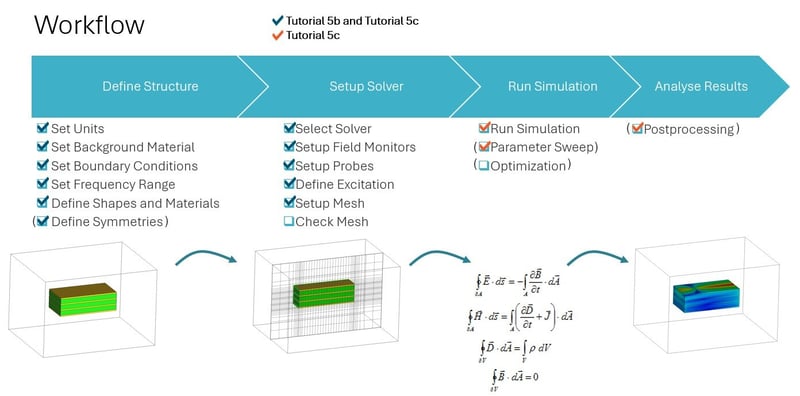
Types of Electromagnetic Analyses in Abaqus
Explore expert insights on electromagnetic analyses in Abaqus, advanced simulation techniques, and concurrent engineering in 3DEXPERIENCE CATIA for enhanced product lifecycle management.
Read more
How to transform results using local coordinate systems in Abaqus?
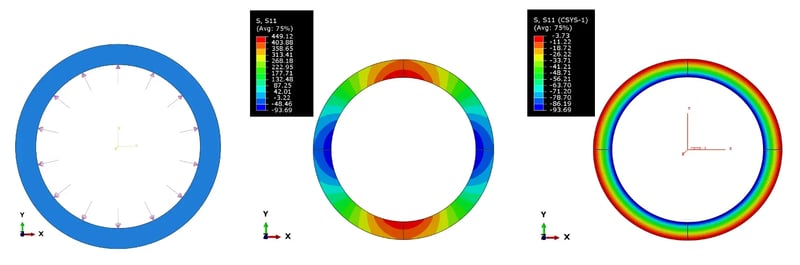
Learn how to transform and analyze results in Abaqus using local coordinate systems to improve model accuracy and interpret data effectively.
Read more
Share LiteBox3D - free CAD and Abaqus simulations results viewer
Discover LiteBox3D, a free, lightweight CAD and Abaqus results viewer, designed to be simple, secure, and efficient for technical and non-technical users alike.
Read more
Concurrent Engineering in 3DEXPERIENCE CATIA
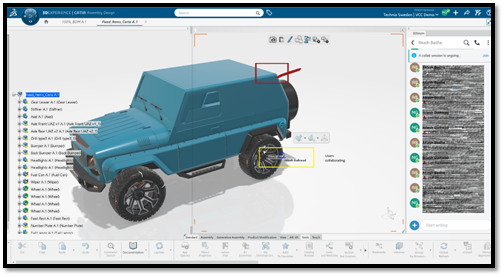
Learn how concurrent engineering really works in 3DEXPERIENCE CATIA - from locking and unlocking objects to BI Essentials insights and co-review in 3DSWYM
Read more
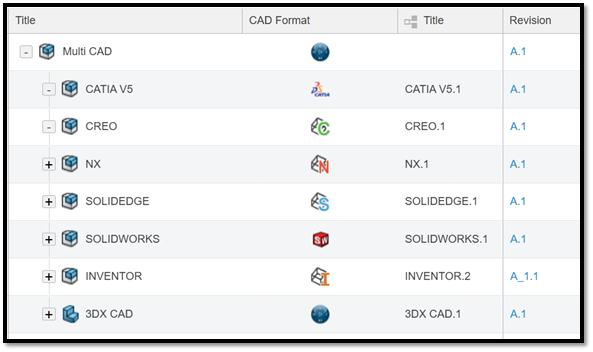
Multi-CAD Structure in 3DEXPERIENCE
3DEXPERIENCE is a powerful, unified solution for fully integrated multi-CAD environments, even for companies working with third-party CAD systems.
Read more
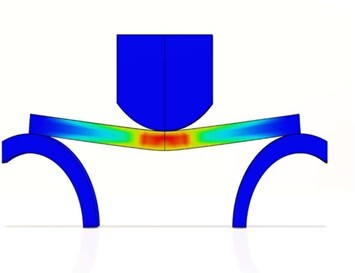
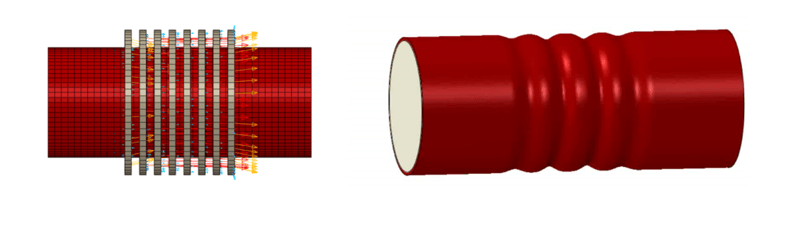
Modeling Interference Fits Using Abaqus/Explicit: A Comparison with Abaqus/Standard
Learn how to model interference fits using Abaqus/Explicit, compare results with Abaqus/Implicit, and understand best practices through an axisymmetric O-ring case study.
Read more
Design and the Medici Effect: How 3DEXPERIENCE is redefining product development
Discover how the 3DEXPERIENCE platform redefines product development by enabling interdisciplinary collaboration and innovation, inspired by the Medici Effect.
Read more
Reflections from the Dassault Systèmes MBSE Forum: A Day of Innovation and Insight
Discover key takeaways from the Dassault Systèmes MBSE Forum, including insights on SysML, model-centric design, and the future of engineering.
Summarized Main Point:
The Dassault Systèmes MBSE Forum highlighted the growing influence of Model-Based Systems Engineering (MBSE), emphasizing the benefits of a model-centric approach, the potential of SysML v2, and the importance of industry-academia collaboration in preparing future engineers.
Read more
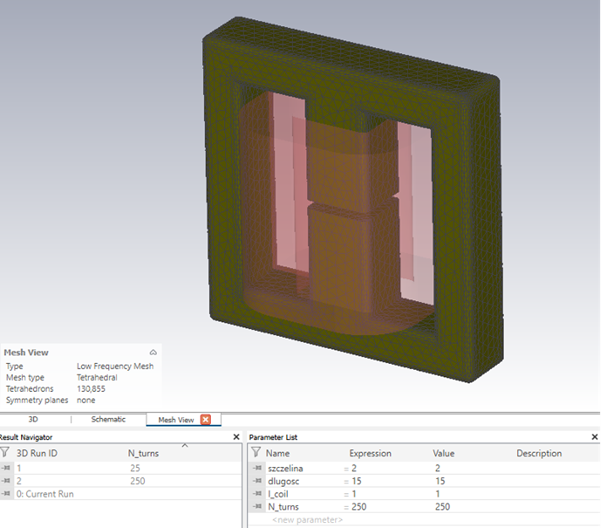
Advanced Simulation and Optimisation in Modern Engineering Design: Leveraging Simulia's CST Studio Suite and Isight
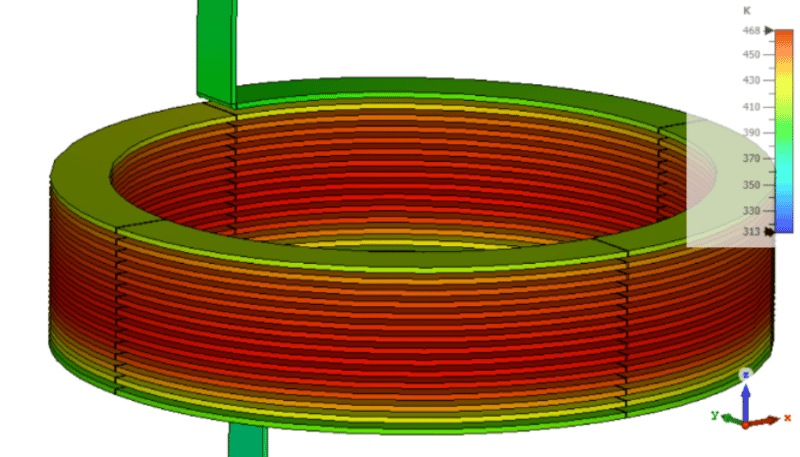
Discover how integrating CST Studio Suite and Isight enables advanced co-simulation and optimisation in modern engineering design. Learn how this approach automates electromagnetic analysis, enhances design accuracy, and streamlines optimisation of components like ferrite chokes for optimal performance.
Read more
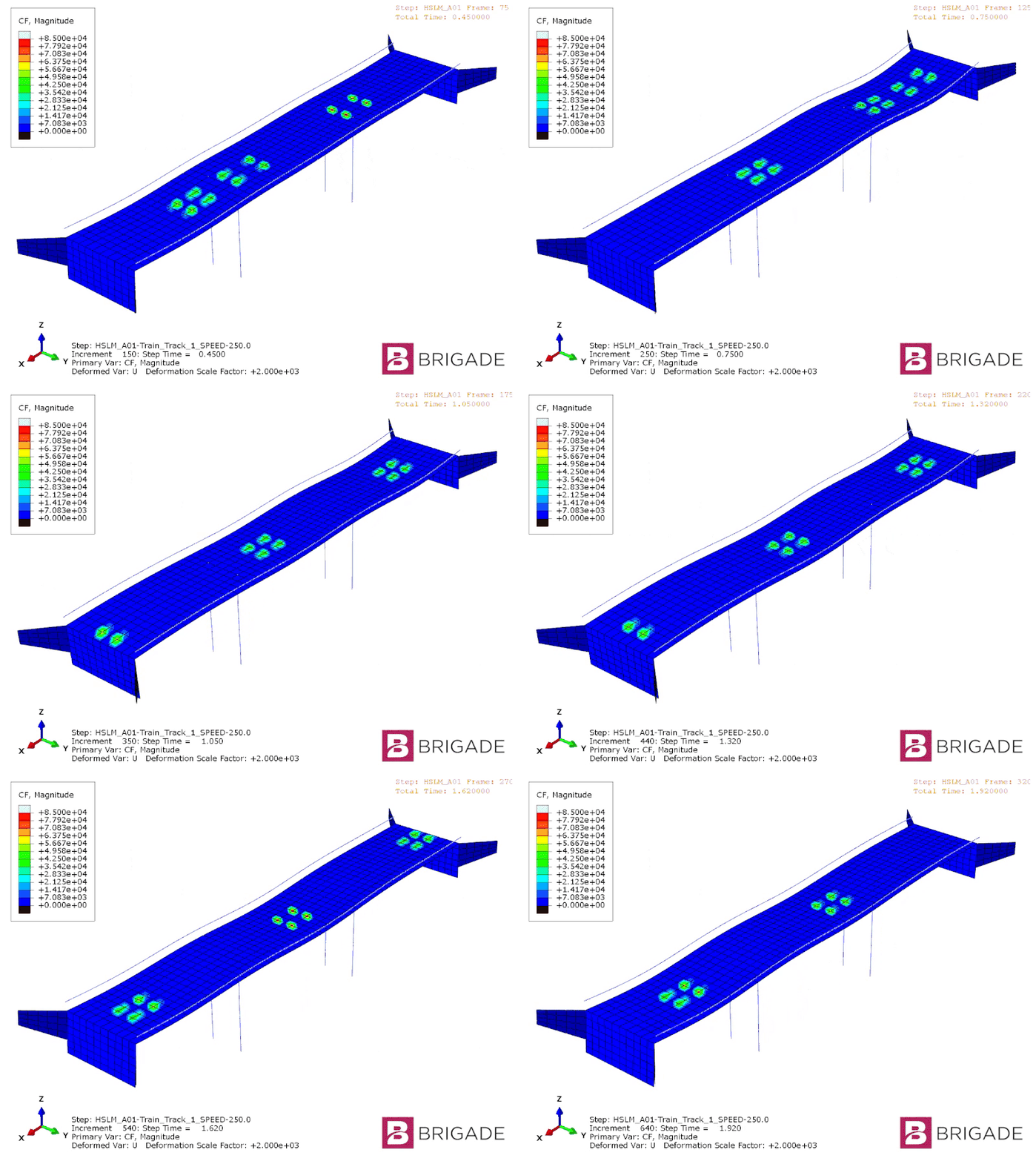
Who Needs Residual Modes Anyways?
Learn how residual modes improve accuracy and efficiency in dynamic bridge analysis for high-speed rail projects using BRIGADE/Plus.
Read more
Antenna Magus The Key to Efficient Antenna Design with CST Studio Suite
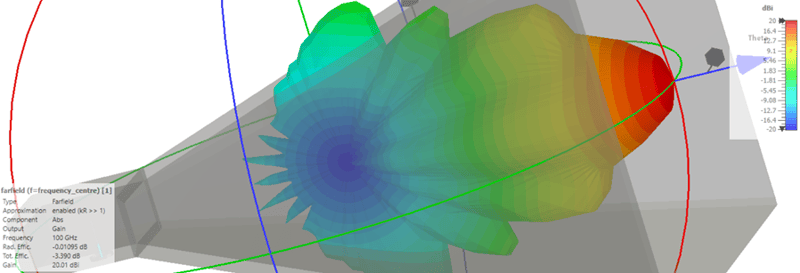
Fast antenna design with Antenna Magus and CST: Optimize horn antennas efficiently through precise planning and 3D simulation.
Read more
From Concept to Performance: A 5-Minute Guide to Topology Optimization in 3DEXPERIENCE
Learn how to perform topology optimization in 3DEXPERIENCE in just 5 minutes. Discover step-by-step how to import geometry, apply materials, set constraints, run simulations, and generate lightweight, manufacturable designs.
Read more
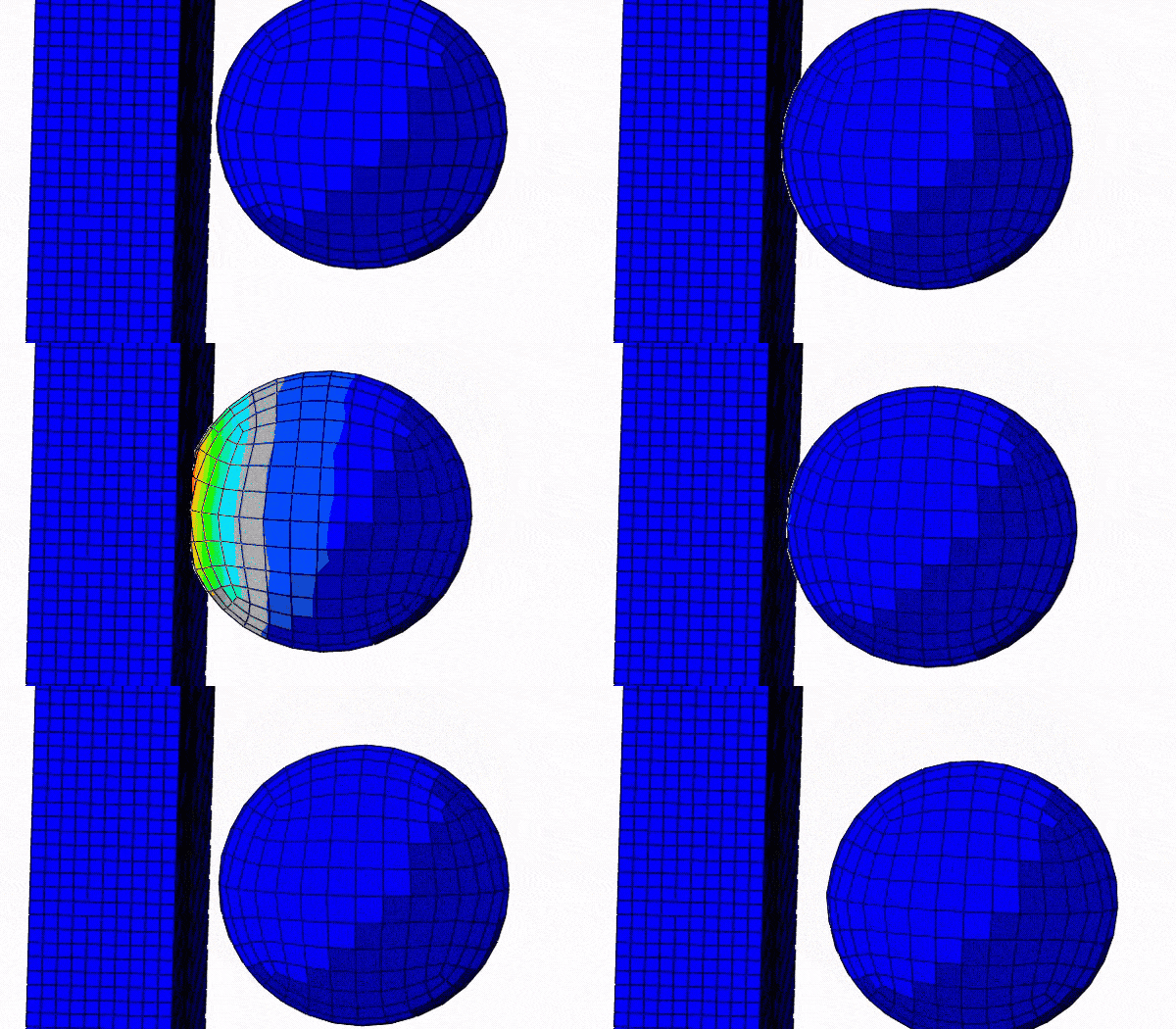
Second-Order Elements in Contact
In this blog we will cover some interesting characteristics of second-order elements in contact.
Read more
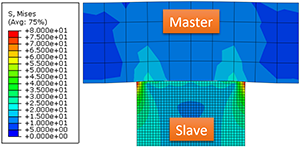
Surface to Surface Contact in Abaqus
In this blog we will look at the more sophisticated contact discretization method offered by Abaqus; the surface-to-surface contact.
Read more
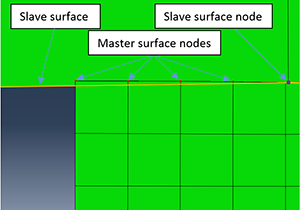
Node to Surface Contact in Abaqus
Need help understanding the consequences of different interaction set-ups with node to surface contacts in Abaqus? TECHNIA experts have it covered.
Read more
Germany’s Aging Bridges: Why Structural Analysis, Not Demolition, Should Guide the Future
Germany’s bridges are aging—but demolition isn’t the only answer. Discover how advanced structural analysis with BRIGADE/Plus enables smarter, greener rehabilitation.
Read more
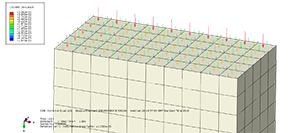
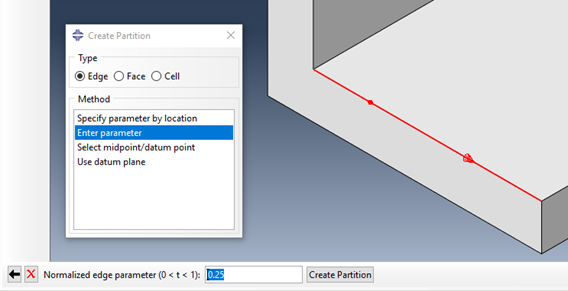
Geometry Partitioning in Abaqus/CAE
Learn how to use partitioning tools in Abaqus/CAE to prepare geometry for hexahedral meshing, assign loads and materials, and refine mesh control. Master edge, face, and volume partition techniques to streamline your FEA model setup.
Read more
SIMULIA Abaqus 2026 Installation
Learn how to install SIMULIA Abaqus 2025 step-by-step with this easy-to-follow guide. Ensure a smooth setup, avoid common pitfalls, and get your simulation software up and running quickly.
Read more
Electromagnetic Compatibility and Sensitivity with the CST Studio Suite
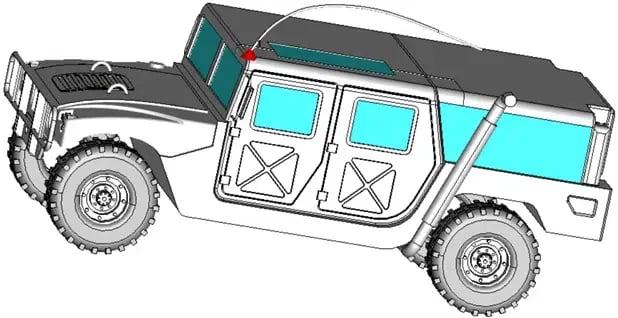
Discover the principles of electromagnetic compatibility (EMC) and susceptibility (EMS) through a detailed CST Studio Suite simulation of automotive cable shielding. Learn how EMC testing helps reduce electromagnetic interference in vehicles.
Read more
Efficient Charging of Electric Vehicles - Through Simulation With CST Studio Suite
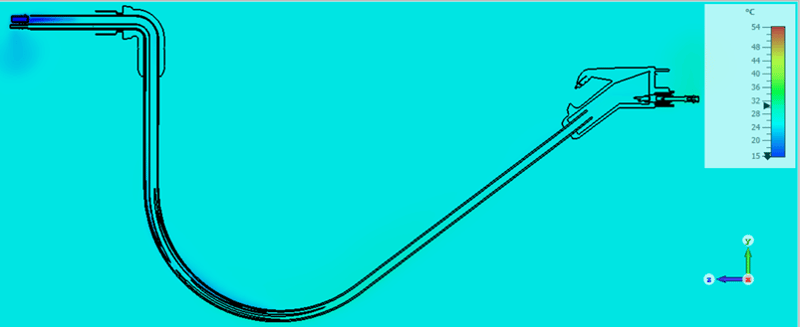
Explore how vehicle charging connectors enable fast, efficient connections between EV batteries and DC charging stations. Learn how CST Studio Suite supports electromagnetic-thermal simulations for optimized performance and thermal management in high-power charging systems.
Read more
Antenna Array Simulations
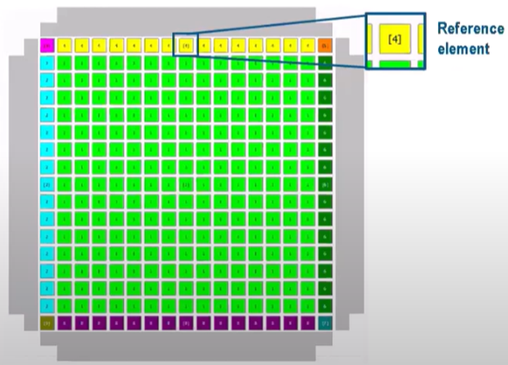
Explore efficient antenna array design and simulation workflows using CST Studio Suite. Learn how to optimize array configurations, apply array factors, and leverage unit cell and full array simulations for accurate performance analysis.
Read more
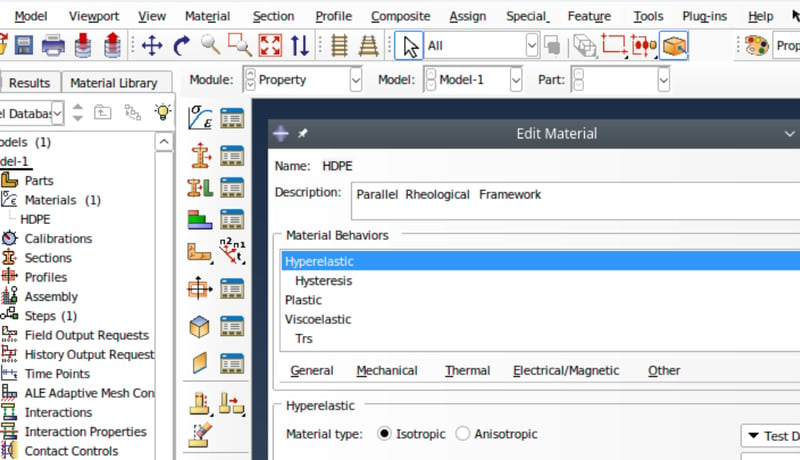
Can You Model Both Hyperelasticity and Creep in Abaqus?
Learn how to tackle one of the biggest challenges in materials science: modeling materials that exhibit both hyperelastic and creep properties.
Read more
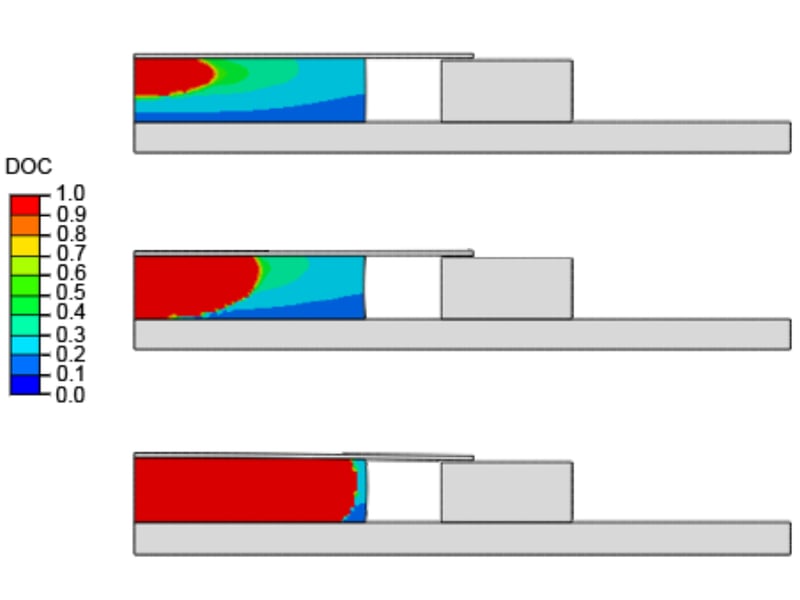
Modeling the Curing Process in Abaqus/Standard
Learn how to model the curing process in Abaqus/Standard software to accurately understand and control the mechanical and thermal properties of structural adhesives.
Read more
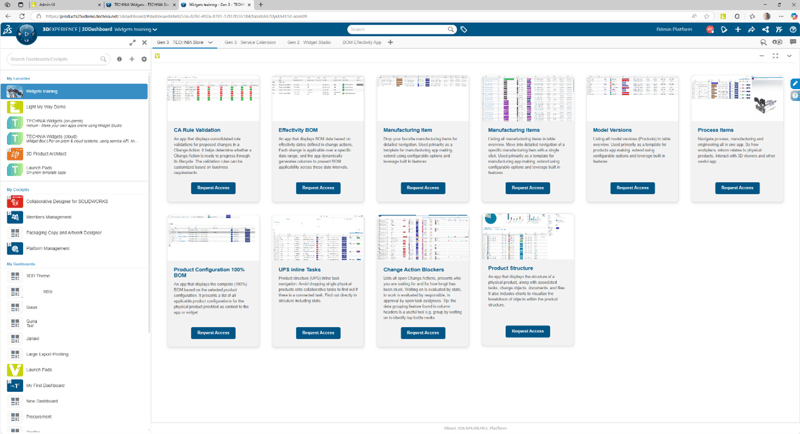
What are 3DEXPERIENCE Dashboards, and How Do They Address Multiple User Requirements?
Learn how 3DEXPERIENCE Dashboards and TECHNIA’s custom widgets simplify PLM, boost usability, and enhance collaboration across teams.
Read more
Multiphysics Simulation with Abaqus - Thermal Analysis
Learn how to set up a thermal-electrical-mechanical multiphysics simulation in Abaqus. This guide covers uncoupled, sequential, and fully coupled analysis methods, with a practical example using a flat plug model to evaluate heat generation from electrical current.
Read more
Multiphysics Simulation with Abaqus - Magnetic Deformation
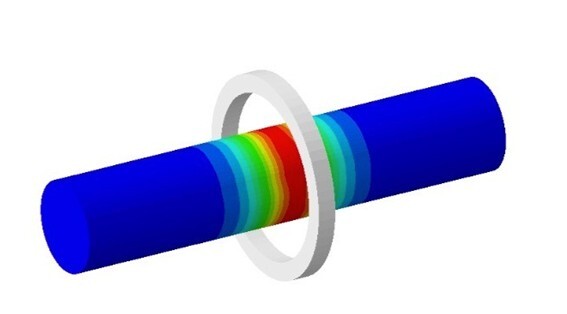
Learn how to set up a co-simulation in Abaqus to couple electromagnetic and structural analyses. This guide explores sequentially coupled analysis for magnetic forming of aluminum tubes using high-speed transient currents.
Read more
Modeling of Adhesive Connections (Sticky Contact) with Abaqus
Learn how to model adhesive contact and cohesive behavior in Abaqus/CAE using traction separation laws (TSLs). Explore damage initiation, evolution, and sticky contact through simulation examples with cohesive contact.
Read more
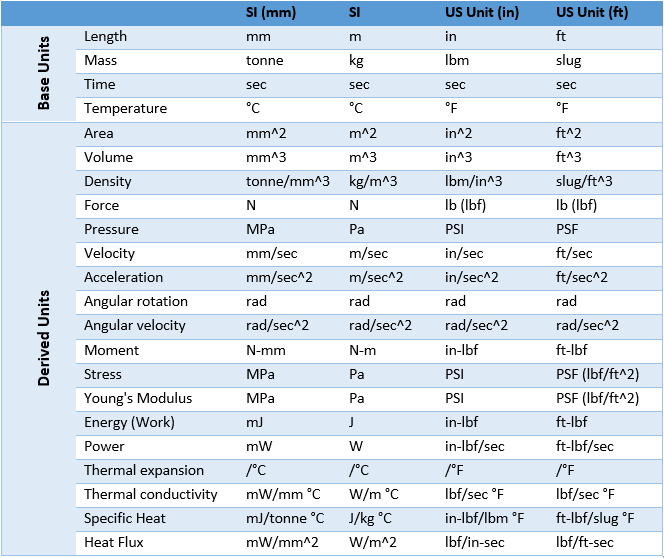
Consistent Units
Consistent units are critical in FEA modelling with Abaqus. Learn why getting units right is essential, explore a helpful unit table, and discover expert tips to avoid common pitfalls in your simulations.
Read more
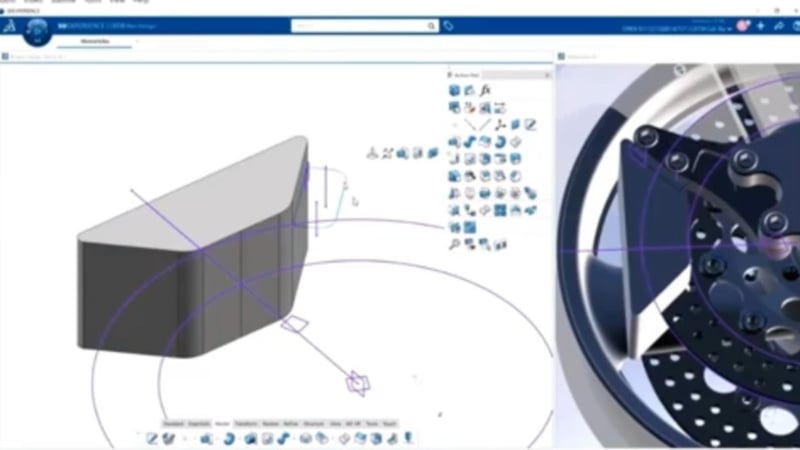
3D Modeling with AI-Driven Enhancements in CATIA
Learn more about several of CATIA’s AI capabilities, including user interface automation, generative constraints, and geometry analysis.
Read more
Simplifying and Repairing Geometry in Abaqus/CAE
Learn how to simplify and repair imported CAD geometry in Abaqus/CAE using powerful built-in tools. Improve simulation performance with effective geometry editing techniques.
Read more
From ABAQUS to Bridge Analysis – Without Starting from Scratch
Discover how BRIGADE/Plus empowers advanced ABAQUS users to tackle bridge engineering with dedicated tools for code-compliant load combinations, moving loads, and dynamic effects – all within a familiar interface.
Read more
A New Material Model for Cardboard Packaging in Abaqus 2025 HF1
Discover the latest advancements in cardboard packaging simulation with Abaqus 2025 HF1. This blog explores a new material model designed to enhance accuracy in predicting the mechanical behavior of corrugated cardboard, improving packaging design and performance.
Read more
Best Practices for Dynamic Analysis of Bridges
BRIGADE/Plus provides comprehensive tools for static and dynamic analysis of bridges under various load conditions, ensuring structural resilience.
Read more
New Year, New Fortran Compiler
Learn how to resolve compatibility issues between Abaqus and the Intel Fortran compiler after the discontinuation of ifort in 2025. This guide covers installation and setup for both Windows and Linux, helping you smoothly switch to the ifx compiler for user subroutine integration. Follow detailed instructions to modify environment files and install necessary toolkits, ensuring uninterrupted analysis performance.
Read more
Extended Free Body Cut
Discover the trade-offs bridge engineers face in balancing simplicity and accuracy in structural analysis. Learn how BRIGADE/Plus revolutionizes bridge design with the Extended Free-Body Cut (FBC) method, enabling precise calculations for complex geometries, moving loads, and detailed 3D effects. Explore how this advanced feature bridges the gap between traditional models and modern engineering demands. Stay ahead in bridge engineering with TECHNIA’s cutting-edge solutions
Read more
What's new in the v2025 release of the SIMULIA structures tools?
Welcome to 2025! Upgrade to Abaqus v2025 and explore the latest structural simulation tools with enhanced functionality and bug fixes. Don't miss the updates—watch our webinar for a feature overview!
Read more
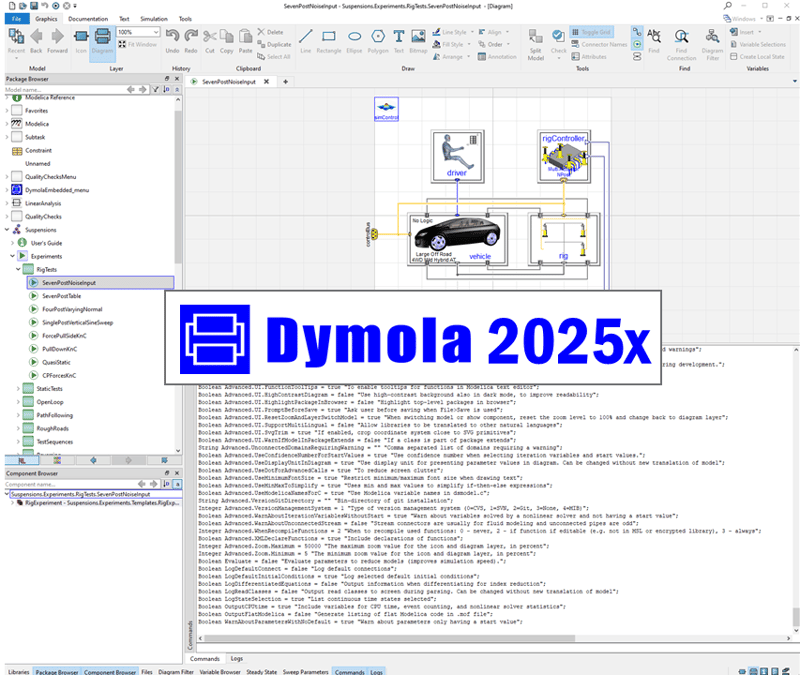
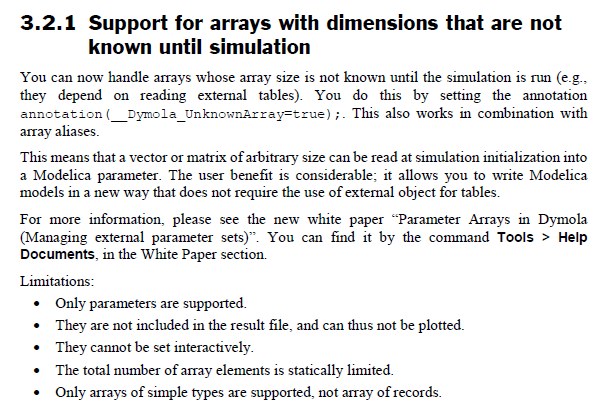
Advanced Flag Changes in Dymola 2025x
Explore the new, changed, and removed advanced flags in the Dymola 2025x release, with insights on how these updates impact Modelica libraries, FMU export, simulation performance, and development workflows.
Read more
Understanding Bridge Analysis
Bridge analysis is vital in civil engineering as it ensures the safety of structures by identifying potential weaknesses and vulnerabilities
Read more
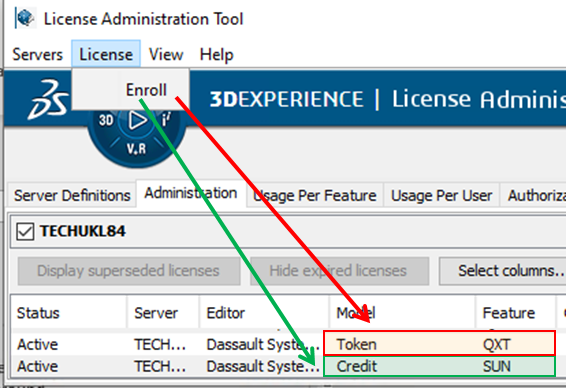
Pay-as-you-go Abaqus using consumable credits to access flexible solver power
Discover how Abaqus licensing has evolved with the introduction of consumable credits, offering users more flexibility and access to solver capacity. Learn how credits can supplement traditional tokens to maximize compute power and analysis throughput, and explore the simple steps to implement this powerful new option for managing high-demand projects.
Read more
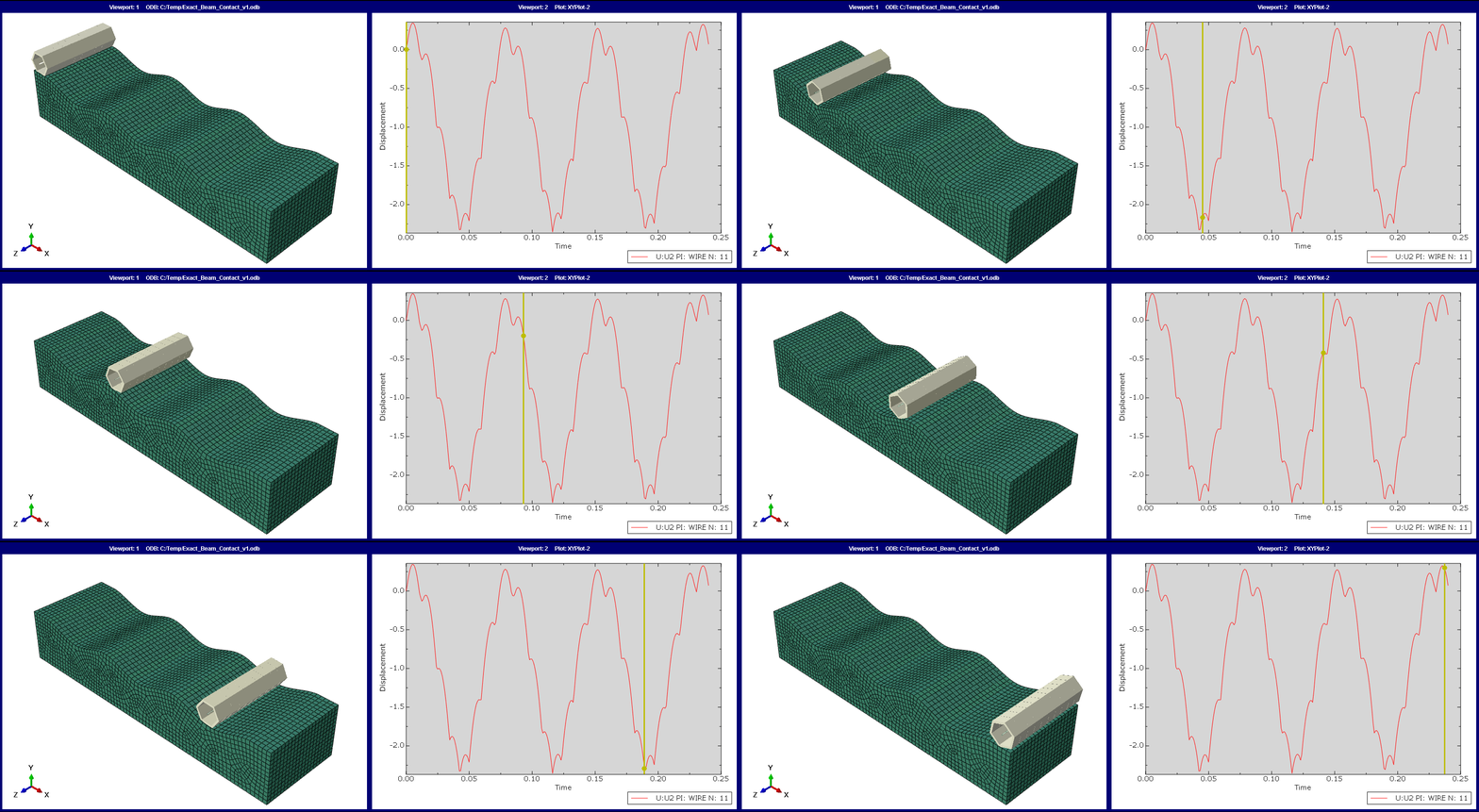
Exact beam contact
With recent advancements, Abaqus has significantly improved its ‘General Contact’ approach, enhancing functionality, robustness, and performance. Discover how the latest version, Abaqus 2023, simplifies defining contact interactions, such as using exact beam profiles for contact surfaces.
Read more
Using VeSyMA in MBSE
Understand how VeSyMA supports Model Based Systems Engineering (MBSE) across concept, development, and validation stages. Explore its role in ModSim, Virtual Twins, and Digital Twin workflows for system-level vehicle engineering.
Read more
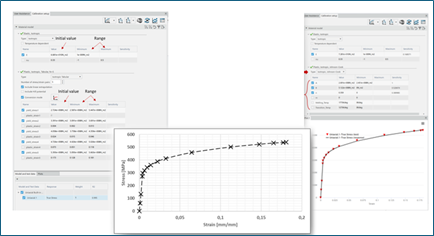
Material Calibration App
The 3DEXPERIENCE Platform Material Calibration app moves the simulation world forward by taking material calibration capabilities found inside the analysts' favorite interface (Abaqus/CAE) and moving them forward to expand and enhance the core process. .
Read more
Amplitude Plotter
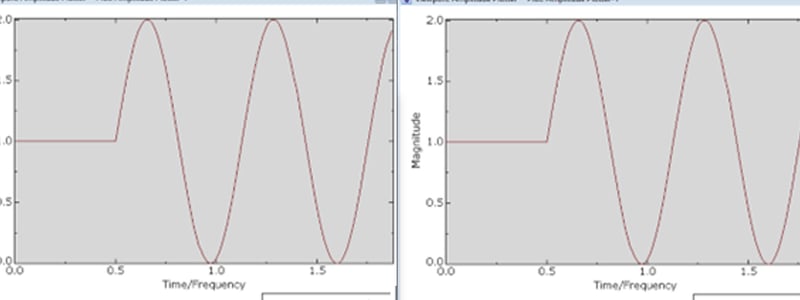
Discover how to visualize amplitude curves in Abaqus with the 'Amplitude Plotter' tool. This feature allows users to define and inspect complex variations, simplifying the workflow and ensuring accuracy without external tools like Excel. This hidden gem in Abaqus/CAE enhances the modeling experience.
Read more
Dymola license server for novices
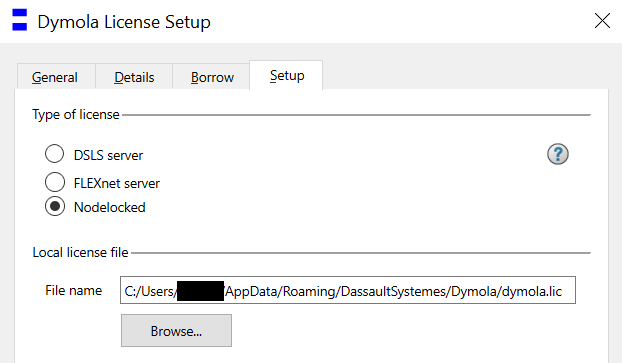
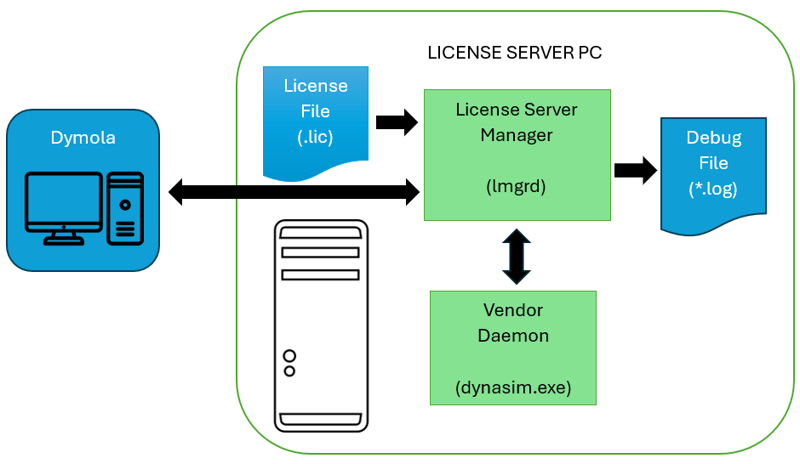
Learn how the Dymola FlexLM license server works, including installation, license borrowing, checkout behaviour, and practical troubleshooting tips for common issues.
Read more
Start Running EMC Simulations with CST Studio Suite
Electromagnetic compatibility (EMC) is not just a regulatory formality but a cornerstone of product reliability and market success. In this blog post, you can learn about the benefits of running EMC simulations with CST Studio Suite electromagnetic simulation software.
Read more
Why Use Function-Driven Generative Designer or Topology Optimization?
Generative Design is the automatic process of generating a design concept from a set of performance requirements and design rules. It uses an algorithm to generate every design concept possible within a range of parameters and enables designers to choose the best outcome.
Read more
Visualizing Unconnected Regions in Abaqus Models
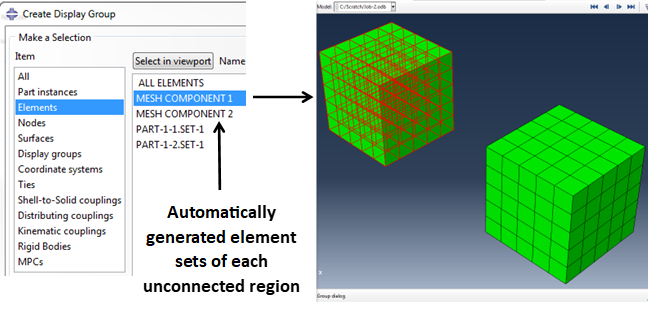
This blog delves into Abaqus as a versatile suite of finite element tools, highlighting its capability to tackle diverse structural problems with implicit and explicit solvers, along with providing extensive diagnostic support, while also explaining how certain functionalities like 'unconnected regions' can be accessed outside Abaqus/CAE for enhanced model validation and troubleshooting.
Read more
CST Studio Suite Python Scripting
Use Python to speed up your simulation workflow in CST Studio Suite.
Read more
What Can You Do with the Abaqus ODB Reducer/Builder Plug-in?
automatically installed since Abaqus 2021. The ODB Reducer/Builder plug-in is also available in historic releases, through text parameter inputs.
Read more
Viscoelastic material model to capture the effects of creep in concrete
Viscoelastic concrete material models are crucial for predicting long-term structural behavior under sustained loads, temperature changes, and dynamic forces, especially in bridges.
Read more
Turning UDI compliance into a competitive advantage with PLM
The regulations for UDI (Unique Device Identification) are high on the agenda for most medical device companies. Many faced a race against time last summer to get the necessary submissions filed on time registered, and the process can be a challenge. But the key to UDI success is to view the regulation as an opportunity rather than a challenge.
Read more
Using ASME 8 to Model High Pressure Valves
unknown
Read more
Tyre Simulation for Snow Traction
unknown
Read more
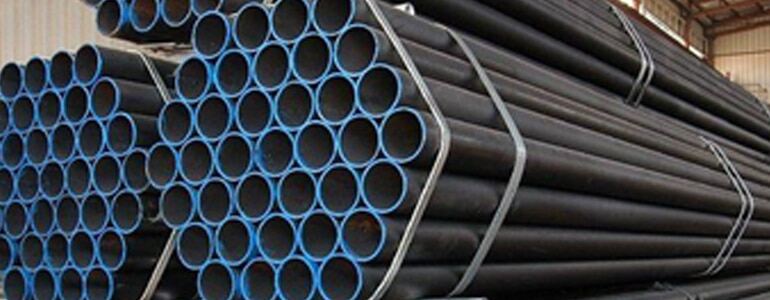
Transport Simulation of Steel Rod Bundles in Abaqus
This transport simulation has many contacts between the elastic bodies and considers a failure of the packaging straps at weld points
Read more
Simulating Geomechanics and Fracking with Abaqus
unknown
Read more
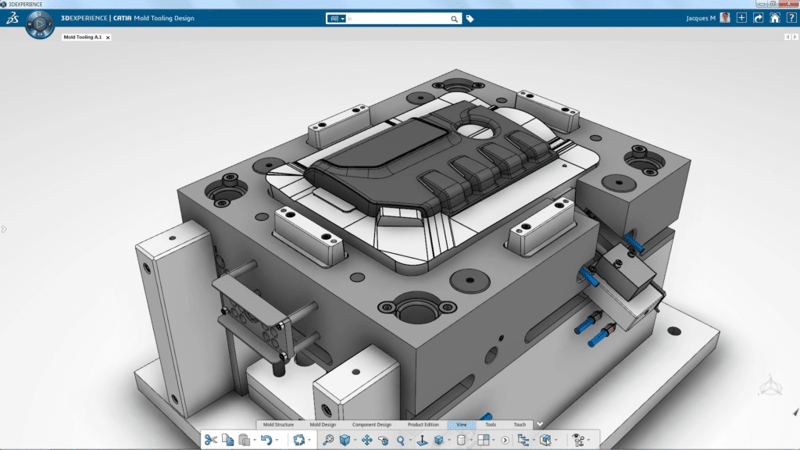
Plastic Injection Simulation
Discover how assistant-driven technology in 3DEXPERIENCE can streamline your process and improve results.
Read more
Image Processing Software in Antibody-based Techniques
unknown
Read more
How to Improve Your Product by Keeping Track of Your Technical Debt
Technical Debt is a whole new way of looking at product quality and making it more manageable.
Read more
How to Choose Abaqus Colormaps
It's all too easy to misread, misinterpret, or miscommunicate statistical data. That's why data representation in simulation and analysis is so important - especially when writing an engineering report.
Read more
Generative Structural Analysis Applied for Design Optimisation
Design optimisation is the process of finding the best design parameters that satisfy project requirements. Optimisation of parameters, whether “minimisation”, “maximisation” or “approaching a target value” is an iterative process.
Read more
Engineered to Cure: Unlocking Innovation in the Medtech Industry
unknown
Read more
Embracing Open Science for a Sustainable Future
Unlocking the power of Open Science for global progress and sustainability.
Read more
Drop Testing in Simulation Analysis
oijasdofisaodfg
Read more
Bioelectromagnetic Simulation with CST Studio Suite
Analyze the interaction of electromagnetic fields with the human body using CST Studio Suite
Read more
Abaqus Smooth Particle Hydrodynamics
oijasdofisaodfg
Read more
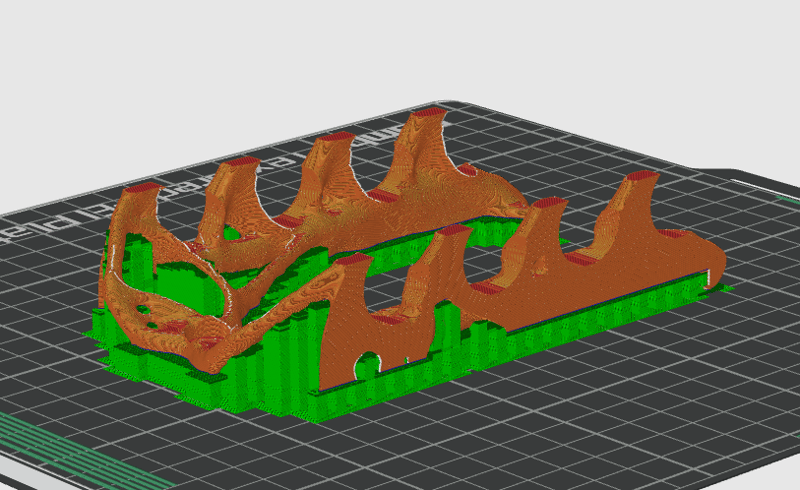
Practical Topology Optimization for 3DPrinting
Unlock the potential of Abaqus with our step-by-step guide on setting up and executing a condition-based topology optimization process.
Read more
Beyond Subroutines in Abaqus/Standard
Typically, Abaqus tackles a set loading history defined by the user. But what if the final state of a step within the loading sequence can’t predetermine in advance of running the simulation? Now, Abaqus can self-determine when to end a step with native functionality, bypassing the need for intricate subroutines.
Read more
Non-Linear Optimization of a Connecting Lug with Tosca Structure
Learn how Tosca can easily handle optimization cases with non-linearities, including non-linear contact conditions.
Read more
Abaqus 2024: Python Upgrade for Scripters and Non-Scripters
In this post, we will look at some differences that are worth keeping in mind, and how to use the 2to3 tool to (mostly) convert your current scripts to Python 3 automatically.
Read more
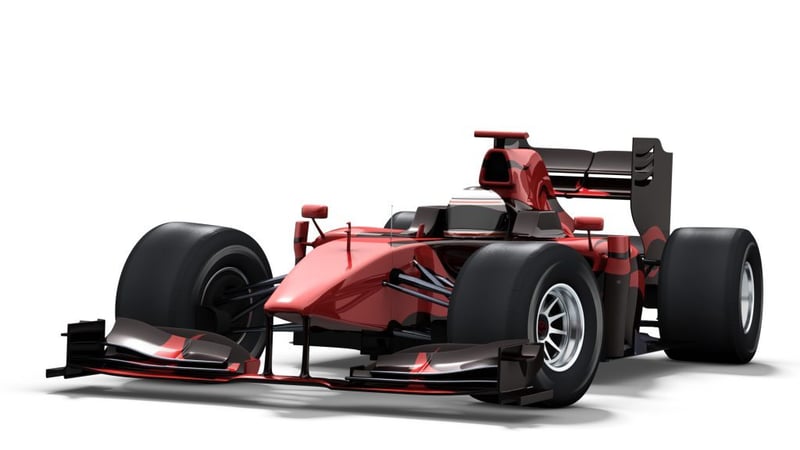
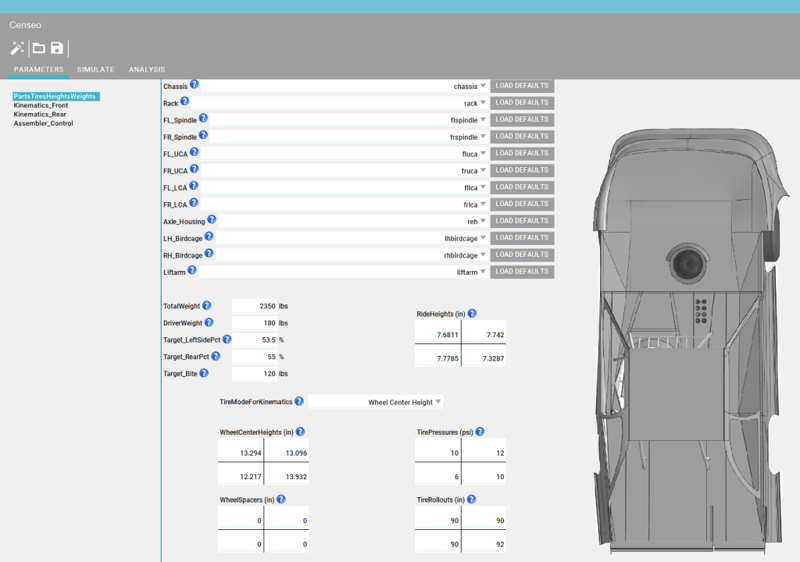
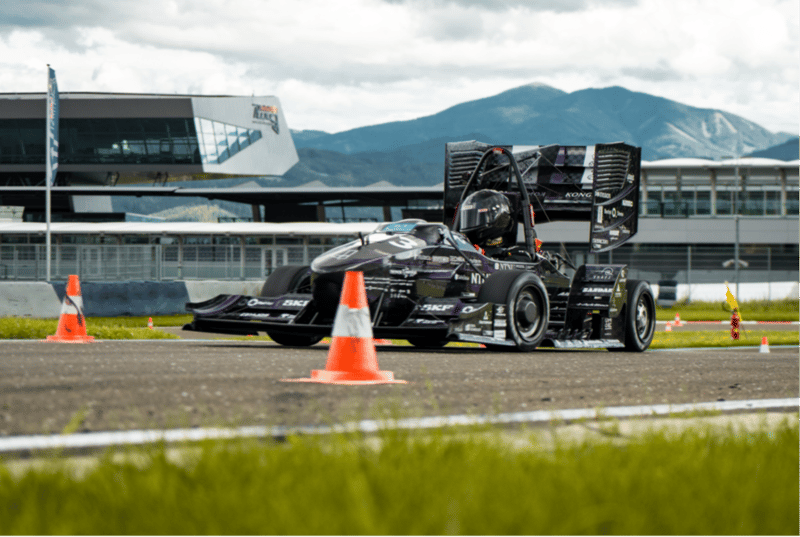
Simulation Driven Upright Development For a Formula Student Race Car
Guest blog: Simulation Driven Upright Development - For a Formula Student Race Car
Read more
What’s New in CST Studio Suite 2024?
Discover the latest features and updates in the latest release of CST Studio Suite 2024
Read more
How to Install CST Studio Suite and Antenna Magus Learning Editions
In this blog we'll give you step-by-step instructions on how to install software for electromagnetic simulation: CST Studio Suite and Antenna Magus Learning Editions
Read more
Versatility and Strength of General Contact Across Both Abaqus/Standard and Abaqus/Explicit Solvers
Go beyond automated simulations to understand the dynamics of interaction types using general contact in Abaqus/Standard
Read more
Reading and Writing Excel Formats with Abaqus Python
This post will still be confined to the native python installation shipped with Abaqus 2023 and how to work with Excel documents.

Read more
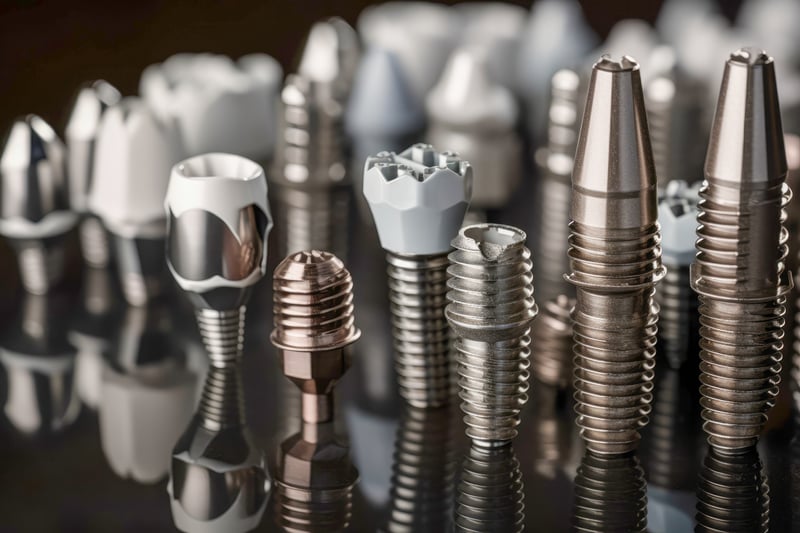
Dental Implant Structural Performance Study
This blog explores the use of the 3DEXPERIENCE platform to simplify the collaboration between design and simulation engineers in the field of dental implantology to increase the probability of a successful treatment.
Read more
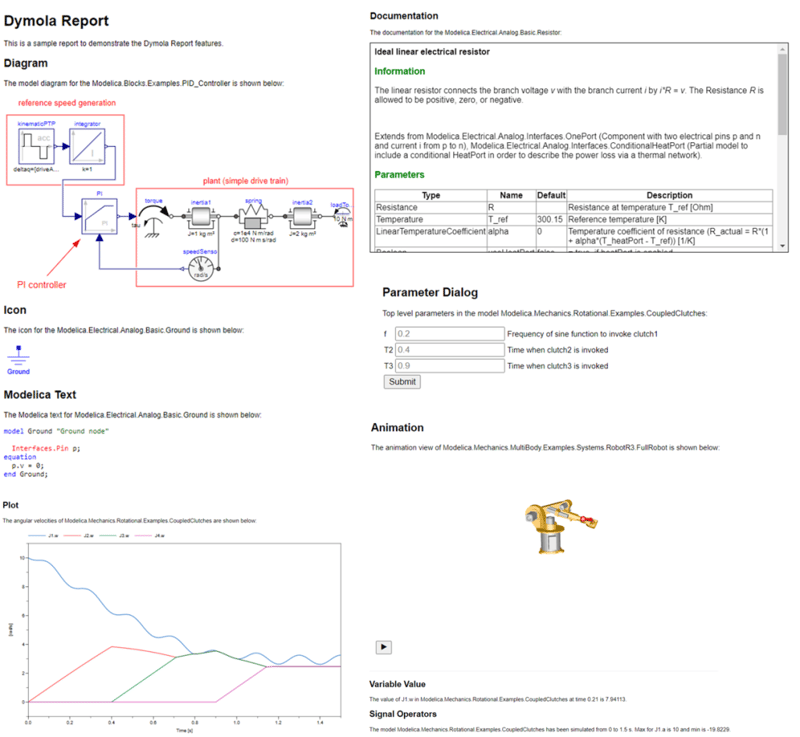
Dymola's HTML Report Generator
HTML Reports are a clear, lightweight and easy to use tool for distributing Dymola results, to both Dymola and non Dymola users alike.
Read more
Structural Analysis and Design with BRIGADE
Whether you're working on standard bridge designs or complex, custom structures, BRIGADE has you covered.
Read more
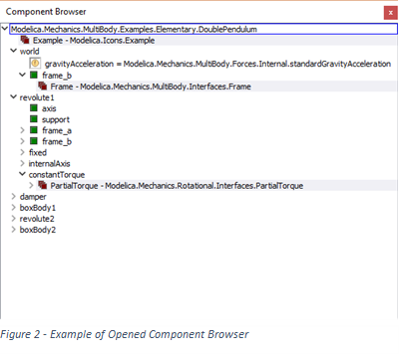
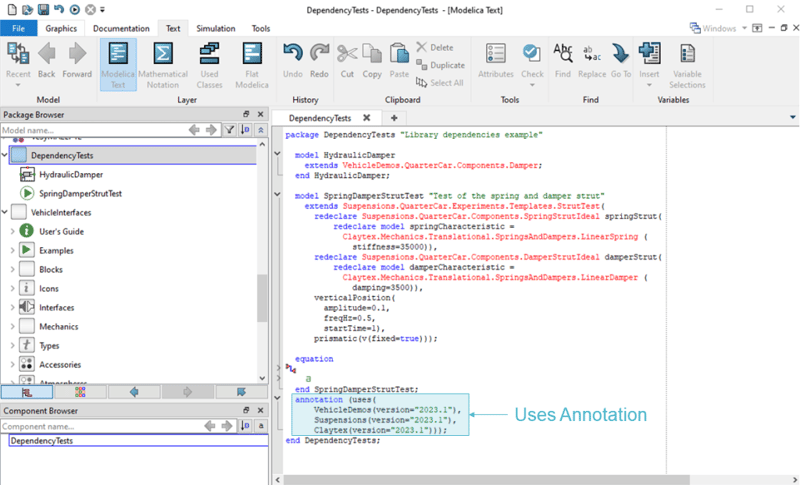
What are your library's dependencies?
Learn how to identify and manage Modelica library dependencies in Dymola using the getDependentLibraries function for improved compatibility, maintenance, and development workflows.
Read more
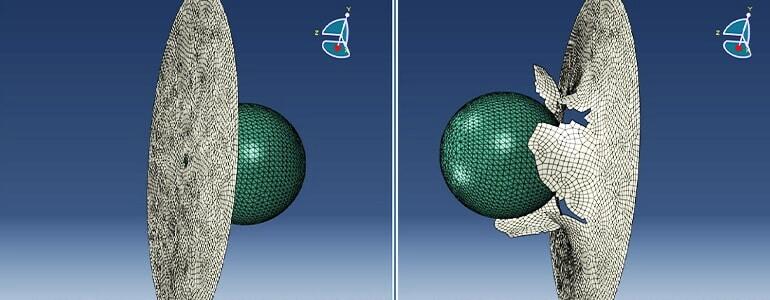
Simulation of the Ballistic Behaviour of the Thin Steel Plate in Abaqus/Explicit
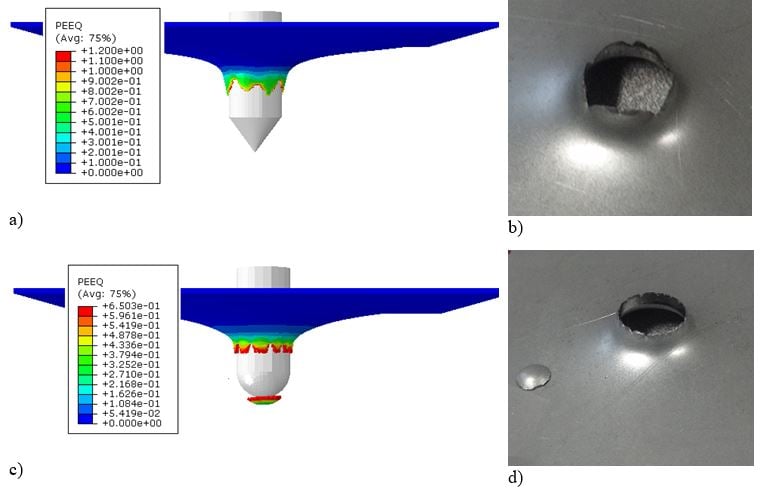
This Technology Brief presents the results of a numerical simulation of the perforation of a thin steel plate by a rigid projectile in Abaqus/Explicit.
Read more
Modeling Buckling, Post-buckling, and Imperfections with Abaqus FEA
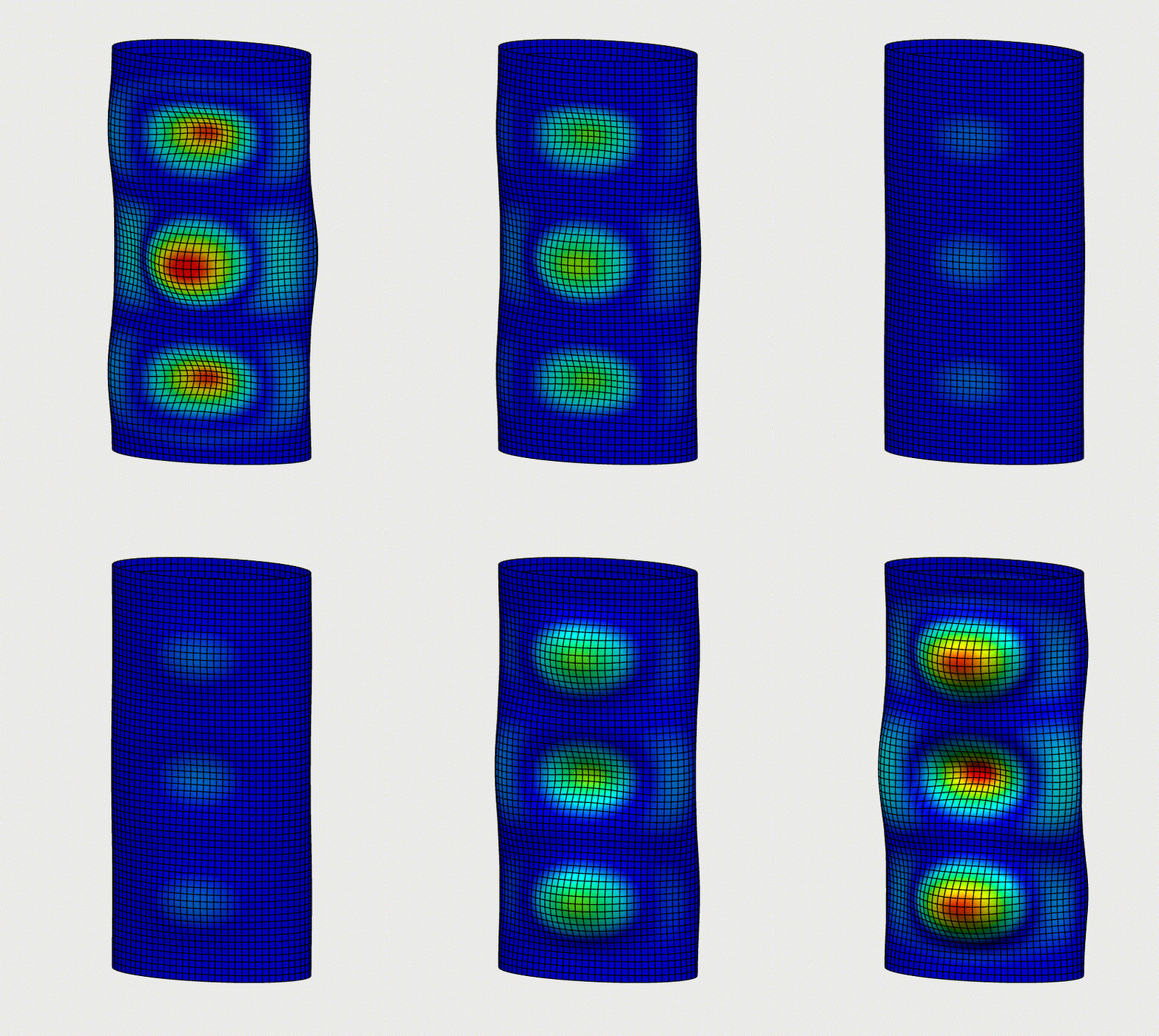
In our recent Blog we will describe the possibilities to perform Buckling analysis in Abaqus. Read more about Linear Buckling, Imperfections & Riks Analysis.
Read more
Simulation of the concrete compression in Abaqus/Explicit using CDP model
This blog discusses simulation of the concrete compression in Abaqus/Explicit using CDP model.
Read more
What is Simpack?
This blog discusses the how Simpack provides all required tools to perform Multi-Body simulations - ergonomic interface and high-end class solvers.
Read more
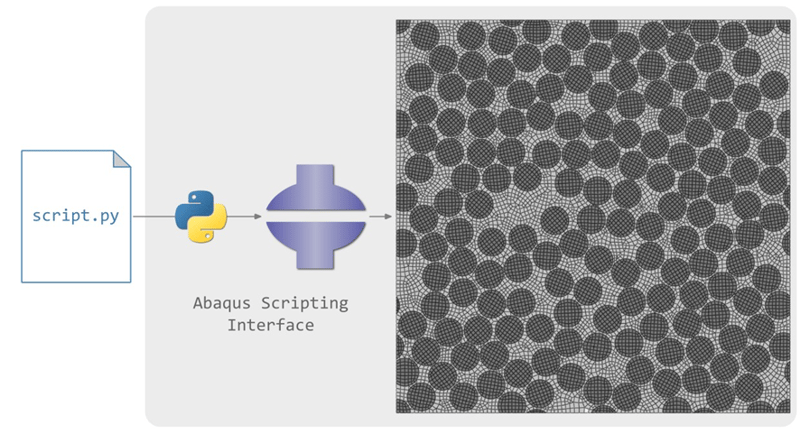
Discover the Power of Abaqus Scripting With Python
In this article, we will discuss the advantages of using Python scripts in Abaqus for finite element analyses compared to doing it manually and explain the impact of using Python scripts in the numerical simulation pipeline.
Read more
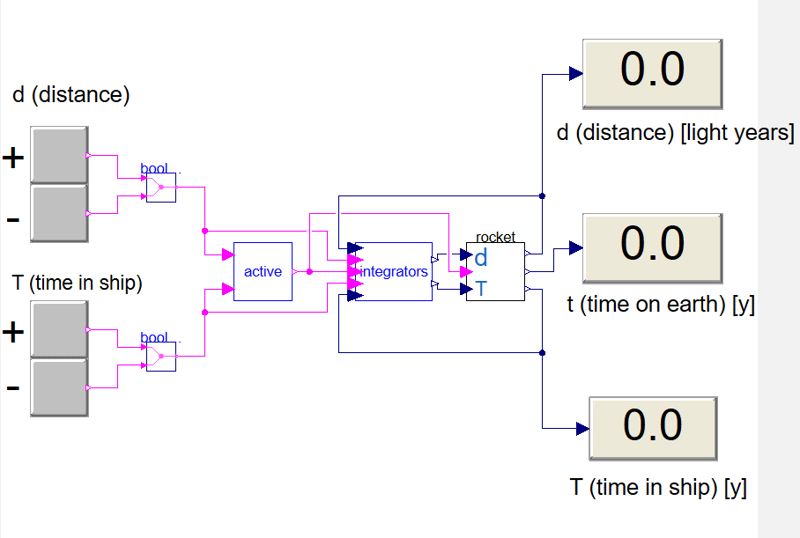
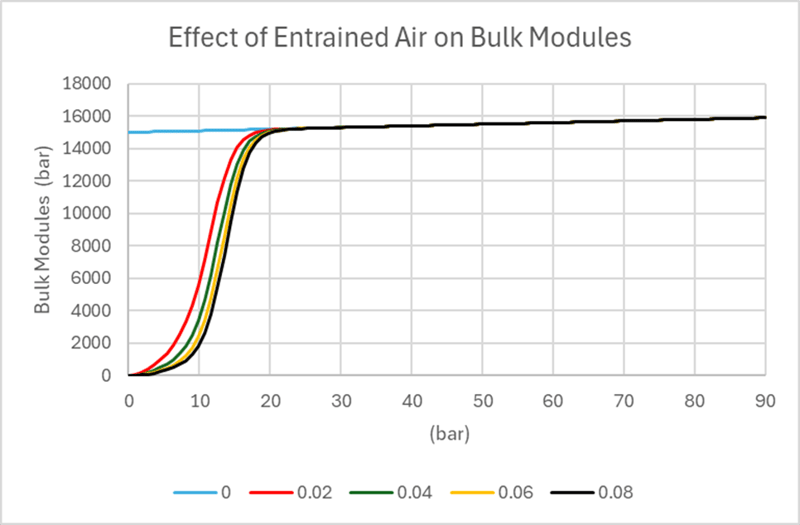
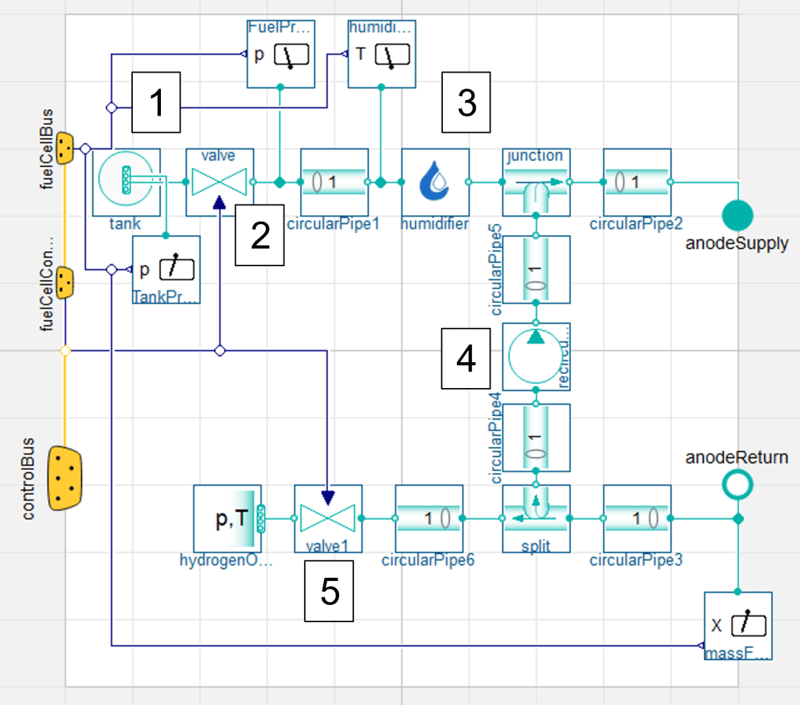
What can you get out of a detailed simulation? Taking a look at a fuel cell electric bus model
Explore the value of detailed simulation using a fuel cell electric bus model, from component sizing and control system design to system optimisation and digital twin applications.
Read more
Abaqus Co-simulation with XFlow
Using multiphysics simulations allows the interaction between different physical phenomena to be captured
Read more
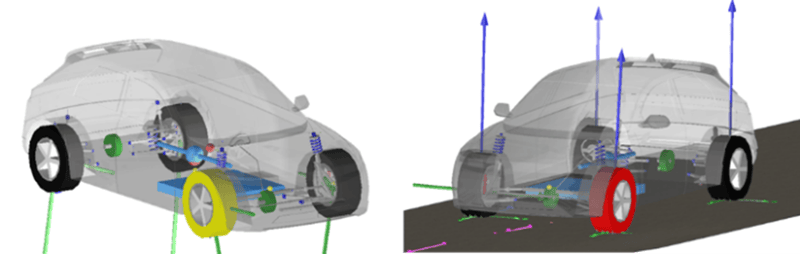
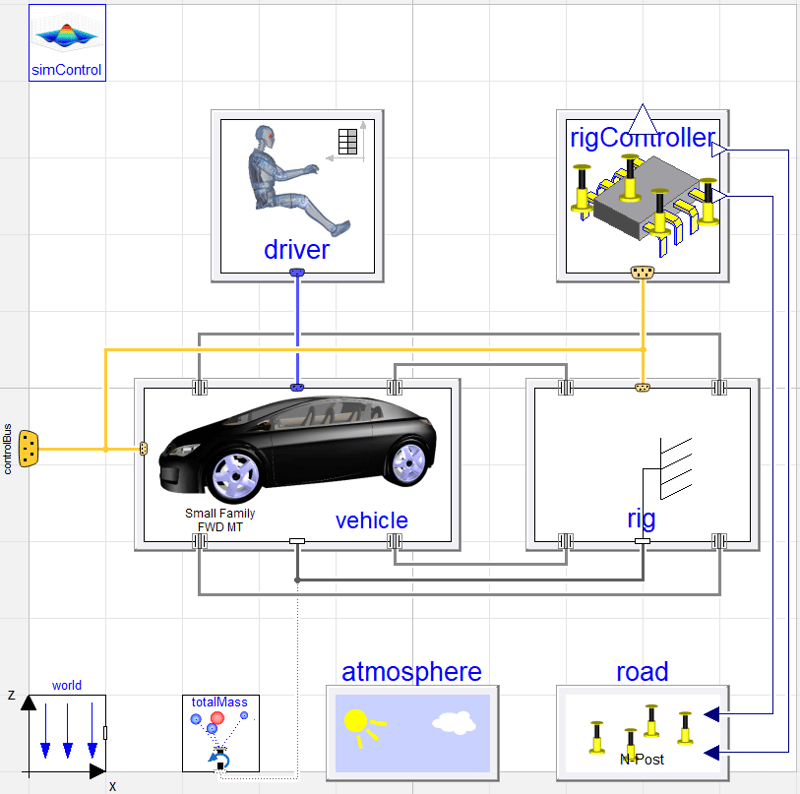
Simulating KnC rigs
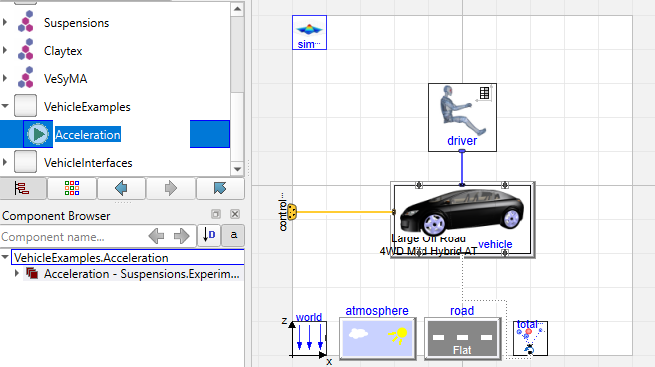
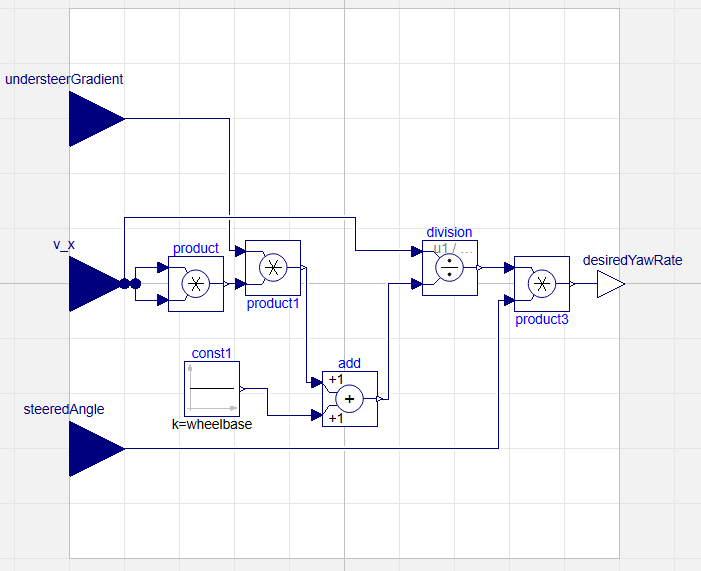
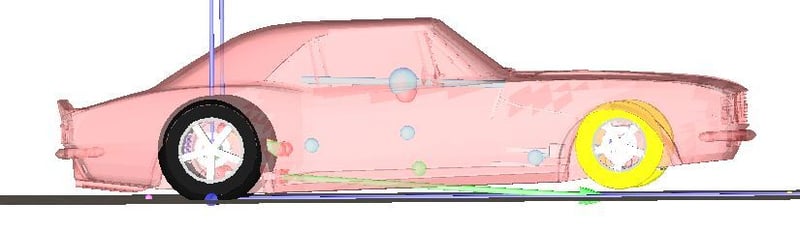
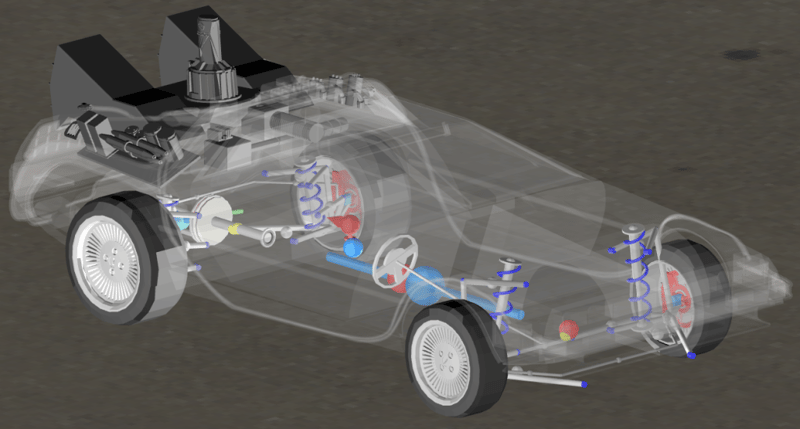
Discover how to validate vehicle dynamics using Kinematic and Compliance (KnC) rig simulations and models within the Dymola Suspensions library.
Read more
Tips for Running Abaqus Jobs on a Server
This blog highlights some of the commands and functions that are useful when working on a shared Linux server. Some of these commands will still be useful on a windows platform.
Read more
A Closer Look at Dymola Events
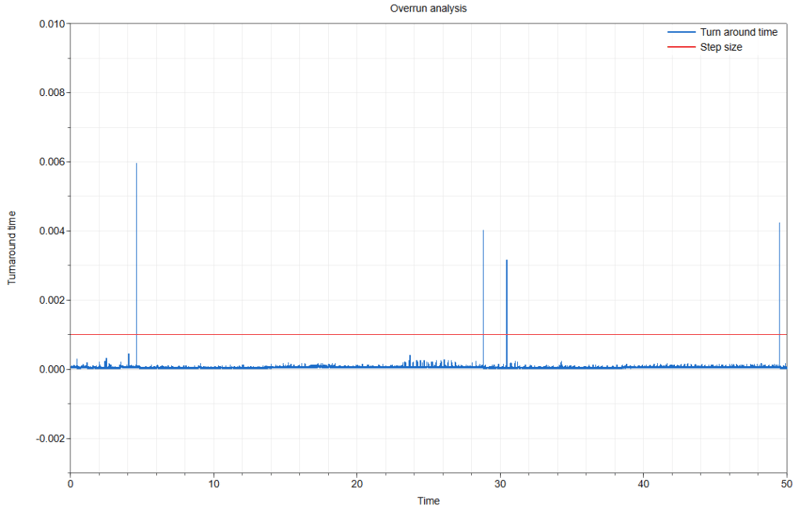
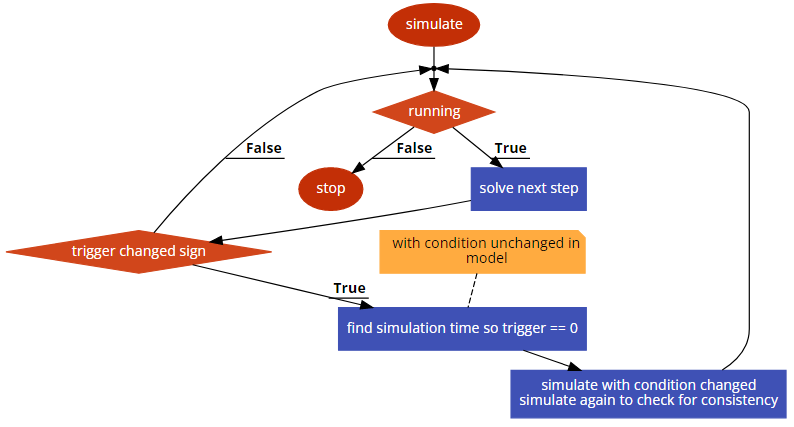
Explore how Dymola events are detected and handled by a variable‑step solver, including time, state, input, and step events in Dymola. Learn how event triggers, iterative searches, and consistency checks ensure accurate simulation results.
Read more
How to Save and Export Animations in Abaqus for Powerpoint
This blog shows how to create videos for PowerPoint presentations with Abaqus/CAE.
Read more
Additive Manufacturing Simulations in Abaqus
This blog discusses the how the Abaqus functionalities allow for realistic simulations of a wide range of additive manufacturing processes.
Read more
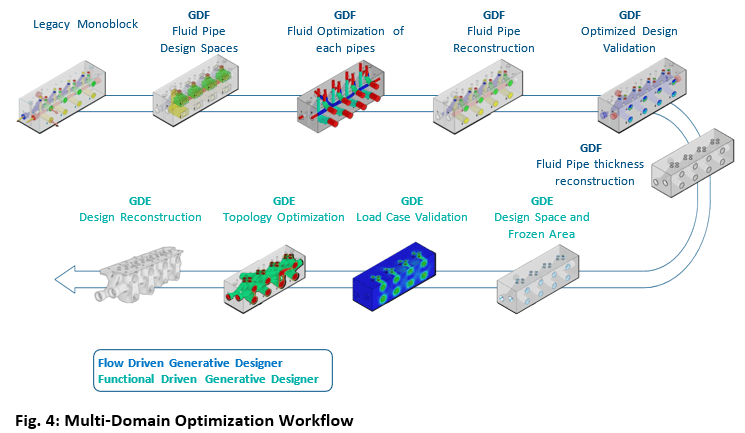
Optimizing Design Processes for Sustainability with Generative Design
This blog illustrates the redesign of a hydraulic manifold with an almost 40% percent average improvement in pressure drop and 80% savings in mass.
Read more
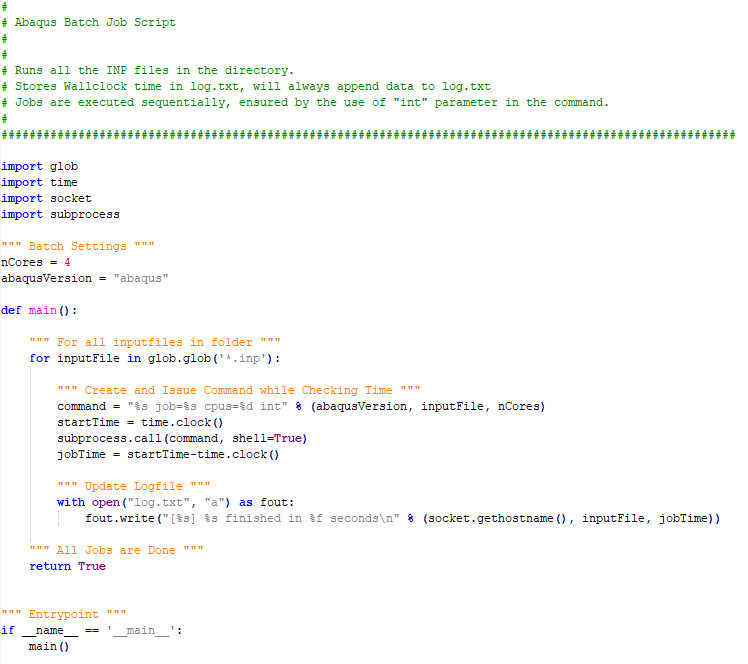
Running Batches of Jobs with Abaqus Python
A useful python script that can be modified to include more features. Based on built-in functionality, no additional installation or investment needed.
Read more
Using global connectors
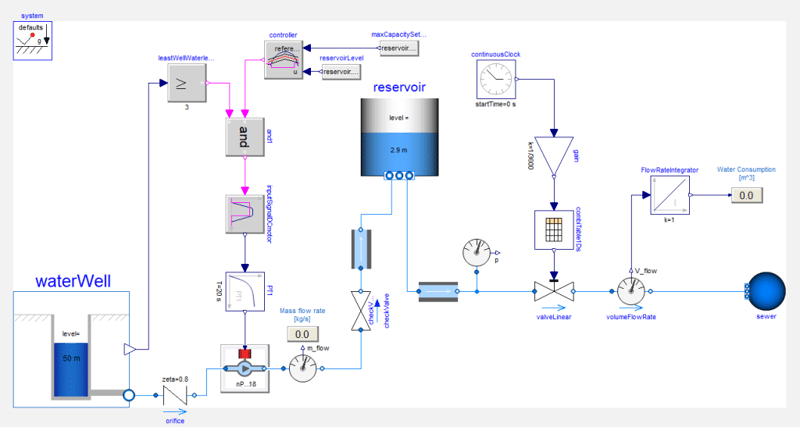
Learn how to use global connectors in Modelica to aggregate properties like total mass across a system. This guide explains connector behavior, flow/across variables, and practical implementation in Dymola models.
Read more
Flexible Licensing Using Abaqus Credits
Björn Lundin explains the option of Abaqus Credits as a more flexible license solution when there is sudden need for additional solving capacity over a brief time period.
Read more
Customizing your Abaqus 2022 environment with Python
NEW Blog | Customizing your Abaqus 2022 environment with Python. Discover the powerful opportunities to accelerate your day to day tasks!
Read more
Two Ways to Get Geometry From an Orphan Mesh in Abaqus
Abaqus offers tools to create geometry based on a mesh. Here I discuss two options: using the mesh-to-geometry plug-in and using the built-in tools.
Read more
Why It's Good to Understand What Your FE-Solver Is Doing
In this blog Christine Obbink-Huizer explores a customer support question problem discussing why it is good to understand what your FE solver is doing (and how you can become more knowledgeable as well!).
Read more
Free Fortran Compiler on Windows for Abaqus Material Modeling
In this blog we'll show how to install a freely available fortran compiler and link it to Abaqus to do material modelling with user subroutines.
Read more
Simulating Crack Initiation and Propagation in Abaqus Using XFEM
In conventional FEM methods for crack propagation, the initial crack location needs to be predefined. This is not necessary when using eXtended Finite Element Method (XFEM). In this blog post I thought we would take a small dip into modelling fracture and failure in Abaqus using XFEM.
Read more
Abaqus Python Scripting: How Difficult Is It?
Scripting in Abaqus is a powerful way to reduce (wo)manhours and ensure a consistent method is used. Previously, we have given an example of postprocessing and tips on getting started. This blog discusses the kinds of problems that are easy or more challenging to script by using examples.
Read more
Meshing Complex Geometries in Abaqus
Geometry import and meshing is one of the key areas where we as FE analysts can spend a lot of time and effort. For meshing in particular, using hexahedral elements to mesh complex part can be difficult. In this blog we’d explore one way to obtain a hexahedral mesh for two relatively difficult parts.
Read more
Sensitivity testing of vehicle efficiency using VeSyMA drive cycle
Discover how to perform sensitivity testing on electric vehicle efficiency using VeSyMA drive cycle simulations to analyze the impact of gradients, crosswinds, and roof boxes on battery SOC.
Read more
VeSyMA sign convention
Understand VeSyMA sign conventions for vehicle simulations, including road, motion, and mechanical variables, to ensure accurate interpretation of results and system behaviour.
Read more
Axisymmetric Analysis: Abstraction Shapes and FEM Reps
In Abaqus there is a direct relationship between geometry and the final meshed shape: if we want to defeature or do an axisymmetric analysis, the geometry needs to be modified. On the 3DEXPERIENCE platform, this is not the case. The geometry can remain unchanged. Discover more in the latest blog from Christine Obbink-Huizer.
Read more
Variable valve timing on the effect of brake specific fuel consumption (BSFC) improvement: a study at part load using VeSyMA - Engines
Explore how variable valve timing (VVT) impacts brake specific fuel consumption (BSFC) at part load using VeSyMA Engines. Learn which valve strategies improve efficiency and why.
Read more
Vehicle origins and coordinate systems
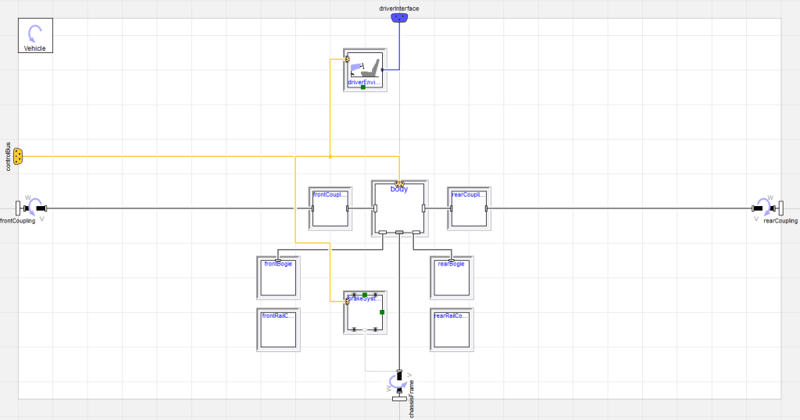
Learn how to define vehicle origins and coordinate systems in Modelica and VeSyMA. Avoid common orientation errors, align subsystems correctly, and ensure accurate simulation results from the start.
Read more
Hyperelasticity and Viscoelasticity in Abaqus
In this blog I thought we could do a small dive into hyper- and viscoelastic materials and how to model these in Abaqus.
Read more
Simulating Models with dsu.txt Inputs
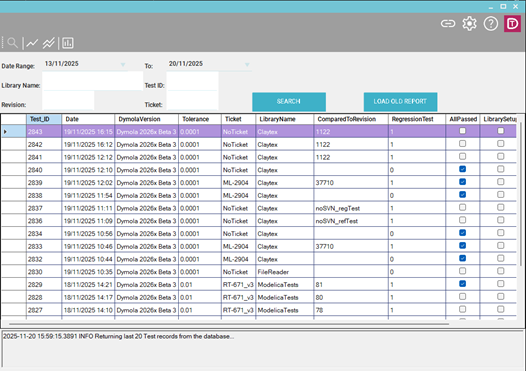
Learn how to simulate Dymola models with dsu.txt inputs to replay hardware-in-the-loop (HiL) test signals, debug models, and use Claytex.FileReader alternatives.
Read more
Implicit Vs Explicit Finite Element Analysis: When to Use Which
Which finite element solver to use: implicit or explicit? Solver type influences the set of equations, availability of features, run time and even if a solution is found.
Read more
When to extend, duplicate or create from scratch
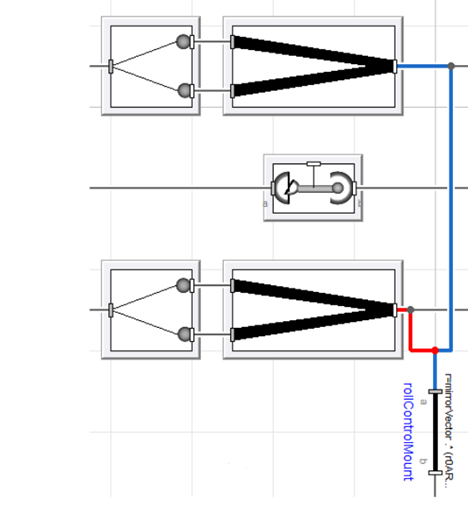
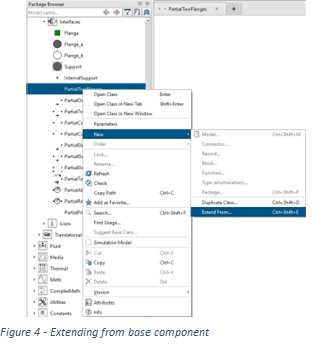
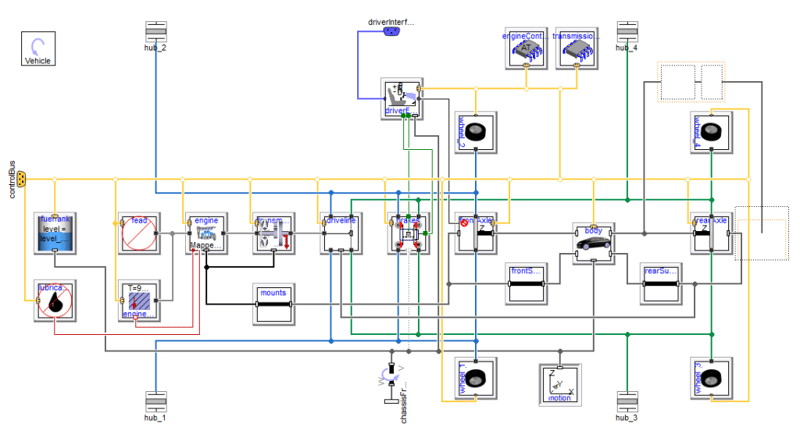
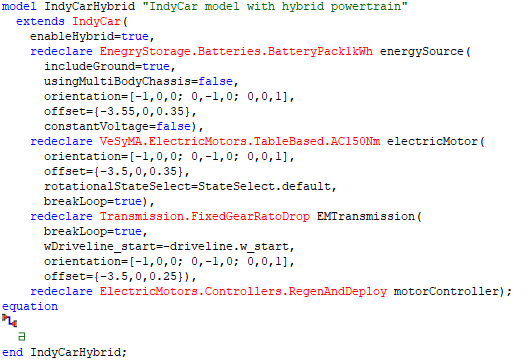
Learn when to extend, duplicate, or build models from scratch in Modelica and Dymola, with practical VeSyMA examples to improve efficiency, flexibility, and maintainability.
Read more
Stent Analysis in Abaqus
Finite element analysis of stents is challenging. It typically involves small structures, large deformations, complex contact conditions and intricate material definitions. What can Abaqus offer for this type of analysis? In this blog we will find out.
Read more
Dymola Library Concealment - How to, and why?
Concealment of Dymola library code and IP is very useful, enabling libraries with sensitive data and models to be shared safely and easily.
Read more
Simulating Composite Materials in Abaqus: A Case Study on Bike Frames
In this blog I explore material choice for bike frames. The choice between aluminum, titanium, steel or carbon fiber is mainly related to the weight of the frame, but what about the loading? In this blog, I will simulate each frame, including the composite one, in Abaqus/Explicit.
Read more
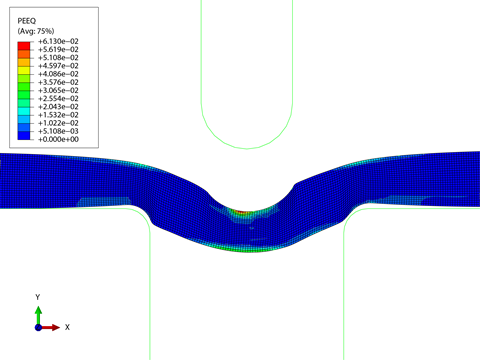
Deep drawing: iterative design with Abaqus
In this blog we'll simulate deep drawing, a sheet metal forming process performed with SIMULIA Abaqus software. Several design iterations are analysed.
Read more
Parametric or Non-Parametric Optimization
In this blog we revisit the topic of Optimization, by comparing parametric optimization in SIMULIA Isight and non-parametric optimization in SIMULIA Tosca.
Read more
Getting Started with a Tank Droptest
In this blog we’ll do an FSI droptest – on the 3DEXPERIENCE Platform. Doing it on the platform will give an idea of its user interface and capabilities.
Read more
Quality Checking Your FEA Model
In this blog I explore the age-old question facing most FEA analysts: Is my model good enough? With examples from my PhD in knee joint biomechanics.
Read more
Top Load Analysis Revisited: The Importance of Material Data
In this blog we'll take a look at the impact of using limited material data on the limit load in a top load analysis performed with Abaqus. Read more.
Read more
Calculating Rolling Resistance with a Parametrical Equation
In this blog we have invited Per Landeback as a guest for our blog. Per has developed a Parametrical Equation to calculate Rolling Resistance of a car tire
Read more
Modeling Extreme Deformations and Soil Structure Interaction for Deep Sea Applications in Abaqus
In this blog we will show the usage of Abaqus Explicit for Soil-Structure Interaction. An Anchor Pull-out test performed with Abaqus Explicit SPH
Read more
Dymola Python Training
The new training course allows students to use the Python Interface with Dymola and focuses on the basics of how to use the interface effectively in any application.
Read more
Simulating Railway Track Hot Rolling in Abaqus
This blog describes how we have simulated the hot rolling process, using Abaqus FEA Software. Click on the link to read more
Read more
Analysis of a Bolted Composite Joint With Ply Failure Done in Abaqus
n this blog post, we will be showing an analysis of a bolted composite joint. Ply failure modelling with Hashin failure criterion has been used. Read more.
Read more
Simulating a Rubber Fibre Reinforced Air Spring Using Abaqus
In this blog, we’ll take a look at a rubber fibre-reinforced air spring modelled with Abaqus /Standard which is used for vibration damping and suspension.
Read more
Solving Unexpected Results in Abaqus
This blog takes you along with a non converging Abaqus problem we have encountered, and let you think about it how to solve this. Read more here.
Read more
Defeaturing Step Geometry for Simulation in 90 Seconds
In this blog, we will show some of the defeaturing options of the Simulation Model Preparation App on the 3DEXPERIENCE Platform. Read more here.
Read more
Flow Induced Movement on a Validated Model Using XFlow CFD
In this blog we discuss the process to determine movement of bodies due to a flow, performed with XFlow CFD. As an example we have taken a Wildse Vaan.
Read more
Metal Tube Hydroforming Process and Forming Limit Diagrams in Abaqus
In this blog post, we discuss hydroforming with Abaqus, and the forming limit diagrams (FLD) to create a strain envelope to avoiding necking (rupture).
Read more
Simulating the Thermoforming Process in Abaqus
In this blog we simulate the thermoforming process and calculate deformation and thickness of the product, coupling temperature and displacement effects.
Read more
Hydrofoiling - Balancing Virtually Is As Challenging As in Practice
This weeks blog is about hydrofoiling. I first wanted to get an impression how dificult this is by assessing the concept of it by use of SIMULIA XFlow CFD.
Read more
Simulating Spring Back After Metal Forming in Abaqus
In this blog we'll give an example of the sheetmetal forming - spring-back effect, showing that we can model it with Abaqus using loading/unloading steps.
Read more
Performance Assessment of a Peristaltic Pump
In this blog post, we determine the performance of a Peristaltic Pump under operation by use of co-simulation (FSI) between Abaqus & XFlow CFD. Read more.
Read more
Why Modelica makes your models so versatile
Discover how Modelica’s acausal modelling enables flexible, reusable system models, with an automotive example showing model inversion, reduced PID tuning, and faster analysis.
Read more
Hyperelastic Material Models in Abaqus. When to Choose What?
This blog gives guidance in when to choose what hyperelastic material model for the given necessary behaviour needed to simulate in Abaqus. Read more.
Read more
Calibrate Hyperelastic and Viscoelastic Materials in the Material Calibration App
In this blog post, we will demonstrate the material calibration capabilities of the Material Calibration App, available through the 3DEXPERIENCE Platform.
Read more
Kinematic vs Distributed Coupling Constraints in Abaqus
In this blog, we discuss the differences between kinematic and distributed coupled constraints in Abaqus.
We will highlight differences in example model.
Read more
Metal Roll Forming Process Analysis in Abaqus
In this weeks blog w'll simulate the roll forming process of a profile, to predict forming accuracy for a road guardrail with the use of SIMULIA Abaqus.
Read more
Change Settings on Abaqus CAE Startup Using the Environment File
In this blog we discuss using the environment file to automatically do things and change settings to a pre-configured state when you startup Abaqus.
Read more
Generate FEA Reports in Abaqus
In this blog post, we will discuss the Abaqus Report Generator plugin (RGP), that is by default included in the Abaqus product installation. Read more here
Read more
Modeling a Composite Flanged Tube Including Loading With Abaqus/CAE
In this blog, we will discuss how to model laminated composites with Abaqus/CAE by using the composite layup tool, for assigning material orientations.
Read more
A Closer Look at Inline
Explore how Modelica inlining options - Inline, LateInline, and InlineAfterIndexReduction, work in Dymola to improve performance, translation, and simulation efficiency.
Read more
Bump 'n' Rub: a look at Daytona 500 bump drafting
Explore NASCAR bump drafting dynamics through simulation using the VeSyMA Motorsports and Suspensions libraries to analyze high-speed vehicle contact.
Read more
Need Help Solving Simulation Challenges?
TECHNIA offers consultancy services: For instance, method development, automation, something new in Abaqus but don’t have the time to learn yourself.
Read more
Use Abaqus to Simulate Additive Manufacturing: Printing a Hip Implant
In this blog we will discuss additive manufacturing simulation done with SIMULIA Abaqus including moving heatsource & adding materials using the AM plugin.
Read more
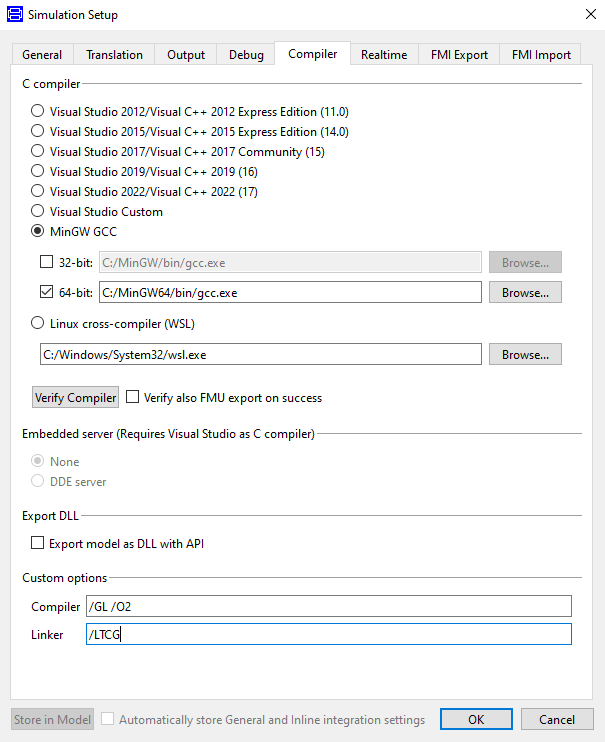
Dymola Setup - Where is it?
Learn how Dymola setup settings work, where they’re stored, and how to customise them using setup.dymx and startup.mos files in Dymola 2020x.
Read more
Optimization of Hip Implant Done With Simulia Abaqus & Simulia Tosca
In this blog, we will explain how we optimized the geometry of a hip implant design with the use of SIMULIA Abaqus and SIMULIA Tosca. Read more here.
Read more
Abaqus Hardening Laws on Single Element Model
In this blog post, we will be discussing about some of the most commonly used hardening laws that are available within Abaqus. Click here to read more.
Read more
Dymola 2020x keyboard shortcuts for the ribbon
Dymola 2020x has an improved user interface. This blog post looks at the new keyboard shortcuts used to navigate the Dymola ribbon and select the tools.
Read more
Why PID control gains need to be positive in feedback control
Understand why PID control gains must be positive for system stability, with a breakdown of proportional, integral, and derivative control using theory and simulation examples.
Read more
Adding Translucency for Enhanced Post Processing in Abaqus
In this blog post, we will discus the translucency feature to enhance the results presentation of our fea analyses from within Abaqus Visualization.
Read more
Getting Started with Abaqus Python Scripting
In this blog we will give you seven tips that may help when you are creating your first Abaqus python scripts, and be more efficient with it. Read more.
Read more
Fatigue Assessment of a Bicycle Frame Using Abaqus and Fe-safe
In this blog post, we will discuss fatigue assessment of bicycle frame done with Abaqus & fe-Safe, against certain cyclic loading scenarios. Read more.
Read more
Abaqus ODB Extractor and Builder Tool (OEBT) Plug-in
In this post, we'll discuss the Abaqus ODB Extractor and Builder Tool, allowing to select results you'd like to keep, and put them in a new ODB database.
Read more
Version control and Dymola
Learn how to integrate version control systems like Git and SVN with Dymola, enabling efficient model management, tracking, and collaboration directly within the interface.
Read more
Use Mesh-independent Fasteners to Simulate Connection Points in Abaqus
In this blog, we discuss the option of mesh-independent fasteners to couple layers of material, simulating the effect of spot welds for example.
Read more
Dymola and Modelica Explained
Understand the relationship between Dymola and Modelica, their roles in simulation, and how acausal modelling enables reusable, high‑performance models.
Read more
How to Restart an Abaqus Analysis
In this blog we discuss the Abaqus Restart option with the example of a pipe section connected by bolts, and the bolt loading is used as preloading step.
Read more
Abaqus Plug-in Utilities
In this blog post, we will be showcasing some of the plug-ins available for Abaqus, show some videos of their purpose and provide the links for download.
Read more
Subsea Modeling with Soil and Structure Interaction in Abaqus
In this blog post, we explore a drilling wellhead under external load including simplified saturated soil of the seabed, as nonlinear springs in Abaqus.
Read more
Options to Adapt the Mesh in Abaqus
There are many options to adapt the mesh in Abaqus: ALE adaptive meshing, adaptive remeshing & mesh-to-mesh solution mapping. This blog gives the overview.
Read more
Modeling Steel Fibre-concrete Composites and Concrete Damage in Abaqus
In this blog post, we show a steel-fibre composite pull out test, including damage of the concrete matrix, done with the Concrete Damage Plasticity model.
Read more
Abaqus Hardware and Licensing Options
This blog is about Abaqus hardware and licensing, standalone and via the 3DEXPERIENCE Platform.
Read more
Multiscale Modelling Concrete-steel Composite Using Abaqus RVE Plugin
We will discuss a steel fibre - concrete composite, where the plugin will be used to
Create RVE model and calculate homogenized material properties.
Read more
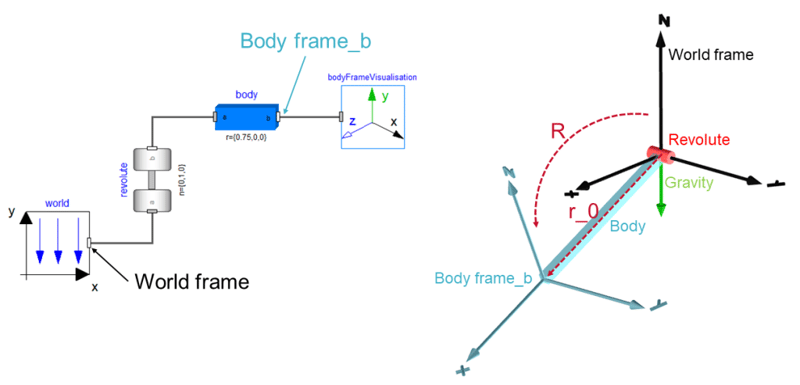
Shopping trolley or shopping cart?
Uncover the engineering difference between UK and US shopping carts. This article uses Dymola and Modelica multibody modeling to simulate and compare swivel caster wheel configurations.
Read more
Using Dymola to understand the 2018 Indy 500
Explore how extreme heat affected the 2018 Indy 500 using Dymola and VeSyMA simulation, analysing grip, stability, and vehicle dynamics on the oval.
Read more
Creating an Axisymmetric Model From 3D Geometry in Abaqus
In many cases, we need to get an axisymmetric cross-section out of a 3D model. In this blog we will show a way to do this with Abaqus.
Read more
Geometry Operations in Abaqus
In this blog post, we will be discussing about geometry operations on 3d models, We will be showing the different tools available in order to detect geometry issues in the imported model as well as fix geometry issues from within Abaqus . Read more.
Read more
Submitting Abaqus Commands Through the Command Window
In this blog we will discuss a few additional commands and options, including different Abaqus versions and the findkeyword and fetch utilities, and look in a bit more detail to the abaqus commands. Read more here
Read more
Optimizing Beam Radii in a Truss Using Tosca Sizing
In this blog, we’ll look at a rather new flavor of Tosca: Tosca sizing for circular beams.
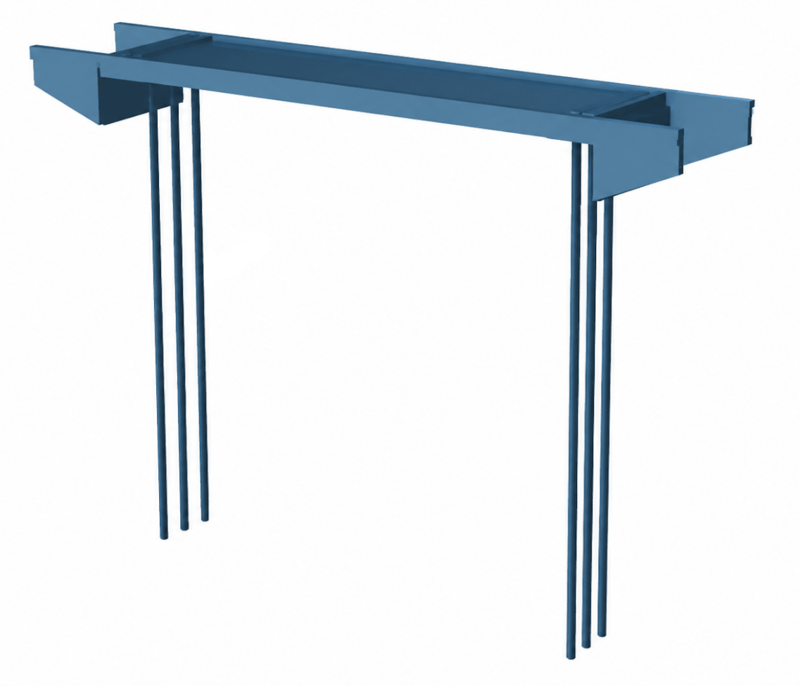
As an example, a truss construction will be used, inspired by the ones above the highway used to fix digital signs. Read more by clicking on this link.
Read more
Units in Abaqus
In this blog, we'll discuss units in Abaqus. On one hand, we can choose what we like; as long as it is consistent. On the other hand, the unit system in Abaqus is a common source of mistakes. So, let's look into it.
Read more
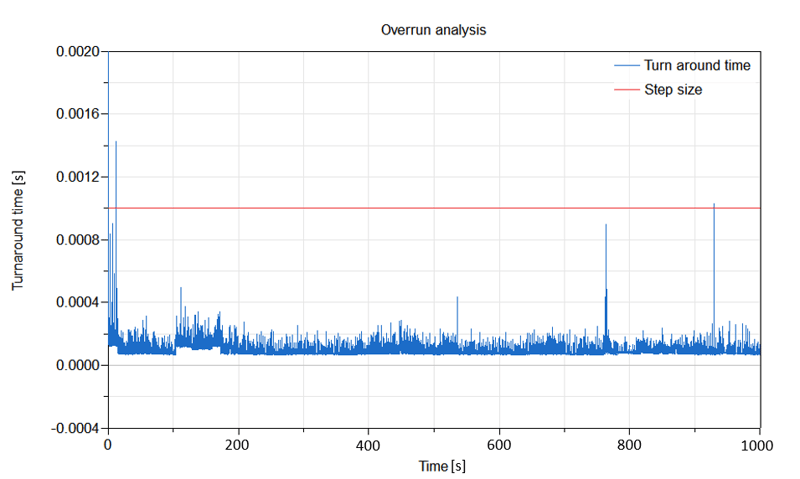
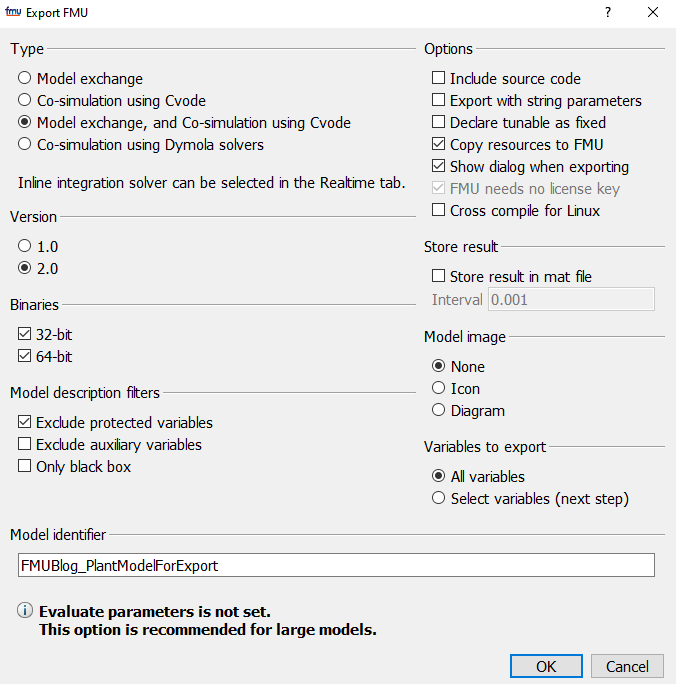
Using inline integration and fixed step solvers to speed up offline simulations
Learn how to speed up Dymola simulations using fixed step solvers and inline integration. Discover how solver selection, step size, and advanced flags can optimise performance for faster offline simulation workflows.
Read more
Fatigue Analysis with fe-safe
In this post, we will be highlighting the main features of Simulia's fatigue prediction software, fe-safe.
Read more
Approximating Sinterklaas Staff Using Isight
In this blog, we will show how to make an approximation in SIMULIA Isight and discuss what results data is available. Read more about Isight right here!
Read more
VeSyMA CloudSim for web-app
Explore VeSyMA CloudSim web app for running and analysing FMU simulations in the cloud using AWS, with interactive parameterisation, history tracking, and visualisation tools.
Read more
Fully Coupled Thermal Structural Analysis Using Abaqus
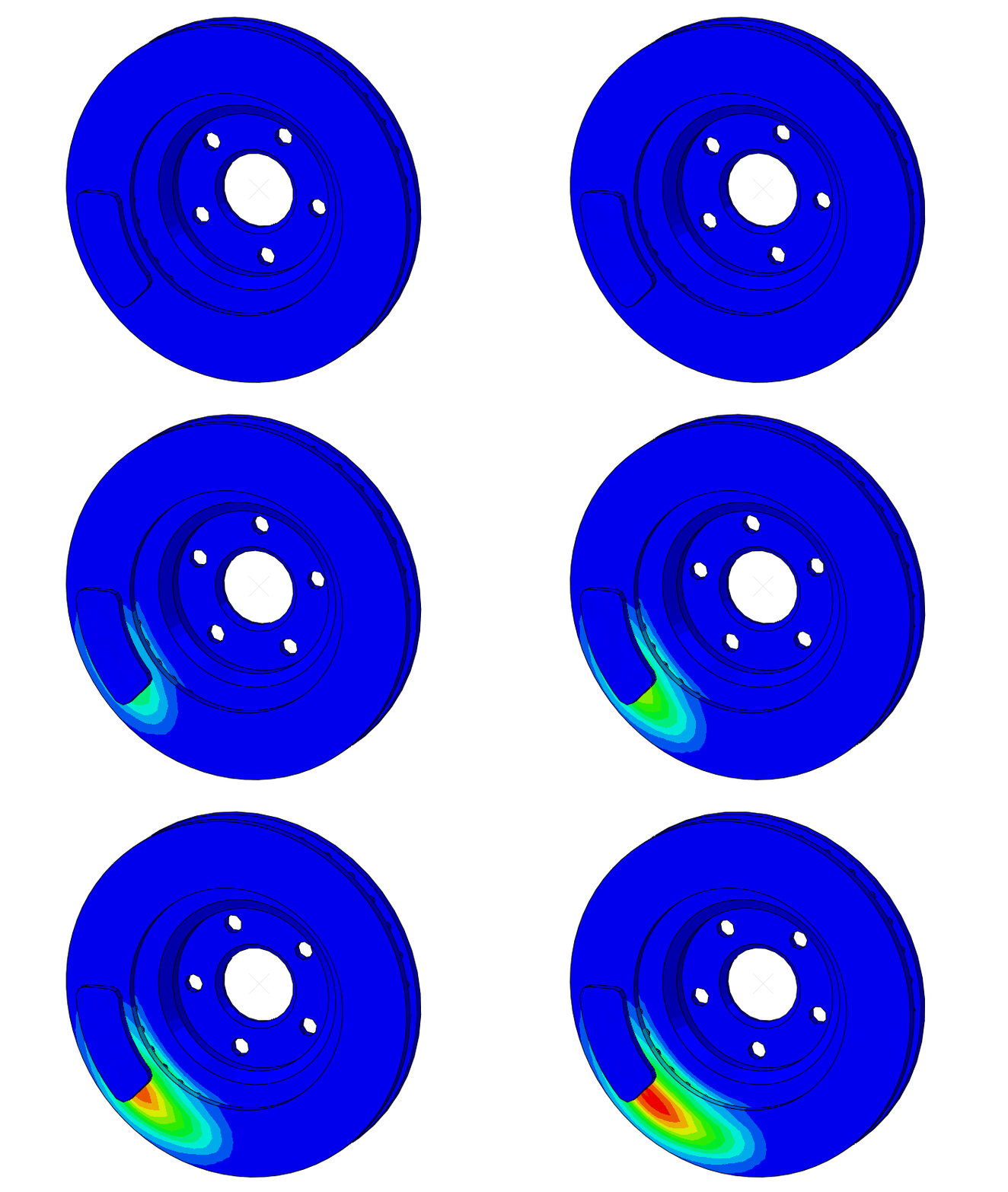
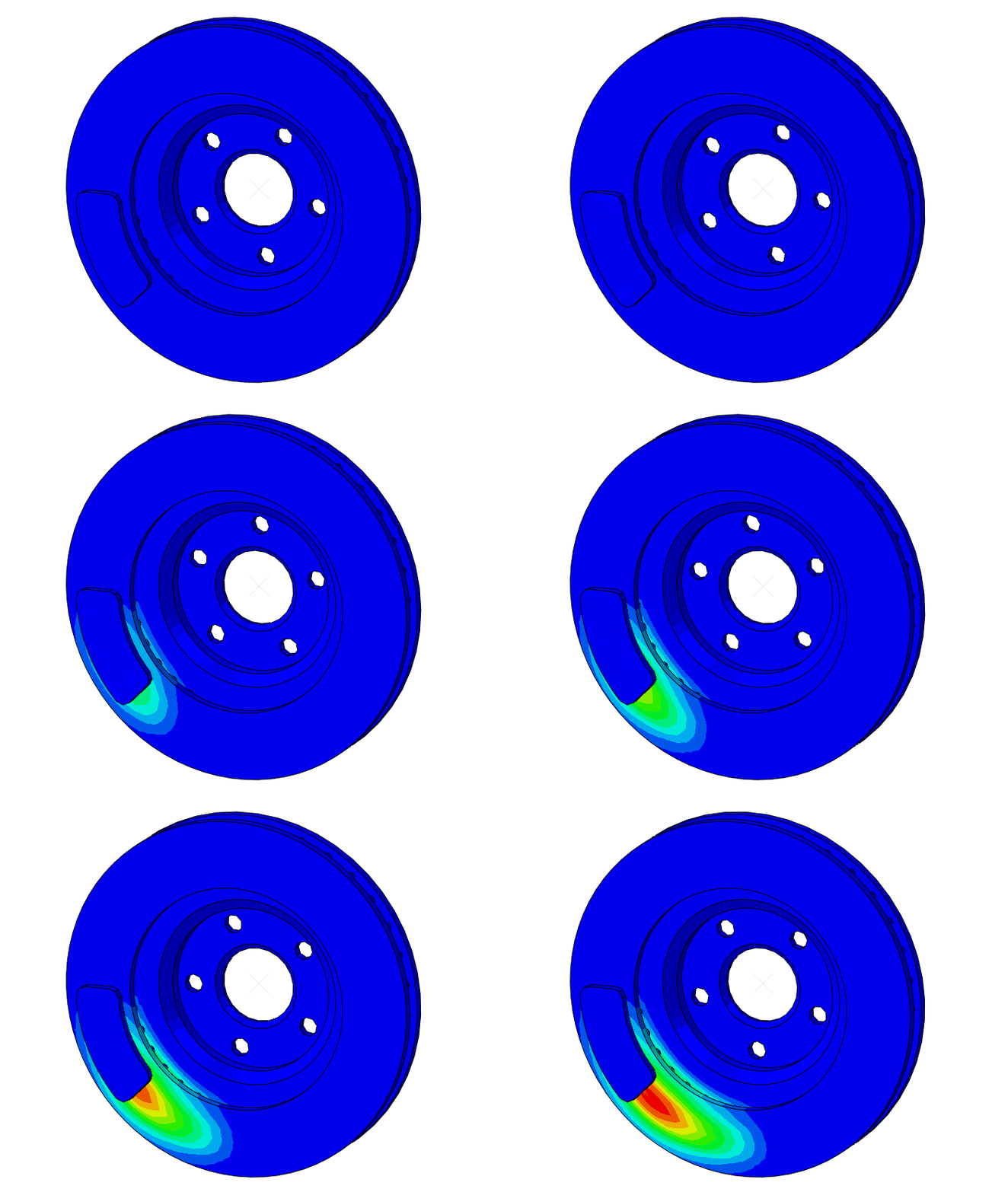
In this post, we will be showing some of the capabilities of Abaqus for performing fully coupled thermal-structural analyses. In particular, an exemplary geometry of a mountain bike's perforated disc together with the breaking pads.
Read more
Using units in your Dymola models
Learn how to use unit types in Dymola models to improve equation consistency, enable dimensional checking, and enhance usability through display units and conversions in Modelica-based simulations.
Read more
Automate Post-processing in Abaqus Using Python Scripting
In this blog, I will show how you can create a script with Python Stripting to automate the creation of images using Abaqus FEA Software. Happy Reading!
Read more
Modeling Bolted Connections in Abaqus FEA
In this blog post, we will be discussing about the different methods in modeling bolted connections with Abaqus FEA. At the last section of the post,we will be showcasing a bolted connection, incorporating a pretensioned bolt. Read more here.
Read more
VeSyMA dashboard animation video: A plug-in hybrid fuel cell electric car
See how Dymola animation and plotting features bring VeSyMA vehicle models to life, demonstrated with a plug-in hybrid fuel cell electric car simulation and dashboard visualisation.
Read more
4 Questions to Ask When Doing Finite Element Analysis
This blog provides you with 4 questions you should ask yourself when doing FEA, or solving problems in general. Happy reading!
Read more
Symmetric Model Generation With Abaqus
In this blog post we will discuss the symmetric model generation feature incorporated in Abaqus FEA. This feature is targeted towards reducing solution time needed for an analysis. We will present supported features and limitations, followed by an analysis of a flanged connection as an example.
Read more
7 Tips to Help Abaqus Run Faster
In this blog we will discuss some ideas and experience we have had related to simulation speed, and give 7 tips and suggestions to let your Abaqus FEA run faster. Read more now!
Read more
Running Abaqus on cloud hardware with Abaqus Power'By 3DEXPERIENCE
In this blog, we will be highlighting the possibilities of Abaqus Powerby and the Abaqus for specialists 3DEXPERIENCE role.
Read more
Abaqus Associative Interface for SOLIDWORKS
In this post, we will be highlighting the installation and use of the CAD associative interface for interconnecting Solidworks with Abaqus. Read more here.
Read more
Vehicle setup using VeSyMA motorsports
Learn how to configure vehicle setup in VeSyMA Motorsports using suspension adjustments, dynamic and sequential setup tests, and controller-based tuning for optimal performance.
Read more
Concrete Frame Under Earthquake Loading Using Abaqus
In this post, we will be demonstrating the setup of an earthquake analysis. The structure to be investigated will be a concrete frame. The earthquake input signal will have the form of an acceleration time history (lateral accelerations vs time) with a signal frequency of 100 Hz.
Happy Reading!
Read more
Simulating Welding Using the Abaqus Welding Interface
This blog is about the process to simulate welds using the Abaqus Welding Interface (AWI).
We cover sequential thermal-structural analysis & model change.
Read more
Welding Simulation Using Abaqus
In this blog we will give a simple welding example, showing how results from a thermal analysis can be applied to a structural analysis (sequentially coupled thermal-stress analysis) and how elements can be activated/deactivated using the model change option. Happy reading.
Read more
Coupled Thermal-Stress Analysis and Expansion Joints in Abaqus
In this post we will be showing an exemplary analysis with Abaqus Standard. This analysis will incorporate a coupled thermal-stress problem of a cylindrical shell (e.g. a pressure pipe used in a plant). Also the working principle of a metallic expansion joint incorporating bellows will be shown.
Read more
Academia
Aerospace & defence
AEC
Consumer packaged goods
Energy, process & utility
High tech
Home & lifestyle
Industrial equipment
Life sciences
Marine & offshore
Advanced Simulation
Data Exchange
Engineering
Laboratory management
MBSE
PLM
Quality Compliance
Sustainability
System Integrations
User Experience
Data intelligence
Software development