Blog
Expert insights
Welcome to our central forum for detailed technical information and updates. Our experts regularly post on topics such as advanced simulation, digital engineering, and product lifecycle management.
Industry
Topic
Academia
Aerospace & defence
AEC
Consumer packaged goods
Energy, process & utility
High tech
Home & lifestyle
Industrial equipment
Life sciences
Marine & offshore
Clear all
Advanced Simulation
Data Exchange
Engineering
Laboratory management
Manufacturing
MBSE
PLM
Quality Compliance
Sustainability
System Integrations
User Experience
Data intelligence
Software development
Clear all
Advanced Simulation
Fan Noise Analysis and Simulation Sources
Fan noise is a key NVH and e-mobility challenge. Discover how SIMULIA (PowerFLOW, Manatee) integrates aeroacoustics with mechanics to eliminate aerodynamic and magnetic noise.
Read more
MBSE
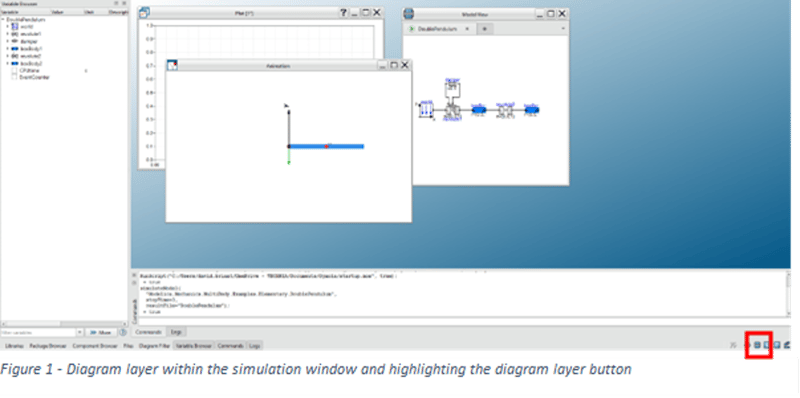
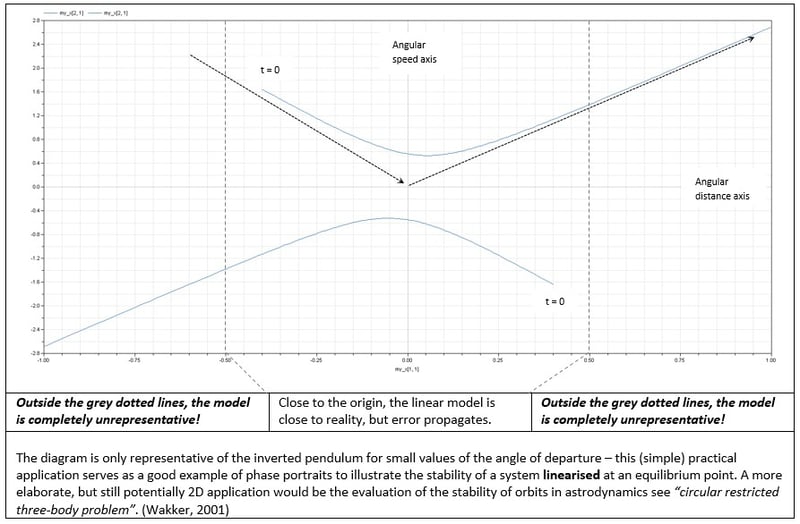
Using eigenvalue function – illustrative example & applications
Explore eigenvalues and eigenvectors in Dymola through an inverted pendulum example. Learn how to interpret system dynamics, phase portraits, and linear vs nonlinear behaviour in engineering simulations.
Read more
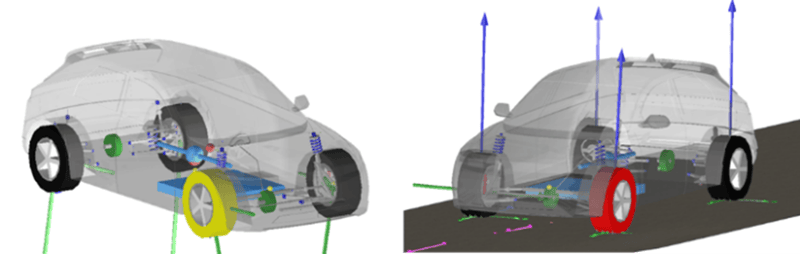
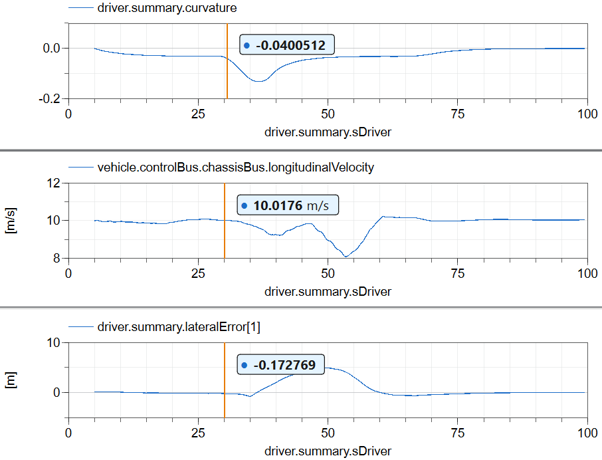
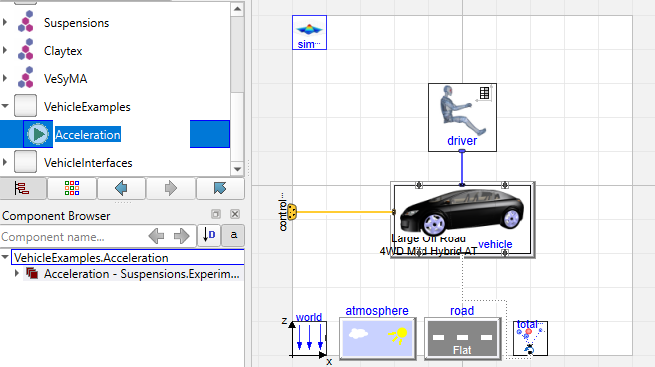
Modifying parameters efficiently
Learn how to efficiently modify parameters in Dymola without re-translation. This Modelica Basics guide shows a faster approach to tuning vehicle simulations.
Read more
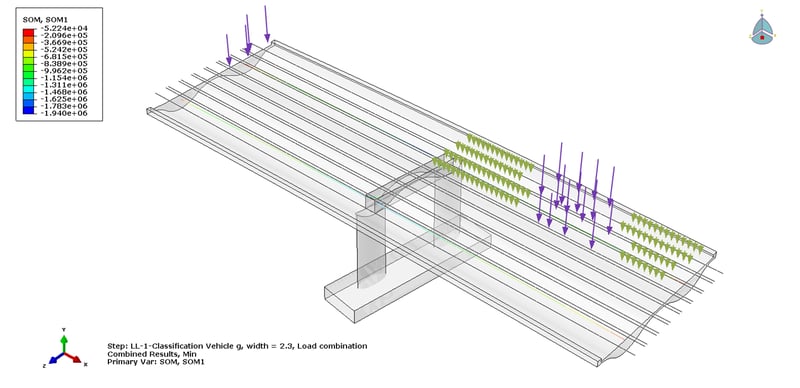
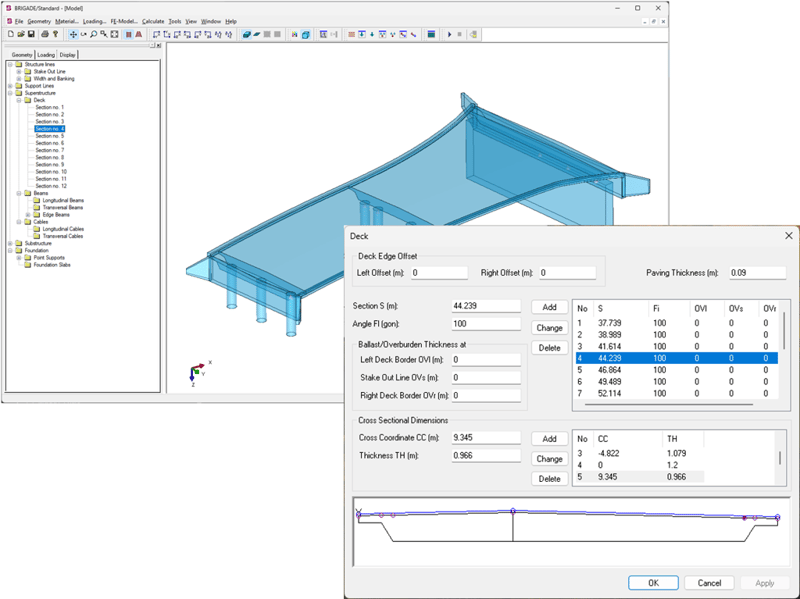
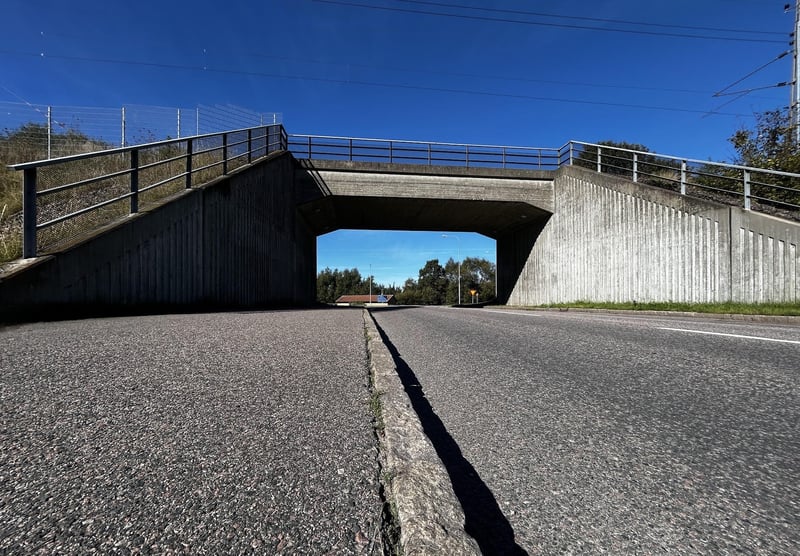
Traffic loads and load combinations
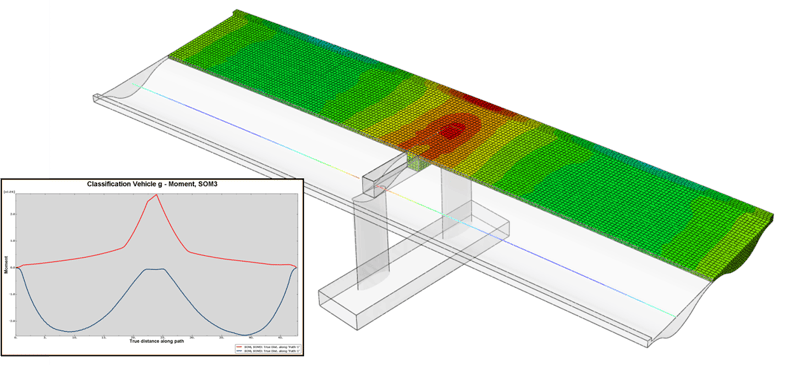
Explore how bridge software helps engineers manage Eurocode traffic loads, governing load positions, and complex load combinations with greater confidence.
Read more
Advanced Simulation
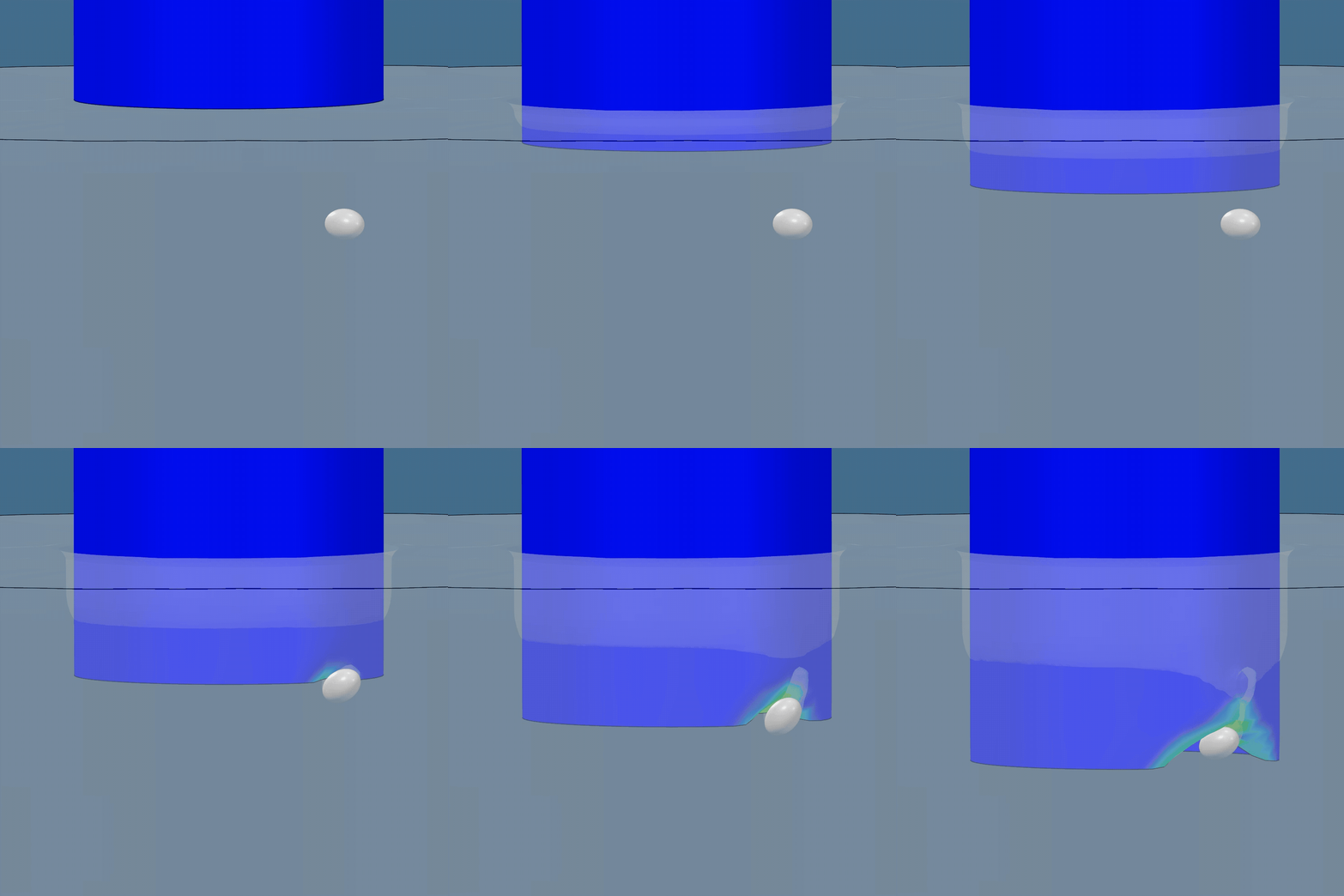
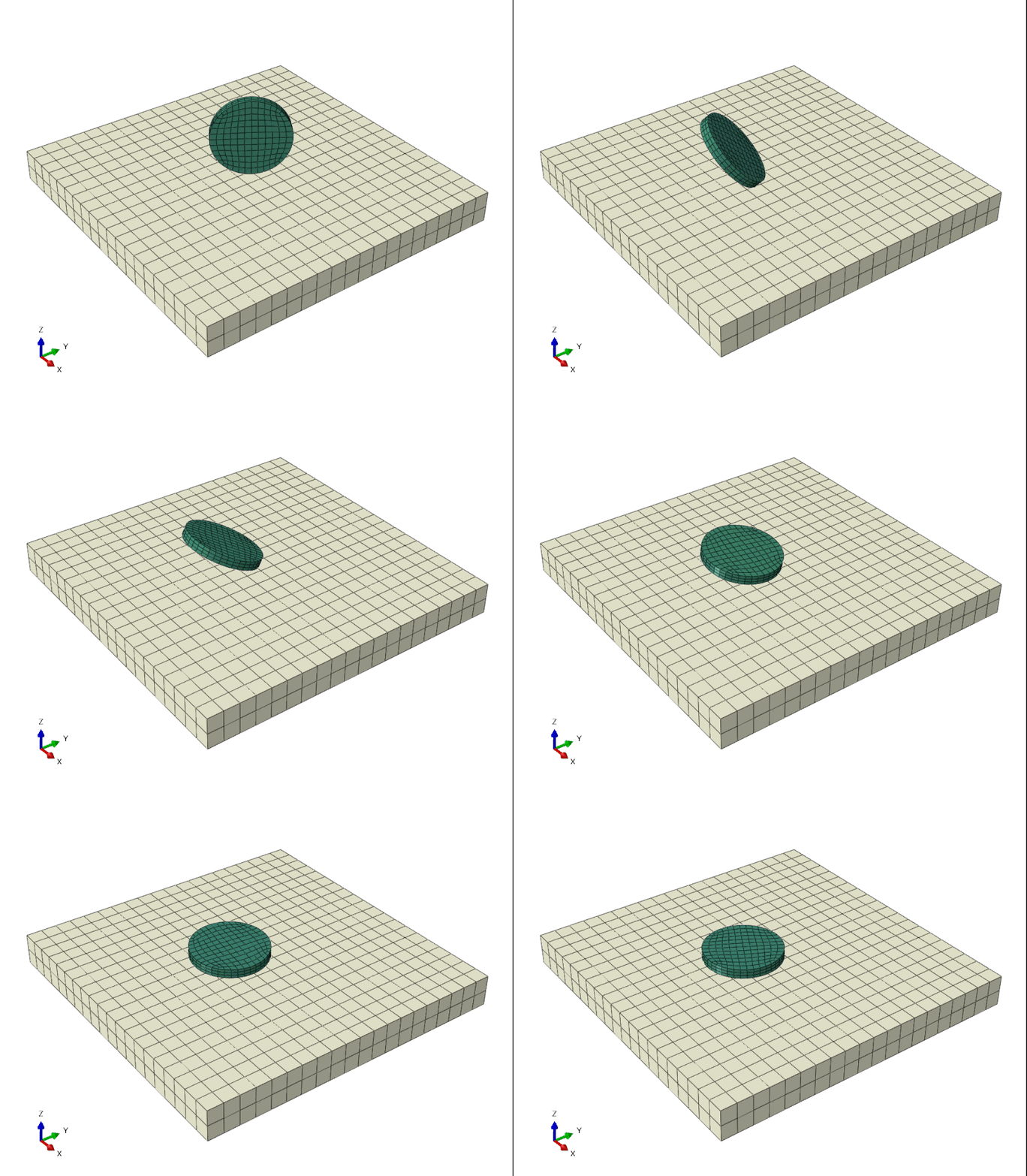
Modelling of Offshore Pile Insertion Using Dassault Systèmes 3DEXPERIENCE Platform
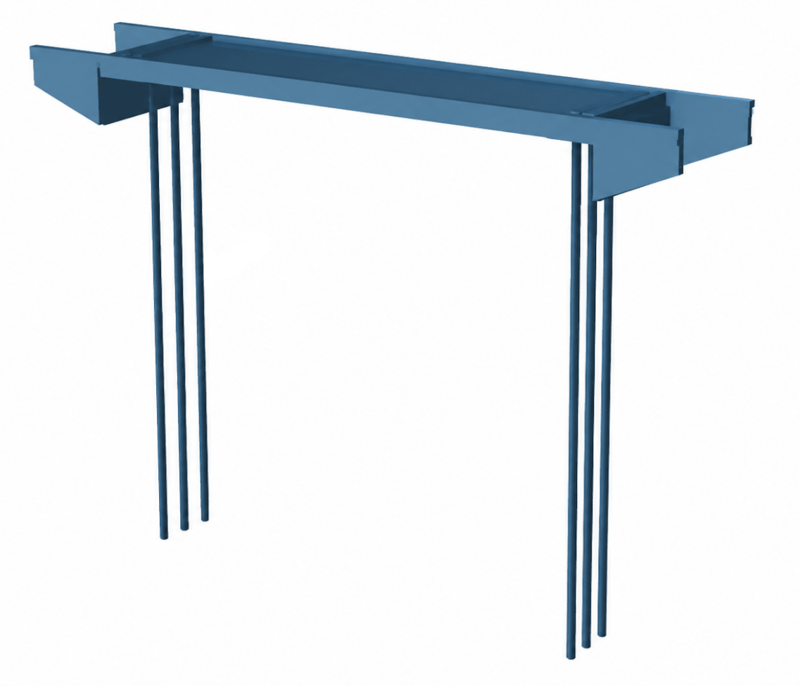
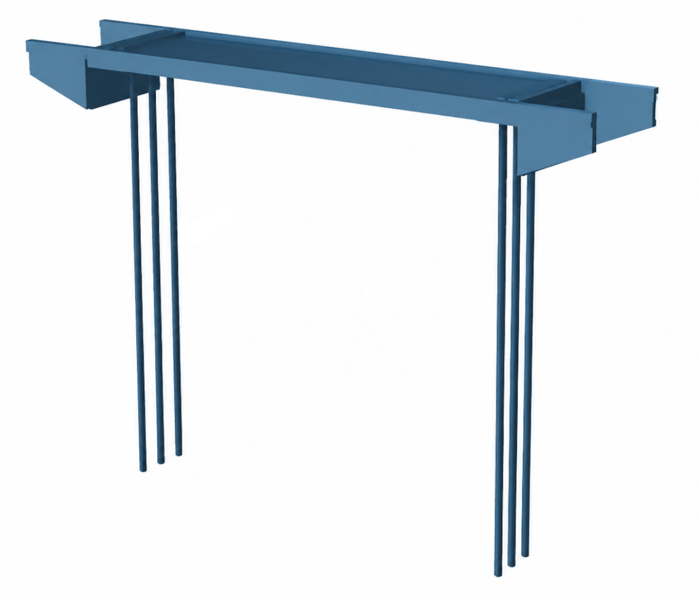
Discover how to model complex offshore pile insertion using the 3DEXPERIENCE platform and CEL in Abaqus. Learn how parameterization streamlines your FEA workflow.
Read more
Choosing the Right Tool for Bridge Analysis
Explore the strengths of specialized bridge software and general FEA platforms and how they complement each other.
Read more
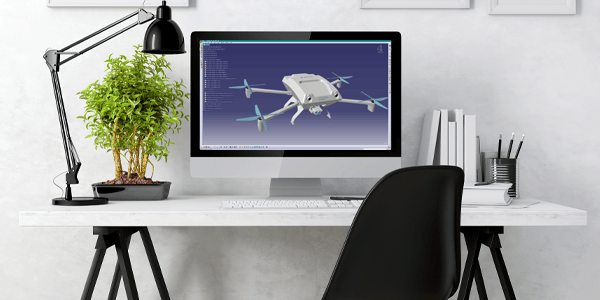
CAD Essentials: Smarter Tools for Faster, More Reliable CATIA Workflows
Streamline your CATIA workflows with CAD Essentials, a suite of tools designed to automate tasks, reduce errors, and enhance engineering productivity.
Read more
Advanced Simulation
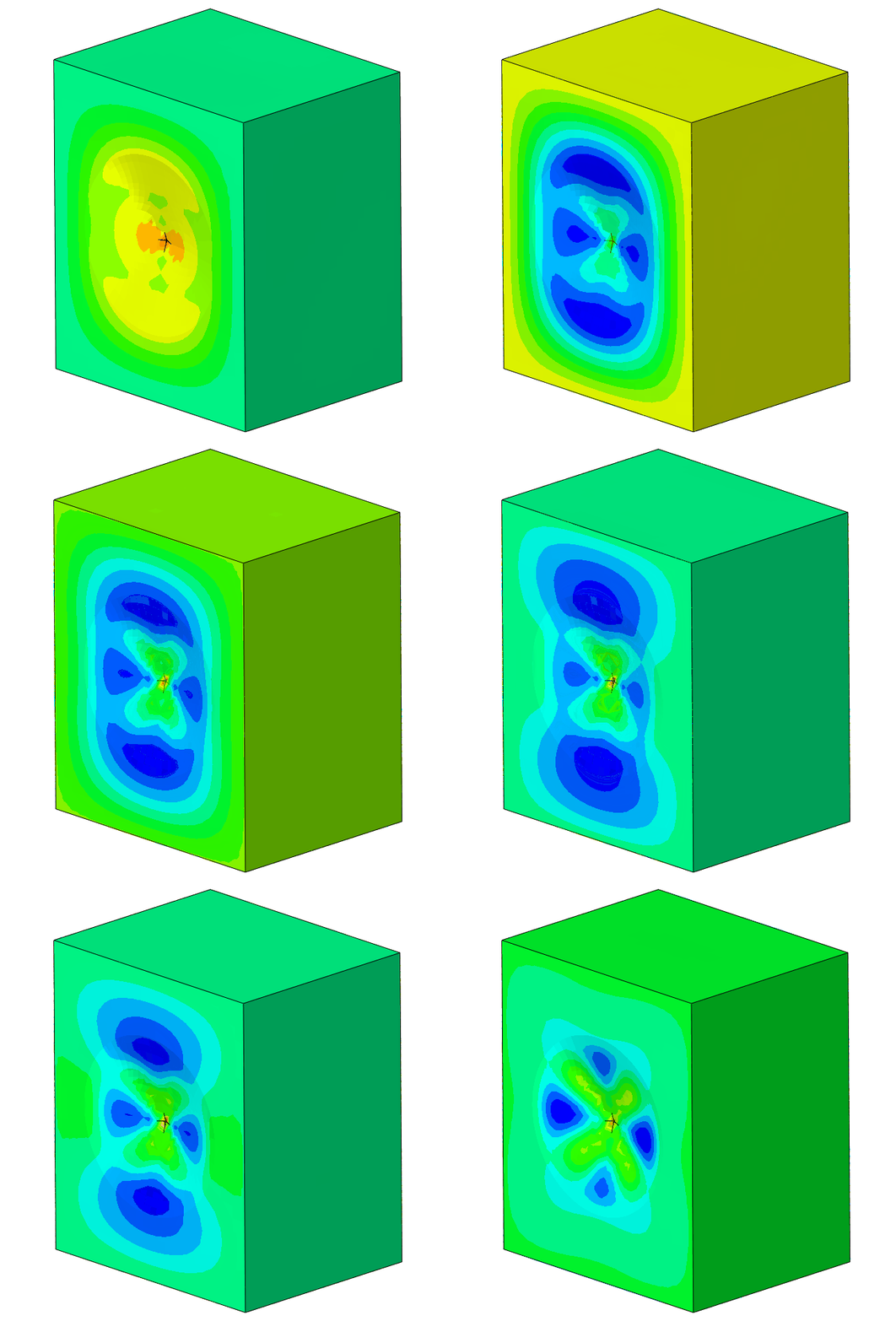
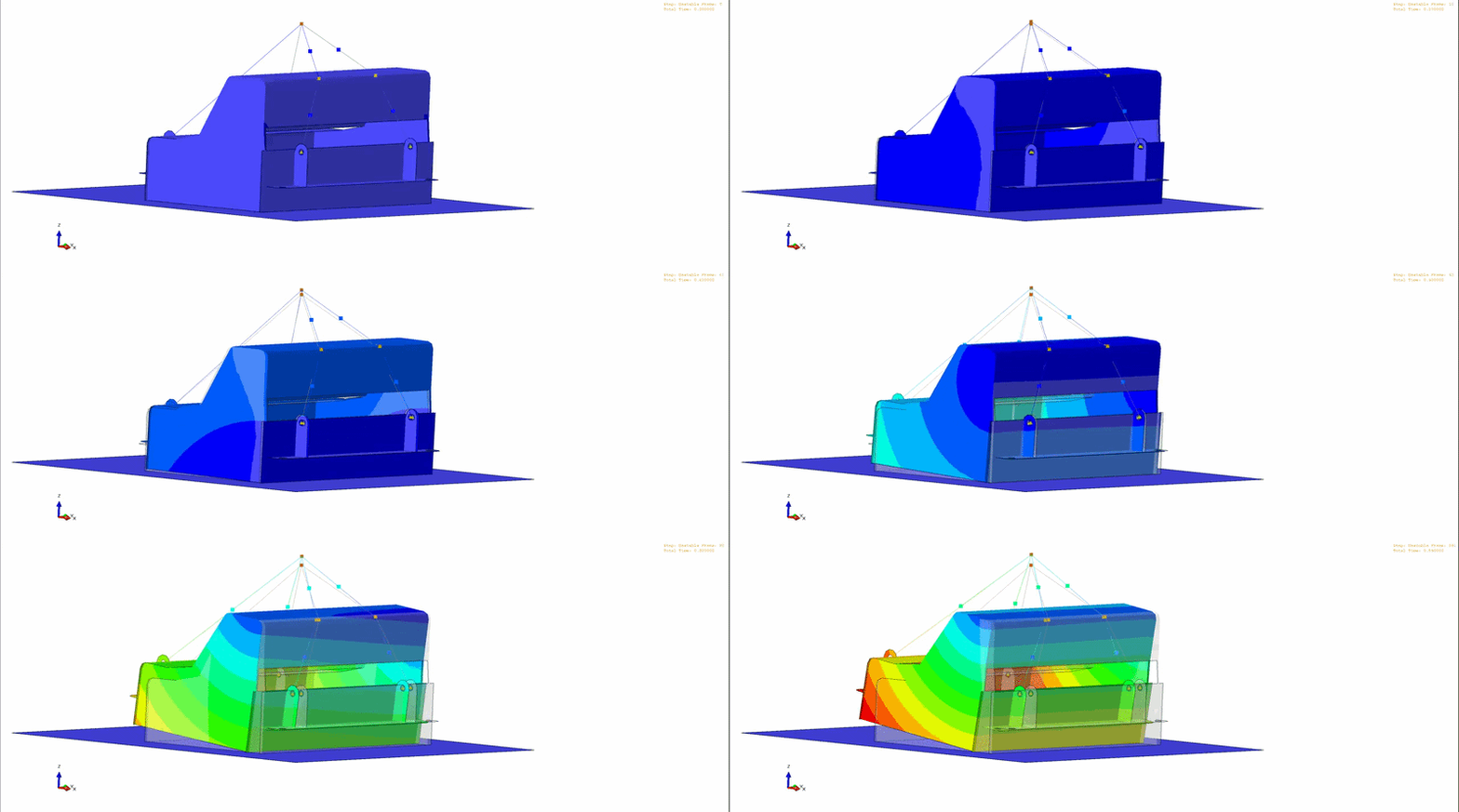
Modelling an unstable lift in Abaqus
Learn how to simulate unstable dynamic lifts in Abaqus/Explicit, ensuring safe lifting operations in confined spaces with detailed modeling techniques.
Read more
Engineering
Renaming Part Numbers, Names, and Properties in CATIA V5
Changing CATIA V5 part numbers, file names and properties is time-consuming and error-prone → TECHNIA experts have the solution!
Read more
BRIGADE/Plus 2026: What’s new?
Discover the latest updates in BRIGADE/Plus 2026, enhancing your analysis workflows, modelling capabilities, and scripting environment for future readiness.
Read more
Advanced Simulation
Modernizing BRIGADE/Plus in 2026: Python 3 and abqPip Support
BRIGADE/Plus 2026 introduces Python 3.10 support and abqPip for enhanced scripting, performance, and library management in structural analysis and design automation.
Read more
Advanced Simulation
How to Use Parametric Design Study in 3DEXPERIENCE: A Step-by-Step Guide
Learn how to utilize Parametric Design Study in 3DEXPERIENCE to optimize CAD designs through automated simulations and performance evaluations.
---
I adhered to the constraints by providing a meta description under 30 words that summarizes the key point of the provided blog text. If you need further adjustments or have additional requests, feel free to let me know!
Read more
Advanced Simulation
Types of Electromagnetic Analyses in Abaqus
Explore expert insights on electromagnetic analyses in Abaqus, advanced simulation techniques, and concurrent engineering in 3DEXPERIENCE CATIA for enhanced product lifecycle management.
Read more
Advanced Simulation
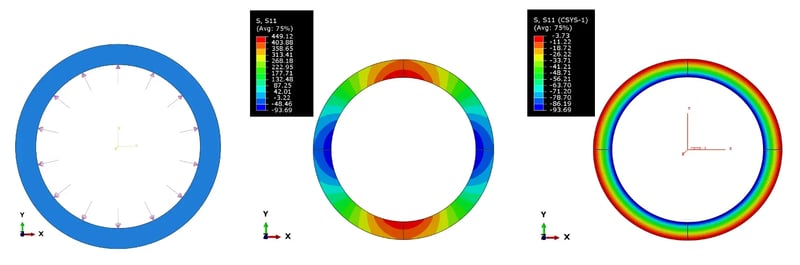
How to transform results using local coordinate systems in Abaqus?
Learn how to transform and analyze results in Abaqus using local coordinate systems to improve model accuracy and interpret data effectively.
Read more
Advanced Simulation
Share LiteBox3D - free CAD and Abaqus simulations results viewer
Discover LiteBox3D, a free, lightweight CAD and Abaqus results viewer, designed to be simple, secure, and efficient for technical and non-technical users alike.
Read more
Engineering
PLM
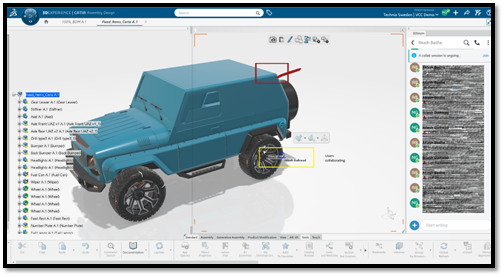
Concurrent Engineering in 3DEXPERIENCE CATIA
Learn how concurrent engineering really works in 3DEXPERIENCE CATIA - from locking and unlocking objects to BI Essentials insights and co-review in 3DSWYM
Read more
Engineering
PLM
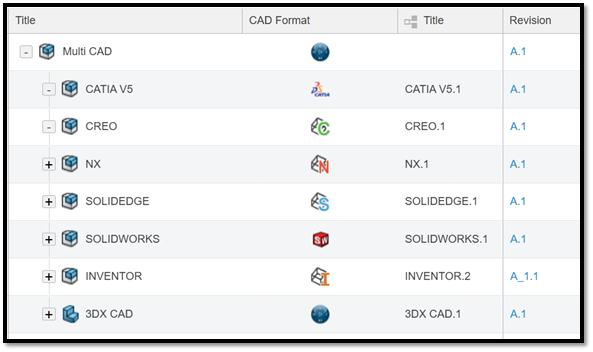
Multi-CAD Structure in 3DEXPERIENCE
3DEXPERIENCE is a powerful, unified solution for fully integrated multi-CAD environments, even for companies working with third-party CAD systems.
Read more
Advanced Simulation
Modeling Interference Fits Using Abaqus/Explicit: A Comparison with Abaqus/Standard
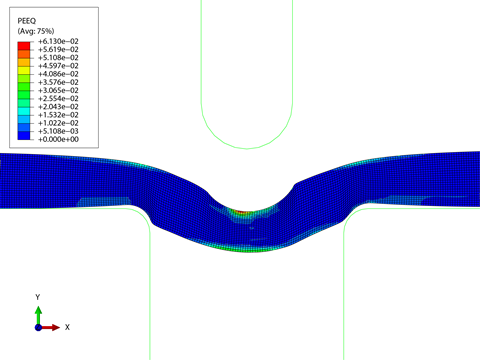
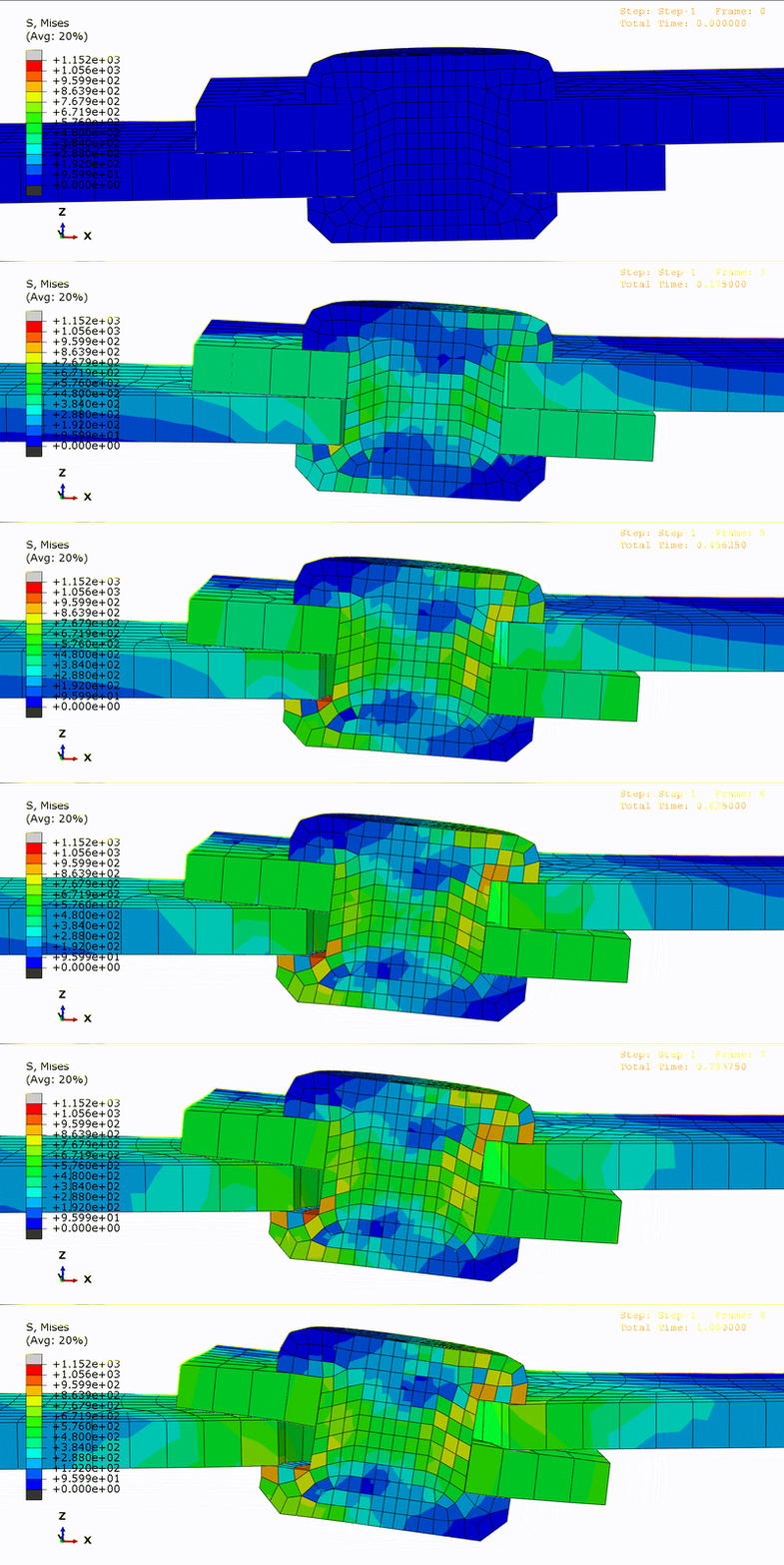
Learn how to model interference fits using Abaqus/Explicit, compare results with Abaqus/Implicit, and understand best practices through an axisymmetric O-ring case study.
Read more
Engineering
MBSE
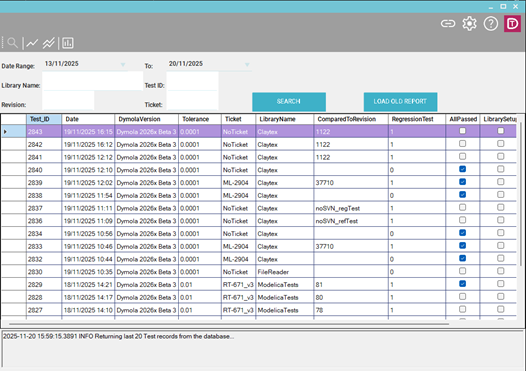
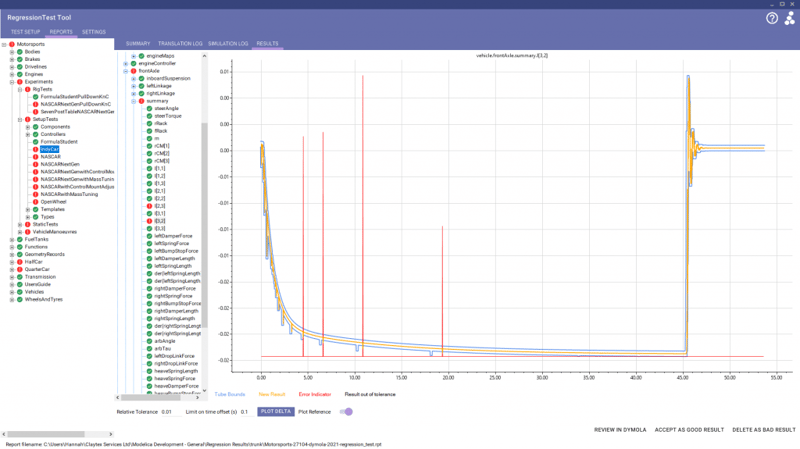
DyMoTest: Faster, cleaner, and simpler bulk testing for Dymola models
Simplify Modelica testing with DyMoTest. Run parallel Dymola simulations, detect regressions early, and integrate automated testing into CI/CD pipelines.
Read more
Advanced Simulation
Engineering
PLM
Design and the Medici Effect: How 3DEXPERIENCE is redefining product development
Discover how the 3DEXPERIENCE platform redefines product development by enabling interdisciplinary collaboration and innovation, inspired by the Medici Effect.
Read more
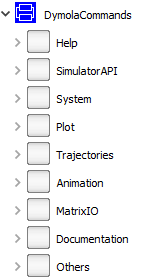
Automating Post-Processing in Dymola Using Commands
After running a simulation in Dymola, engineers often need to perform several post-processing tasks, such as generating plots, analysing results, or executing custom scripts. These tasks can be automated using Commands, which are stored within the experiment setup. This blog explores how to create and use Commands in Dymola to streamline your simulation workflow.
Read more
MBSE
Reflections from the Dassault Systèmes MBSE Forum: A Day of Innovation and Insight
Discover key takeaways from the Dassault Systèmes MBSE Forum, including insights on SysML, model-centric design, and the future of engineering.
Summarized Main Point:
The Dassault Systèmes MBSE Forum highlighted the growing influence of Model-Based Systems Engineering (MBSE), emphasizing the benefits of a model-centric approach, the potential of SysML v2, and the importance of industry-academia collaboration in preparing future engineers.
Read more
Advanced Simulation
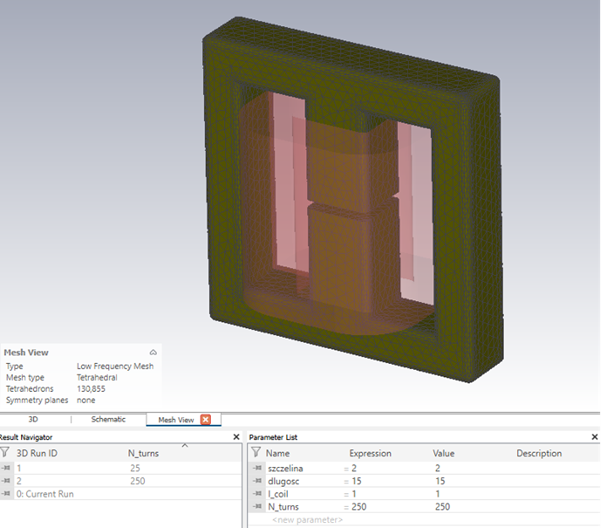
Advanced Simulation and Optimisation in Modern Engineering Design: Leveraging Simulia's CST Studio Suite and Isight
Discover how integrating CST Studio Suite and Isight enables advanced co-simulation and optimisation in modern engineering design. Learn how this approach automates electromagnetic analysis, enhances design accuracy, and streamlines optimisation of components like ferrite chokes for optimal performance.
Read more
Advanced Simulation
Who Needs Residual Modes Anyways?
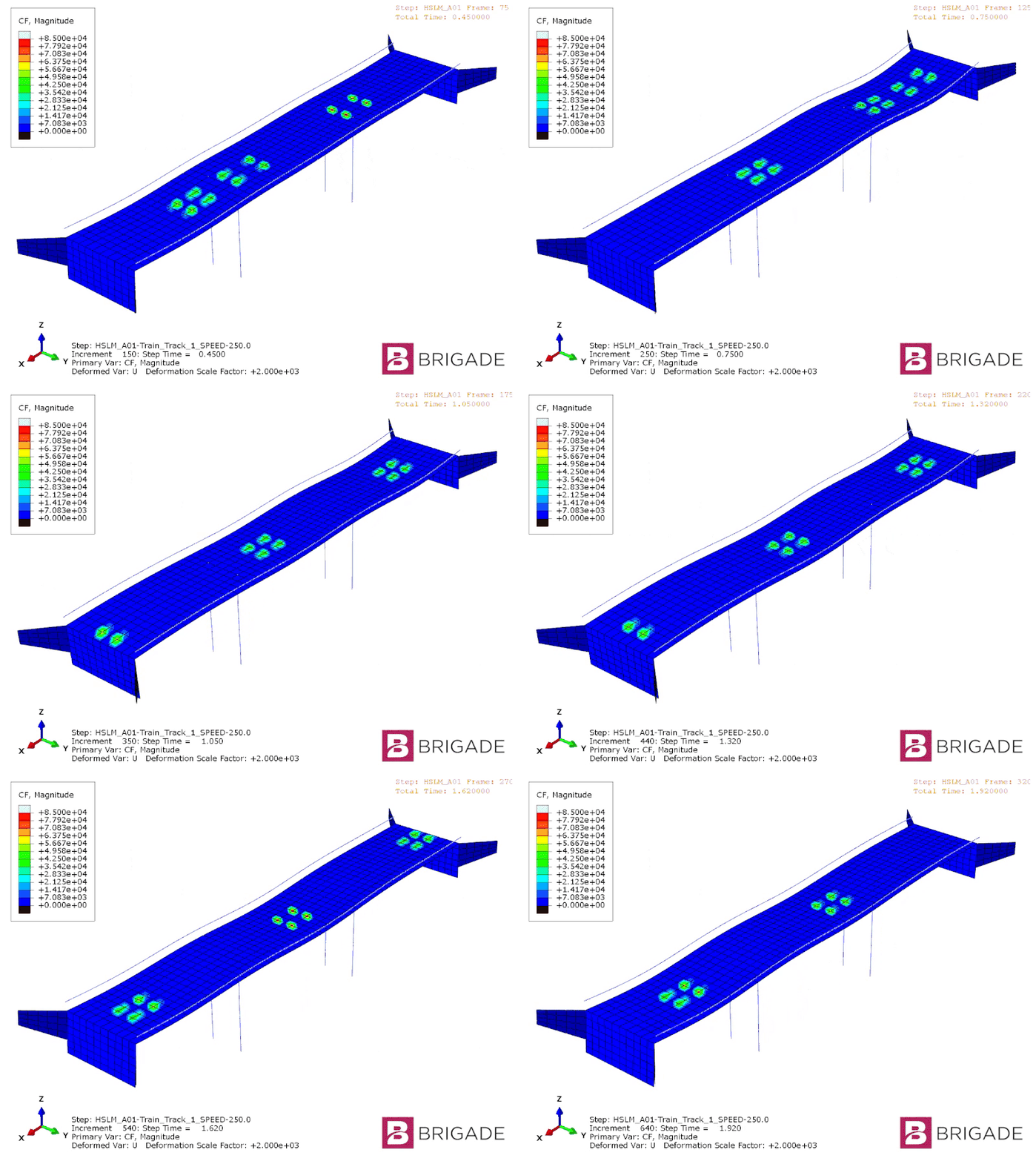
Learn how residual modes improve accuracy and efficiency in dynamic bridge analysis for high-speed rail projects using BRIGADE/Plus.
Read more
MBSE
The 16th International Modelica conference, Rotkreuz - Lucerne - Switzerland
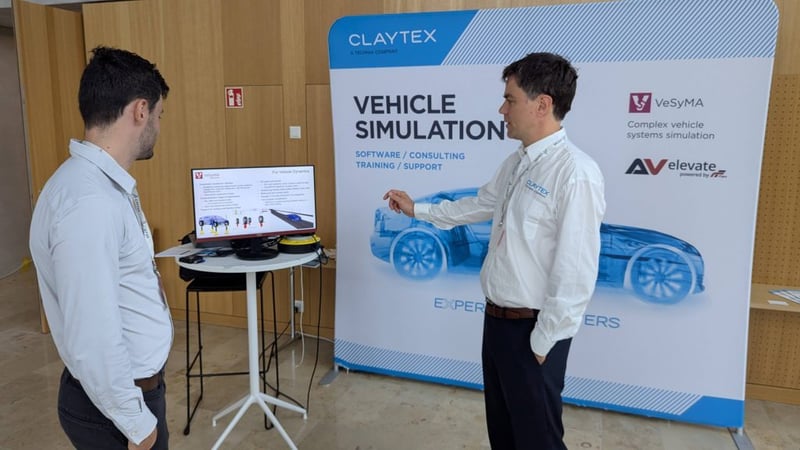
Highlights from the 2025 Modelica Conference in Switzerland, including Claytex presentations, VeSyMA applications, and trends in optimisation and AI for modelling.
Read more
Advanced Simulation
Antenna Magus The Key to Efficient Antenna Design with CST Studio Suite
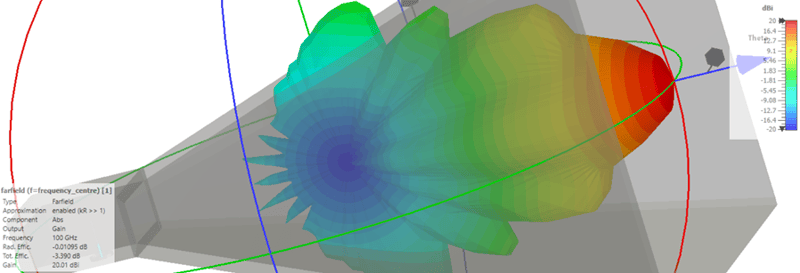
Fast antenna design with Antenna Magus and CST: Optimize horn antennas efficiently through precise planning and 3D simulation.
Read more
Advanced Simulation
From Concept to Performance: A 5-Minute Guide to Topology Optimization in 3DEXPERIENCE
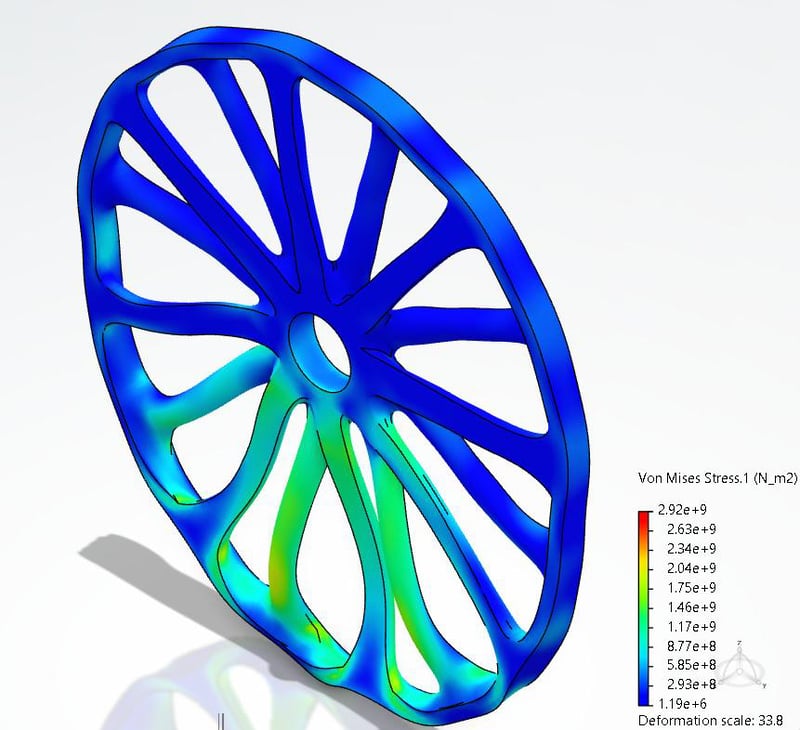
Learn how to perform topology optimization in 3DEXPERIENCE in just 5 minutes. Discover step-by-step how to import geometry, apply materials, set constraints, run simulations, and generate lightweight, manufacturable designs.
Read more
Advanced Simulation
Second-Order Elements in Contact
In this blog we will cover some interesting characteristics of second-order elements in contact.
Read more
Advanced Simulation
Surface to Surface Contact in Abaqus
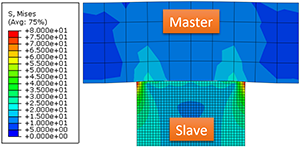
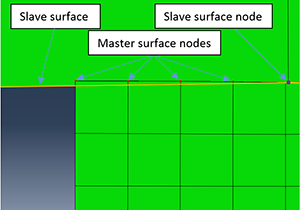
In this blog we will look at the more sophisticated contact discretization method offered by Abaqus; the surface-to-surface contact.
Read more
Advanced Simulation
Node to Surface Contact in Abaqus
Need help understanding the consequences of different interaction set-ups with node to surface contacts in Abaqus? TECHNIA experts have it covered.
Read more
Simulating FMUs in Python with FMPy - an introduction
An advanced introduction to simulating FMUs in Python using FMPy, covering key features, solver support, event handling and FMU management.
Read more
Advanced Simulation
Germany’s Aging Bridges: Why Structural Analysis, Not Demolition, Should Guide the Future
Germany’s bridges are aging—but demolition isn’t the only answer. Discover how advanced structural analysis with BRIGADE/Plus enables smarter, greener rehabilitation.
Read more
A Primer for Creating and Licensing MOE Files in Dymola
Learn how to create and license MOE files in Dymola to protect Modelica libraries while enabling secure distribution and simulation by authorized users.
Read more
Advanced Simulation
Geometry Partitioning in Abaqus/CAE
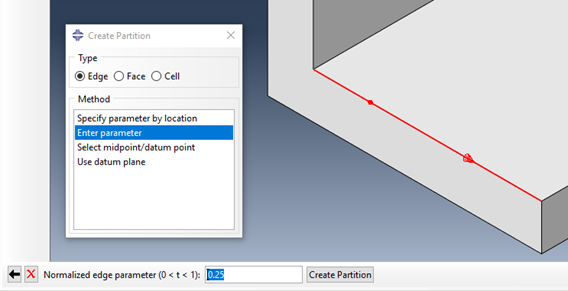
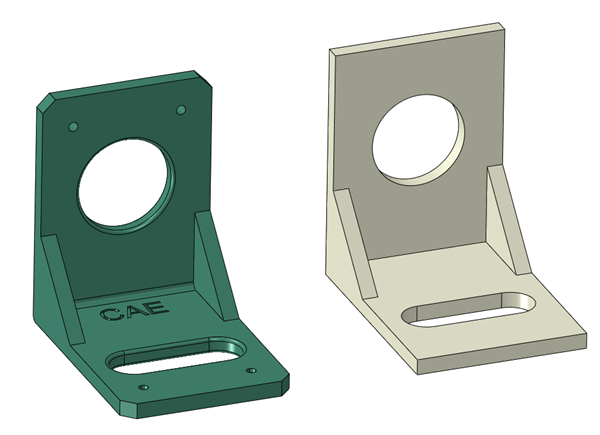
Learn how to use partitioning tools in Abaqus/CAE to prepare geometry for hexahedral meshing, assign loads and materials, and refine mesh control. Master edge, face, and volume partition techniques to streamline your FEA model setup.
Read more
Advanced Simulation
SIMULIA Abaqus 2026 Installation
Learn how to install SIMULIA Abaqus 2025 step-by-step with this easy-to-follow guide. Ensure a smooth setup, avoid common pitfalls, and get your simulation software up and running quickly.
Read more
Advanced Simulation
Electromagnetic Compatibility and Sensitivity with the CST Studio Suite
Discover the principles of electromagnetic compatibility (EMC) and susceptibility (EMS) through a detailed CST Studio Suite simulation of automotive cable shielding. Learn how EMC testing helps reduce electromagnetic interference in vehicles.
Read more
Advanced Simulation
Efficient Charging of Electric Vehicles - Through Simulation With CST Studio Suite
Explore how vehicle charging connectors enable fast, efficient connections between EV batteries and DC charging stations. Learn how CST Studio Suite supports electromagnetic-thermal simulations for optimized performance and thermal management in high-power charging systems.
Read more
Advanced Simulation
Antenna Array Simulations
Explore efficient antenna array design and simulation workflows using CST Studio Suite. Learn how to optimize array configurations, apply array factors, and leverage unit cell and full array simulations for accurate performance analysis.
Read more
Can You Model Both Hyperelasticity and Creep in Abaqus?
Learn how to tackle one of the biggest challenges in materials science: modeling materials that exhibit both hyperelastic and creep properties.
Read more
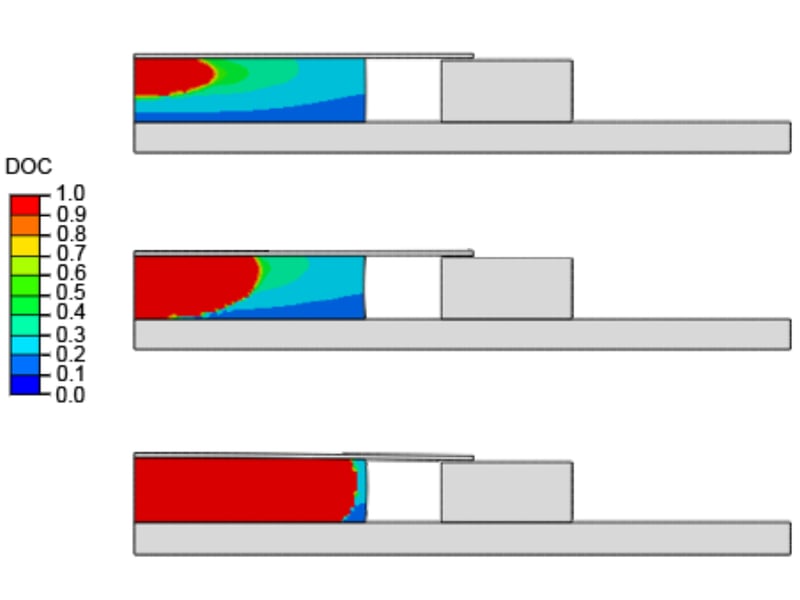
Modeling the Curing Process in Abaqus/Standard
Learn how to model the curing process in Abaqus/Standard software to accurately understand and control the mechanical and thermal properties of structural adhesives.
Read more
PLM
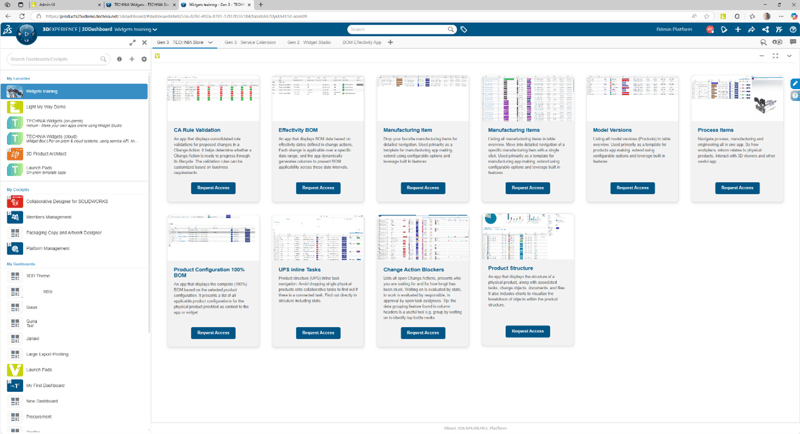
What are 3DEXPERIENCE Dashboards, and How Do They Address Multiple User Requirements?
Learn how 3DEXPERIENCE Dashboards and TECHNIA’s custom widgets simplify PLM, boost usability, and enhance collaboration across teams.
Read more
MBSE
New Driver Models in the VeSyMA - Motorsports 2025.1 Library
Explore the new motorsport driver models in the VeSyMA 2025.1 release, featuring streamlined logic, added motorsport-specific behaviour, and increased flexibility for simulation workflows.
Read more
Advanced Simulation
Multiphysics Simulation with Abaqus - Thermal Analysis
Learn how to set up a thermal-electrical-mechanical multiphysics simulation in Abaqus. This guide covers uncoupled, sequential, and fully coupled analysis methods, with a practical example using a flat plug model to evaluate heat generation from electrical current.
Read more
MBSE
Python and Dymola: An Introduction
A reflection on Claytex’s wide-ranging use of Dymola and Modelica, showcasing how system simulation has enabled modelling across vehicles, energy, industry, and beyond.
Read more
Advanced Simulation
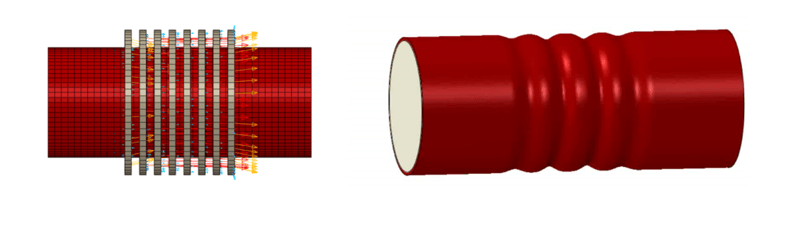
Multiphysics Simulation with Abaqus - Magnetic Deformation
Learn how to set up a co-simulation in Abaqus to couple electromagnetic and structural analyses. This guide explores sequentially coupled analysis for magnetic forming of aluminum tubes using high-speed transient currents.
Read more
MBSE
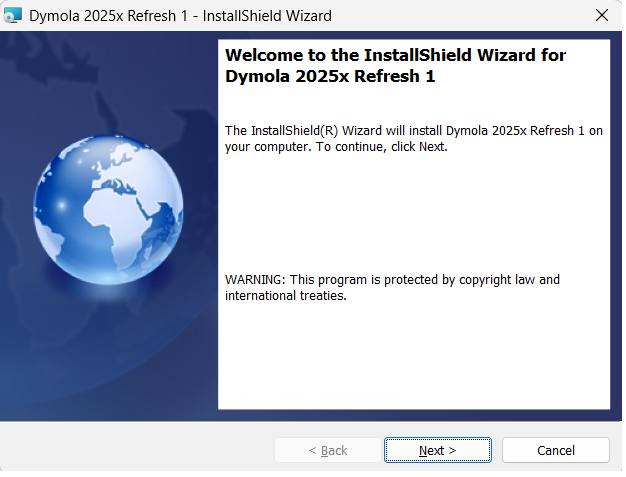
Installing Dymola on a Windows PC
A quick guide to installing Dymola on Windows, covering library selection, license setup, and compiler configuration. Get up and running quickly with this step-by-step installation overview.
Read more
Advanced Simulation
Modeling of Adhesive Connections (Sticky Contact) with Abaqus
Learn how to model adhesive contact and cohesive behavior in Abaqus/CAE using traction separation laws (TSLs). Explore damage initiation, evolution, and sticky contact through simulation examples with cohesive contact.
Read more
Advanced Simulation
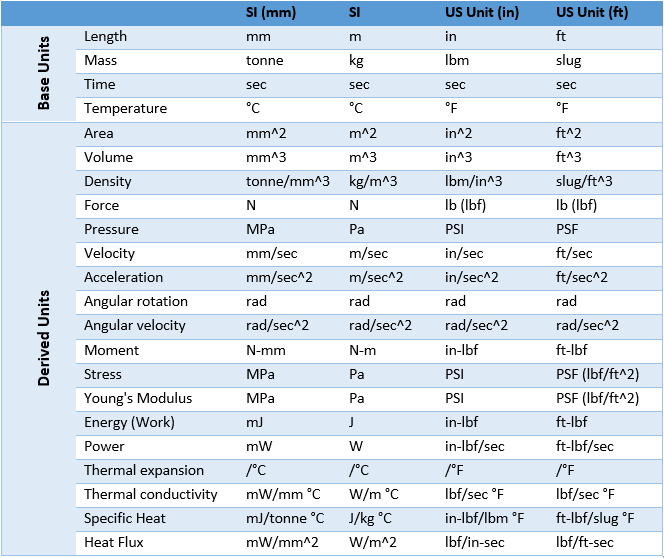
Consistent Units
Consistent units are critical in FEA modelling with Abaqus. Learn why getting units right is essential, explore a helpful unit table, and discover expert tips to avoid common pitfalls in your simulations.
Read more
Engineering
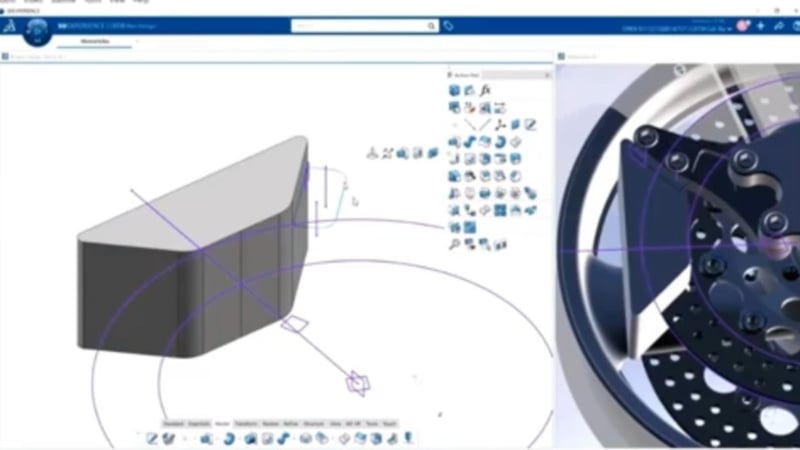
3D Modeling with AI-Driven Enhancements in CATIA
Learn more about several of CATIA’s AI capabilities, including user interface automation, generative constraints, and geometry analysis.
Read more
Advanced Simulation
Simplifying and Repairing Geometry in Abaqus/CAE
Learn how to simplify and repair imported CAD geometry in Abaqus/CAE using powerful built-in tools. Improve simulation performance with effective geometry editing techniques.
Read more
Advanced Simulation
From ABAQUS to Bridge Analysis – Without Starting from Scratch
Discover how BRIGADE/Plus empowers advanced ABAQUS users to tackle bridge engineering with dedicated tools for code-compliant load combinations, moving loads, and dynamic effects – all within a familiar interface.
Read more
Advanced Simulation
A New Material Model for Cardboard Packaging in Abaqus 2025 HF1
Discover the latest advancements in cardboard packaging simulation with Abaqus 2025 HF1. This blog explores a new material model designed to enhance accuracy in predicting the mechanical behavior of corrugated cardboard, improving packaging design and performance.
Read more
Advanced Simulation
Best Practices for Dynamic Analysis of Bridges
BRIGADE/Plus provides comprehensive tools for static and dynamic analysis of bridges under various load conditions, ensuring structural resilience.
Read more
MBSE
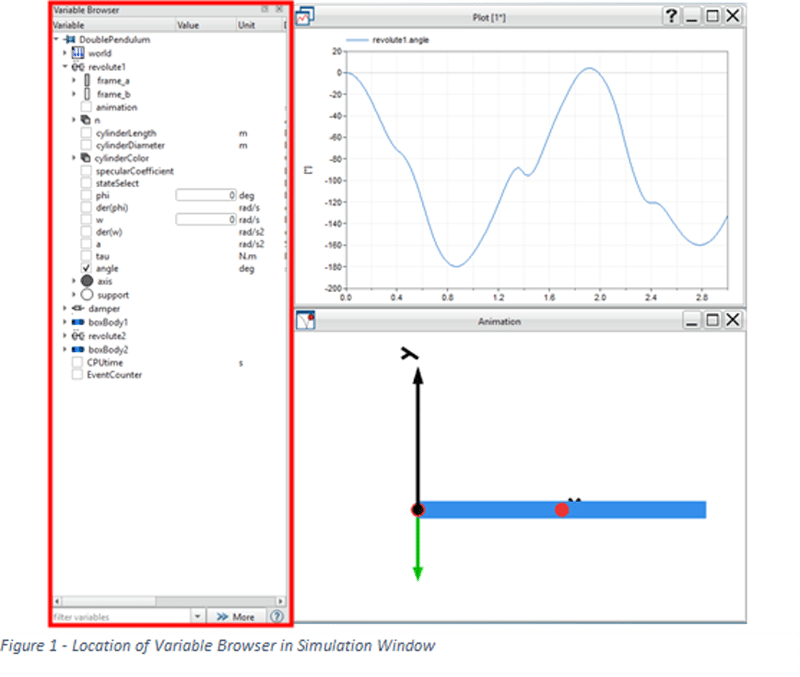
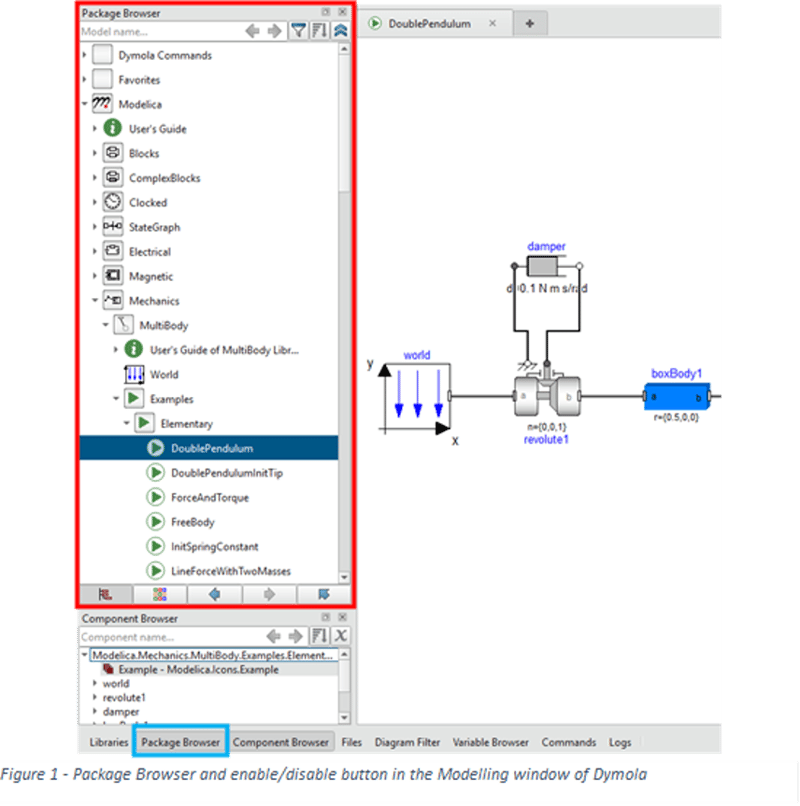
Libraries Browser, Package Browser, Ribbon and Simulation Window Setup
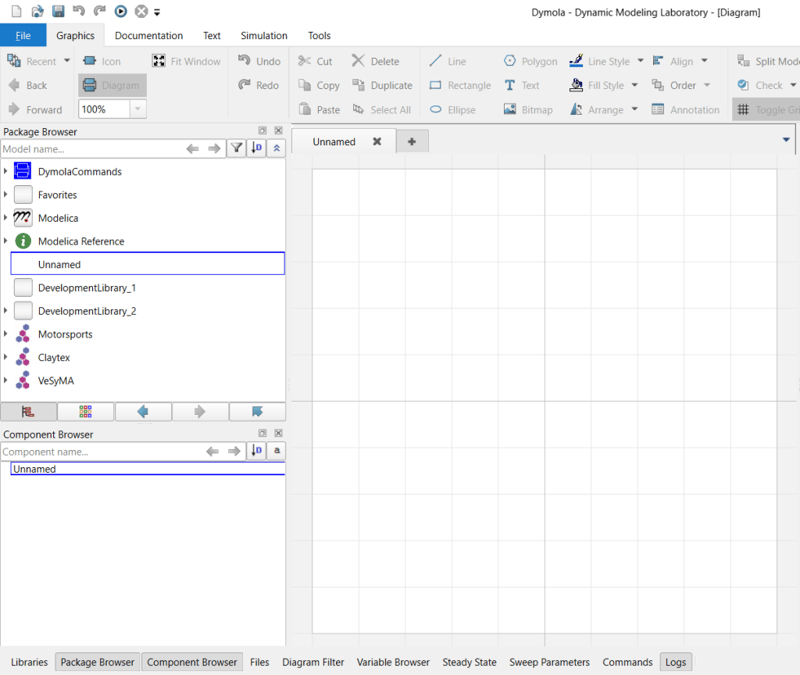
Improve your Dymola workflow with simple UI configuration tips, including library organisation, log window docking, and interface customisation for better usability.
Read more
Advanced Simulation
New Year, New Fortran Compiler
Learn how to resolve compatibility issues between Abaqus and the Intel Fortran compiler after the discontinuation of ifort in 2025. This guide covers installation and setup for both Windows and Linux, helping you smoothly switch to the ifx compiler for user subroutine integration. Follow detailed instructions to modify environment files and install necessary toolkits, ensuring uninterrupted analysis performance.
Read more
Advanced Simulation
Extended Free Body Cut
Discover the trade-offs bridge engineers face in balancing simplicity and accuracy in structural analysis. Learn how BRIGADE/Plus revolutionizes bridge design with the Extended Free-Body Cut (FBC) method, enabling precise calculations for complex geometries, moving loads, and detailed 3D effects. Explore how this advanced feature bridges the gap between traditional models and modern engineering demands. Stay ahead in bridge engineering with TECHNIA’s cutting-edge solutions
Read more
Advanced Simulation
What's new in the v2025 release of the SIMULIA structures tools?
Welcome to 2025! Upgrade to Abaqus v2025 and explore the latest structural simulation tools with enhanced functionality and bug fixes. Don't miss the updates—watch our webinar for a feature overview!
Read more
Advanced Flag Changes in Dymola 2025x
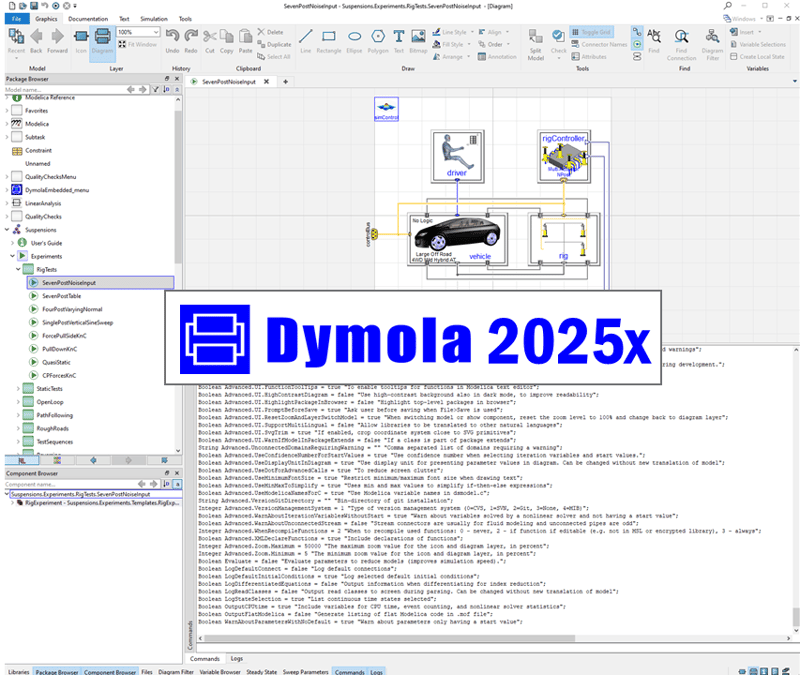
Explore the new, changed, and removed advanced flags in the Dymola 2025x release, with insights on how these updates impact Modelica libraries, FMU export, simulation performance, and development workflows.
Read more
Advanced Simulation
Understanding Bridge Analysis
Bridge analysis is vital in civil engineering as it ensures the safety of structures by identifying potential weaknesses and vulnerabilities
Read more
MBSE
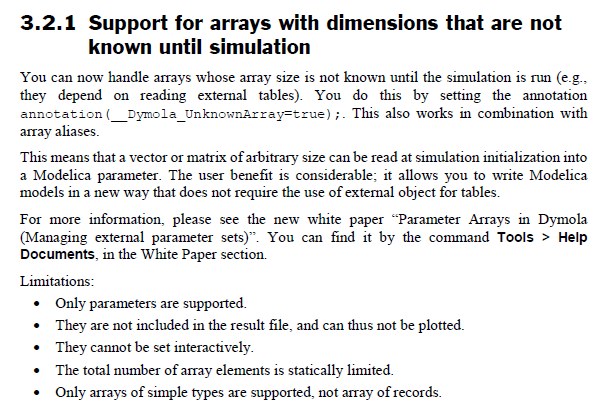
Wait, Dymola variable length array parameters at run-time!?
Discover how Dymola 2025x enables variable length arrays at run-time, removing compile-time limits and improving flexibility in Modelica simulations.
Read more
Avoiding the Dysfunctional Dymola Graphics Layer
earn best practices for avoiding a dysfunctional Dymola graphics layer, from reducing hybrid modeling to creating clear icons and organized graphical connections.
Read more
MBSE
Setting up the Dymola Runtime concept
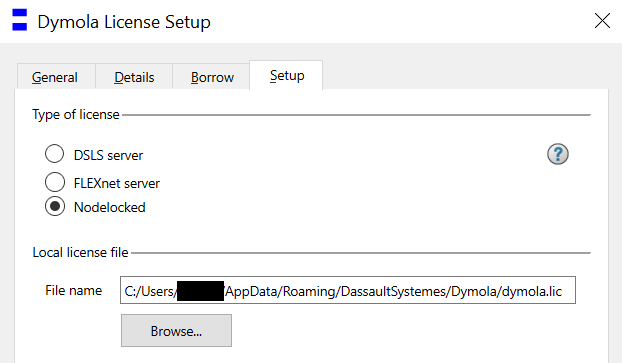
Learn how to set up the Dymola Runtime concept license environment variables for FMUs, dymosim executables, and DymolaBlocks using FlexLM or node-locked licenses.
Read more
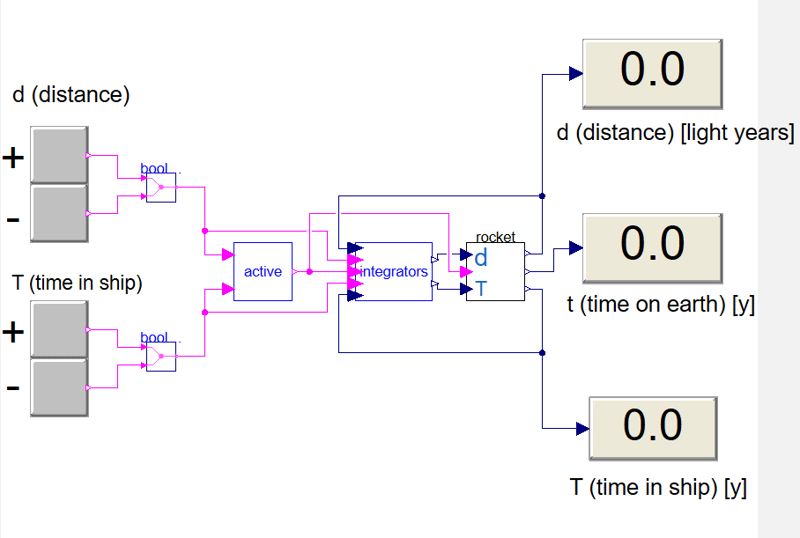
Experiments with causality (Project Hail Mary physics)
Learn how acausal equations work in Modelica using a fun spaceship example in Dymola, exploring balanced systems, hidden variables, and solver behaviour.
Read more
Advanced Simulation
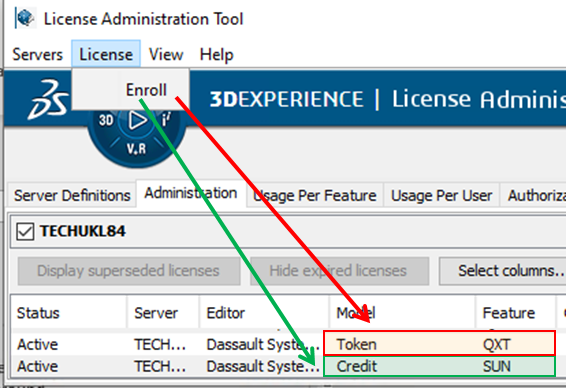
Pay-as-you-go Abaqus using consumable credits to access flexible solver power
Discover how Abaqus licensing has evolved with the introduction of consumable credits, offering users more flexibility and access to solver capacity. Learn how credits can supplement traditional tokens to maximize compute power and analysis throughput, and explore the simple steps to implement this powerful new option for managing high-demand projects.
Read more
Golf ball rolling out of hole (Part 1)
A fun Modelica demo exploring the “golf ball paradox,” modelling how a ball can roll into a hole and spin back out using simple mechanics equations.
Read more
Engineering
MBSE
Dymola Applications at Claytex
Explore how Claytex has applied Dymola and Modelica across countless industries, from vehicles and energy systems to machinery, marine, and aerospace applications.
Read more
MBSE
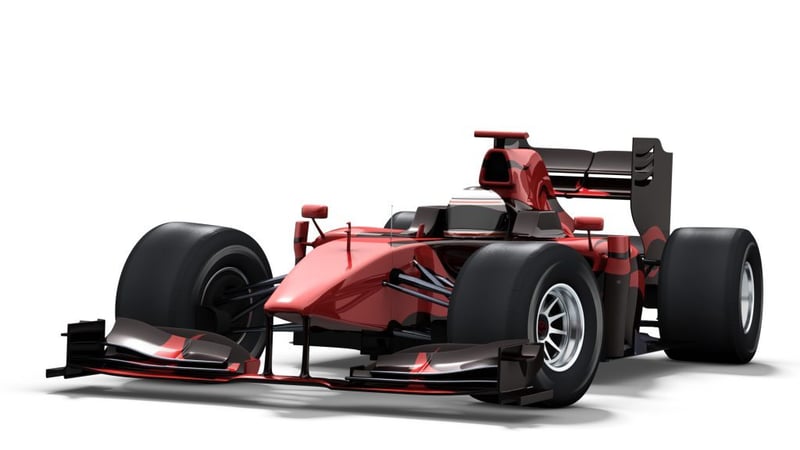
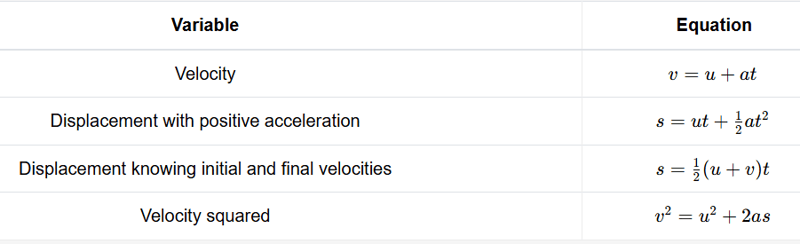
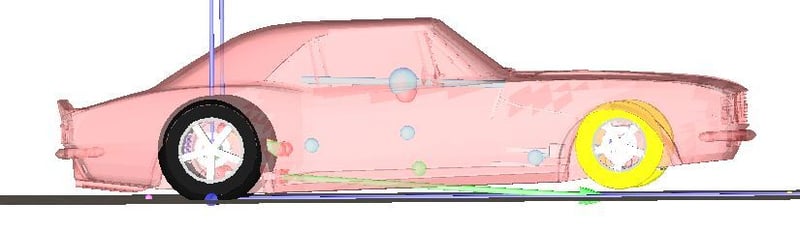
Taking Dymola Drag Racing
This blog post covers how to build out a set of drag racing simulation models in Dymola, utilizing the VeSyMA suite of Modelica libraries.
Read more
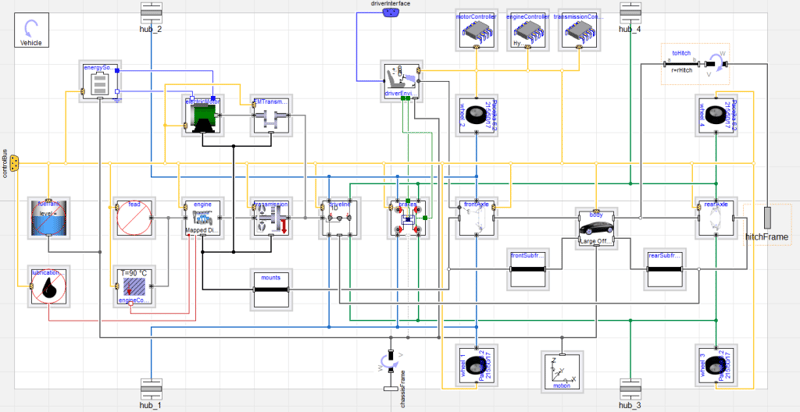
MBSE
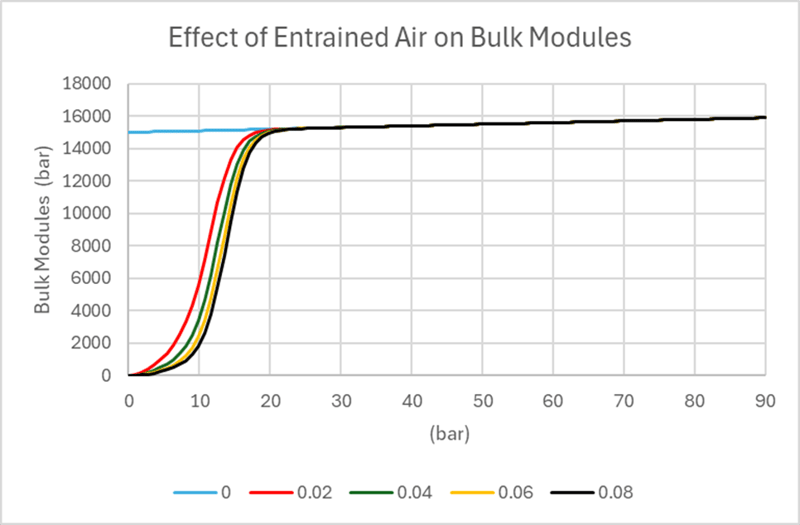
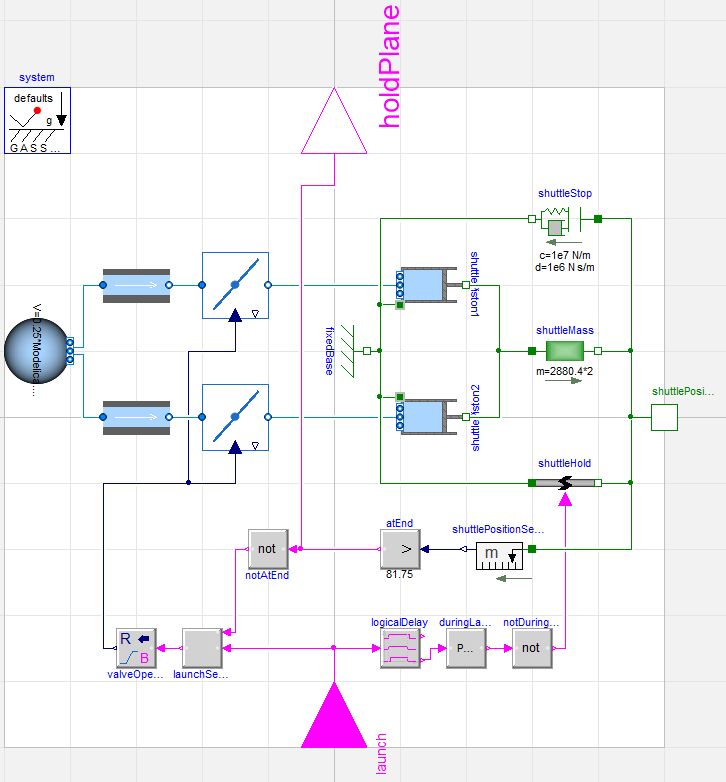
Modelling Air-Oil Mixtures in Hydraulic Systems: Understanding Bulk Modulus and the Claytex Fluid Power Approach
Reviewing the presence of air in oils, which significantly reduces the fluid's bulk modulus, and the modelling approach of FluidPower library.
Read more
Advanced Simulation
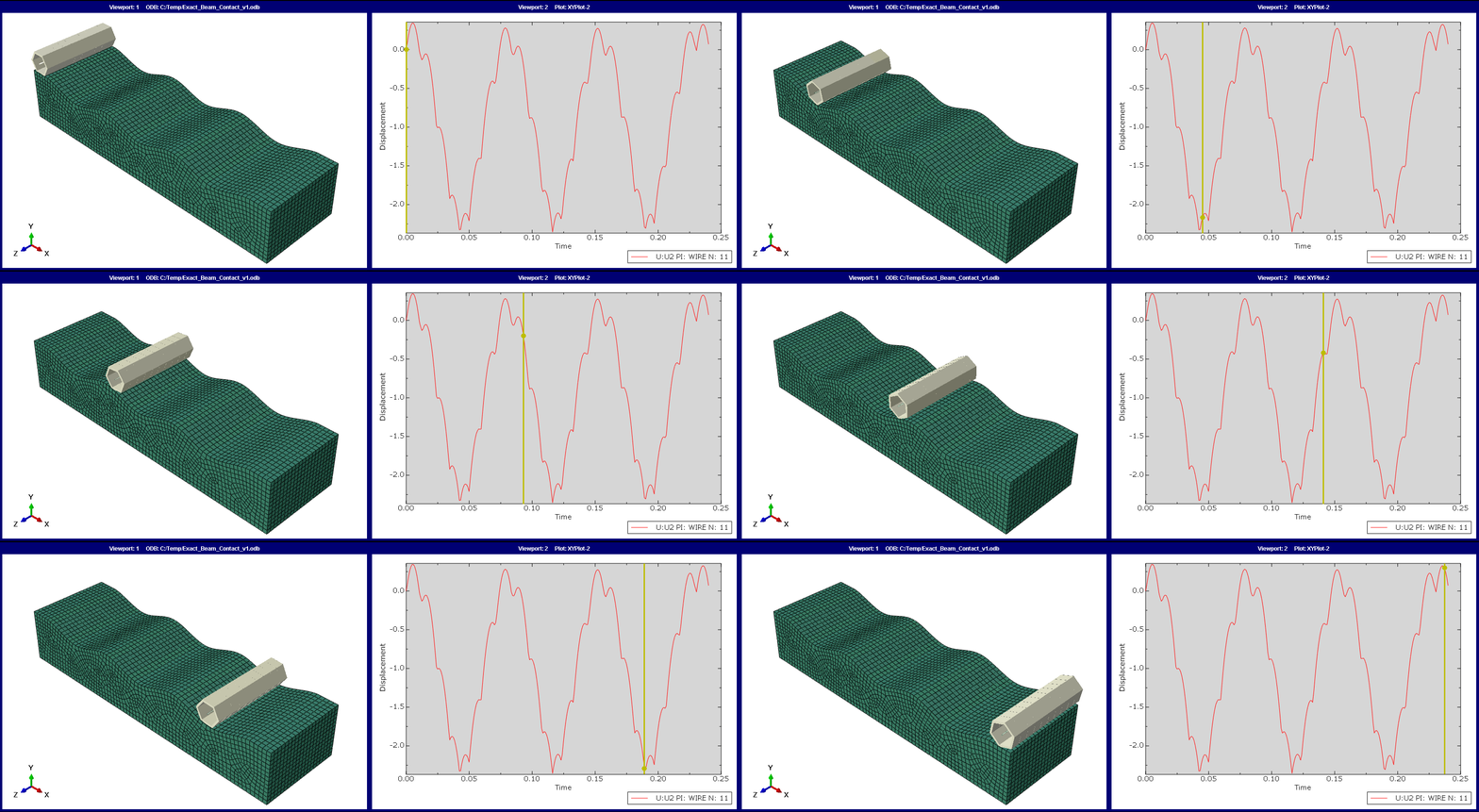
Exact beam contact
With recent advancements, Abaqus has significantly improved its ‘General Contact’ approach, enhancing functionality, robustness, and performance. Discover how the latest version, Abaqus 2023, simplifies defining contact interactions, such as using exact beam profiles for contact surfaces.
Read more
MBSE
Using VeSyMA in MBSE
Understand how VeSyMA supports Model Based Systems Engineering (MBSE) across concept, development, and validation stages. Explore its role in ModSim, Virtual Twins, and Digital Twin workflows for system-level vehicle engineering.
Read more
Advanced Simulation
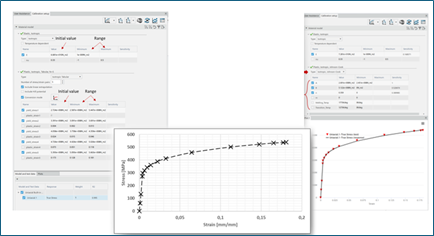
Material Calibration App
The 3DEXPERIENCE Platform Material Calibration app moves the simulation world forward by taking material calibration capabilities found inside the analysts' favorite interface (Abaqus/CAE) and moving them forward to expand and enhance the core process. .
Read more
Advanced Simulation
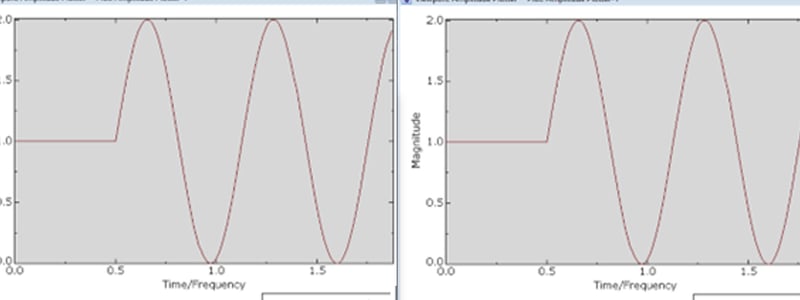
Amplitude Plotter
Discover how to visualize amplitude curves in Abaqus with the 'Amplitude Plotter' tool. This feature allows users to define and inspect complex variations, simplifying the workflow and ensuring accuracy without external tools like Excel. This hidden gem in Abaqus/CAE enhances the modeling experience.
Read more
Engineering
MBSE
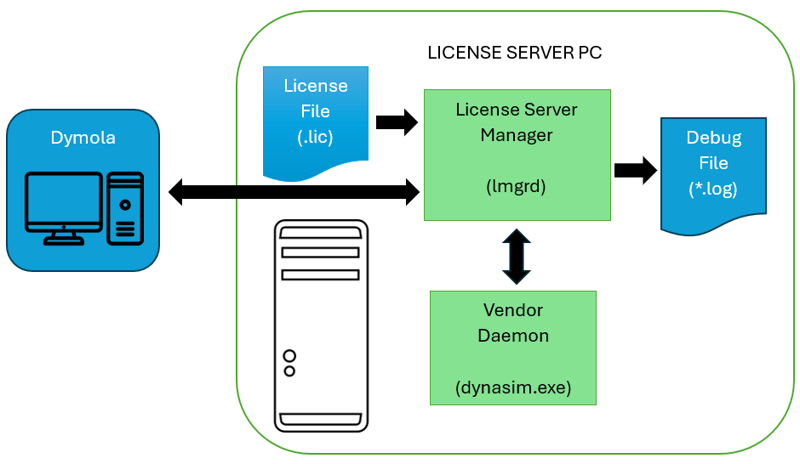
Dymola license server for novices
Learn how the Dymola FlexLM license server works, including installation, license borrowing, checkout behaviour, and practical troubleshooting tips for common issues.
Read more
Advanced Simulation
Start Running EMC Simulations with CST Studio Suite
Electromagnetic compatibility (EMC) is not just a regulatory formality but a cornerstone of product reliability and market success. In this blog post, you can learn about the benefits of running EMC simulations with CST Studio Suite electromagnetic simulation software.
Read more
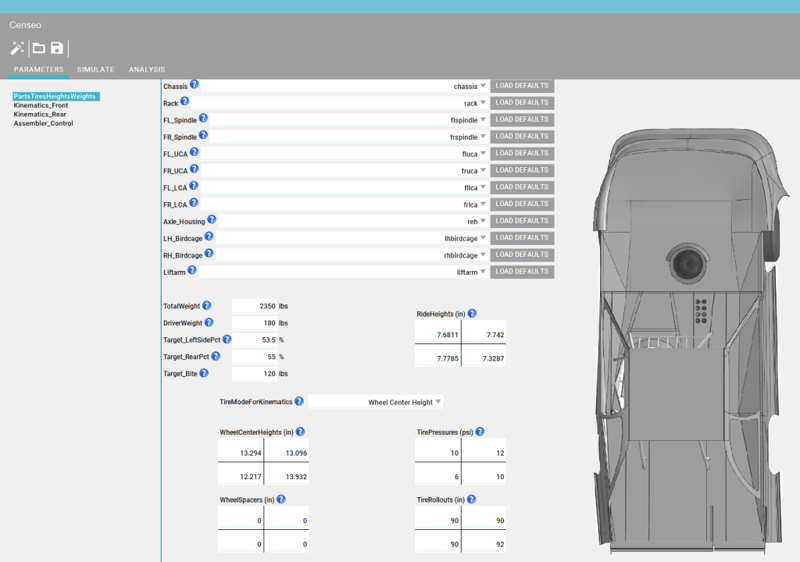
Our new generalized simulation interface - Censeo
An overview of Censeo, Claytex’s configurable simulation GUI that allows non‑experts to run, parameterise and analyse compiled Dymola models.
Read more
Engineering
Why Use Function-Driven Generative Designer or Topology Optimization?
Generative Design is the automatic process of generating a design concept from a set of performance requirements and design rules. It uses an algorithm to generate every design concept possible within a range of parameters and enables designers to choose the best outcome.
Read more
Advanced Simulation
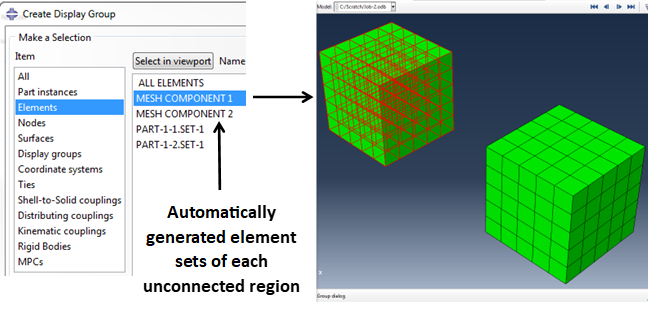
Visualizing Unconnected Regions in Abaqus Models
This blog delves into Abaqus as a versatile suite of finite element tools, highlighting its capability to tackle diverse structural problems with implicit and explicit solvers, along with providing extensive diagnostic support, while also explaining how certain functionalities like 'unconnected regions' can be accessed outside Abaqus/CAE for enhanced model validation and troubleshooting.
Read more
Advanced Simulation
CST Studio Suite Python Scripting
Use Python to speed up your simulation workflow in CST Studio Suite.
Read more
Advanced Simulation
What Can You Do with the Abaqus ODB Reducer/Builder Plug-in?
automatically installed since Abaqus 2021. The ODB Reducer/Builder plug-in is also available in historic releases, through text parameter inputs.
Read more
Advanced Simulation
Viscoelastic material model to capture the effects of creep in concrete
Viscoelastic concrete material models are crucial for predicting long-term structural behavior under sustained loads, temperature changes, and dynamic forces, especially in bridges.
Read more
PLM
Turning UDI compliance into a competitive advantage with PLM
The regulations for UDI (Unique Device Identification) are high on the agenda for most medical device companies. Many faced a race against time last summer to get the necessary submissions filed on time registered, and the process can be a challenge. But the key to UDI success is to view the regulation as an opportunity rather than a challenge.
Read more
Using ASME 8 to Model High Pressure Valves
unknown
Read more
Advanced Simulation
Tyre Simulation for Snow Traction
unknown
Read more
Advanced Simulation
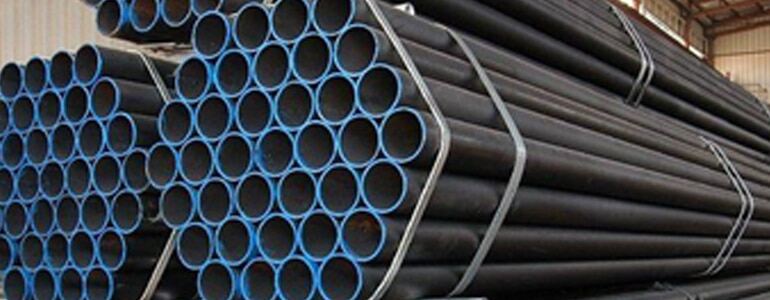
Transport Simulation of Steel Rod Bundles in Abaqus
This transport simulation has many contacts between the elastic bodies and considers a failure of the packaging straps at weld points
Read more
Advanced Simulation
Simulating Geomechanics and Fracking with Abaqus
unknown
Read more
Advanced Simulation
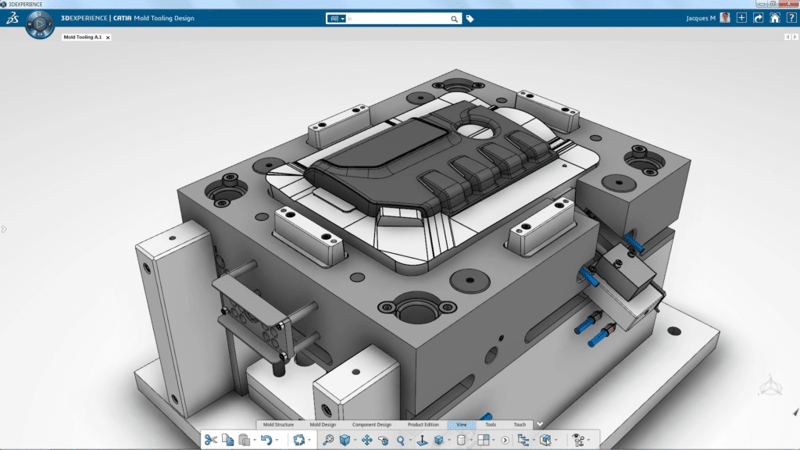
Engineering
Plastic Injection Simulation
Discover how assistant-driven technology in 3DEXPERIENCE can streamline your process and improve results.
Read more
Life sciences
Laboratory management
Image Processing Software in Antibody-based Techniques
unknown
Read more
Engineering
How to Improve Your Product by Keeping Track of Your Technical Debt
Technical Debt is a whole new way of looking at product quality and making it more manageable.
Read more
Advanced Simulation
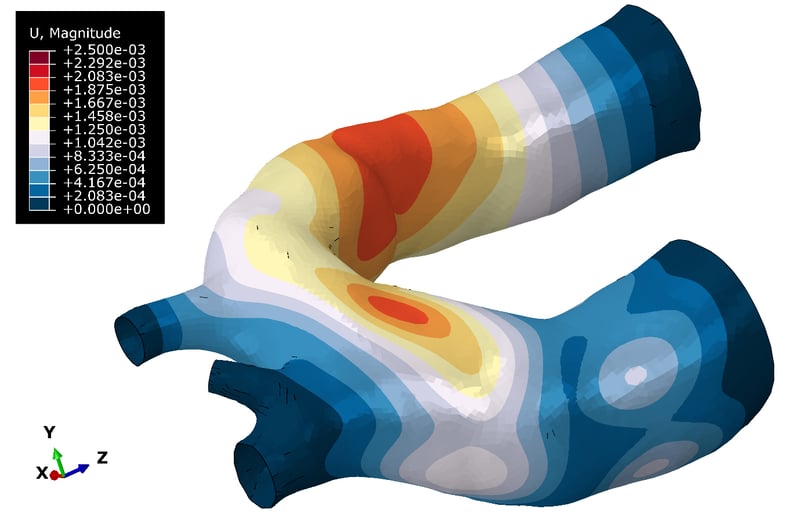
How to Choose Abaqus Colormaps
It's all too easy to misread, misinterpret, or miscommunicate statistical data. That's why data representation in simulation and analysis is so important - especially when writing an engineering report.
Read more
Advanced Simulation
Generative Structural Analysis Applied for Design Optimisation
Design optimisation is the process of finding the best design parameters that satisfy project requirements. Optimisation of parameters, whether “minimisation”, “maximisation” or “approaching a target value” is an iterative process.
Read more
Life sciences
Laboratory management
Engineered to Cure: Unlocking Innovation in the Medtech Industry
unknown
Read more
Life sciences
Laboratory management
Embracing Open Science for a Sustainable Future
Unlocking the power of Open Science for global progress and sustainability.
Read more
Advanced Simulation
Drop Testing in Simulation Analysis
oijasdofisaodfg
Read more
Advanced Simulation
Bioelectromagnetic Simulation with CST Studio Suite
Analyze the interaction of electromagnetic fields with the human body using CST Studio Suite
Read more
Advanced Simulation
Abaqus Smooth Particle Hydrodynamics
oijasdofisaodfg
Read more
Advanced Simulation
Practical Topology Optimization for 3DPrinting
Unlock the potential of Abaqus with our step-by-step guide on setting up and executing a condition-based topology optimization process.
Read more
MBSE
Using the favorites package in Dymola
Learn how to use the Favorites package in Dymola to quickly access and reuse frequently used models and functions. Improve workflow efficiency by simplifying navigation and command-line access in Modelica projects.
Read more
How to work with Modelica files using an inbuilt Modelica Function (or three!)
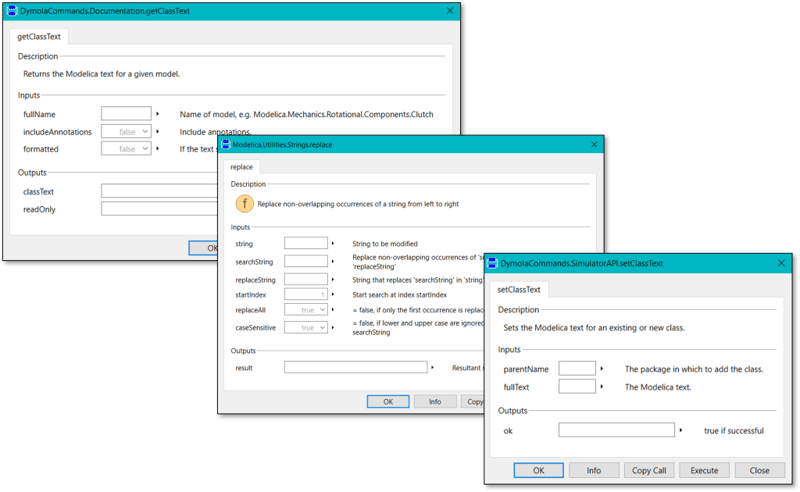
Learn how to automate the creation and modification of Modelica models in Dymola using functions like getClassText, replace, and setClassText. This guide demonstrates powerful techniques for generating and customising Modelica files programmatically.
Read more
Advanced Simulation
Beyond Subroutines in Abaqus/Standard
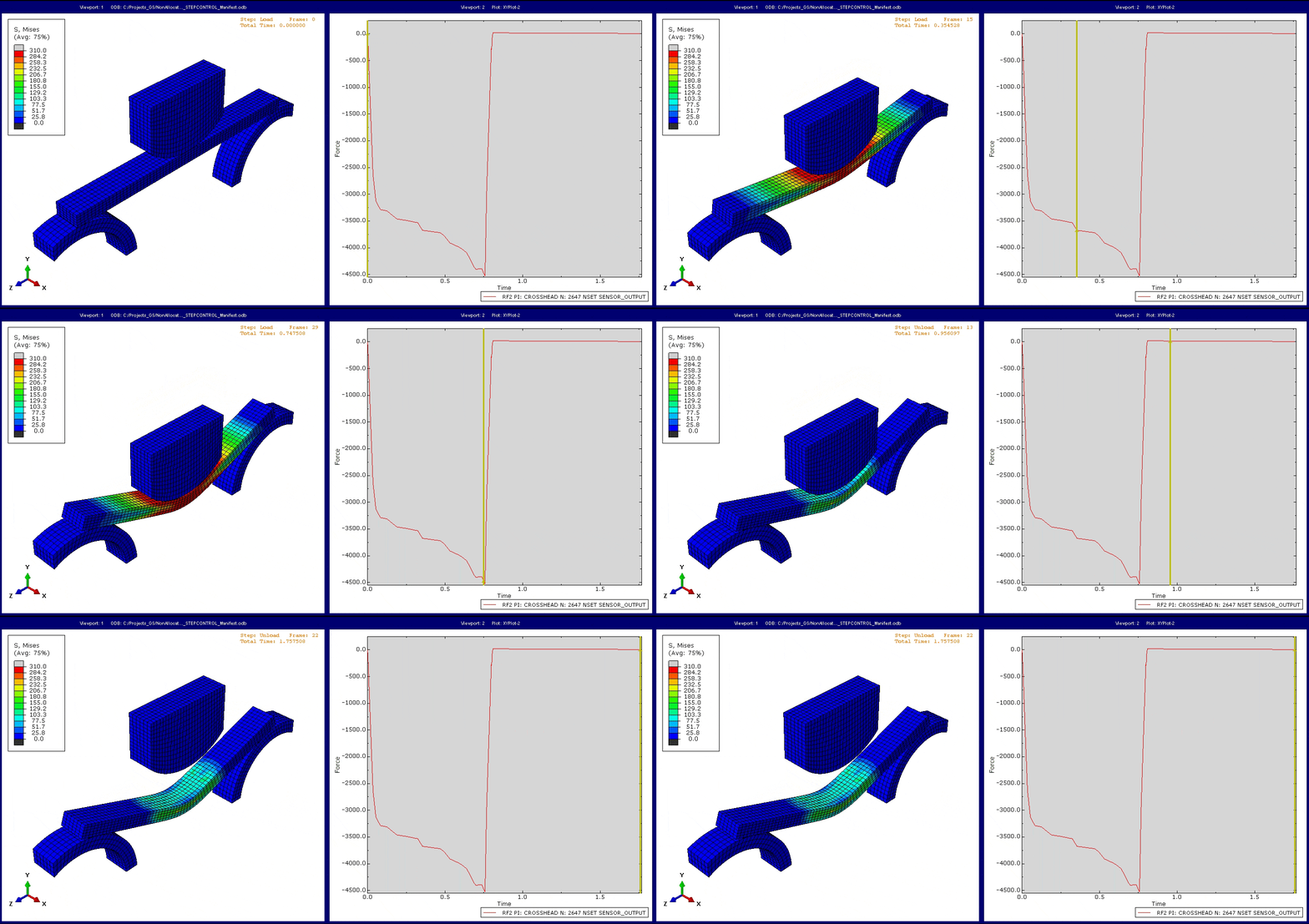
Typically, Abaqus tackles a set loading history defined by the user. But what if the final state of a step within the loading sequence can’t predetermine in advance of running the simulation? Now, Abaqus can self-determine when to end a step with native functionality, bypassing the need for intricate subroutines.
Read more
Advanced Simulation
Non-Linear Optimization of a Connecting Lug with Tosca Structure
Learn how Tosca can easily handle optimization cases with non-linearities, including non-linear contact conditions.
Read more
MBSE
Navigating the Frontiers of Artificial Intelligence: Struggles, Triumphs, and Future Challenges
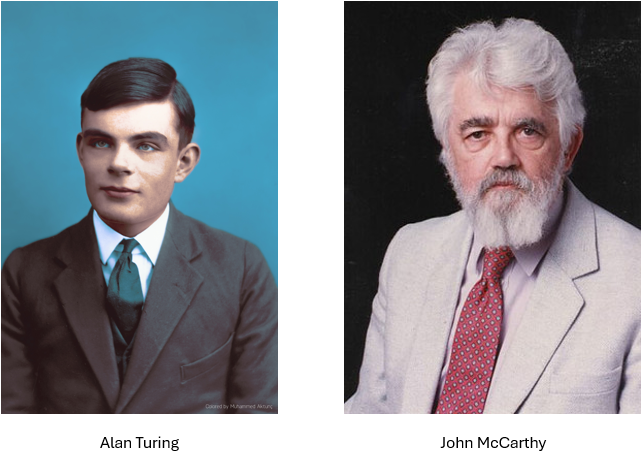
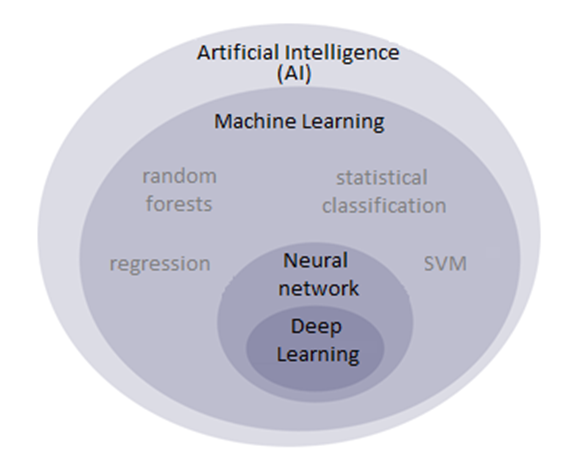
An overview of the evolution of artificial intelligence, from early foundations and the AI winter to modern deep learning breakthroughs, highlighting key advancements, challenges, and future considerations.
Read more
Errors v warnings in Dymola
Learn how to interpret errors and warnings in Dymola translation logs, avoid common pitfalls, and improve Modelica model quality with practical guidance for new users.
Read more
Advanced Simulation
Abaqus 2024: Python Upgrade for Scripters and Non-Scripters
In this post, we will look at some differences that are worth keeping in mind, and how to use the 2to3 tool to (mostly) convert your current scripts to Python 3 automatically.
Read more
Advanced Simulation
Simulation Driven Upright Development For a Formula Student Race Car
Guest blog: Simulation Driven Upright Development - For a Formula Student Race Car
Read more
How to build a simulation model – and brew an espresso using a Moka pot
Learn how to build a thermofluid simulation model from scratch in Dymola using a Moka pot example. This practical guide explores model scoping, assumptions, validation, and using Claytex libraries to simulate real-world systems.
Read more
Advanced Simulation
What’s New in CST Studio Suite 2024?
Discover the latest features and updates in the latest release of CST Studio Suite 2024
Read more
Advanced Simulation
How to Install CST Studio Suite and Antenna Magus Learning Editions
In this blog we'll give you step-by-step instructions on how to install software for electromagnetic simulation: CST Studio Suite and Antenna Magus Learning Editions
Read more
Advanced Simulation
Versatility and Strength of General Contact Across Both Abaqus/Standard and Abaqus/Explicit Solvers
Go beyond automated simulations to understand the dynamics of interaction types using general contact in Abaqus/Standard
Read more
Aerospace & defence
MBSE
Steam powered aircraft catapult
See how a steam-powered aircraft catapult and Avro Lancaster were modelled in Dymola using fluid, mechanical, and flight dynamics simulation.
Read more
How to Move Dymola to a New PC
A practical guide to moving your Dymola installation to a new PC. Covers licensing updates, setup scripts, environment variables, and library configuration to ensure a smooth and efficient transition.
Read more
Advanced Simulation
Reading and Writing Excel Formats with Abaqus Python
This post will still be confined to the native python installation shipped with Abaqus 2023 and how to work with Excel documents.

Read more
MBSE
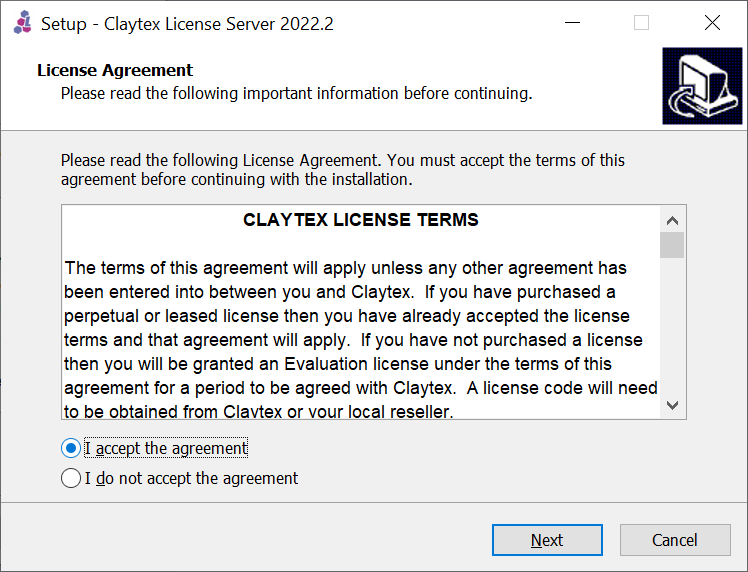
License Server Setup
Learn how to set up a Claytex license server on Windows Server 2022, with step-by-step guidance on configuring FlexNet licensing for network-based software access.
Read more
Basic Dymola Terminology - Claytex basic Dymola terminology
Hopefully this blog post will help shed some light on some of the basic Dymola terminology that is encountered on a regular basis.
Read more
Installing application libraries from Claytex on Windows
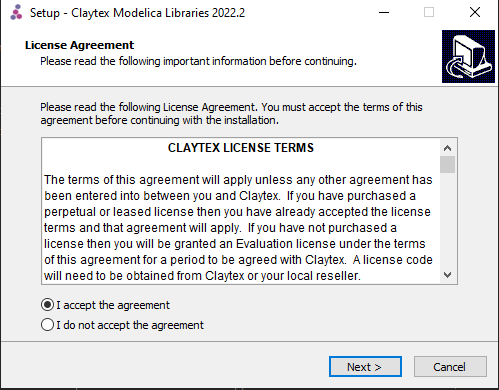
Step-by-step guide to installing Claytex Modelica libraries on Windows. Learn how to configure installations, manage licenses, and avoid common issues to ensure a smooth setup with Dymola.
Read more
Advanced Simulation
Dental Implant Structural Performance Study
This blog explores the use of the 3DEXPERIENCE platform to simplify the collaboration between design and simulation engineers in the field of dental implantology to increase the probability of a successful treatment.
Read more
MBSE
Modelling a Wind Turbine in Dymola
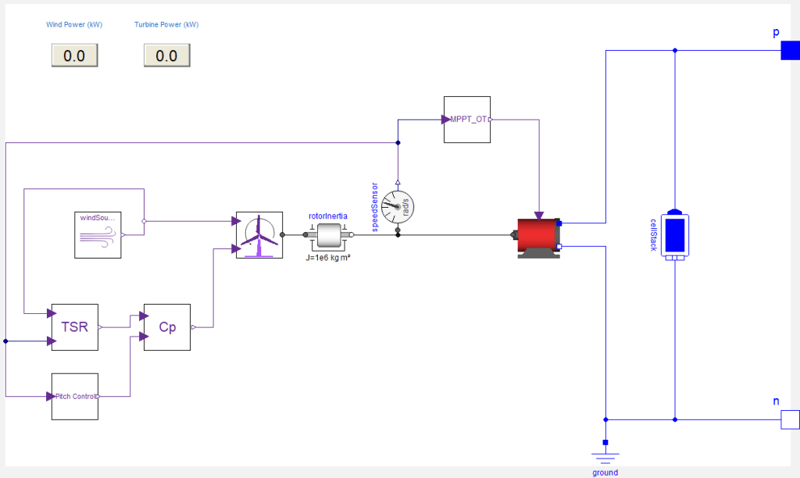
Learn how to model a wind turbine system in Dymola by integrating mechanical, electrical, and control components, and explore how wind conditions impact performance and energy output.
Read more
Advanced Simulation
MBSE
Dymola and Modelica library (toolbox) licensing options
Learn about Dymola and Modelica library licensing, from perpetual and leased options to network licences, renewals, and academic bundles.
Read more
MBSE
Removing Events from Models to Improve Real-Time Performance
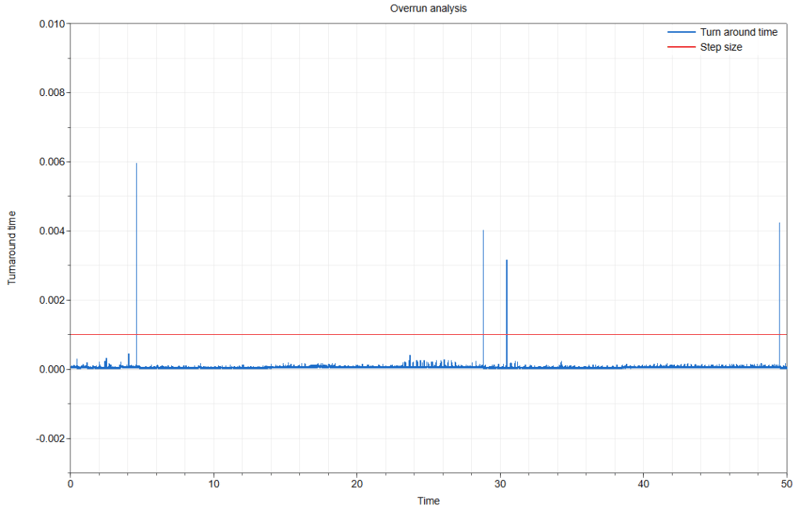
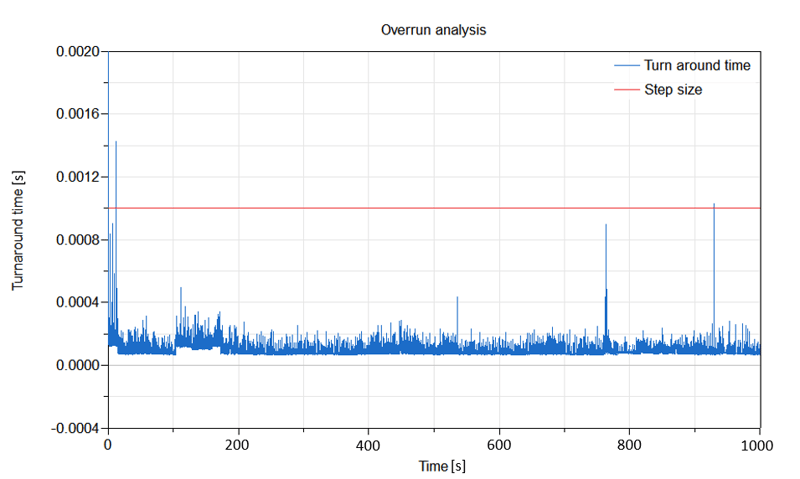
Learn how to optimize real-time simulation performance and prevent HIL overruns by removing computationally expensive events in Dymola using the noEvent operator and eventless logic blocks.
Read more
MBSE
Dymola's HTML Report Generator
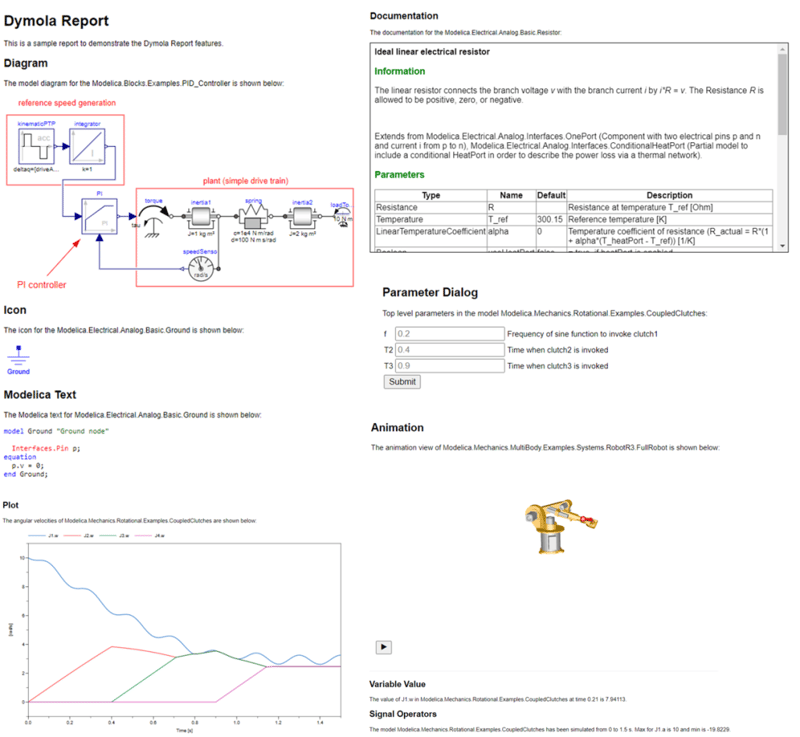
HTML Reports are a clear, lightweight and easy to use tool for distributing Dymola results, to both Dymola and non Dymola users alike.
Read more
A Water Well Pump and Distribution System
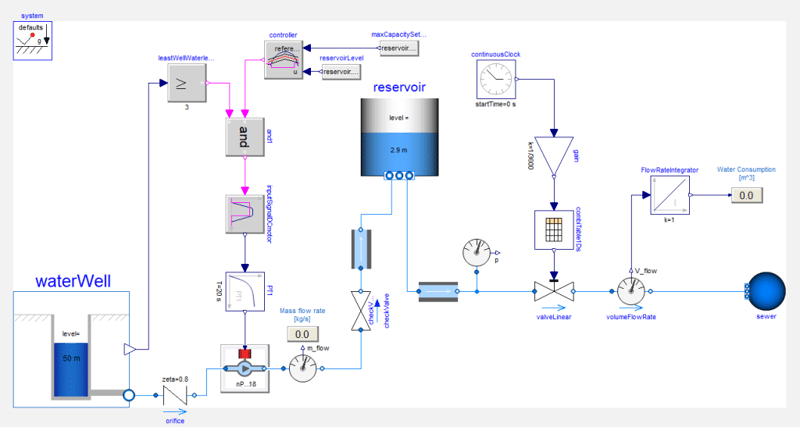
Learn how to model and simulate a complete water well, pump, and urban distribution network in Dymola to ensure stable water pressure, reliable supply, and efficient system control.
Read more
MBSE
Resolving Between Multibody Frames
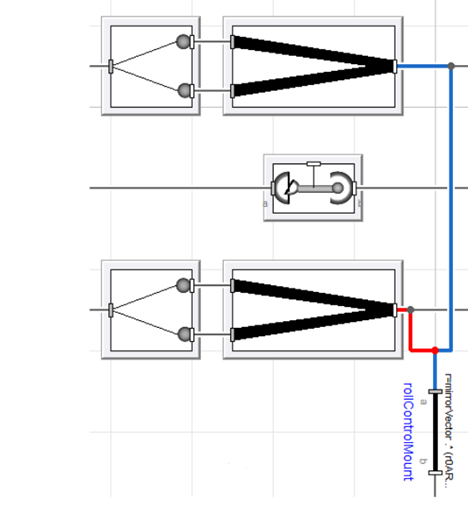
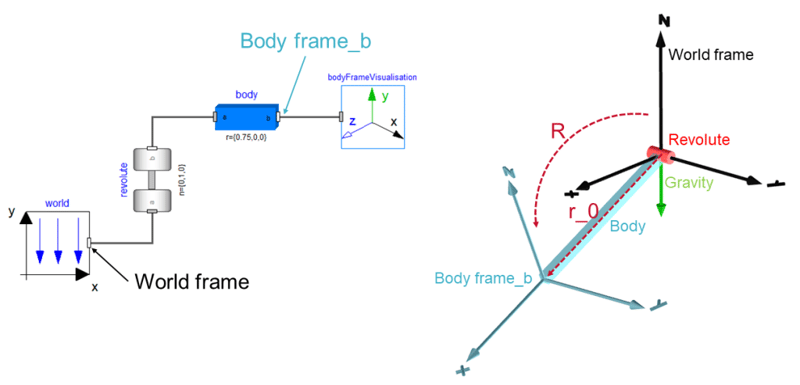
Learn how to manipulate and resolve 3D mechanical vectors and forces between different multibody coordinate frames in Dymola using the Modelica Standard Library.
Read more
Advanced Simulation
Structural Analysis and Design with BRIGADE
Whether you're working on standard bridge designs or complex, custom structures, BRIGADE has you covered.
Read more
Aerospace & defence
Back To The Future Flying DeLorean
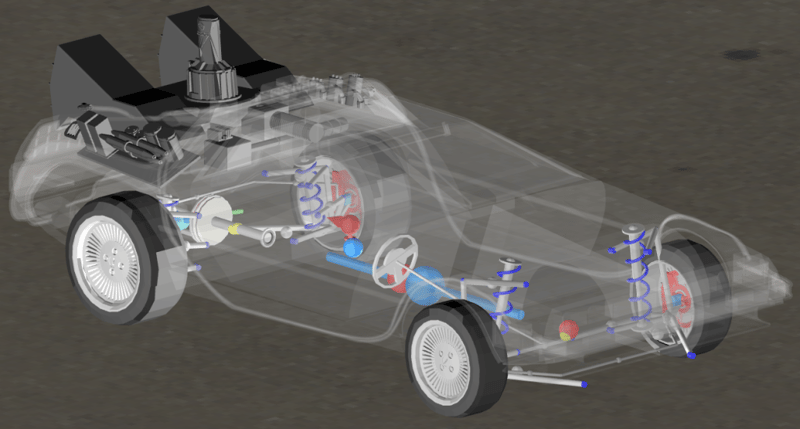
This week I have created a combination of UAVDynamics and Suspensions by creating a flying car, the iconic DeLorean from Back To The Future.
Read more
MBSE
What are your library's dependencies?
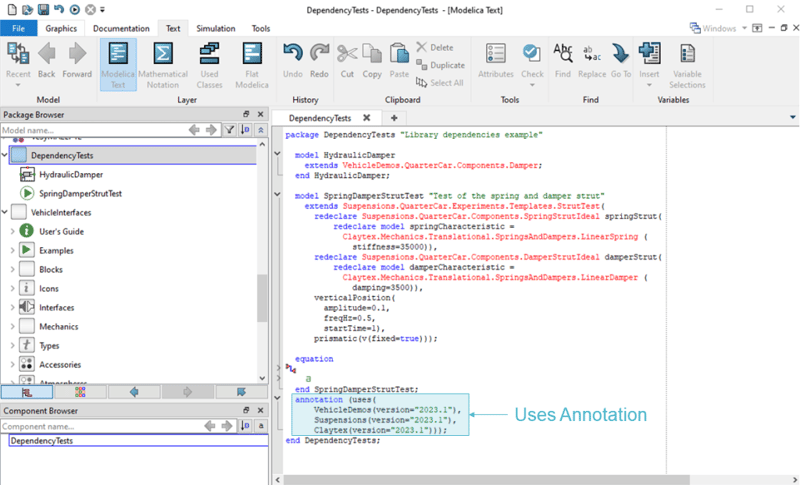
Learn how to identify and manage Modelica library dependencies in Dymola using the getDependentLibraries function for improved compatibility, maintenance, and development workflows.
Read more
A rain water harvesting example
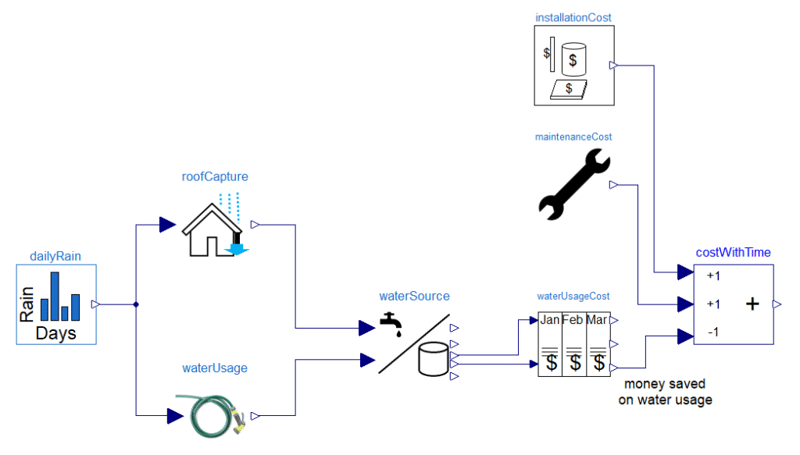
"Discover the financial and environmental benefits of rainwater harvesting through a practical simulation model using rainfall data, tank sizing, and usage estimate
Read more
Advanced Simulation
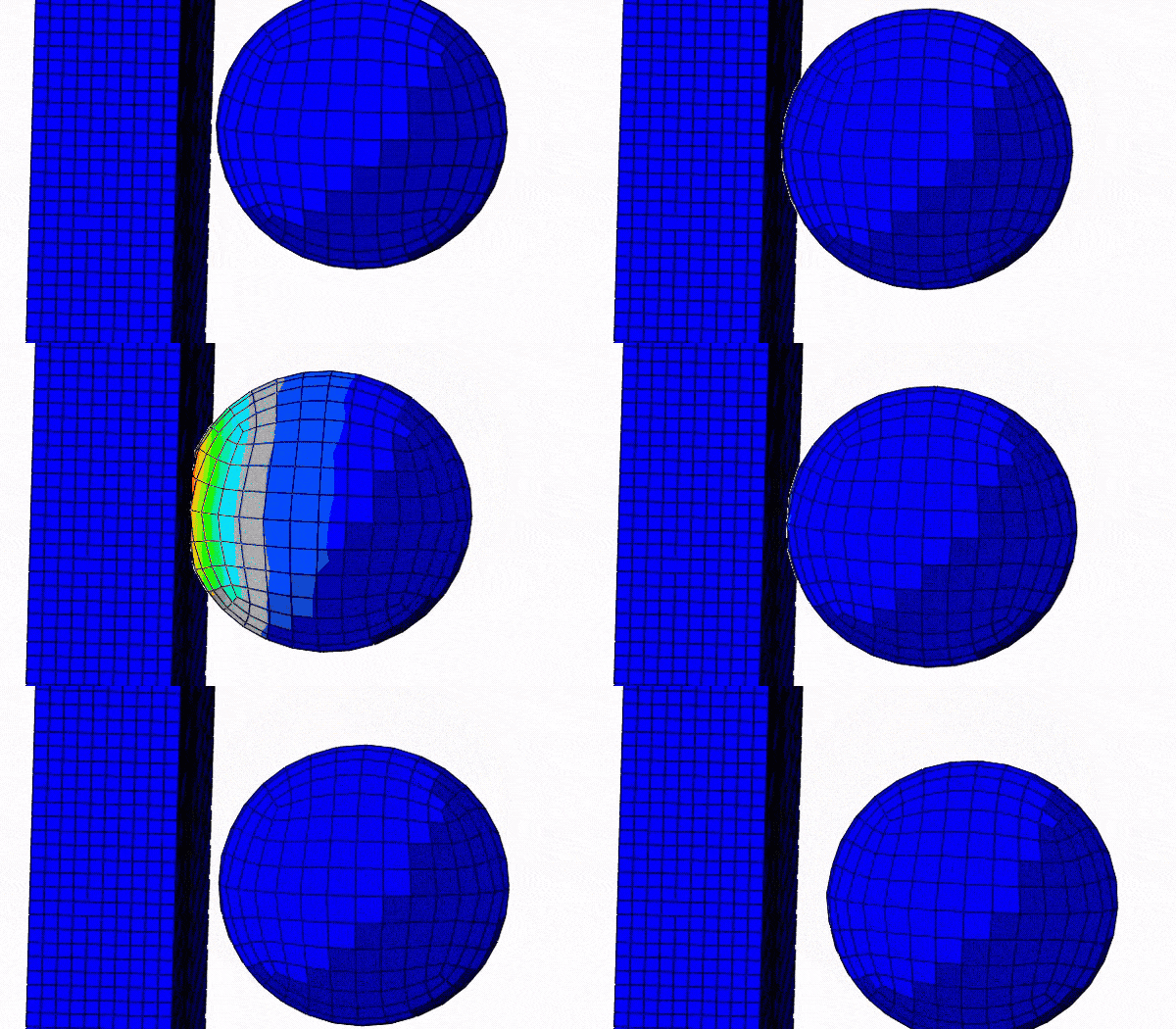
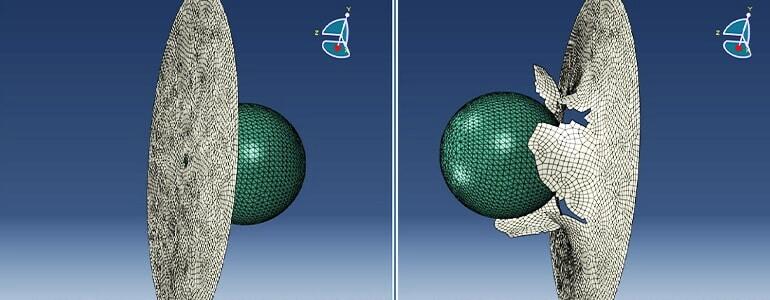
Simulation of the Ballistic Behaviour of the Thin Steel Plate in Abaqus/Explicit
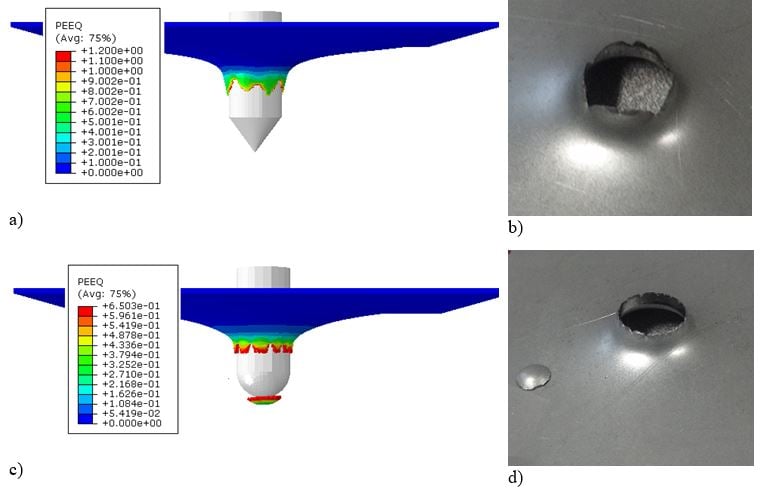
This Technology Brief presents the results of a numerical simulation of the perforation of a thin steel plate by a rigid projectile in Abaqus/Explicit.
Read more
Advanced Simulation
Modeling Buckling, Post-buckling, and Imperfections with Abaqus FEA
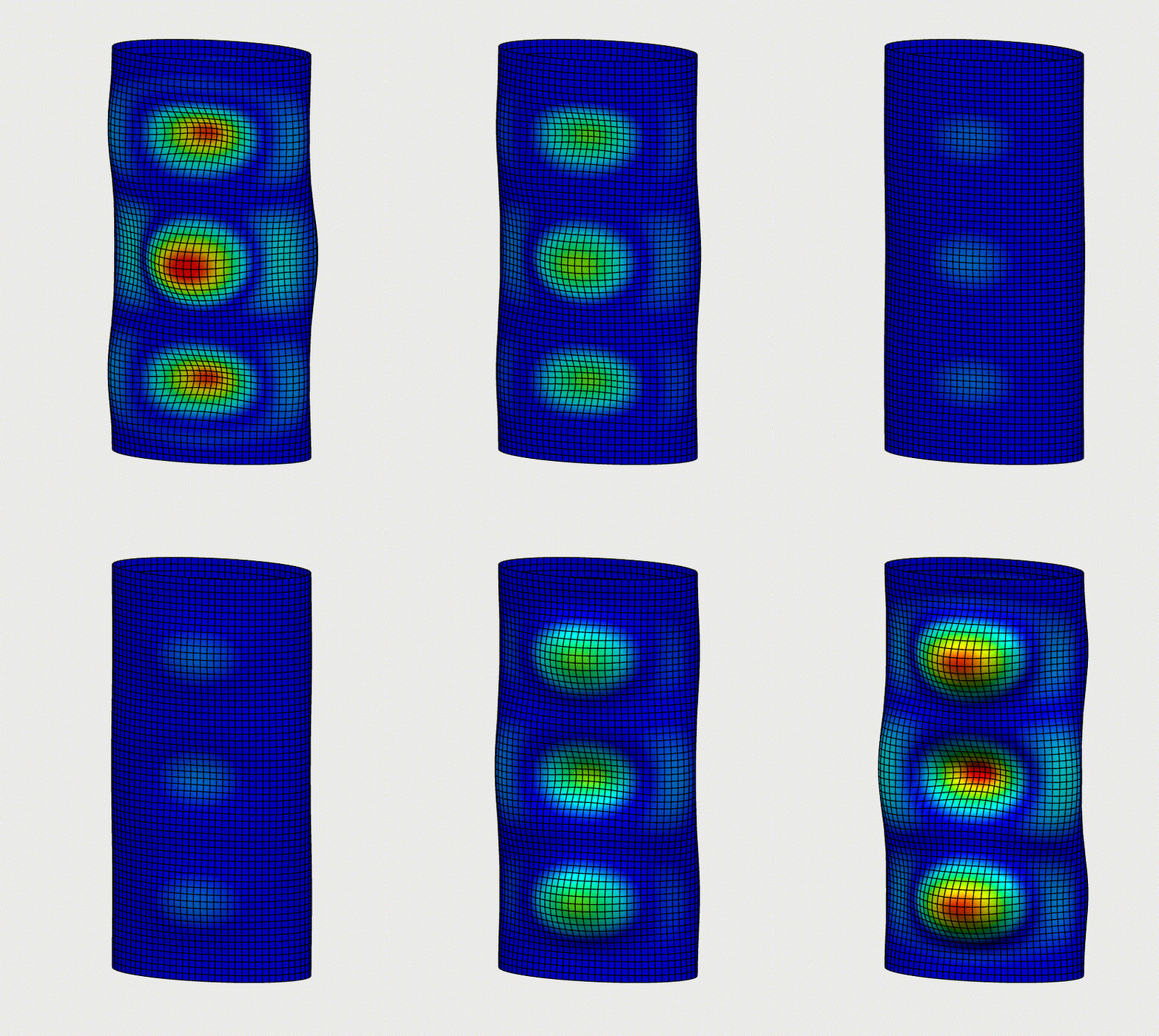
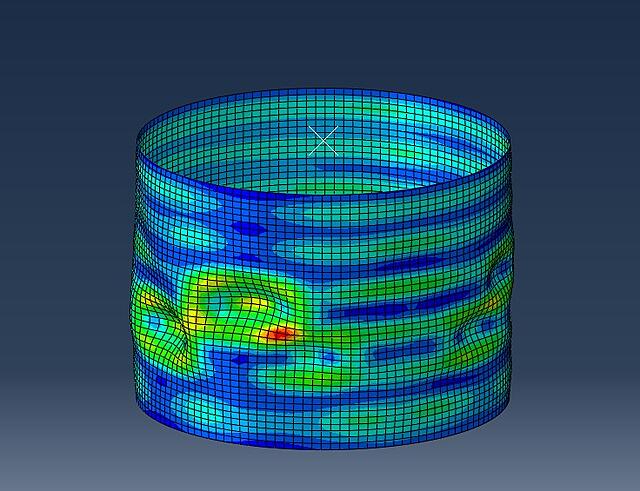
In our recent Blog we will describe the possibilities to perform Buckling analysis in Abaqus. Read more about Linear Buckling, Imperfections & Riks Analysis.
Read more
MBSE
Use of the model management library
Explore how the Model Management library in Dymola enables automated model creation, modification, and data handling to streamline workflows and improve simulation efficiency.
Read more
MBSE
User defined variable gravity in Dymola
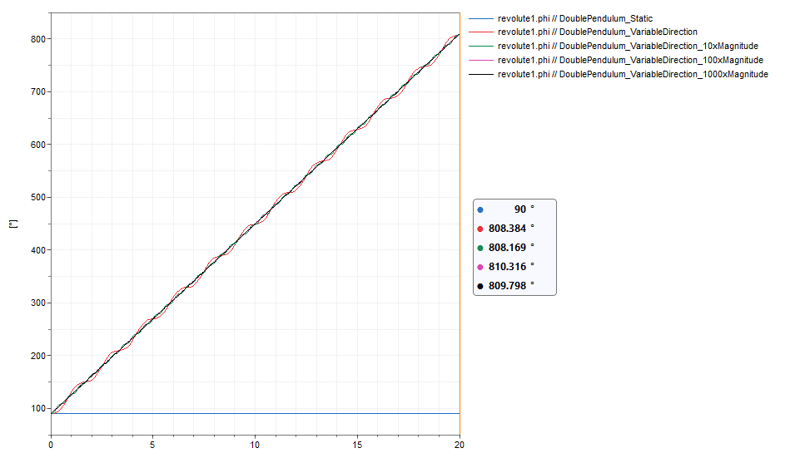
Learn how to implement a user-defined variable gravity field in Dymola using Modelica functions, enabling custom multibody simulations and advanced physics behavior.
Read more
Advanced Simulation
Simulation of the concrete compression in Abaqus/Explicit using CDP model
This blog discusses simulation of the concrete compression in Abaqus/Explicit using CDP model.
Read more
MBSE
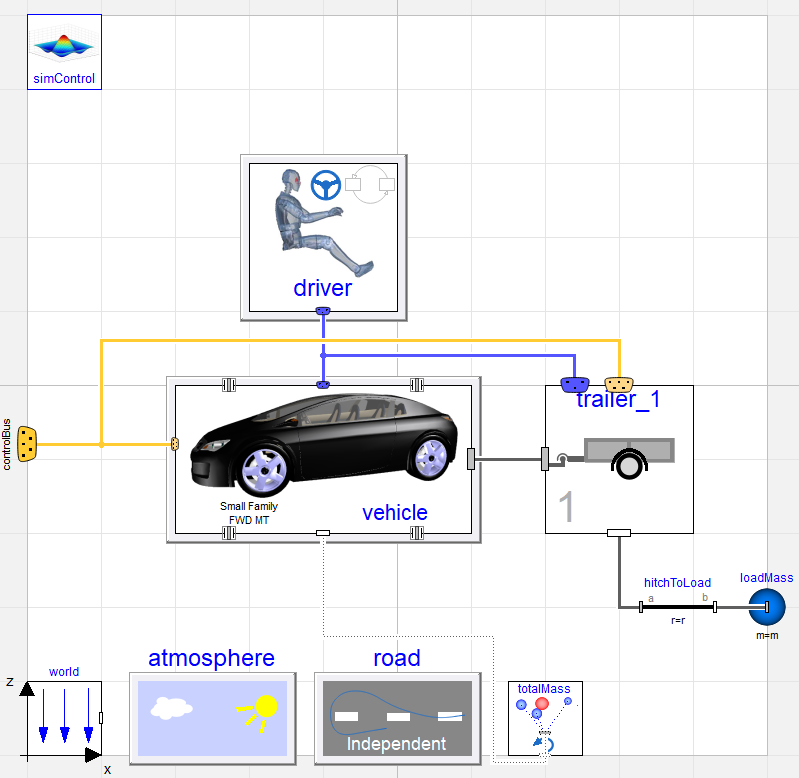
Creating an articulated lorry using a car simulator
Discover how an articulated truck model was built in Dymola using VeSyMA and Suspensions libraries, with new templates for axles, dual wheels, and dependent suspension.
Read more
Advanced Simulation
What is Simpack?
This blog discusses the how Simpack provides all required tools to perform Multi-Body simulations - ergonomic interface and high-end class solvers.
Read more
Advanced Simulation
Discover the Power of Abaqus Scripting With Python
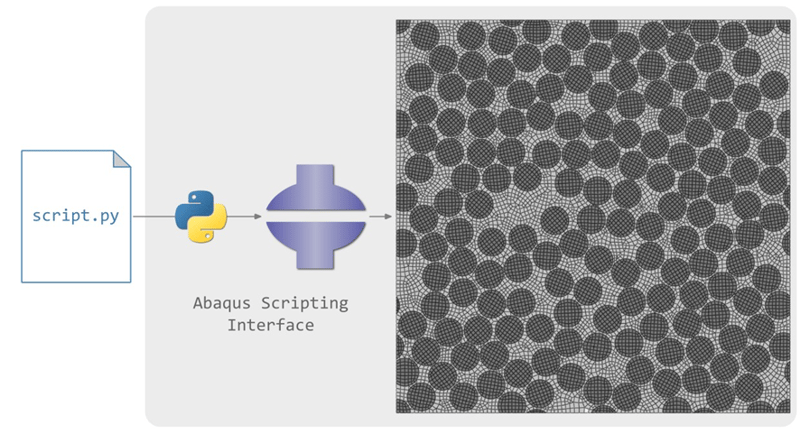
In this article, we will discuss the advantages of using Python scripts in Abaqus for finite element analyses compared to doing it manually and explain the impact of using Python scripts in the numerical simulation pipeline.
Read more
Engineering
MBSE
Documentation in Your Dymola Models
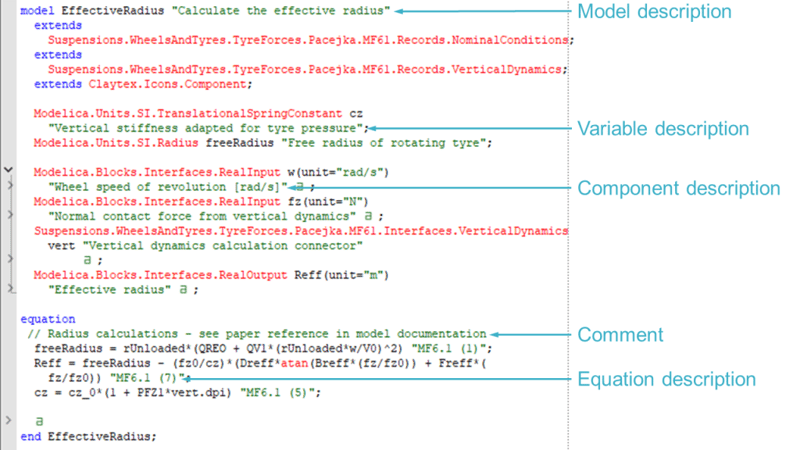
This blog post looks at the documentation options available in Dymola to help you improve the user friendliness of your models.
Read more
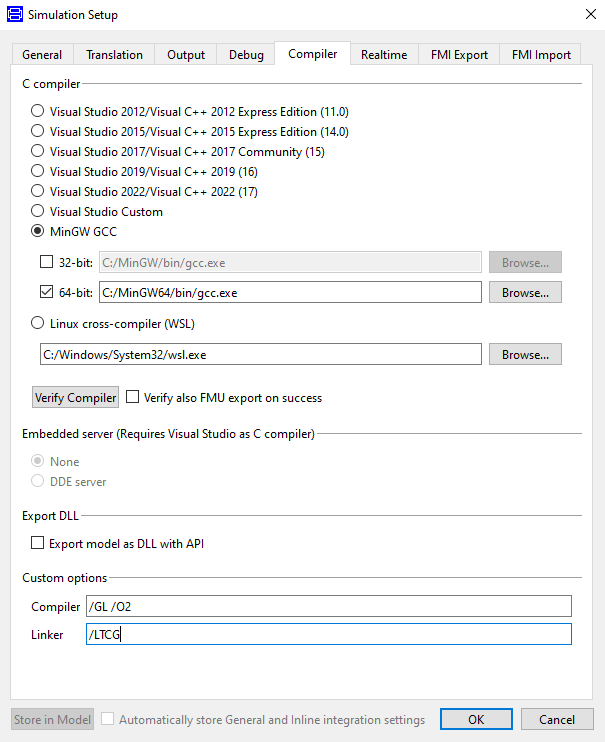
Improve performance by using different compilers in Dymola
Learn how sliding mode control can be applied to engine idle speed regulation using Modelica and Dymola. This advanced guide explores controller design, nonlinear system behaviour, and simulation results for robust performance under varying conditions.
Read more
MBSE
What can you get out of a detailed simulation? Taking a look at a fuel cell electric bus model
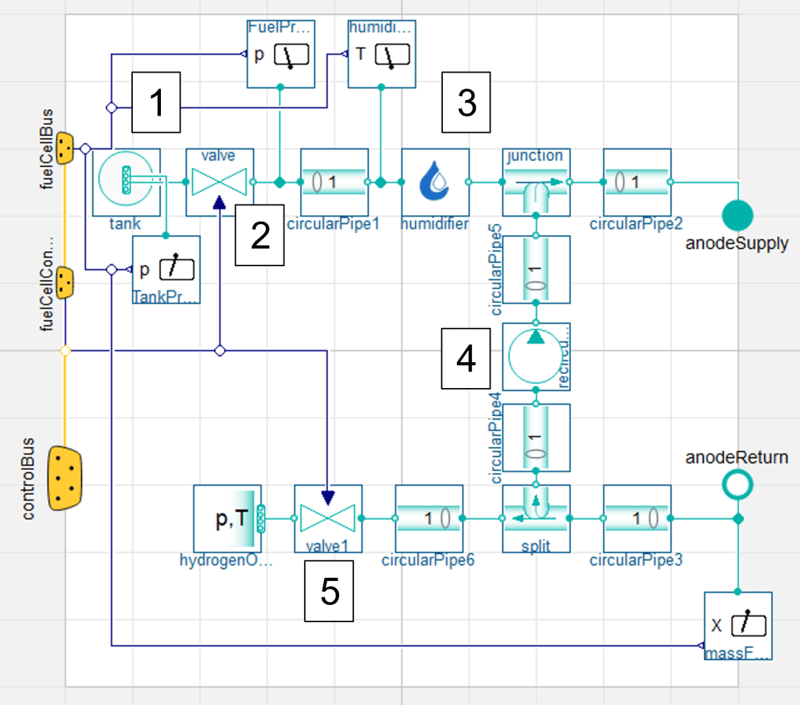
Explore the value of detailed simulation using a fuel cell electric bus model, from component sizing and control system design to system optimisation and digital twin applications.
Read more
Advanced Simulation
Abaqus Co-simulation with XFlow
Using multiphysics simulations allows the interaction between different physical phenomena to be captured
Read more
Simulating KnC rigs
Discover how to validate vehicle dynamics using Kinematic and Compliance (KnC) rig simulations and models within the Dymola Suspensions library.
Read more
Advanced Simulation
MBSE
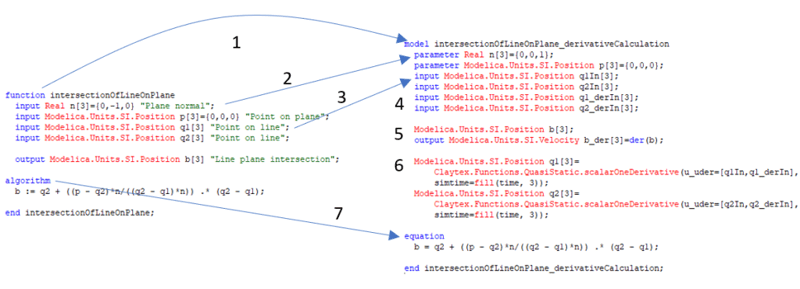
Create a derivative function using Dymola
Learn how to calculate the derivative of a function in Dymola using a practical example, including generating derivative algorithms and optimising the resulting code.
Read more
MBSE
Useful commands and functions for scripting
Discover useful Dymola commands and Modelica functions for scripting, enabling automation of simulations, file handling, and efficient pre- and post-processing workflows.
Read more
MBSE
Library Model Testing for Bugs and Model Validity
Discover why continuous integration is essential for Modelica library development, reducing risk, improving efficiency, and ensuring reliable simulation results compared to manual testing.
Read more
MBSE
Solution selection in suspension aggregate joints for improved performance
Learn how solution selection in aggregate joints improves suspension model performance in VeSyMA Suspensions and VeSyMA Motorsports, enabling stable real-time simulations for driver-in-the-loop and motorsport applications.
Read more
MBSE
DTM 90's: Modelling Mercedes-Benz's active ballast system
Simple models can teach the fundamnetals of multibody modelling, and how Dymola and VeSyMA can be used to study complex vehicle dynamics.
Read more
MBSE
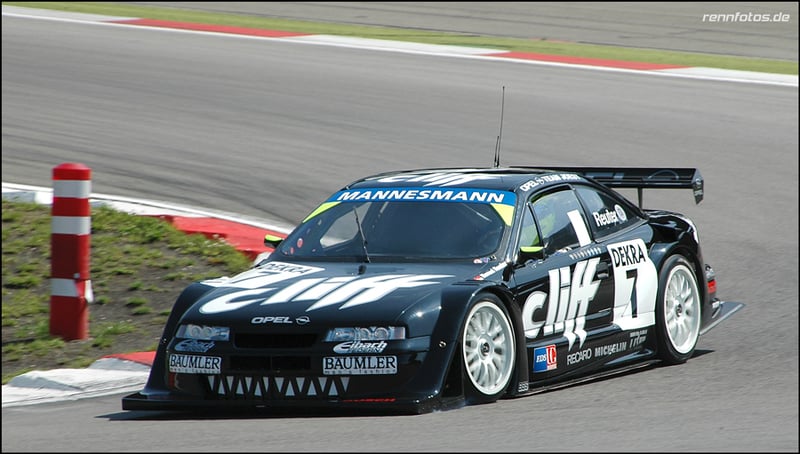
DTM in the 90s Part 2: Modelling Opel's Active Aerodynamics
In the 90s, the DTM saw unique technology. We take a look at modelling the Opel Calibra's active aero using multibody modelling in Dymola.
Read more
MBSE
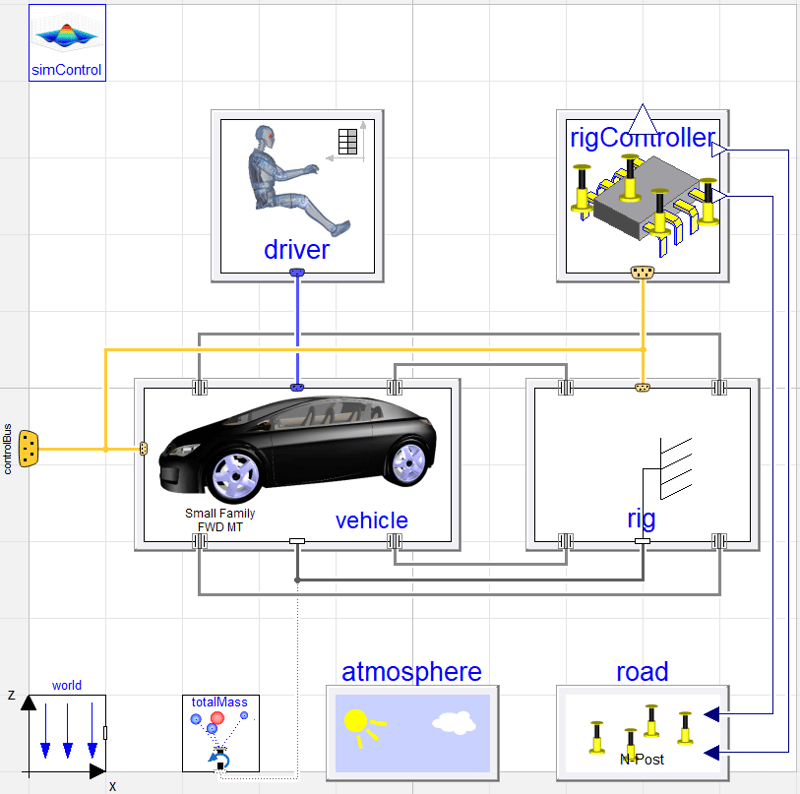
Create your own simulation dashboard
Create a simple Dymola simulation dashboard using Python and PyQt6. Learn how users can modify key parameters and run simulations without needing Dymola expertise.
Read more
Advanced Simulation
Tips for Running Abaqus Jobs on a Server
This blog highlights some of the commands and functions that are useful when working on a shared Linux server. Some of these commands will still be useful on a windows platform.
Read more
Aerospace & defence
MBSE
Major Updates to the UAVDynamics Library
Explore the latest UAVDynamics library updates, including new vehicle types, failure modes, and advanced modelling capabilities for UAV and aerospace simulations in Dymola.
Read more
MBSE
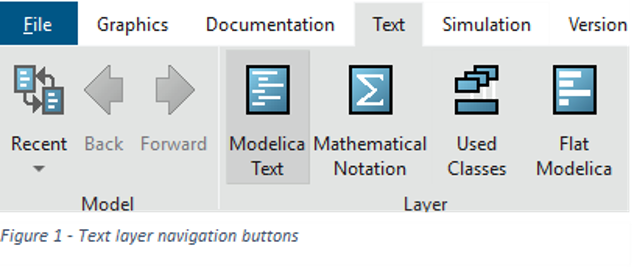
Searching code to find where a variable is defined
Learn how to easily search code and locate variable or parameter definitions within complex, hierarchical Modelica models using Dymola's Used Classes layer.
Read more
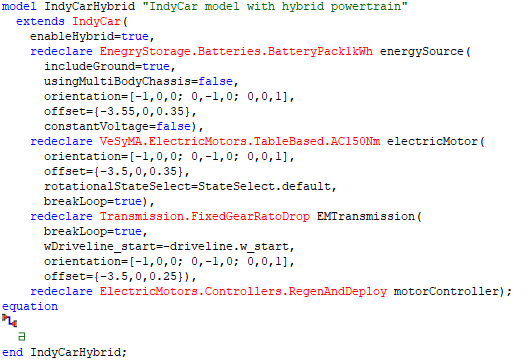
Hybrid IndyCar - Development Insight Case Study
Explore how hybrid system support is integrated into IndyCar vehicle models using the VeSyMA Motorsport library. Learn how smart model design, templates, and user-focused development improve flexibility, performance, and real-time simulation capabilities.
Read more
MBSE
Motorsport in the 21st Century: Claytex and the Modern Motorsport Paradigm
Discover how motorsport’s role in automotive development is evolving, from performance-driven innovation to knowledge transfer, simulation tools and engineer development.
Read more
MBSE
Systems modelling approach to railway simulation
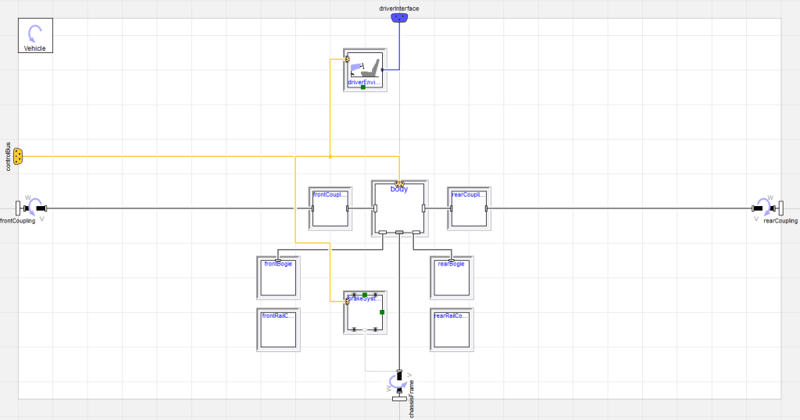
Learn how Modelica and VeSyMA are used to simulate railway systems, from rolling stock templates to full train models and system integration.
Read more
Engineering
A Closer Look at Dymola Events
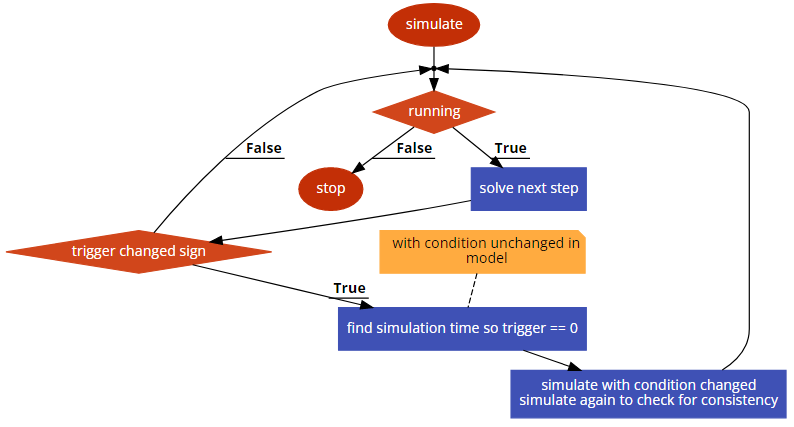
Explore how Dymola events are detected and handled by a variable‑step solver, including time, state, input, and step events in Dymola. Learn how event triggers, iterative searches, and consistency checks ensure accurate simulation results.
Read more
MBSE
Verification & validation of a simulation model
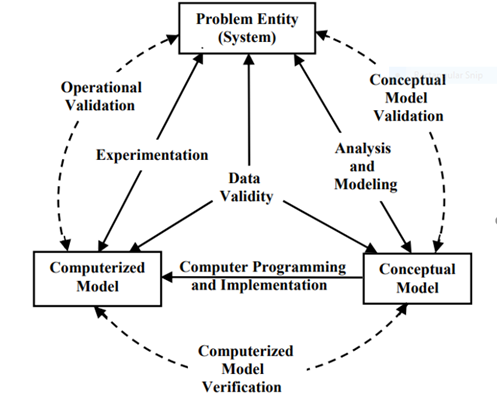
Learn the fundamentals of verification and validation (V&V) for simulation models, including theory, processes, and practical steps to ensure accuracy and reliability in engineering applications.
Read more
Advanced Simulation
How to Save and Export Animations in Abaqus for Powerpoint
This blog shows how to create videos for PowerPoint presentations with Abaqus/CAE.
Read more
Advanced Simulation
Additive Manufacturing Simulations in Abaqus
This blog discusses the how the Abaqus functionalities allow for realistic simulations of a wide range of additive manufacturing processes.
Read more
MBSE
Testing library: a look inside
Overview of the Modelica Testing Library in Dymola. Learn how to create test models, generate reference results, and run regression tests efficiently.
Read more
Advanced Simulation
Optimizing Design Processes for Sustainability with Generative Design
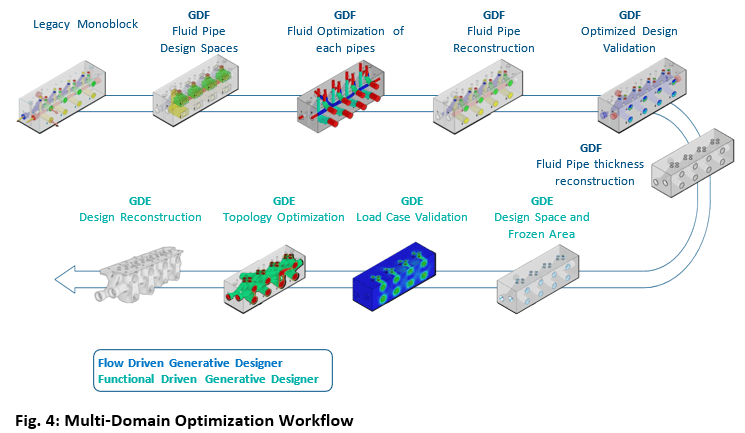
This blog illustrates the redesign of a hydraulic manifold with an almost 40% percent average improvement in pressure drop and 80% savings in mass.
Read more
Advanced Simulation
Running Batches of Jobs with Abaqus Python
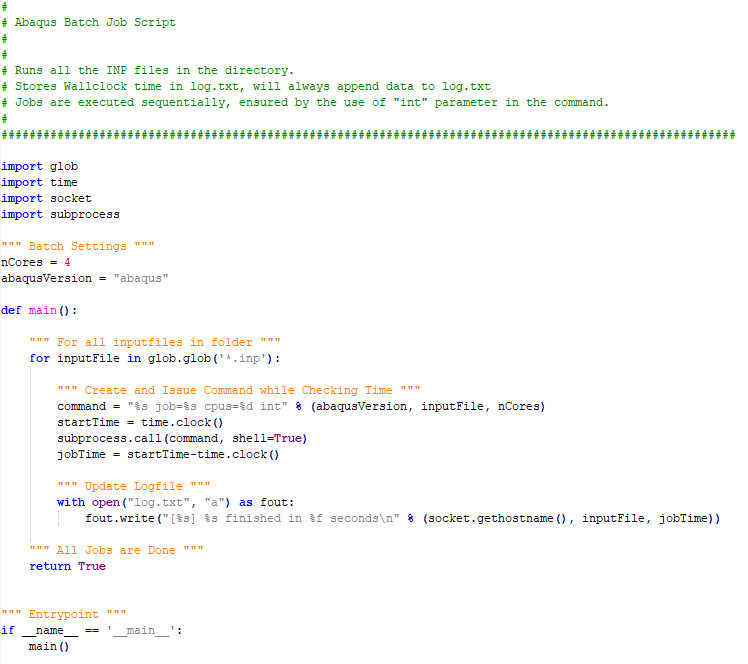
A useful python script that can be modified to include more features. Based on built-in functionality, no additional installation or investment needed.
Read more
MBSE
Real Time Cooling Systems
Explore the real-time capabilities and performance of thermo-fluid cooling models in Dymola, designed to run seamlessly with fixed time steps in HIL and DiL simulators.
Read more
FMI basics Co-simulation vs. Model Exchange
An introduction to FMI explaining the differences between Model Exchange and Co‑simulation FMUs, with practical guidance on solver choice and performance trade‑offs.
Read more
MBSE
Introduction to Supervised Learning
In this blog post we will describe and exemplify the creation of a supervised learning algorithm, as well as define the vocabulary around it.
Read more
MBSE
Using global connectors
Learn how to use global connectors in Modelica to aggregate properties like total mass across a system. This guide explains connector behavior, flow/across variables, and practical implementation in Dymola models.
Read more
Advanced Simulation
Flexible Licensing Using Abaqus Credits
Björn Lundin explains the option of Abaqus Credits as a more flexible license solution when there is sudden need for additional solving capacity over a brief time period.
Read more
Advanced Simulation
Customizing your Abaqus 2022 environment with Python
NEW Blog | Customizing your Abaqus 2022 environment with Python. Discover the powerful opportunities to accelerate your day to day tasks!
Read more
MBSE
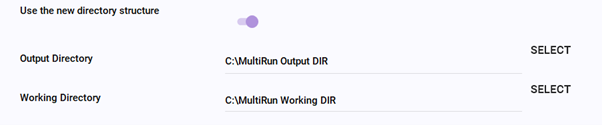
The MultiRun tool - localized regression testing made simple
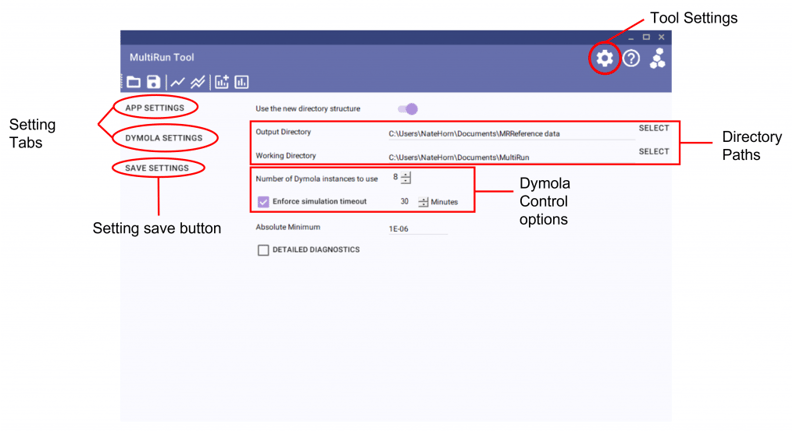
Overview of the MultiRun tool for Modelica/Dymola, enabling fast parallel regression testing of model libraries. Learn how automated experiment execution, reference comparisons, and reporting streamline localized model validation during development.
Read more
MBSE
Removing Existing Parameter modifications in Dymola
Learn how to use the break keyword and the "Set to No Value" GUI option in Dymola to easily remove existing parameter modifications and start values for model reuse.
Read more
MBSE
Nice Clear Logs
Learn how to declutter the Dymola log window by resolving common warning messages, making it easier to debug models and identify critical issues.
Read more
MBSE
Keyboard shortcut for setting SI units
Learn how to quickly set SI units in Dymola 2022x using a new keyboard shortcut, improving model accuracy and avoiding unit errors with built-in unit checking.
Read more
MBSE
Model Openness and Customisation in Dymola
This blog post covers the advantages of using Dymola for physical modelling over your more traditional simulation environments.
Read more
Advanced Simulation
Two Ways to Get Geometry From an Orphan Mesh in Abaqus
Abaqus offers tools to create geometry based on a mesh. Here I discuss two options: using the mesh-to-geometry plug-in and using the built-in tools.
Read more
Aerospace & defence
MBSE
Modelling of Phased Array Antenna
Learn how phased array antennas work and how to model beam patterns using interference principles, exploring how array configuration influences directivity and performance.
Read more
MBSE
Leveraging Existing Modelica Libraries in Your Simulations
Learn how to leverage Modelica libraries in Dymola to accelerate system simulation, reduce complexity, and combine multi-domain models without needing deep expertise in every component.
Read more
Advanced Simulation
Why It's Good to Understand What Your FE-Solver Is Doing
In this blog Christine Obbink-Huizer explores a customer support question problem discussing why it is good to understand what your FE solver is doing (and how you can become more knowledgeable as well!).
Read more
MBSE
Understanding the VeSyMA road model
Learn how VeSyMA road models work in Dymola, including data structures, road file formats, and differences between GenericRoad and IndependentDrivingLine approaches.
Read more
MBSE
Synchronising push swings
Synchronisation of coupled push swings using a Modelica/Dymola model inspired by the Kuramoto model. Demonstrates how simple control strategies can lead to phase synchronisation in oscillating systems.
Read more
Advanced Simulation
Free Fortran Compiler on Windows for Abaqus Material Modeling
In this blog we'll show how to install a freely available fortran compiler and link it to Abaqus to do material modelling with user subroutines.
Read more
High level simulations in Dymola
Discover how Dymola and Modelica enable fast, high‑level vehicle simulations using VeSyMA, supporting conceptual studies, drive cycle analysis, and real‑time applications.
Read more
Building Your Modelica Library Release
This blog post shows you how to build a Modelica library release, including a tool to download to help you release your own libraries.
Read more
Advanced Simulation
Simulating Crack Initiation and Propagation in Abaqus Using XFEM
In conventional FEM methods for crack propagation, the initial crack location needs to be predefined. This is not necessary when using eXtended Finite Element Method (XFEM). In this blog post I thought we would take a small dip into modelling fracture and failure in Abaqus using XFEM.
Read more
How to build an adaptable model
Adaptable models fully utililise the Modelica and Dymola to their full potential. Learn more about them in the Claytex blog.
Read more
Advanced Simulation
Abaqus Python Scripting: How Difficult Is It?
Scripting in Abaqus is a powerful way to reduce (wo)manhours and ensure a consistent method is used. Previously, we have given an example of postprocessing and tips on getting started. This blog discusses the kinds of problems that are easy or more challenging to script by using examples.
Read more
MBSE
Run dymosim.exe From the Command Line
Learn how to run the Dymola dymosim executable from the Windows command line or Linux terminal, configure dsin.txt settings, and execute parallel batch runs.
Read more
Advanced Simulation
Meshing Complex Geometries in Abaqus
Geometry import and meshing is one of the key areas where we as FE analysts can spend a lot of time and effort. For meshing in particular, using hexahedral elements to mesh complex part can be difficult. In this blog we’d explore one way to obtain a hexahedral mesh for two relatively difficult parts.
Read more
MBSE
Sensitivity testing of vehicle efficiency using VeSyMA drive cycle
Discover how to perform sensitivity testing on electric vehicle efficiency using VeSyMA drive cycle simulations to analyze the impact of gradients, crosswinds, and roof boxes on battery SOC.
Read more
How to solve your own nonlinear equation
Explore how to solve nonlinear equations within Modelica functions in Dymola. This advanced guide explains Jacobian-based methods, iterative solving techniques, and practical considerations for implementing custom nonlinear solvers.
Read more
MBSE
Revealing Hidden Content in Dymola
Learn how to reveal hidden parameters, concealed libraries, and invisible diagram connections in Dymola using built-in settings to troubleshoot and understand complex models.
Read more
MBSE
VeSyMA sign convention
Understand VeSyMA sign conventions for vehicle simulations, including road, motion, and mechanical variables, to ensure accurate interpretation of results and system behaviour.
Read more
Advanced Simulation
Axisymmetric Analysis: Abstraction Shapes and FEM Reps
In Abaqus there is a direct relationship between geometry and the final meshed shape: if we want to defeature or do an axisymmetric analysis, the geometry needs to be modified. On the 3DEXPERIENCE platform, this is not the case. The geometry can remain unchanged. Discover more in the latest blog from Christine Obbink-Huizer.
Read more
MBSE
Variable valve timing on the effect of brake specific fuel consumption (BSFC) improvement: a study at part load using VeSyMA - Engines
Explore how variable valve timing (VVT) impacts brake specific fuel consumption (BSFC) at part load using VeSyMA Engines. Learn which valve strategies improve efficiency and why.
Read more
MBSE
Vehicle origins and coordinate systems
Learn how to define vehicle origins and coordinate systems in Modelica and VeSyMA. Avoid common orientation errors, align subsystems correctly, and ensure accurate simulation results from the start.
Read more
Advanced Simulation
Hyperelasticity and Viscoelasticity in Abaqus
In this blog I thought we could do a small dive into hyper- and viscoelastic materials and how to model these in Abaqus.
Read more
MBSE
Simulating Models with dsu.txt Inputs
Learn how to simulate Dymola models with dsu.txt inputs to replay hardware-in-the-loop (HiL) test signals, debug models, and use Claytex.FileReader alternatives.
Read more
Calculating partial derivatives of a model
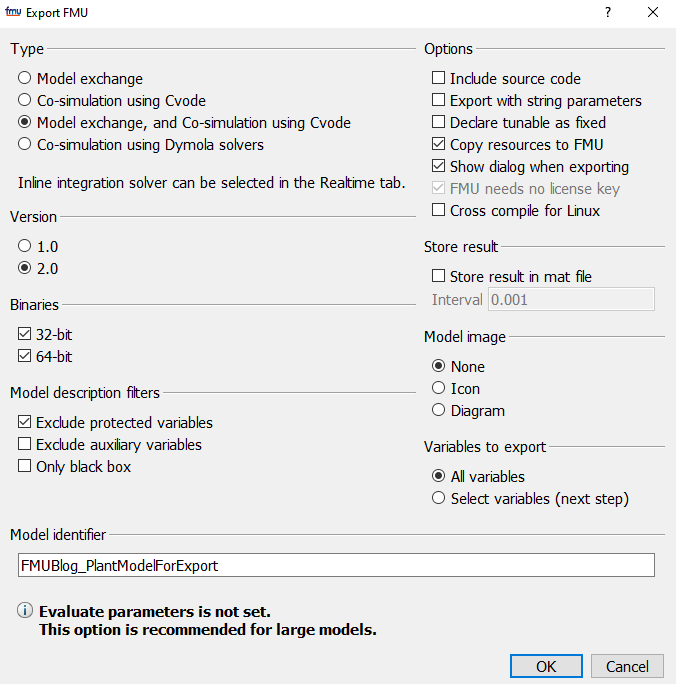
Learn how partial derivatives of a model can be calculated by exporting a model as an FMU, then importing the FMU into Dymola and using the fmiGetDirectionalDerivative() function.
Read more
Calling a Modelica Script from a Function
Being able to trigger a Modelica script from within a funciton is a useful tool for Dymola model developers.
Read more
MBSE
Installing Dymola on a Windows PC - Part 2
Quick guide to installing Dymola on Windows, including library selection, license configuration, and compiler setup. Follow simple steps to get your simulation environment ready and start modelling quickly.
Read more
MBSE
Test metrics
Learn how test metrics in Simulation Manager enable fast evaluation of simulation results, from real-time KPIs to post-processing for autonomous vehicle testing.
Read more
Advanced Simulation
Implicit Vs Explicit Finite Element Analysis: When to Use Which
Which finite element solver to use: implicit or explicit? Solver type influences the set of equations, availability of features, run time and even if a solution is found.
Read more
MBSE
When to extend, duplicate or create from scratch
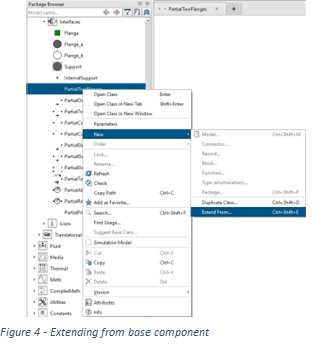
Learn when to extend, duplicate, or build models from scratch in Modelica and Dymola, with practical VeSyMA examples to improve efficiency, flexibility, and maintainability.
Read more
MBSE
Control of model parameters
Component orientated modelling provides a convenient method of clicking on components to bring up a dialog of parameters to control that components behaviour.
Read more
MBSE
Checking derivatives by using the plotting features
Learn a simple method for checking function derivatives in Dymola using plotting tools and signal operators, with a worked example and practical comparison techniques
Read more