
 MBSE
MBSE
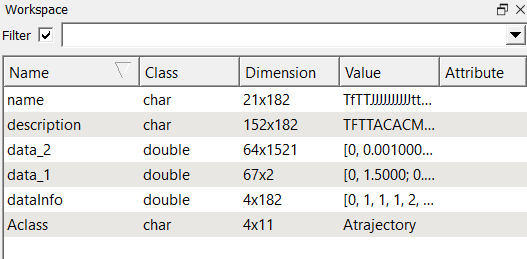
As mentioned previously on the Claytex Tech Blog, the trajectory file is the result file format of Modelica. At first glance, it appears to be a standard .mat file. If you have ever tried to open it, then you will have seen that it is not! Results data is stored in a logical, if not immediately intuitive, way. We'll take a closer look at what each element of the trajectory file is, and what they mean in this blog post.
What constitutes the trajectory file?
Using a software package such as Matlab or Octave, we can easily load a trajectory file into the workspace. It's clear that the results are stored in a structure of some form.
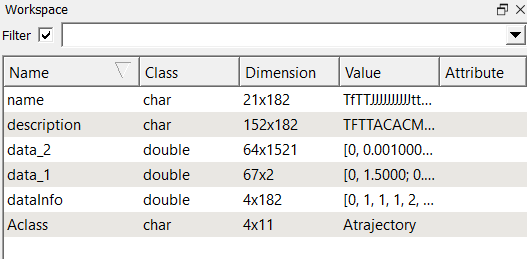
But, what do each of the variables found in the workspace contain?
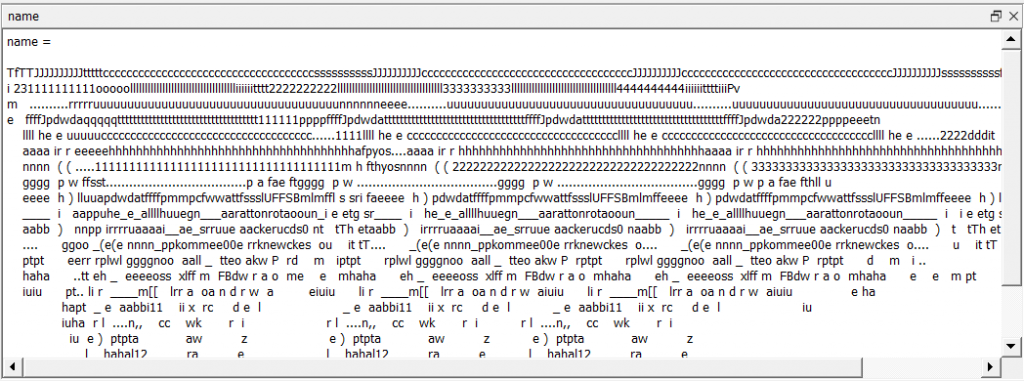
- name: Every result's Modelica name is located in this string array. Names stored under this variable retain their full and correct Modelica names, including brackets. Each column of the array represents one variable name.
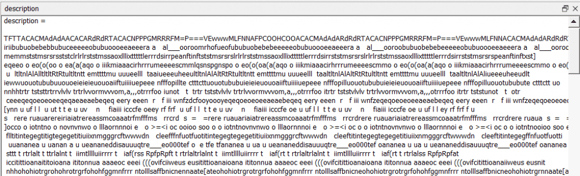
- description: Another string array, this variable contains all the string descriptions associated with the variable names. Again, each column is one variable description, with the column number corresponding to the variable name column number in the names variable.
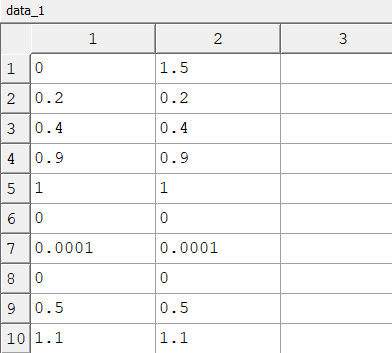
- data_1: The first data matrix in the result file, parameters which are fixed at compile time are located here. Only 2 results are logged for each parameter, corresponding to the value at the beginning and the end of the simulation. Each row represents one parameter (depending on transpose specifications in Aclass). Numerical data (type double) is only present in this matrix.
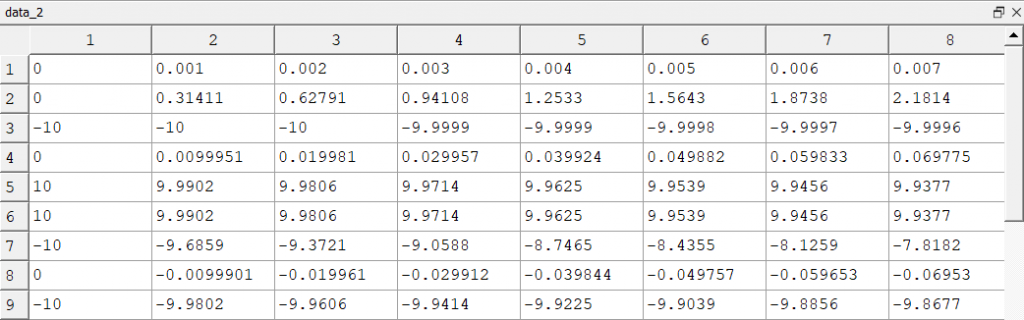
- data_2: Similar to data_1, each row in data_2 corresponds to one result recorded (at the specified sampling rate) during simulation in numerical (type double) format. However, the results are variables and can vary in time. It is usually a much larger matrix than data_1.
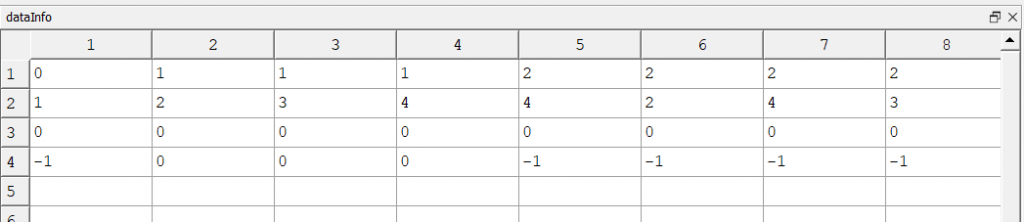
- dataInfo: Data contained in this matrix is used to decode the trajectory file. Rows 1 and 2 are the most important. Each column corresponds to the result string names/descriptions occupying the same column number in the names and description variables mentioned above. The first row indicates whether the result data is stored in data_1 or data_2, intuitively using a 1 or a 2 (0 is used to denote the time variable). The second row is the index within data_1 or data_2 of the data corresponding to the result. Alias variables mean the index can point to the same data within data_1 or data_2 for different result names.
- Aclass: Another string array, Aclass contains some textual information about the file. The entry Atrajectory identifies the file as a trajectory result file and binTrans or binNormal indicates whether all matrices need to be transposed or not.

Closing remarks
While not as intuitive as most standard .mat files, a Dymola trajectory file can be understood with a little extra information. As large models can have vast numbers of alias variables and constant parameters, encoding the result file in this way reduces its size and makes it more manageable by eliminating logging of repeated numbers and duplicated timeseries. Hopefully, the information listed here will help you to navigate to the required result next time you have opened a result trajectory file outside of Dymola!
Nate Horn - Vice President
Please get in touch if you have any questions or have got a topic in mind that you would like us to write about. You can submit your questions / topics via: Tech Blog Questions / Topic Suggestion.

