 MBSE
MBSE
In Dymola you can set parameters with identical names in multiple class instances with a single editing procedure.
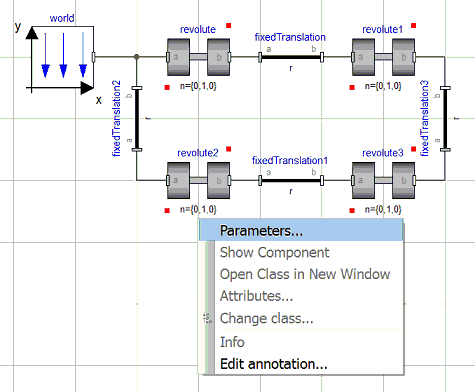
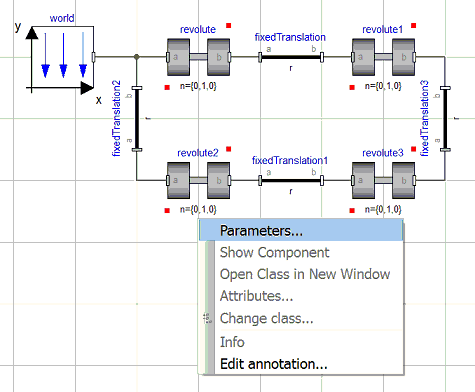
Say we wanted to modify the axis of rotation n in the four revolutes shown below.
– Click on each instance of the revolute whilst keeping the shift button pressed down
– Right click on any of the revolutes and select Parameters
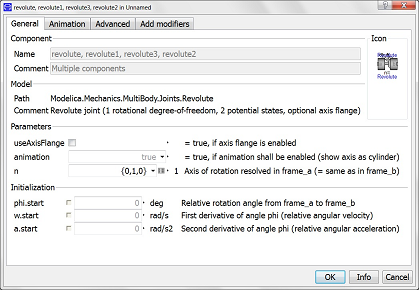
All parameters having common names within all the selected classes will now appear in the parameter dialog box.
– We can now edit the value of the parameter we wish to modify. This modifier will be applied to all the classes we selected which are listed in the Name box