
 MBSE
MBSE
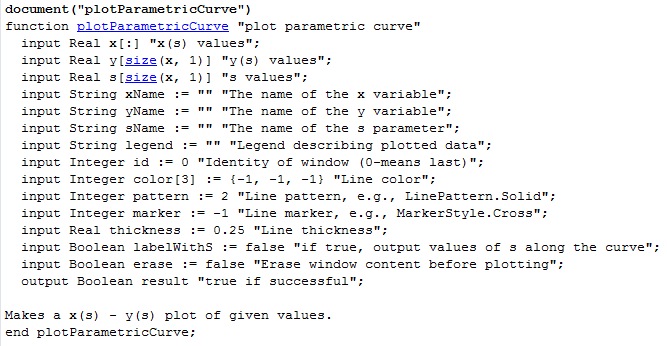
Figure 1. Inputs and outputs of the function plotParametricCurve
An example will help to understand how this function works:
1. Go to the command window and enter the following vectors:
s = 0 : 0.1 : 10;
x = {cos(t)*exp(-0.1*t) for t in s};
y = {sin(t)*exp(-0.1*t) for t in s};
2. Call the function as follows:
plotParametricCurve(x, y, s, labelWithS = true);
3. A plot window will pop with the curve shown in figure. 2. Note that the values of the parameter s are marked from 1 to 10. Actually, if the user scrolls the mouse on the curve, the values for parameter (s), x and y will be shown:
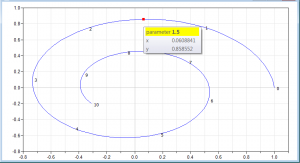
Figure 2. Plot window of a parametric curve

