 MBSE
MBSE
We wrote about the installation of Dymola on Linux earlier on in 2021. This blog post looks at giving a quick guide to installation of Dymola on Windows.
The Dymola installer is the same regardless of whether you have a Dymola licence or not. It is the licence that will determine what application library access you will have in terms of being able to open and explore those libraries. Regardless of whether you have a licence or not, you will still be able to install all Dymola portfolio libraries during the installation process.
- Download the Dymola installer from the bottom of this page for example https://www.claytex.com/products/dymola/
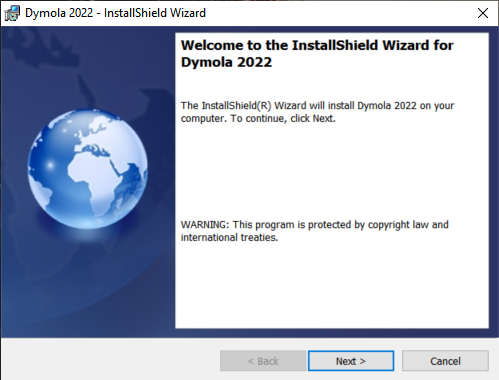
- Run the downloaded installer:
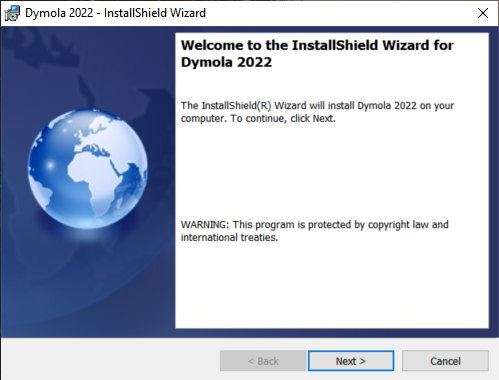
Figure 1. Initial installation window
- Select the libraries to install on your hard drive:
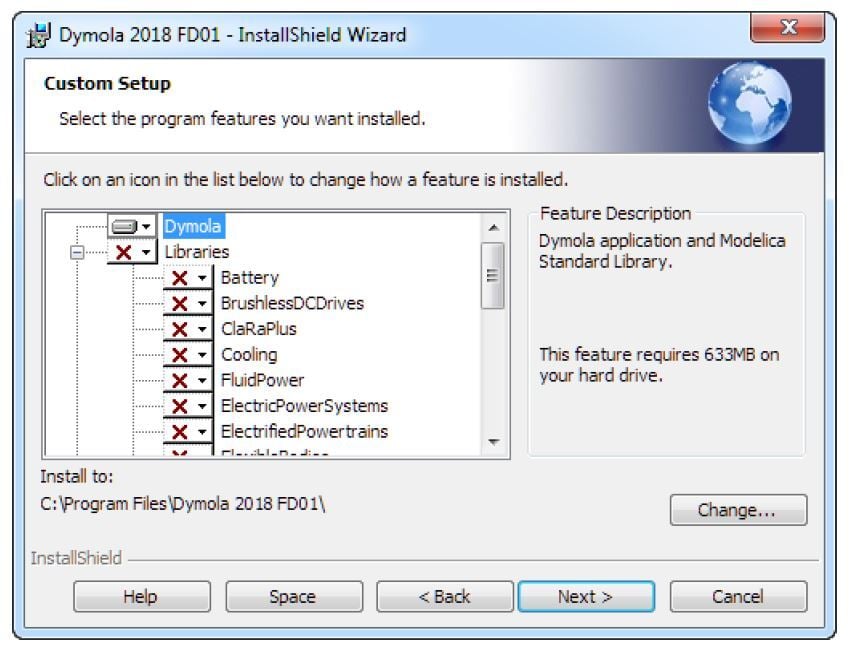
Figure 2: Snapshot of library installation dialog
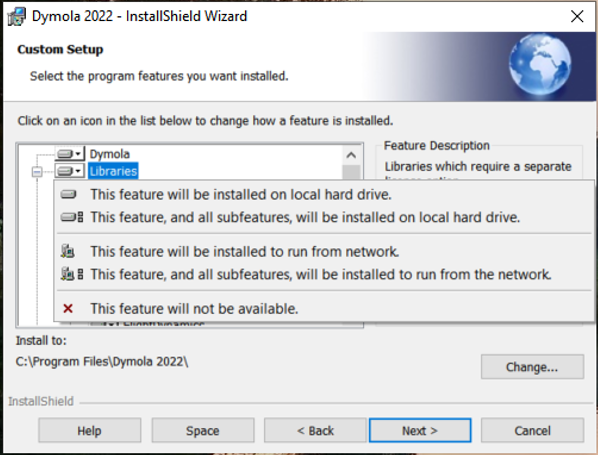
Figure 3: Drop down menu for library installation options
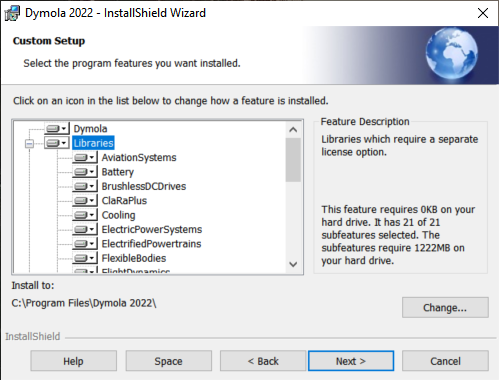
Figure 4: Snapshot of the library installation window with libraries set to install on the hard drive.
- Select whether you also want to install the licence server (below libraries in figure 2) – only applies to machines that are going to be used as the Dymola network licence server
- Complete the installation:
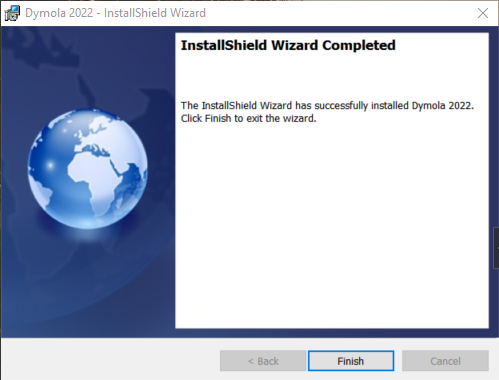
Figure 5: Complete the installation
- Load Dymola and point Dymola to a valid licence file (if you have a nodelocked licence) or the licence server (if you are using a network licence).
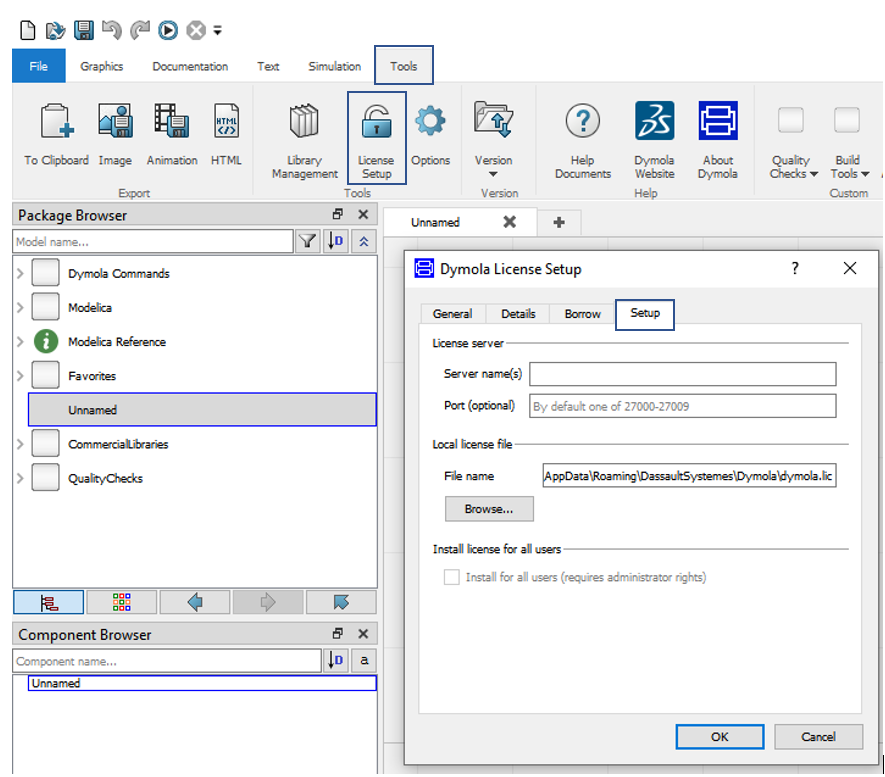
Figure 6: Licence Setup
- Install a compatible compiler: See Dymola: Tools>Help Documents > Dymola User Manual 1a. We recommend the Microsoft ones.
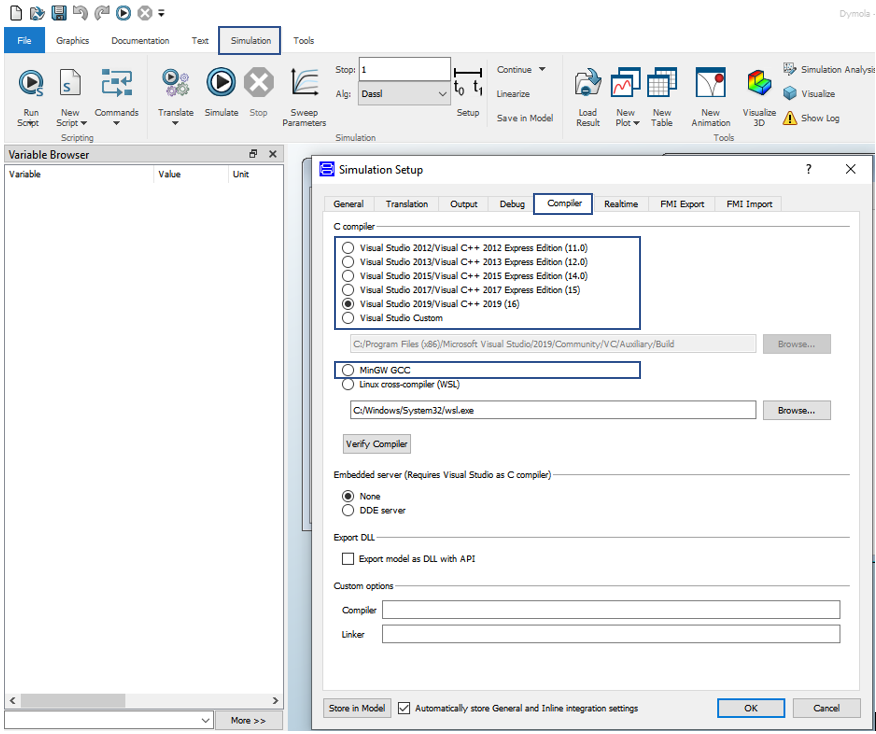
Figure 7. Compiler Setup
You should now be ready to simulate an experiment. More details can be found in Tools > Help Documents > Dymola User Manual 1A
Written by: Alessandro Picarelli – Engineering Director

