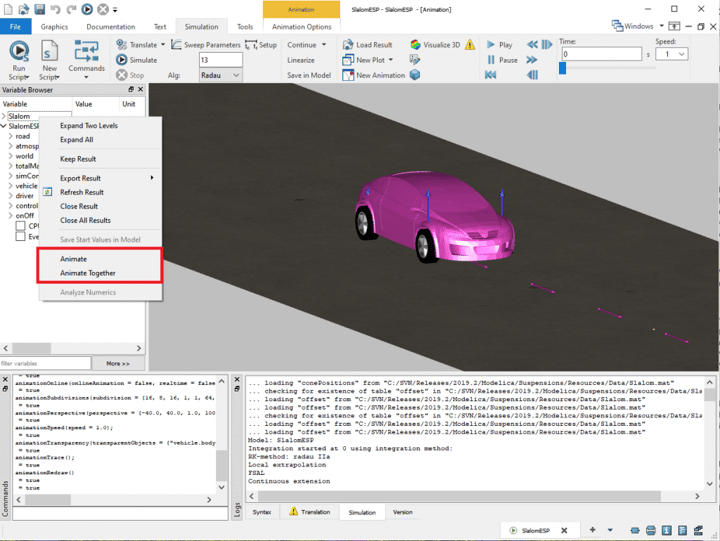
Once you have simulated your experiment, an animation window automatically opens for that experiment, if it contains animation objects.
To demonstrate this I will compare two experiments from the VeSyMA – Suspensions library developed here at Claytex. We have two similar vehicle experiments where the same vehicle models perform a slalom test, but in one the vehicle’s electronic stability control (ESP) is enabled and in the other it is disabled; Suspensions.Experiments.PathFollowing.Slalom and Suspensions.Experiments.PathFollowing.SlalomESP. So you would expect to see a difference in the vehicle position in the animation between the two experiments.
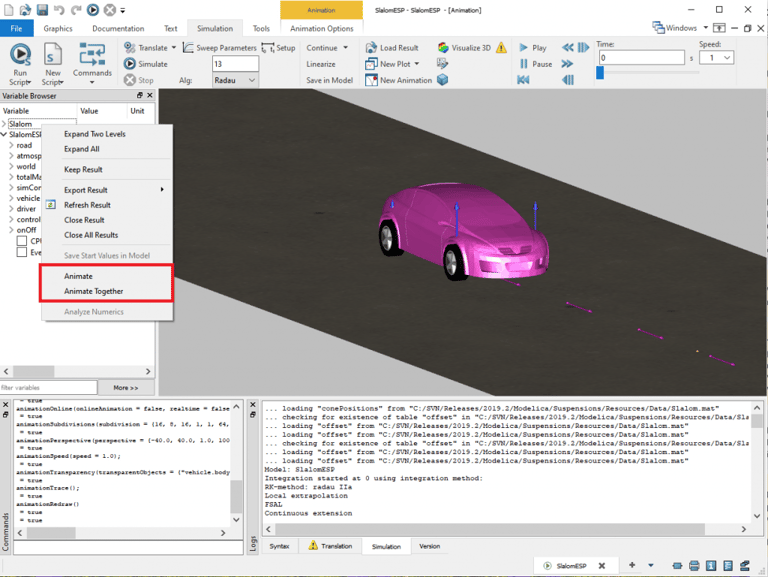
After I simulate the slalom test with and without ESP enabled, I have two experiment results in my Variable Browser in Dymola. If I right click on a result set, while an animation window is active, I get the context menu shown in the image above, which contains two animation options. Selecting:
- Animate will show the animation of the selected result in the active animation window
- Animate Together will show the animation of the selected result in the active animation window as well as the previous animation displayed in that animation window
I used the Animate Together option to create the animation comparison of the slalom test with and without ESP enabled as shown in the video below. A different colour was applied to the vehicle body animation object in each experiment to make it easier to distinguish between them. From this animation comparison it is obvious to see that the vehicle positions are different due to the ESP change between experiments, even before looking at the variable results in detail.
Written by: Hannah Hammond-Scott – Modelica Project Leader

